Inspiration
Random Melody Generator for Video Soundtrack Ideas
- Written by
- Sonilo Team
- Published
I used to judge melody ideas with the video paused. That was the mistake.
A loop could sound charming in headphones, then turn strangely cheerful under a quiet product shot or fight every cut in a fast reel. A random melody generator is useful for producing possibilities, but the timeline decides whether any of them deserve to stay.
Hi, I am Nico. This guide shows the test I use: generate quickly, shortlist without overthinking, then play each idea against the footage before building it into a finished soundtrack.
What a Random Melody Generator Is Useful For
Whether it is a grid-based melody maker or an AI melody generator, treat it as a sketchbook, not a finished composer.
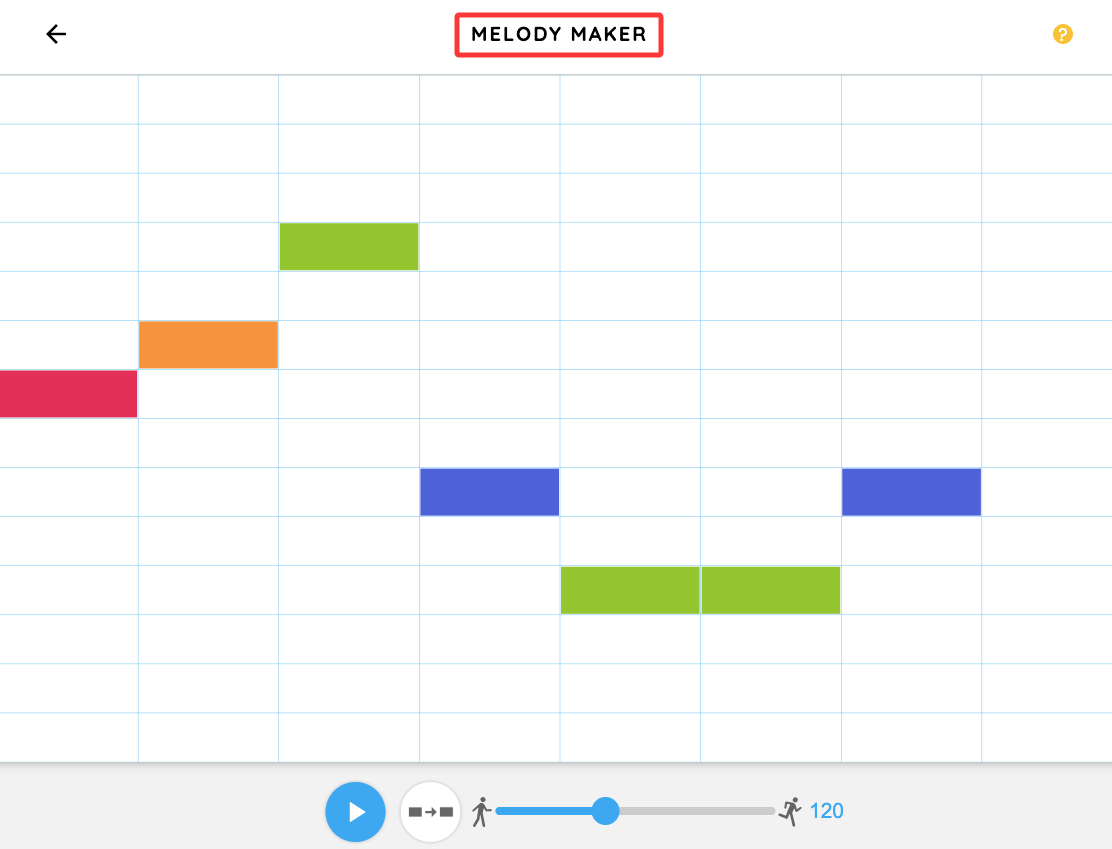
The appeal is simple: you can make melody online without opening a DAW. Tools such as Chrome Music Lab's Melody Maker make the basic idea visible: time moves across a grid while pitch moves vertically. It can create a short contour, repeat a motif, or surface an interval you would not have chosen.
For video creators, it can help with three jobs:
- escaping the same safe four-note pattern
- finding a hook for an intro or transition
- testing whether a scene wants upward, downward, or flatter motion
The useful output is not a song. It is a small musical decision.
My test starts with the edit open. I place several short ideas under the same 15 to 30 seconds of footage. I am not asking which melody sounds most impressive alone. I am asking which one gives the images the right direction.
Why Random Melody Ideas Often Fail in Video
Randomness creates novelty. It does not create context.
A melody maker does not know that the subject pauses before the reveal, the camera movement slows halfway through, or the final frame needs room for a logo. It may put its strongest note in exactly the wrong place.
Research on audio-visual integration and music emotion supports the broader point that sound and visual information shape the emotional response together. In an edit, you hear the music through the picture, not beside it. Here's the thing nobody mentions: a melody can match the mood and still fail the cut.
The tempo may make a slow scene feel impatient. Dense notes may crowd dialogue. A rising phrase may imply a reveal too early.
A 2025 study on acoustic features in instrumental movie soundtracks linked features such as tempo and loudness with the kinds of scenes listeners imagined. It illustrates how acoustic features can be associated with different imagined scene properties.
Workflow: Generate, Shortlist, and Test Against Footage
Do not generate fifty melodies. That turns a spark tool into another endless library.
I cap the first round at six ideas, then remove anything obviously wrong before touching instruments or production.
| Keep | Remove |
|---|---|
| one idea with the right emotional direction | ideas that fight the scene mood |
| one idea with useful rhythmic movement | ideas that feel busy under speech |
| one unexpected contour | near-duplicates of a stronger option |
Test the three survivors against the same footage at the same volume. Do not let one sound louder and win by brute force.
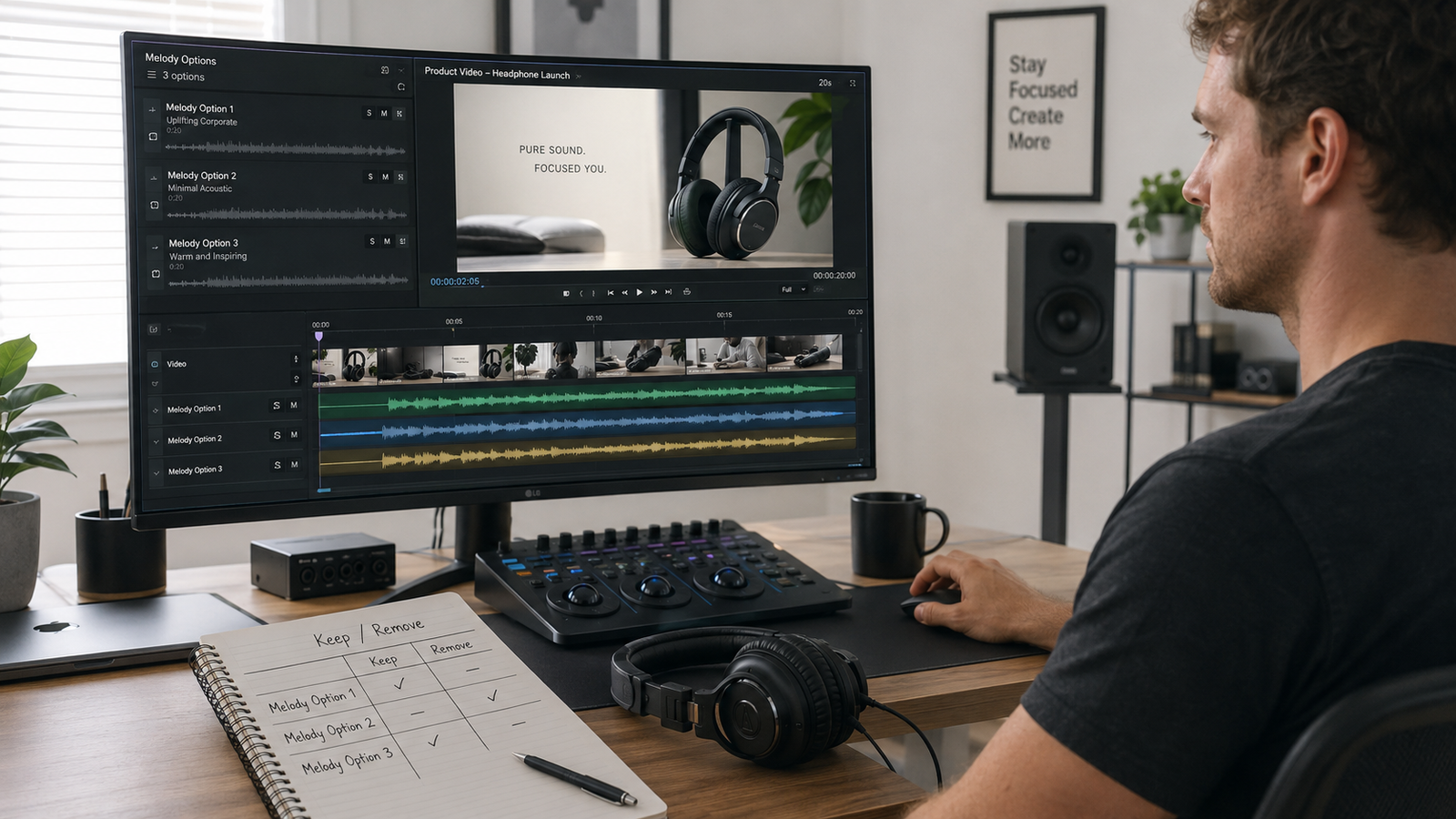
Check the Scene Mood
Start with the emotional job of the scene, not a genre label.
Watch once with no music. Write three plain words about what changes in the scene, such as controlled, curious, relieved. Then play the melody.
If it replaces those words with bouncy, dramatic, or sentimental, it is not a fit, even if you like it.
The real question is whether the melody supports the scene's emotional movement, not whether both share the same broad mood tag.
Check Pacing Against the Edit
Mark the main cuts, gestures, camera changes, and text reveals. You do not need every note to land on an edit. That can make the result feel like a trailer made of elbows. You do need the phrase to breathe at roughly the same rate as the pictures.
Check four things:
- Does a new musical idea arrive near a visual change?
- Does the busiest phrase overlap the busiest image?
- Is there space around dialogue and key sound effects?
- Does repetition make the cut feel steady, or stuck?
Play each option from the same starting frame. A melody that feels relaxed alone can make a scene drag once attached to footage.
Check Whether the Ending Feels Complete
This is where many promising ideas collapse.
The video ends at 24 seconds. The melody expects another four bars. A fade can hide the cut, but it does not automatically create an ending.
Open Music Theory's guide to cadences and phrase endings describes cadences as musical patterns that create a sense of arrival or leave a phrase unfinished. You do not need formal harmony training to hear the difference. Play the last two seconds and ask whether the music lands, pauses, or simply gets unplugged. Try one fix at a time:
- repeat the final motif with fewer notes
- move the highest note earlier
- resolve toward a stable final pitch
- add a short held note or rest
- rebuild the phrase to the edit length
That's the actual test. The ending should feel chosen.
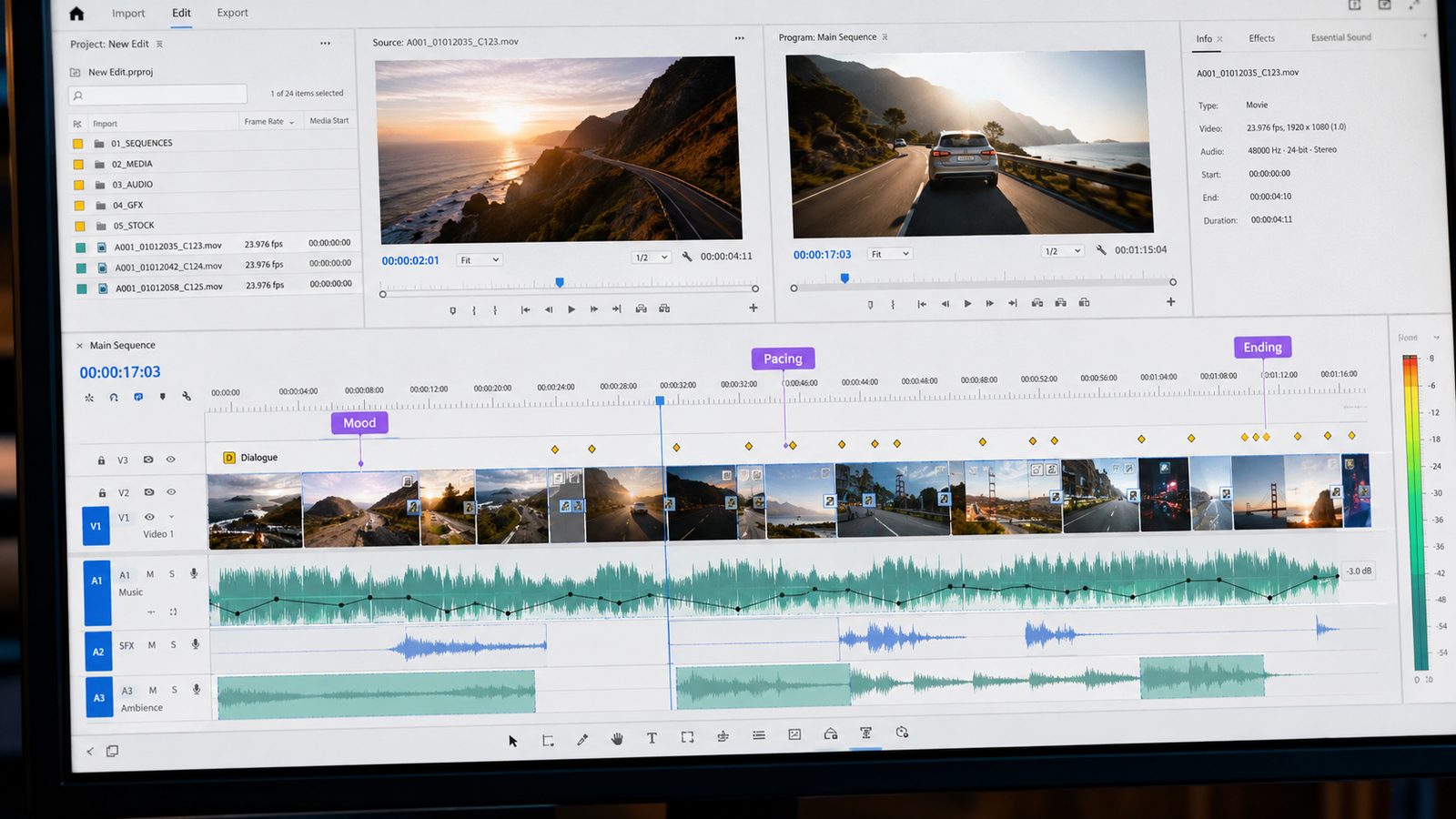
Turning a Random Melody Generator Idea Into a Usable Video Melody
Once an idea survives the footage test, stop generating and start shaping.
Keep the contour that worked. Simplify the rhythm under dialogue, repeat one interval as a motif, or shift the final notes so the phrase closes with the video. The next step is how to make a melody for video background music. For scene-level choices, use how to write better melodies for video scenes.
Save four things from each strong idea:
- the note or MIDI pattern
- the tempo used during testing
- the matching footage timecode
- one sentence explaining why it worked
“Nice melody” is useless a week later. “The descending phrase leaves room for the reveal at 00:18” is reusable.
Length may still become a problem as the track develops. Editing software can rearrange existing music to a target duration, and Adobe's Remix documentation explains how structure and transition points affect the result. For a melody you control, I would rather write the ending for the cut than ask a fade to hide the mismatch. Before publishing, check the relevant license terms yourself; I keep that separate in our music licensing guide for video creators.
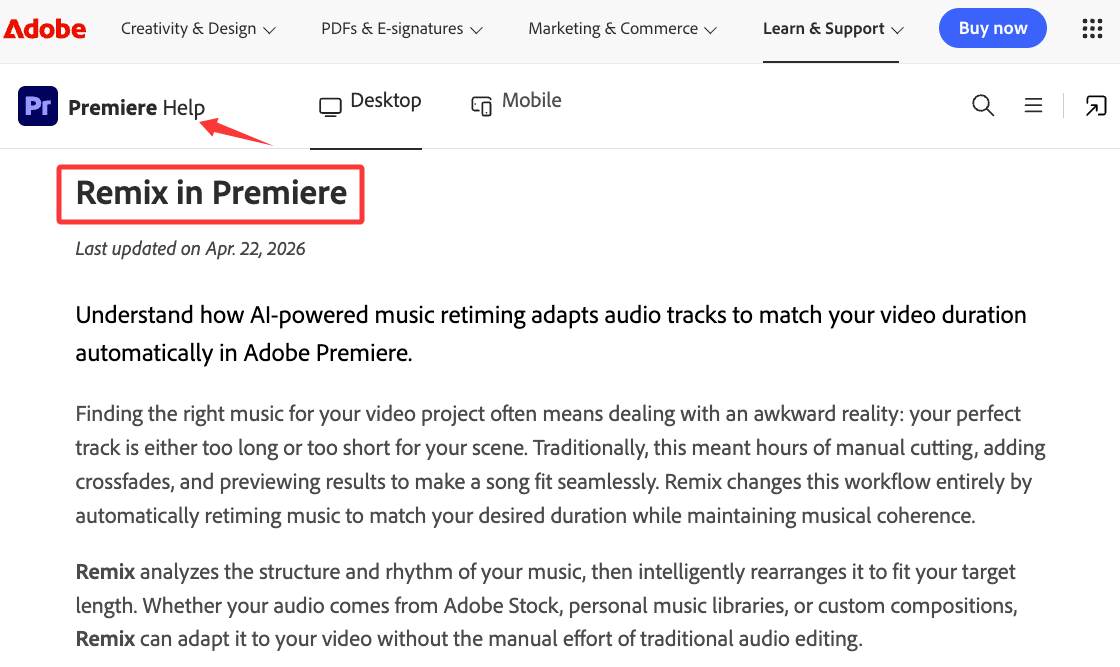
When Video-First Soundtrack Generation Is a Better Fit
A random melody generator works when you want raw material and are willing to develop it.
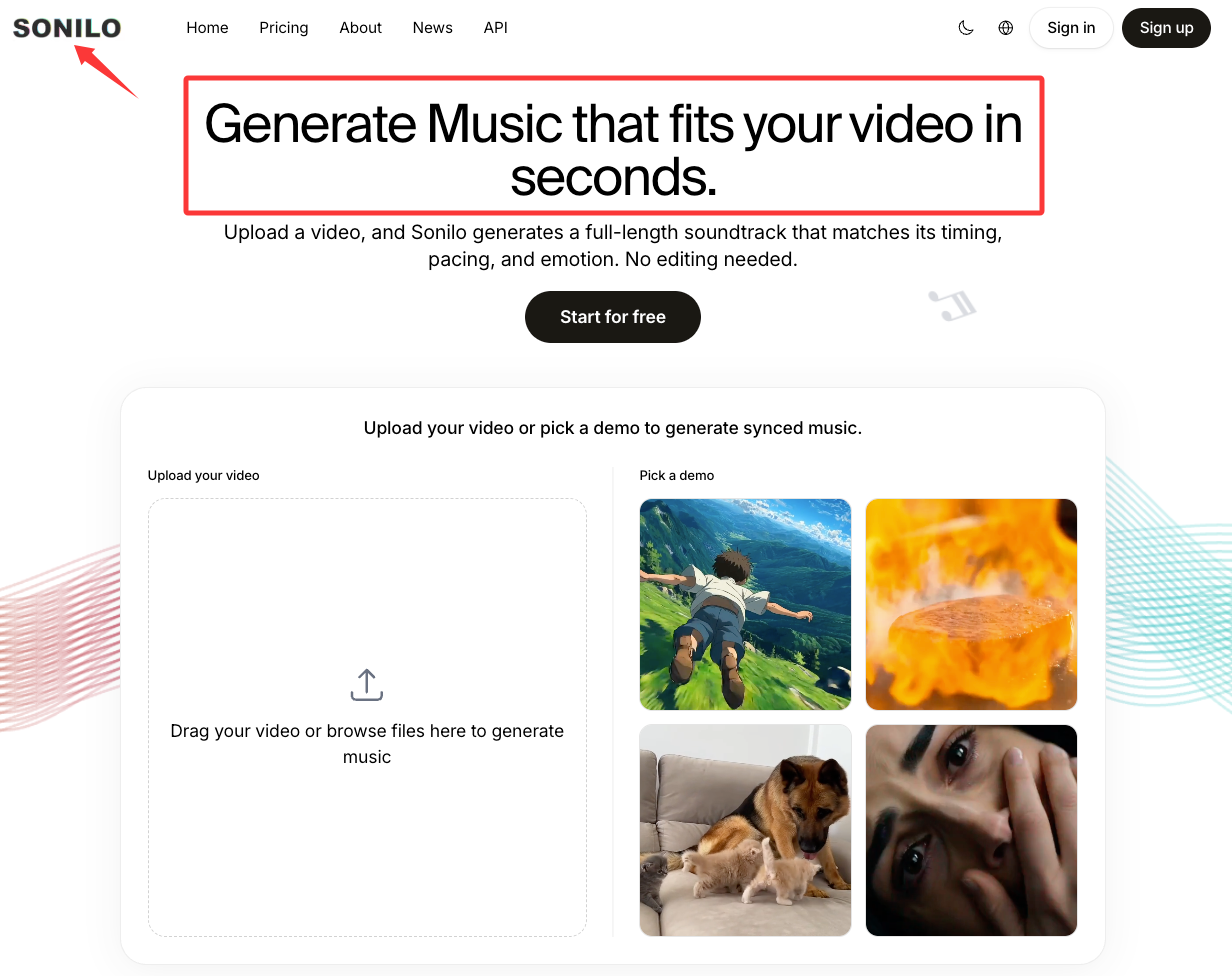
Video-first generation fits better when the edit is fixed and alignment is the main problem. Sonilo's current public page describes uploading a video and generating music matched to its timing, pacing, emotion, and duration, with multiple outputs per upload. I would still test the result inside a real timeline before treating that claim as workflow proof.
| Use a random melody generator when... | Use video-first generation when... |
|---|---|
| you want a motif or contour | you need music built around an existing cut |
| you enjoy shaping notes | you want fewer manual fit decisions |
| the edit may still change | the timing is locked |
| exploration is the point | completion is the point |
If your video is waiting for music now, see how Sonilo works and run the result against the same mood, pacing, and ending checks.
FAQ
Is a random melody enough for a finished video?
Usually not. It may provide the central motif, but a finished video melody still needs structure, timing, sound choice, dynamics, and an ending that fits the cut.
How many melody options should I compare?
Start with six, shortlist three, then choose one. Compare them against the same footage and at the same volume.
When should I stop testing ideas and make a custom track?
Stop when one idea clearly supports the scene mood, pacing, and ending better than the others. Once you know why it works, more random generation usually adds noise rather than insight.
What should I save from each generated idea?
Save the notes or MIDI, tempo, matching timecode, test instrument, and a short reason for keeping it. That turns a random melody generator session into a small library of usable soundtrack ideas.
A random melody generator is worth using when you need a door into the scene, not a finished room. Generate a few ideas, judge them against the footage, and commit once one gives the edit the right direction. Which part slows you down most right now: finding the motif, fitting the pacing, or making the ending feel complete?
Recommended Reads
- How to Make Custom Music for Your Videos
- Sonilo: AI Music for Video Creators
- Lyria 3 Pro Prompts: Get Better Video Background Music
- AI Music for Video Creators in 2026
- Suno v5.5 for Video Creators: What Changed?
If you are comparing both soundtrack generation and sound-effects coverage, start with AI Video Soundtrack & Sound Effects Tools, Compared before choosing an API or licensing model.