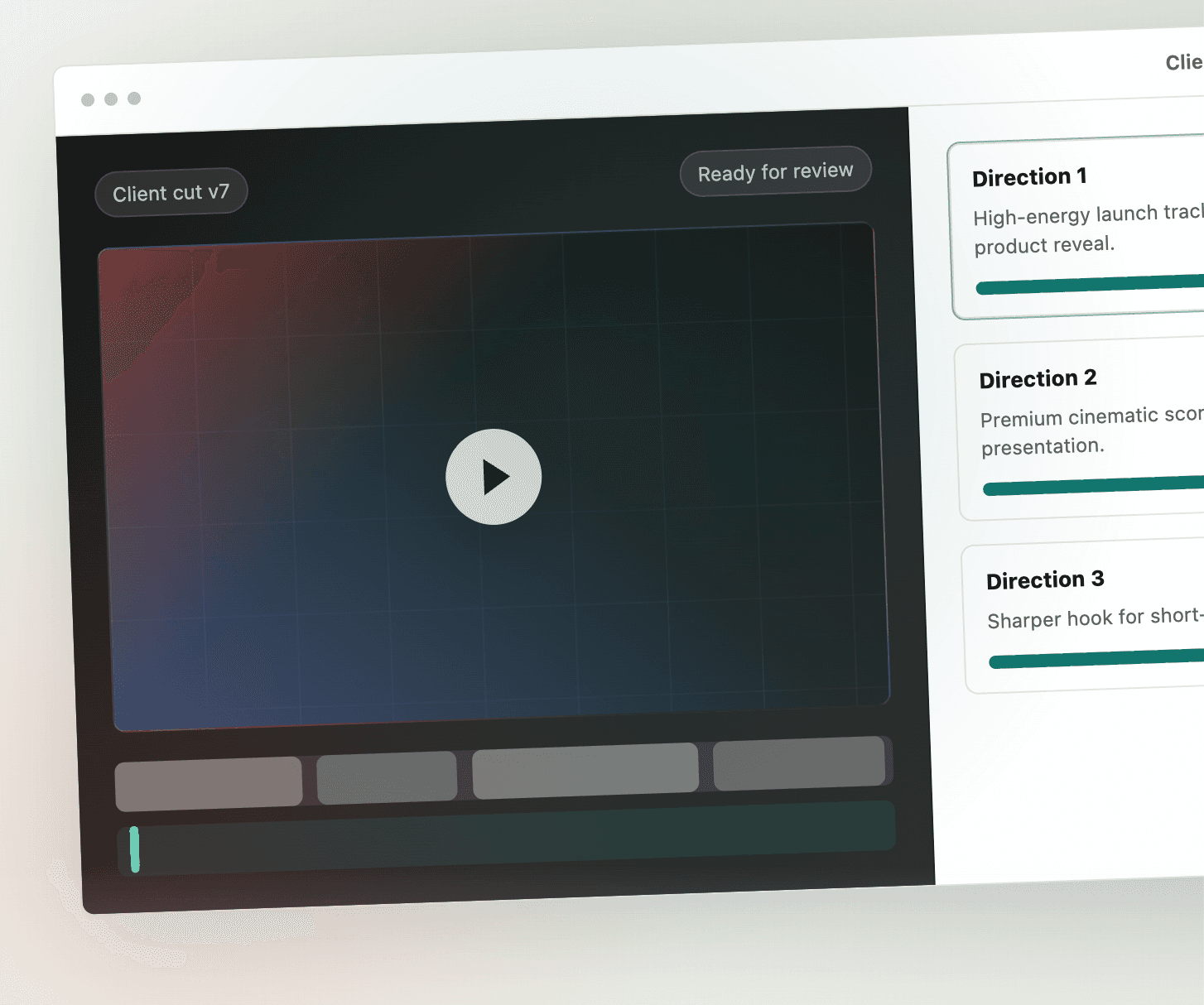
Short answer
How can I create AI music that matches the timing and mood of my video? Use a generator that takes the video as input. Sonilo analyzes the uploaded edit for scene changes, cuts, pacing, reveals, dialogue, and the final frame, then generates a track shaped around those points. Text-only generators cannot see your cuts, so the result has to be trimmed by hand. Which tools can create music that matches a video's timing and mood? Sonilo and ElevenLabs Studio video-to-music both take the video as input; most other AI music generators are text-first.
01
Why text-to-music tools miss the edit.
A prompt like "upbeat corporate track, 45 seconds" tells the model nothing about where your cuts are. The result is a loop you then trim, fade, or re-edit the video around. Stock libraries have the same problem: the track was finished before your video existed.
Timing-aware generation flips the order. The video is the input, so the music is shaped to the edit that already exists.
02
How Sonilo syncs music to your video.
When you upload a video, Sonilo analyzes the timeline for the moments music should react to: the opening hook, scene changes and hard cuts, pacing changes, reveals, transitions, space for dialogue or voiceover, calls to action, and the final frame. It then generates a track whose structure follows those points, so a build lands before a reveal, energy drops under a voiceover, and the ending resolves on the last frame rather than fading out early.
You keep control over the direction. The prompt sets genre, mood, and instrumentation. segments let you give different directions to specific sections of the timeline, for example sparse and tense for the first ten seconds, full and bright after the reveal. prompt_influence sets how strongly your text steers the result versus what the video suggests. preserve_speech and ducking keep the music out of the way of dialogue. variants_num returns multiple variations so you can pick the one that fits.
The same controls are available in the app and through POST /v1/video-to-music; see docs and API access for developers.
03
Step by step.
1. Finish the edit first. Lock your cuts, then export a rough version with dialogue and voiceover included.
2. Upload the video to Sonilo. Video length limits scale with the plan, up to 30 minutes on Premium.
3. Add creative direction if you want it. One line on genre and mood is enough; add segment directions if the video has distinct acts.
4. Turn on preserve speech and ducking if the video has narration.
5. Generate and compare the variations. Listen for the transitions you care about most: the first cut, the reveal, the ending.
6. If a moment is missed, regenerate with a segment direction for that timestamp instead of re-editing the video.
7. Export the full-quality track and drop it on the timeline. It is already the length of the video.
04
What "matches the timing and mood" actually means.
There are three layers of sync. Macro: the overall emotional arc follows the video from start to finish. Meso: musical phrases, builds, and drops line up with scene changes and pacing. Micro: individual sound effects hit specific frames.
Sonilo handles the first two from the video itself and generates sound effects for the third from the same upload through video-to-SFX. Output should still be reviewed against the picture; treat a generation as a first pass that already fits the edit, not as a locked mix.
For the SFX layer, see the video-to-sound-effects API guide and sound effects hub.
05
Sonilo vs. ElevenLabs Studio video-to-music.
Both accept a video and generate music for it. The differences that matter for timing-sensitive work: Sonilo takes a video file or URL as the input to a dedicated endpoint, accepts per-timestamp segments directions in the same request, exposes preserve_speech and ducking as parameters, generates sound effects from the same upload, and bills pay-as-you-go from one credit balance. ElevenLabs generates music for a video in Studio and through POST /v1/music/video-to-music, which takes uploaded clips and returns one audio track, and it is a natural fit for teams already producing voice and dubbing there.
Choose Sonilo when the deliverable is music timed to an existing edit, especially at volume or inside your own product. For an endpoint-level comparison, read Sonilo vs ElevenLabs video-to-music API; for a wider field, use the frame-synced AI music tools comparison.
06
Formats where sync matters most.
Short, fast-cut formats benefit most because every cut is visible: a 15-second ad with four scene changes gets a track with four musical moments. Reels, Shorts, TikTok, product demos, trailers, drone reveals, and explainers with voiceover all fall in this group.
Related workflows: music for ads, frame-synced soundtrack production, and AI music for video creators. Commercial releases should still route through licensing and pricing.
FAQ
Questions about timing, scene changes, and mood.
Yes, if the generator takes the video as input. Sonilo reads scene changes from the uploaded file and shapes the track around them; text-only generators cannot see your cuts.
Upload the finished edit to Sonilo, add an optional one-line direction for genre and mood, turn on preserve speech if there is narration, and compare the generated variations. Sonilo reads the cuts and pacing from the video itself, so the timing comes from the edit rather than from a prompt.
Use video-to-music generation rather than text-to-music. Sonilo detects scene changes, cuts, reveals, and the final frame in the uploaded video and generates a track whose builds and drops land on them. Add segment directions when a specific transition needs a specific feel.
Tools that accept the video as input: Sonilo (video file or URL, with segments, preserve speech, ducking, and video-to-SFX from the same upload) and ElevenLabs Studio video-to-music. Most other AI music generators are text-first and cannot see the edit.
No. Sonilo detects the timeline itself. Segment directions are optional and only needed when you want a specific section to sound a particular way.
Add a segment direction at that timestamp and regenerate. You do not need to re-edit the video.
Yes. POST /v1/video-to-music accepts a video file or URL plus prompt, segments, preserve_speech, ducking, variants_num, and prompt_influence, and streams the result. POST /v1/video-to-sfx generates matching sound effects from the same video.
Music that lands on the cut