Comparisons
Suno v6 vs v6 Mini: Which Do Video Creators Need?
- Written by
- Sonilo Team
- Published
Most video creators do not need the same model at every pass. Early on, you are listening for direction; near export, you are listening for timeline problems. I’m Nico, and that is the practical Suno v6 vs v6 Mini split.
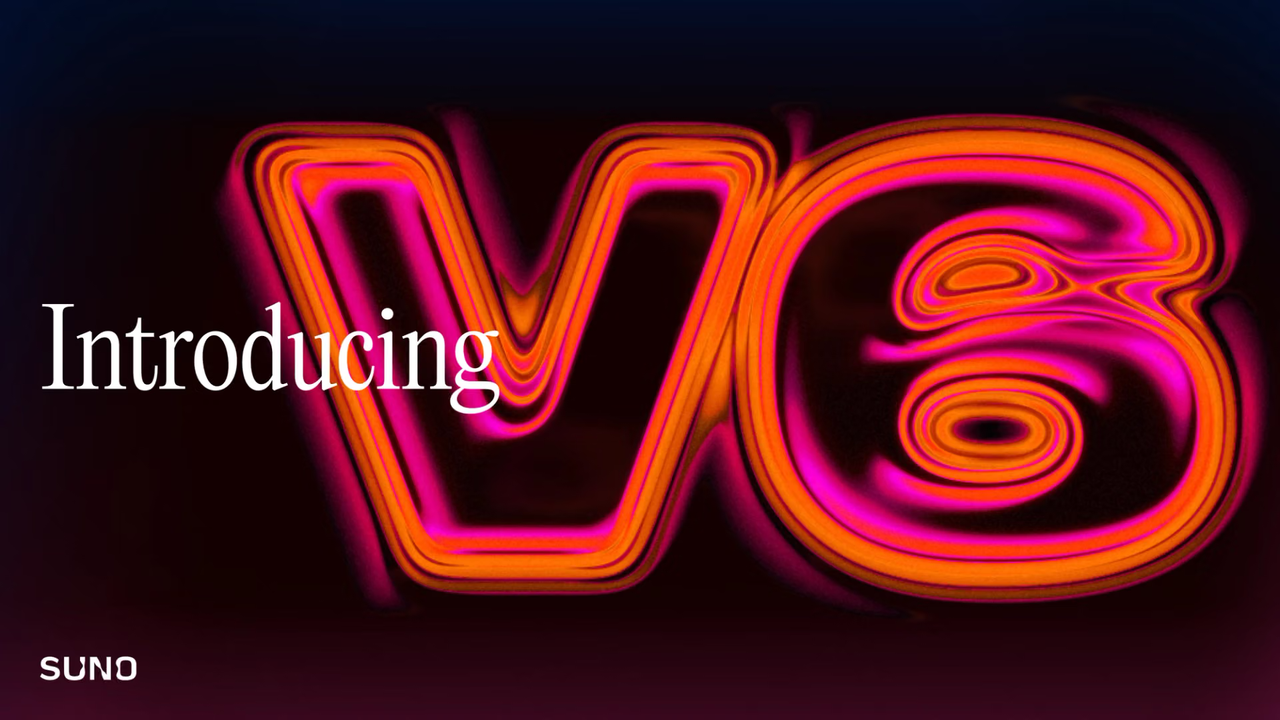
Suno positions Mini for quick ideas and flagship v6 for greater control. Those claims belong at the start of a test, not the end.
The official pages establish how Suno positions each model, but they do not establish a universal performance winner. The decision path below shows how to judge fit against your own locked cut.
Quick Verdict: v6 or v6 Mini?
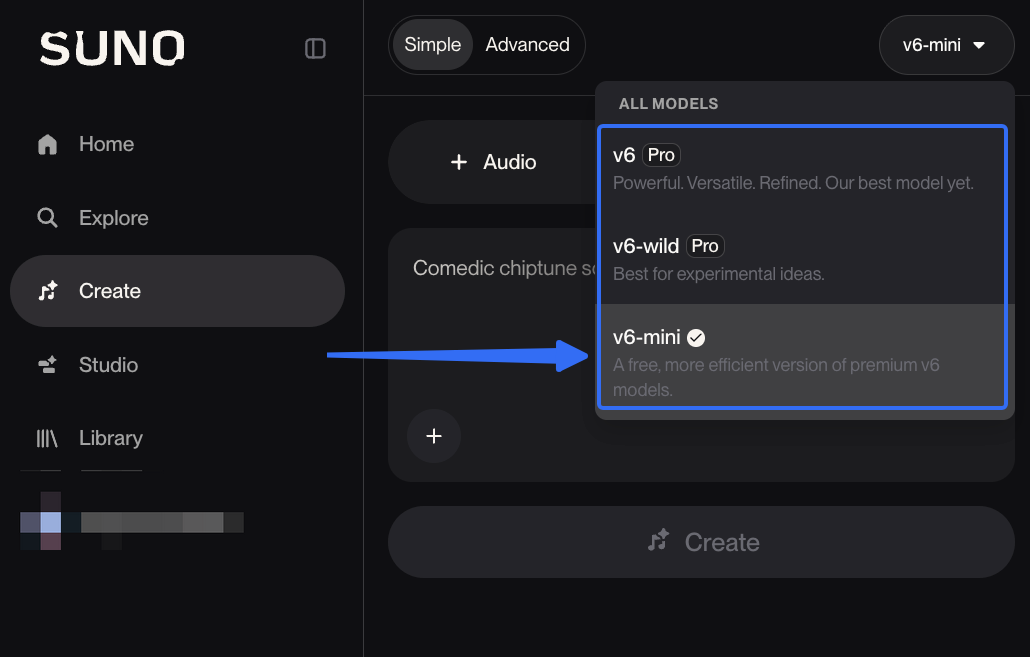
Start with v6 Mini when auditioning moods, tempos, or arrangements. It is available across all plans and designed for quick exploration.
Move to flagship v6 when the brief is settled and the soundtrack still needs tighter structure. If a Mini track leaves room for dialogue, turns with the picture, and ends cleanly, keep it.
Official positioning says v6 Mini is the faster model, but it cannot tell you which model will follow your brief better or need fewer edits. Answer those questions with one locked cut, the same prompt, and two labeled exports.
How Access Differs Today
Access is the first confirmed difference. It does not prove which track will fit a video better.
v6 for Pro and Premier Subscribers
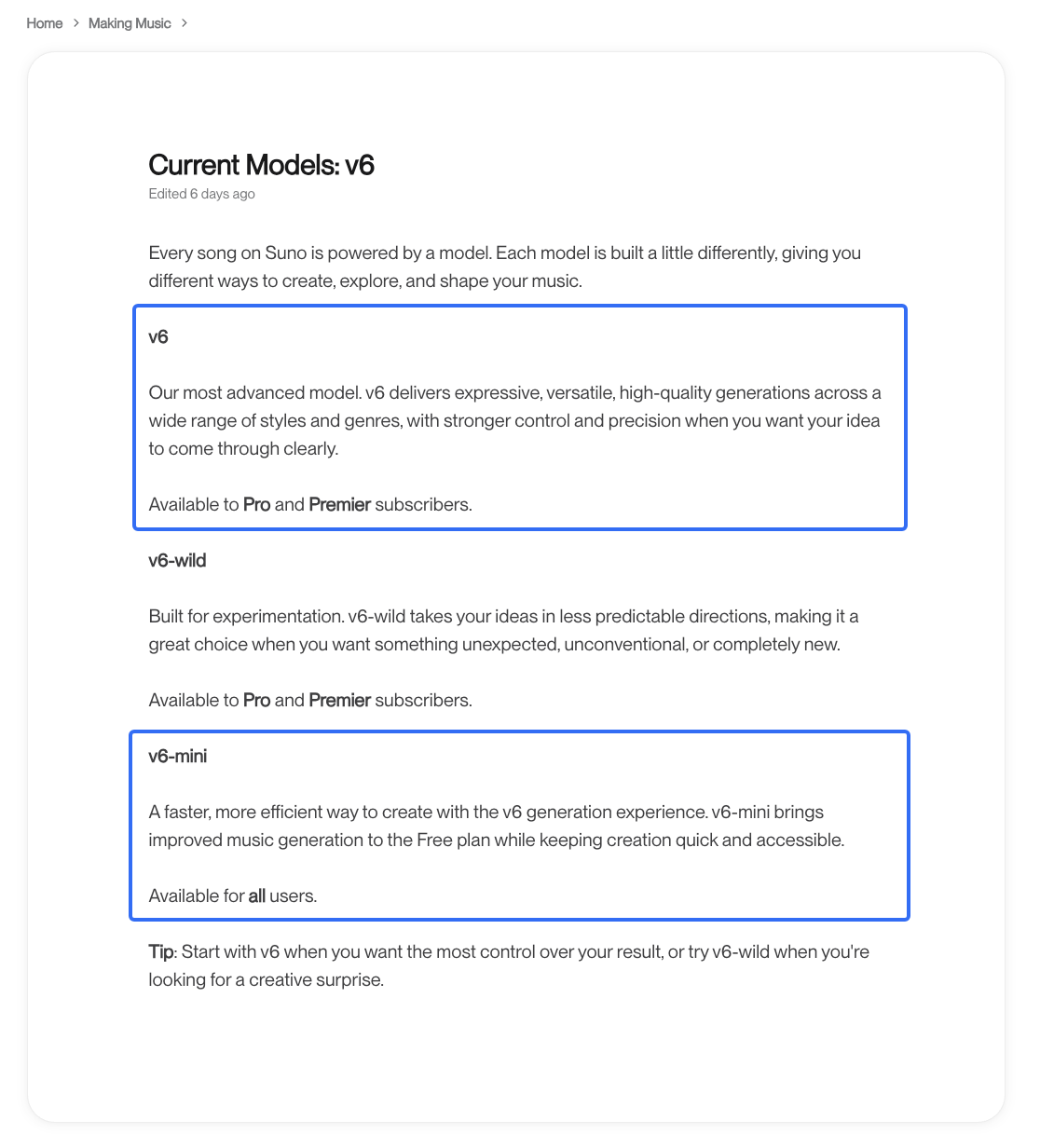
Suno’s model guide calls v6 its most advanced model, with stronger control and precision. It is available to Pro and Premier subscribers.
Treat that as product positioning, not a reason to upgrade before hearing the edit. “More control” matters only when it saves a rewrite or another generation.
v6 Mini Across All Plans
The same guide describes Suno v6 Mini as a faster route for all users. Another v6 overview recommends it for quick ideas and concept exploration.
None of that makes Mini a low-quality reject bin. For a simple background bed, a lighter model may already do the whole job.
One Locked Video Brief, Two Model Paths
This is Sonilo’s editorial test method, not a Suno standard. Use one voiceover-led demo, then mark its section change, busiest spoken passage, and final frame.
Those three points reveal more than listening to two songs in separate browser tabs.
Use the Same Video, Prompt, and Output Target
Give both models the same instrumental prompt, inputs, duration, and mix target. Do not revise the prompt only for v6.
Record the model, start and finish time, attempts, export, and manual repairs. If Max Mode enters the v6 run, label it separately because it uses more credits.
Score Both Against the Same Rubric
Use three questions rather than a general quality score:
- How long did the complete path take, from first generation to usable export?
- Did the music follow the requested sections without rebuilding the strongest parts?
- Could it sit under dialogue without losing all of its energy?
Count trims, section replacements, fades, level automation, and regenerations. A quick generation followed by heavy repair is not the faster video option.
Which Model Fits Each Production Stage?
The model picker reflects how much uncertainty remains in the music brief, not a simple draft/final switch.
Iteration Time Before Export
Mini makes sense while you are still asking, “warm acoustic or restrained electronic?” Fast candidates help narrow that decision before you polish the wrong direction.
Time the whole route. Stop when the file is ready for the approved cut, not when its waveform appears.
Prompt and Structure Control
Flagship v6 is the documented control-first option. Test whether it places the lift near the visual reveal and preserves a useful opening when one section changes.
If both need the same cuts and fades, the flagship advantage has not appeared. The badge above Create does not edit the timeline.
Background Presence Under Dialogue
Match both tracks to the same listening level. A dense lead may keep stepping on consonants even after the music is turned down.
The better background track stays emotionally present without demanding attention from the speaker. Separate arrangement repairs from simple volume changes.
When v6 Mini Is Enough
Keep Mini for several directions, a steady background bed, or a track that already clears all three checks. There is no prize for regenerating an approved cue.
Mini also suits temporary edits. A draft can expose a slow intro before the team commits to final music.
When v6 Is Worth the Upgrade
Flagship v6 earns a paid test when Mini has not delivered the required build, narration space, or ending. Upgrade for that unresolved edit, not because “flagship” sounds safer.
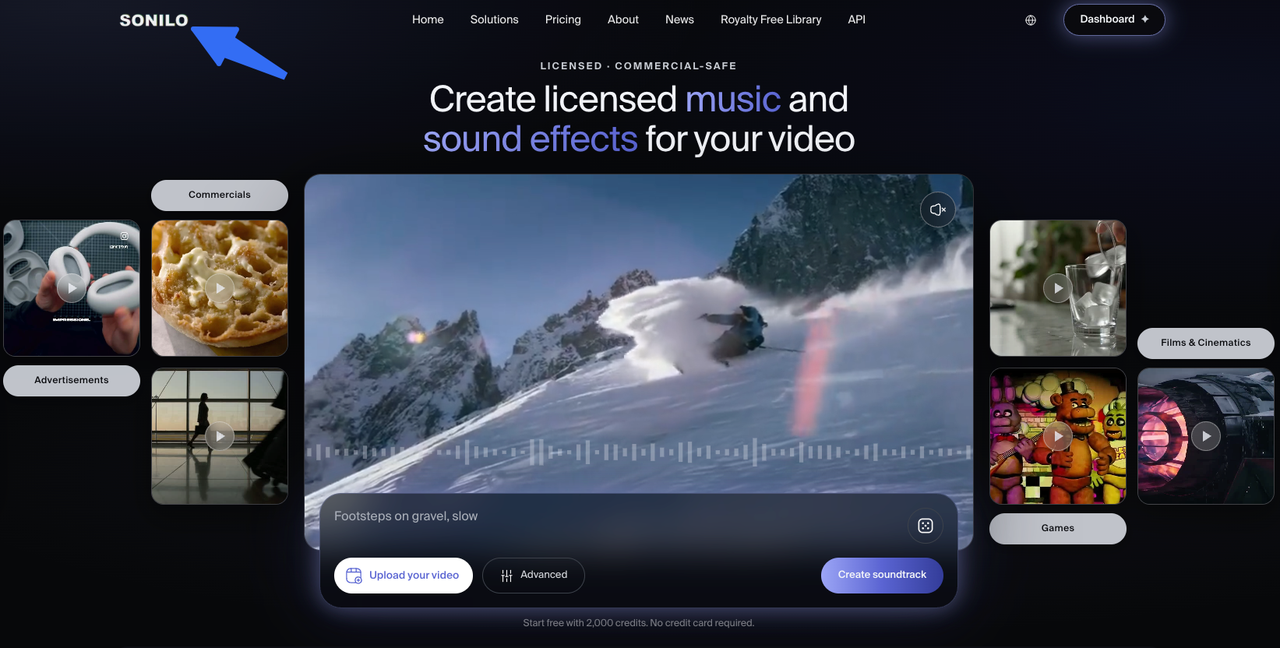
If text prompting is still making you translate every cut into music instructions, the model tier may not be the real problem. Sonilo publishes this comparison and is not affiliated with Suno. You can test the locked video itself in Sonilo, then compare that separate track against the same markers.
FAQ
Do both models support the same maximum song length?
Yes. Suno’s v6 overview lists the same eight-minute maximum for v6 and v6-mini. Maximum length does not guarantee a clean ending at a shorter video runtime.
Can v6 Mini use Voices or Custom Models?
Suno tells creators using Voices, Custom Models, or My Taste to select a compatible model. Its Custom Models guide limits that feature to Pro and Premier users, but does not identify v6-mini as compatible. Do not assume access from the Mini label alone.
Can creators switch models inside the same project?
Suno says subscribers can switch models from the Create-form picker, and the selection remains until changed. That confirms switching for new generations, not that an existing audio file changes models without generating a new result.
Do v6 Mini tracks have different download limits?
Suno’s download policy assigns limits by account tier, not model. Free, Pro, and Premier have different allowances, while Studio has separate treatment. Model access and download permission are different questions.
Do v6 and v6 Mini use the same content safeguards?
Suno describes service-wide screening for uploaded audio and lyrics in its responsible-development update. It does not publish a model-by-model safeguard matrix. Do not claim identical implementation without that evidence.
Conclusion
For Suno models for video, Mini is the sensible first stop while the musical direction is unsettled. Flagship v6 deserves a matched test when structure, dialogue space, or the ending still needs work.The current evidence supports that decision path, not a performance winner. Put both labeled files under the same picture and let the last usable export—not the model name—settle the choice.
Related Posts
- Suno v5.5 vs Video Soundtrack Tools: Two Workflows
- Suno v5.5 Custom Models: How to Train Music That Sounds More Like You
- Suno v5.5 Pricing and Commercial Use: What Video Creators Need to Know