Guides
How to Make a Melody for Video Background Music
- Written by
- Sonilo Team
- Published
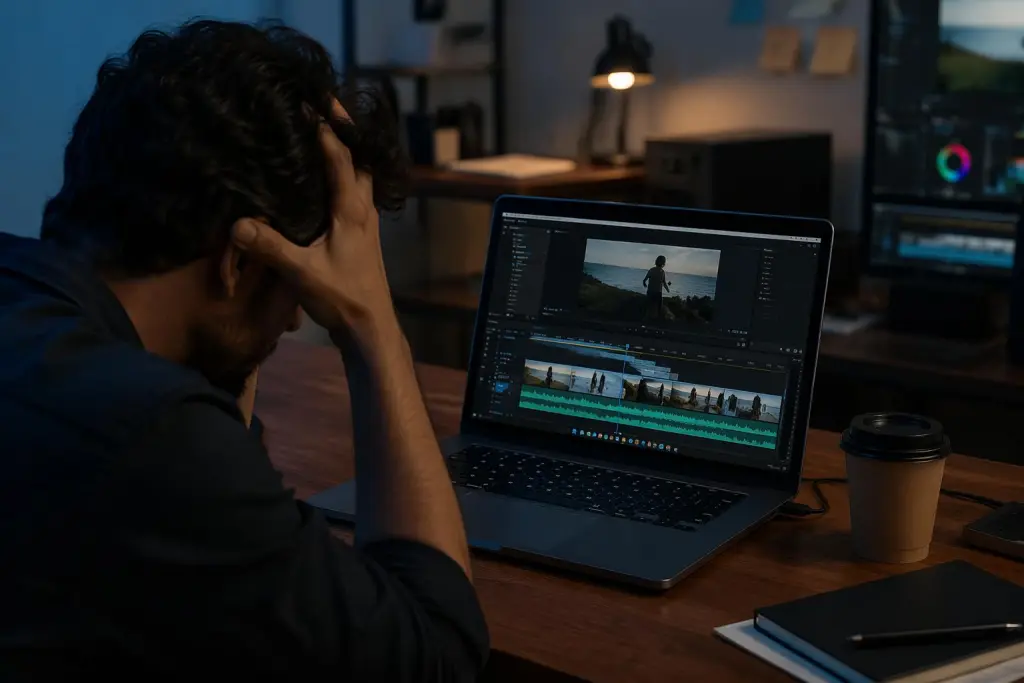
Here's what actually happened — last Thursday I hummed a two-bar idea into my phone at 7am, right after my run, feeling a little too pleased with myself. I dropped it under a 40-second product cut. It fell apart the second the voiceover came in. Hi, I’m Nico. As a content creator who writes and travels a lot, I usually pride myself on keeping things efficient and minimalist — but video editing and background music will humble anyone real quick.
So if you're trying to figure out how to make a melody for video background music and it keeps sounding slightly off against your footage, you're not bad at this. You're solving a different problem than songwriting, and nobody warned you.
This isn't a theory course. By the end you'll have a repeatable way to build a background melody that fits the mood, sits under the edit, and lands on your final cut length — without turning a short clip into a weekend project.
What a melody needs to do in video background music
Background melody has one job: support the picture.
That's not the same thing as being a great melody on its own. A strong standalone tune pulls attention toward itself. A video background melody has to survive being ignored — playing under dialogue, under b-roll, under a hard cut — and still leave the scene feeling intentional.
Most of the time, what you're actually writing is small. Not a full song. A short, recognizable musical idea that repeats — a motif — that carries a mood and gets out of the way. Once you stop asking "is this a good song?" and start asking "does this hold the scene without stealing it?", most of the how-do-you-make-a-melody anxiety quietly drops off.
Step 1 - Start from scene mood and music role
Before any notes, decide two things: what the scene feels like, and what the music is for.
Mood is the obvious one — calm, tense, warm, upbeat. The role is the part people skip. Is the melody leading the emotion, or just filling silence so the cut doesn't feel naked? Those are different jobs and they produce different melodies.
Quick thing you can do right now: mute your video and watch it once, all the way through. Then watch it again and tap the table wherever you feel the music should "land" — a beat drop, a swell, a resolve. Those taps are your emotional map before you've written anything.
I do this on almost every clip now. It sounds too simple to matter. It matters more than I expected.
Step 2 - Choose a simple rhythm that supports the edit
Once you know the role, lock the pulse before the notes.
The rhythm of your melody should agree with the rhythm of your edit. If your cuts land every two seconds and your melody is drifting in long slow phrases, it'll feel like two videos playing at once. Getting a basic handle on how beat and tempo work is enough here — you don't need to read notation, you need a tempo that matches the pace of your footage.
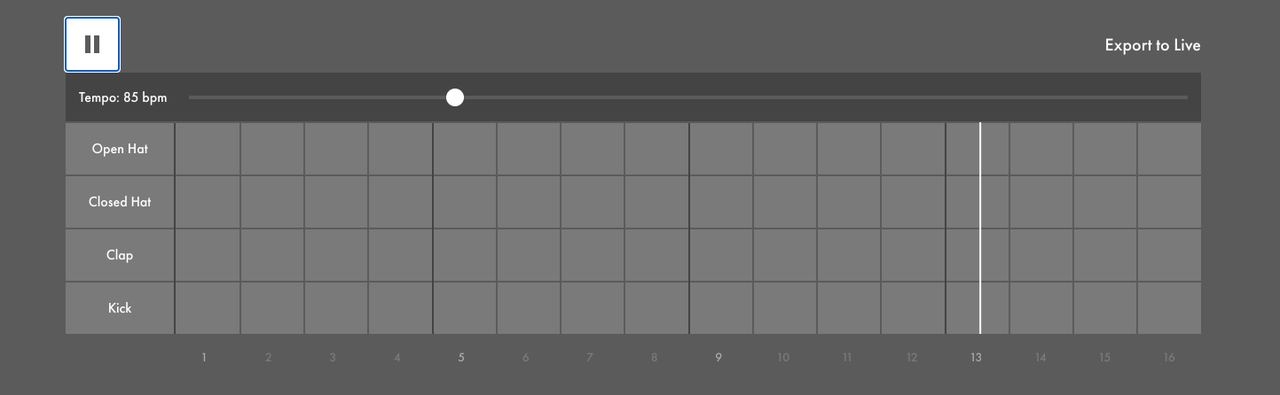
Simple wins. A melody that moves once or twice per bar leaves room for picture and voice. A busy melody eats that room fast.
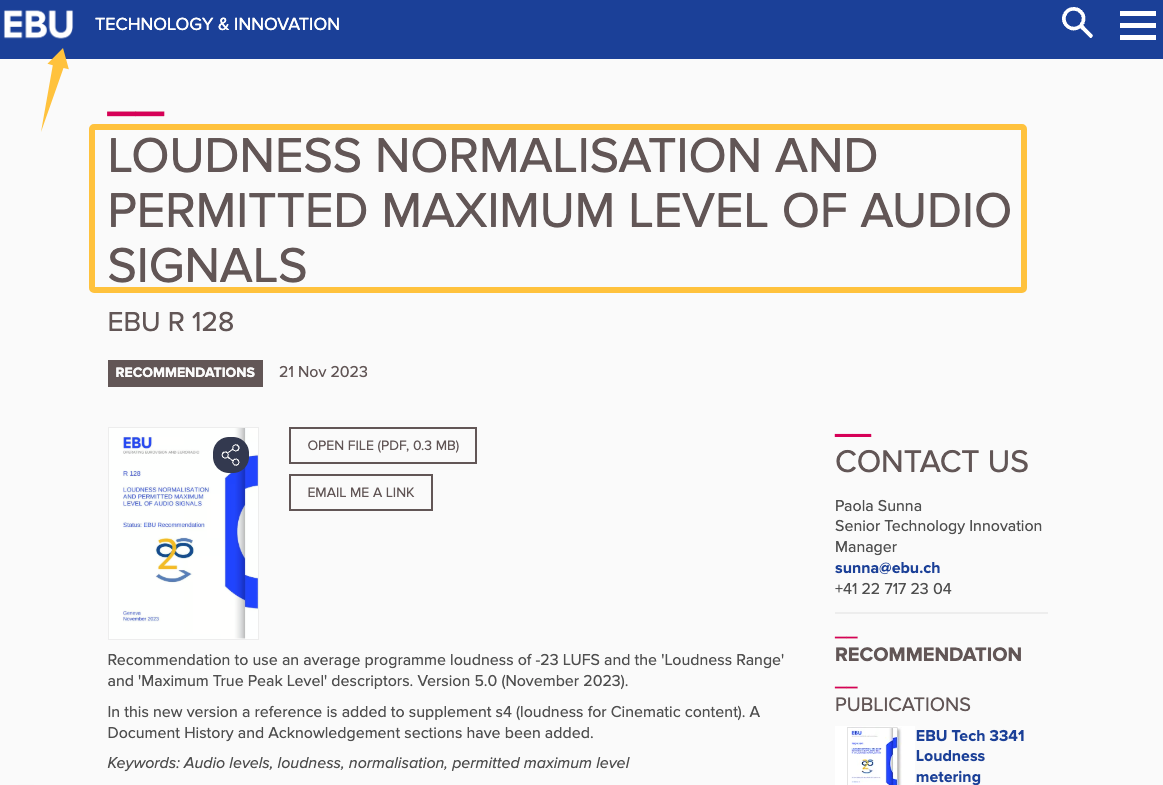
One more thing nobody mentions — the music also has to sit under everything, not just rhythmically but in level. Editors who mix to something like the EBU R 128 loudness recommendation keep background music low and steady on purpose, so it never fights the dialogue. You can feel this even without meters: if the melody makes you want to turn the voice up, it's too loud or too dense.
Step 3 - Keep the phrase short enough to loop or resolve
Long phrases are where beginners lose an afternoon.
If your melodic idea is short — the smallest unit that still holds its identity — you can loop it under a longer scene without it getting annoying, or resolve it cleanly at a cut. If it's long and winding, you're now managing a mini-composition every time the edit changes.
My rule of thumb: write something you could hum back after hearing it twice. If you can't remember it, it's probably too long to loop and too fussy to resolve on time.
Step 4 - Match melody length to the final cut
This is the step that used to cost me the most time, and it's the least glamorous.
Your melody has to end when your video ends — or loop cleanly until it does. A track that runs 47 seconds under a 63-second cut means trimming, looping, crossfading, and praying the loop point isn't obvious. A how-to-make-a-melody-for-a-song approach ignores this entirely, because songs don't have to hit someone else's out-point.
Here's a rough way to think about it before you write:
| Cut length | Melody approach |
|---|---|
| Under 15s | One short phrase, one resolve. No loop needed. |
| 15–45s | One motif, looped once or twice, clean ending. |
| 45s+ | Motif + slight variation to avoid fatigue, resolve on final cut. |
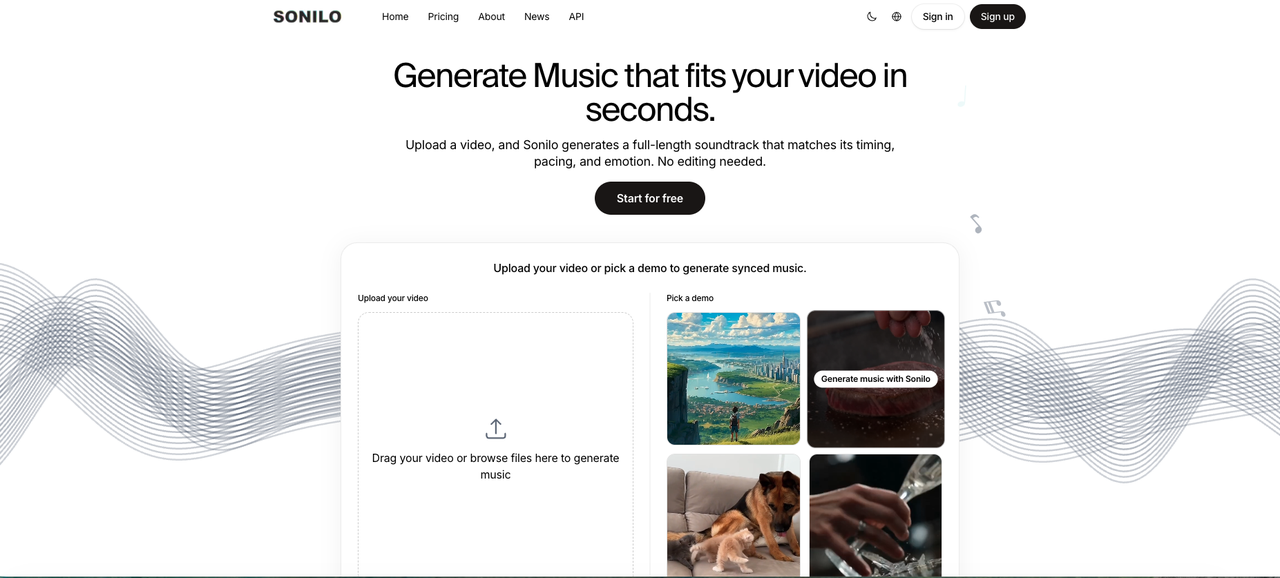
I'll be straight about this: matching length by hand is the part I'd happily hand off. It's why I've been testing tools that generate a soundtrack from the video itself — the pitch behind Sonilo is that it reads your cut and matches the length, so you're not looping by hand at midnight. I'm still testing it, and I'm not going to promise it edits melodies or hands you stems, because that's not what I've seen it claim. But on the "stop trimming to time" problem specifically, it's aimed at the right pain. If that's your slow step too, it's worth watching how it works. Just keep in mind that commercial rights can depend on your plan, your input materials, platform rules, and the tool's current terms.
Common mistakes to mention briefly
A few failure modes I keep hitting, in one breath: the melody's too busy and buries the voice; the loop point is audible; the phrase peaks at the wrong moment and undercuts a cut; the whole thing sounds great in headphones and collapses under the video.
That last one still gets me. I can't fully explain why a melody that felt fine solo fell apart under a voiceover last week — my best guess is density, but I'm not certain.
I'm not going to walk through every fix here, because that's a whole separate piece. I broke the actual repair steps down in how to write better melodies for video scenes — that's where the troubleshooting lives.
One observation, not a verdict: whatever music you use, whether you wrote it or generated it, there's a licensing and copyright layer worth reading before you publish for anyone. Music can involve separate rights in the composition and the sound recording, so "royalty-free" doesn't automatically mean every use is cleared. For YouTube specifically, YouTube says only music and sound effects from its own Audio Library are known to YouTube to be copyright-safe, and it doesn't stand behind outside "royalty-free" claims. I'd read the license page of any tool you use and figure out your own situation — I'm an editor, not the right person to interpret it for you.
FAQ
Can beginners make usable video background melodies?
Yes, and honestly beginners can do well here because simple ideas often work better for background use. If you can hum a two-note idea and keep it simple, you can make a usable background melody. The hard part isn't musical skill — it's restraint and length matching.
Should background melodies avoid strong lead hooks?
Usually, yes. A strong lead hook competes with your video for attention. For background use you want a melody that reads as texture, not as the main event. Save the big hook for videos where the music is the point.
When should I use ambience instead of melody?
When the scene already carries its own emotion — a talking-head with strong delivery, or fast-paced b-roll with hard sound design. If a melody would crowd it, drop to ambience or a soft pad. Not every cut needs a tune. Some just need air.
What if the melody sounds good alone but not with video?
This is the most common one, and it's almost always density or level. Try thinning the melody (fewer notes per bar) and lowering it under the voice before you rewrite the whole thing. Test it against the actual cut early — not at the end.
Because that's the actual test: not whether the melody sounds good in your headphones, but whether it holds up the moment you drop it under your footage and hit play.
So before you go — when you're working out how to make a melody that fits a video, what's the step that actually slows you down? Getting the mood right, keeping the phrase short enough, or matching it to the final cut length?
Disclosure: Sonilo is the tool discussed in this section, and this article is published by/with Sonilo. Check the current plan terms before using generated music commercially.


