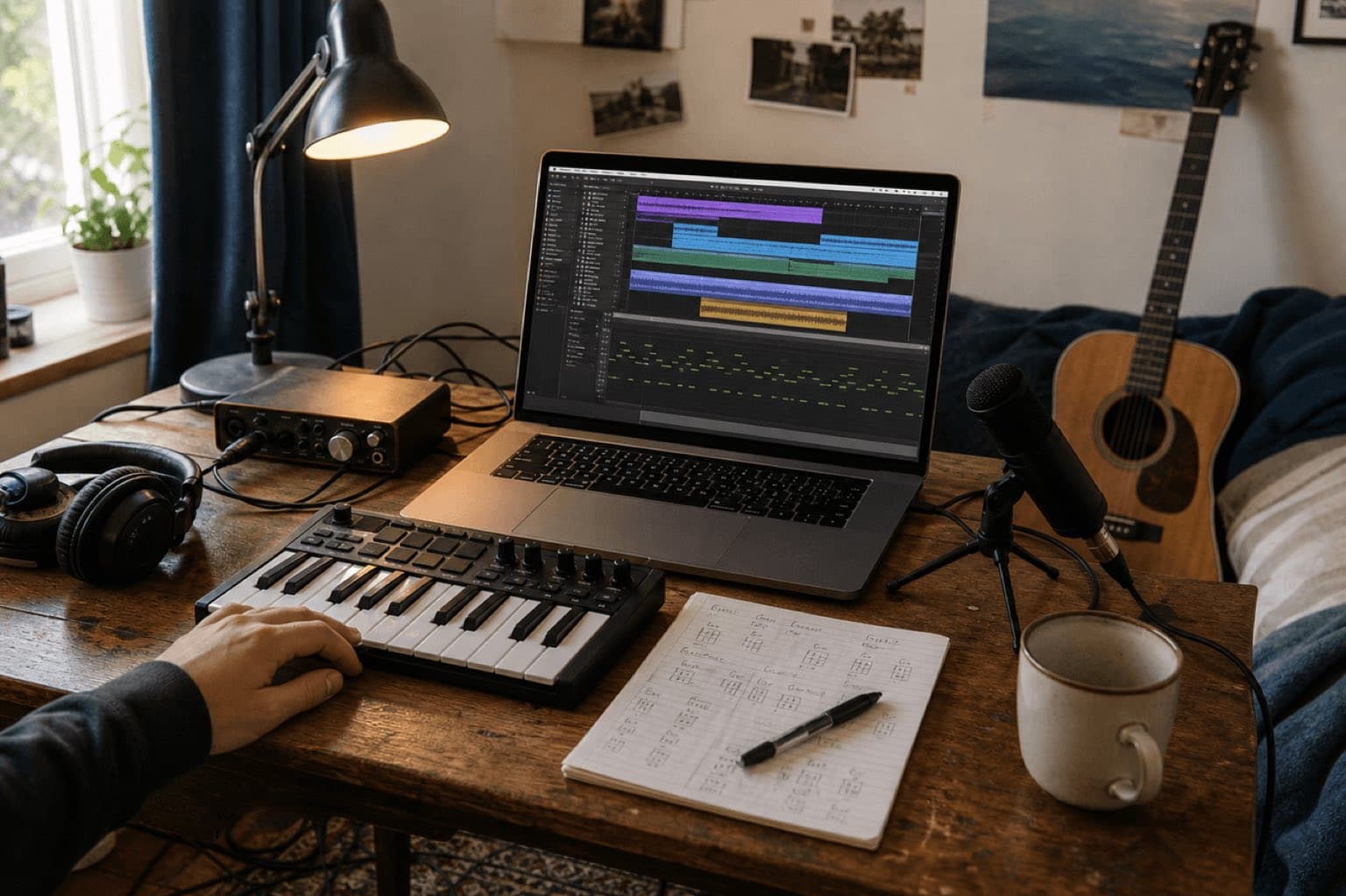
Sonilo publishes this comparison and is one of the products evaluated. No other vendor sponsored, reviewed, or paid for inclusion. Product capabilities and limitations come from official documentation checked on August 20, 2026. Recommendations are editorial judgments based on the criteria below; we did not conduct a performance benchmark.
Software, plan, platform, and licensing details checked August 20, 2026. Free tiers and product limits change. Confirm current system requirements, export rules, included-content licenses, and commercial terms before committing a project.
The quick answer by workflow
- Record vocals, guitar, and MIDI on a Mac: start with GarageBand.
- Create on a browser or phone and collaborate: try BandLab Studio.
- Program electronic beats on Windows, macOS, or Linux: consider LMMS.
- Use a cross-platform desktop DAW with third-party plugins: evaluate Waveform Free.
- Record, clean, cut, and export audio: use Audacity.
- Compose in standard notation: use MuseScore Studio.
- Generate an original cue from text or a finished video: use Sonilo, while noting that its free output is personal and non-commercial.
01
How these free tools were compared
This guide compares seven current options without pretending they are interchangeable. GarageBand and Waveform Free are conventional production environments. BandLab prioritizes browser and mobile access. LMMS centers electronic composition. Audacity edits recorded audio. MuseScore Studio writes scores. Sonilo generates music from a brief or video.
A fair comparison starts with the production task. A notation app should not lose because it lacks vocal effects, and an AI soundtrack generator should not win for MIDI editing it does not provide. We used six practical criteria and treated vendor claims as documented capabilities, not independent test results.
Creation model
Live recording, MIDI sequencing, loops, notation, audio editing, or generated output.
Platform fit
Desktop operating systems, browser access, mobile workflow, and offline availability.
Project depth
Track limits, arrangement control, plugin support, mixing, and export flexibility.
Learning path
How quickly a beginner can reach a first useful result and how far the tool can grow.
Free-tier boundary
Which functions, content, exports, storage, or usage rights remain limited or paid.
Output rights
Whether software terms, loops, samples, collaborators, or generated assets need separate review.
02
Seven options at a glance
| Software | Main workflow | Platforms | Free boundary to notice |
|---|---|---|---|
| GarageBand | Recording, MIDI, loops, mixing | Mac, iPhone, iPad | Apple ecosystem only |
| BandLab Studio | Cloud DAW and collaboration | Browser, iOS, Android | Free Studio projects: 15 minutes and 16 tracks |
| LMMS | Beats, MIDI, synths, samples | Windows, macOS, Linux | Live multitrack recording is not its central workflow |
| Waveform Free | Cross-platform DAW | Windows, macOS, Linux | Extra feature packs and content are sold separately |
| Audacity | Audio recording and editing | Windows, macOS, Linux | Limited as a MIDI composition environment |
| MuseScore Studio | Notation and score playback | Windows, macOS, Linux | Not a multitrack audio-recording DAW |
| Sonilo | Text-to-music and video-to-music | Web | Free exports are preview quality and non-commercial only |
Recording and MIDI production inside the Apple ecosystem
Mac · iPhone · iPadGarageBand packages software instruments, guitar and voice presets, loops, virtual drummers, recording, MIDI editing, and mixing into a relatively approachable studio. Apple’s current Mac page documents up to 255 audio tracks, third-party audio effect plugins, automation through Smart Controls, Flex Time, and export or sharing tools.
Choose it when
You own Apple hardware and want to record a singer-songwriter demo, build a loop-based arrangement, connect a MIDI keyboard, or learn the basic logic of a conventional DAW without assembling a plugin collection first.
What stands outA coherent set of instruments, loops, recording, editing, mixing, and lessons in one installation.TradeoffIt is not a Windows, Linux, or browser solution, so collaboration with non-Apple users often moves through exported stems or audio.Browser and mobile creation with cloud collaboration
Web · iOS · AndroidBandLab describes Studio as a free cloud DAW for recording, editing, and mixing in a browser or on a phone. Current help documentation lists projects up to 15 minutes with 16 audio and MIDI tracks, virtual instruments, audio recording, imported audio and MIDI, loops, automation, and cloud-synced projects. Paid memberships add tools and raise some limits.
Choose it when
You move between a school computer, phone, and home laptop; you want to share a project without exchanging session folders; or collaborators need a low-friction starting point.
What stands outDevice flexibility, cloud storage, project sharing, MIDI editing, audio recording, and a large integrated sound library.TradeoffThe free 16-track and 15-minute boundaries can arrive quickly in dense arrangements, and a cloud-centered workflow is less attractive when reliable offline work is essential.Open-source electronic composition and beat programming
Windows · macOS · LinuxLMMS is a free, open-source desktop project built around melodies, beats, synthesis, mixing, samples, MIDI input, plugins, presets, VST support, and SoundFonts. Its published feature emphasis makes it especially relevant to producers who prefer piano-roll programming, step sequencing, and sound design.
Choose it when
You want a no-cost electronic-production environment across desktop platforms, enjoy building patterns and synth parts, or need an open-source project that does not depend on a browser account.
What stands outCross-platform MIDI and pattern production with bundled instruments and an open-source community.TradeoffIf your sessions begin with recording a full band, many microphones, or long vocal takes, choose a DAW centered on audio recording or pair LMMS with a dedicated recorder/editor.A deeper cross-platform DAW without a subscription
Windows · macOS · LinuxTracktion positions Waveform Free 14 as an unlimited free DAW. The official page documents multitrack recording, 15 audio effects, VST, VST3 and AU plugin support, inline MIDI, step clips, a rack environment, bundled instruments, mixing, rendering, and workflows for electronic production, bands, singer-songwriters, and podcasts.
Choose it when
You want a desktop session that can grow beyond a beginner sketch, need third-party plugins, or want the same DAW family available on Windows, macOS, and Linux.
What stands outA broad conventional DAW workflow with audio, MIDI, plugins, routing, and export across three desktop systems.TradeoffIts workflow can feel less familiar than mainstream studio layouts, while additional packs, instruments, content, and advanced features create paid upgrade paths.Fast recording, cleanup, editing, and file export
Windows · macOS · LinuxAudacity is a free, open-source multitrack audio recorder and editor. The current project page highlights recording, cleanup, voice work, VST3 and Nyquist plugins, and export to WAV, MP3, FLAC, Ogg, and other formats. It remains useful when the raw material is already audio rather than a MIDI arrangement.
Choose it when
You need to capture a voice or instrument, remove a mistake, trim samples, normalize a file, assemble a simple multitrack piece, or prepare audio for a podcast or video editor.
What stands outA direct waveform-first workflow, wide file-format support, cross-platform availability, and no cost.TradeoffIt is not designed as a full piano-roll, virtual-instrument, and MIDI-sequencing environment. Producers building complex arrangements will usually want another DAW beside it.Writing music as notation rather than waveforms
Windows · macOS · LinuxMuseScore Studio is free, open-source notation software. Its official site describes professional notation, MIDI keyboard input, playback, and exchange with other programs through MusicXML, MIDI, and additional formats. It fits composers who think in staves, parts, articulations, and printable scores.
Choose it when
You are arranging for choir, band, orchestra, piano, guitar, or classroom ensemble; performers need readable parts; or MusicXML and notation matter more than microphone recording.
What stands outDetailed score creation, part preparation, MIDI input, playback, and interoperable notation formats without a feature-limited free edition.TradeoffIt is not a substitute for recording and mixing a finished commercial master. Also separate the free desktop software from the rights attached to any third-party score or audio asset you download.Generated music from text or an existing video
WebSonilo takes a different route. Text-to-music starts with a written direction; video-to-music generates around the uploaded edit’s duration and pacing. The current free plan includes a recurring credit allowance and preview-quality output for non-commercial use. Commercial permission must be confirmed under the plan-specific terms or written agreement that applied when the output was generated.
Choose it when
You need an original background cue, intro, ad soundtrack, social-video track, or music shaped around a finished edit—and you would rather review generated variations than program notes, record instruments, or build a mix from scratch.
What stands outThe input can be a brief or video rather than a blank multitrack session, making it a fast route from creative direction to a reviewable cue.TradeoffSonilo is not a DAW: it does not replace multitrack recording, detailed MIDI editing, notation, plugin chains, stems, or composer-led revision. Do not infer commercial permission from a plan name alone; verify the current Terms and the plan-specific or written agreement that applied when the output was generated.03
A 20-minute test before you commit to any tool
Feature tables cannot tell you whether the workflow makes sense in your hands. Use the same small project in two candidates and judge the path, not the demo song.
Minute 0–5: input
Create eight bars, record one short part, or enter a melody. Notice setup friction, monitoring, latency, and whether the core controls are understandable.
Minute 5–12: arrange
Duplicate, move, trim, automate, and structure the material. Check whether the timeline, notation, or generation flow matches how you think.
Minute 12–17: revise
Change tempo, key, instrument, or mood. A useful tool should make the second decision easier than starting over.
Minute 17–20: export
Export the format you actually need. Confirm watermark, quality, project saving, stems, attribution, and commercial rights before investing more time.
After the test
Keep the option that removes your real bottleneck. A simpler tool you can finish with is more valuable than an advanced one you avoid opening.
Stop condition
Switch candidates if the required platform, recording method, export, collaboration model, or license is unavailable—not merely because the interface is unfamiliar.
The application license, your composition, included loops, downloaded samples, collaborator contributions, and generated output can each have different terms. Keep source and license records for third-party assets. Apple documents royalty-free use of included GarageBand loops inside original music and audio projects, but restricts redistributing loops as standalone content. BandLab has its own Sounds terms and current claim limits. Sonilo’s free plan is personal and non-commercial. Always review the exact source used in the final export.
04
What to install—or avoid installing
Choose one primary creation environment and add a second tool only for a missing job. GarageBand plus Audacity can cover Apple recording and quick cleanup. LMMS plus Audacity can combine electronic sequencing with waveform edits. MuseScore plus Waveform can move from written parts to recorded production. A video creator may combine an editor with Sonilo instead of learning a complete DAW.
Avoid building a collection of free software before finishing one small project. Plugin formats, sample locations, cloud accounts, audio drivers, and duplicate libraries create maintenance. Make one 30-to-60-second piece, document its assets, export it, then decide what the next tool must add.
Sources
Official sources and review notes
- Apple GarageBand for Mac and Apple guidance on commercial use of GarageBand loops.
- BandLab Studio getting started, membership limits, and Sounds guidance.
- LMMS official site.
- Tracktion Waveform Free.
- Audacity official site.
- MuseScore Studio official site.
- Sonilo product overview, pricing, and licensing.
Human review checkpoint: confirm the current free tier, operating-system support, project limits, export quality, included-asset licenses, collaborator rights, and commercial-use terms for the exact version installed or plan used.
FAQ
Frequently asked questions
GarageBand is an accessible starting point for Apple users, while BandLab Studio removes installation friction on browsers and phones. The easier choice depends more on your device and whether you want to record, sequence, notate, or generate music.
GarageBand, BandLab Studio, LMMS, and Waveform Free can all support complete arrangements in their intended workflows. Audacity is stronger for recording and editing audio, MuseScore Studio for notation, and Sonilo for generating finished music rather than building a multitrack session.
Audacity is a free multitrack audio recorder and editor. It can produce songs and podcasts, but it is not centered on MIDI composition and virtual-instrument sequencing in the way a conventional DAW is.
The software price does not decide the rights to every loop, sample, preset, collaboration, or generated output. Check the license for every included or imported asset and the commercial terms of the plan you used.
Yes. Most options support a computer keyboard, piano roll, loops, notation entry, audio recording, or prompts. A MIDI keyboard can improve performance input, but it is not required to begin.
Not as a full DAW. Sonilo generates music from text or video; it does not replace multitrack recording, detailed MIDI programming, or plugin-based mixing. It fits when the needed output is an original soundtrack rather than an editable production session.
Use a DAW when you want detailed composition, recording, and mixing control. Use Sonilo when a finished video should drive soundtrack timing and you prefer generated variations. Confirm commercial rights before publishing paid or client work.
Related
Keep reading
When the goal is a finished cue, not a new DAW to learn
Describe the music—or upload the video it needs to follow.
Generate a few directions, review them against the real edit, and confirm the correct plan before commercial release.