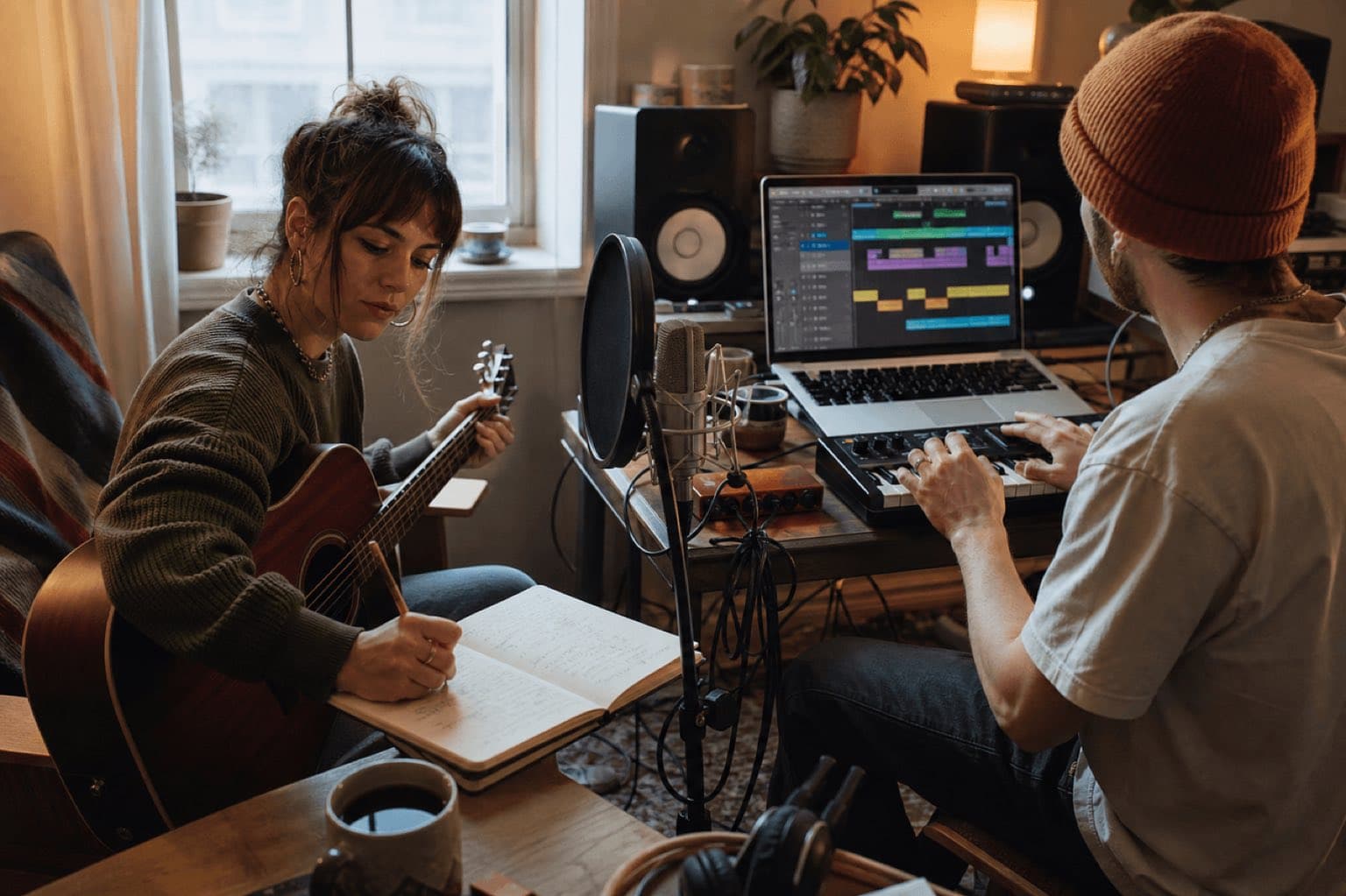
Sonilo publishes this guide and appears where its current workflows are relevant. It is not presented as a universal song studio. No distributor, streaming service, songwriter, or outside tool sponsored or reviewed this page. Product, licensing, and policy references were checked on August 20, 2026.
Last verified: August 20, 2026. Product features, distributor requirements, platform policies, and law can change. Confirm the current terms for the people, tools, and destination involved.
Quick answer
Write one sentence that captures the song’s subject, point of view, and emotional change. Create a short hook or motif, place it inside a simple structure, and make each section add information or energy. Record the roughest usable demo early. Revise the song before polishing the production; revise the arrangement before polishing the mix. Finish the version required by its destination—not an imaginary perfect version.
01
Choose the kind of song you are making
Write and record a song
Develop lyrics, melody, chords, groove, arrangement, performance, and recording through human or assisted production.
- Best for artist releases and songwriting
- Needs contributor, split, and recording records
- Highest control and revision depth
Make an AI-assisted demo
Use language or audio tools to explore a brief, arrangement, instrumental, or full-song concept, then select and edit deliberately.
- Best for rapid comparison and prototypes
- Capabilities vary on lyrics, vocals, stems, and editing
- Keep human contribution and terms records
Create music for a video
Let duration, dialogue, scenes, cuts, pace, and final frame define what the music must do.
- Best for creators, ads, documentaries, and tutorials
- May be instrumental rather than a vocal song
- Judge it inside the edit
These paths can overlap. A songwriter may use AI to hear an arrangement, a video editor may commission a vocal theme, and a producer may turn a generated idea into a new performance. The important distinction is deliverable and authorship: who created the composition, who created the recording, what files exist, and what use is permitted.
02
Start with one central idea
A strong song does not need a complex subject. It needs a specific point of view. Write a one-sentence song compass: “The narrator keeps packing but cannot leave,” or “A product founder realizes the problem was not speed but trust.” The compass should imply tension and change, not merely name a mood.
Capture before you organize
Record voice notes, lyric fragments, chord colors, rhythmic phrases, images, and titles without forcing order. Then identify the fragment that still creates curiosity later. Do not confuse the first idea with the final form; the purpose of capture is to preserve energy before analysis flattens it.
Choose the hook’s job
A hook can be a title, melodic contour, rhythmic pattern, chord movement, production sound, vocal phrase, or combination. Ask what the listener should remember and what the hook means after the final verse. If the hook says everything immediately, the song has nowhere to travel. If it is too vague, repetition will not make it meaningful.
03
Build a structure that creates change
Structure is not a mandatory template; it is a sequence of expectations and answers. Start with the smallest map that can carry the idea.
Verse
Add concrete detail, perspective, setting, or consequences. Avoid repeating the chorus in weaker language.
Pre-chorus
Increase tension, shorten phrases, change harmony, or narrow the lyric toward the hook.
Chorus
State the emotional center with the clearest melody, title, rhythm, or production identity.
Bridge
Introduce a new angle, time frame, harmony, register, or consequence before the final return.
Common maps include verse–chorus–verse–chorus–bridge–chorus, AABA, through-composed forms, and short cue structures. Choose by function. For every section, write what changes: new facts, new emotional interpretation, more or less energy, different speaker, or a musical departure. If nothing changes, shorten or remove it.
Use contrast without breaking identity
Contrast can come from register, chord rhythm, instrumentation, lyric density, rhyme, drum pattern, vocal delivery, or silence. Keep one or two anchors—motif, groove, harmonic color, or production texture—so the song remains related while the section changes role.
04
Write melody and lyrics together
Lyrics carry language; melody controls how the language occupies time and emphasis. Speak the line naturally, mark stressed syllables, then sing several rhythms before fixing pitches. Important words usually deserve clear placement, comfortable vowels on sustained or high notes, and enough space to be understood.
Build the melody from a motif
Use a small pitch-and-rhythm idea, repeat it with variation, and reserve the biggest range or longest note for a meaningful word or structural peak. The detailed melody creator guide distinguishes editable MIDI from full audio and provides contour, range, peak, and scene tests.
Revise lyrics for sound as well as meaning
Read the lyric aloud without music. Remove filler that exists only to complete a rhyme. Check pronouns, time, place, point of view, clichés, and whether each verse advances the situation. Then sing it: consonant clusters, awkward stress, too many syllables, or closed vowels at high notes can make a good sentence fail as a lyric.
| Weak draft signal | What to inspect | Practical revision |
|---|---|---|
| Verse feels interchangeable | Specific images, verbs, setting, consequence | Replace abstract explanation with one observable event. |
| Chorus does not lift | Range, phrase length, title placement, harmony, density | Change one major dimension instead of adding every layer. |
| Lyrics sound forced | Natural stress, rhyme pressure, syllable count | Speak the thought plainly, then rebuild rhyme around the strongest words. |
| Melody wanders | Motif, contour, range, resting points | Reduce to one phrase and repeat it with one controlled change. |
| Song feels too long | Repeated information and unchanged energy | Cut the section or make it alter meaning, stakes, or musical state. |
05
Arrange and produce around the song
Arrangement decides when each musical role enters, changes, and leaves. Production decides the sonic character of those roles. Both should clarify the song rather than compensate for weak writing.
Assign roles before choosing sounds
Identify the pulse carrier, harmonic foundation, bass movement, primary hook, counterline, transition device, and space. One instrument can serve several roles, but two parts fighting for the same role usually create clutter. Start with fewer layers and add only when the section needs a new function.
Make a section energy map
Rate each section from one to five for density and emotional intensity. If every section is five, there is no scale. Energy can fall before a chorus, disappear under a vulnerable line, or narrow during a bridge. Loudness is only one dimension; register, rhythm, texture, harmony, and silence also change energy.
Use references as questions, not cloning instructions
Instead of requesting a living artist’s identity, analyze non-identifying decisions: tempo feel, instrument family, dryness, room size, drum density, bass behavior, vocal intimacy, section contrast, and era of production. Translate what you admire into a brief that belongs to your song.
06
Record, edit, mix, and finish the track
Record a demo before a final performance
A phone recording, voice and instrument take, or rough DAW session can reveal whether the song survives without production polish. Test key, tempo, range, lyric clarity, section length, and ending. Fix structural problems while changes are cheap.
Prepare the session
- Tempo and mapMark count-in, sections, meter changes, stops, tempo changes, and the final bar.
- Guide performanceRecord a committed scratch vocal or lead part that gives other performers phrasing and emotion.
- Technical setupChoose sample rate, buffer, gain, microphone position, room treatment, file naming, and backup.
- Take strategyCapture full performances for continuity, then targeted takes for difficult sections; keep notes rather than recording endlessly.
- Edit policyDecide what timing, pitch, noise, breath, and imperfection should remain because it serves the performance.
- DeliverablesPlan master, instrumental, clean version, stems, alternate lengths, loop, and credits before the session ends.
Mix for hierarchy
Set balance before adding many processors. Decide what the listener should follow in each section. Use arrangement, level, panning, tone, dynamics, and ambience to protect that hierarchy. Check quietly, loudly, in mono, on headphones, small speakers, and against the intended video or platform.
Master for a destination
Mastering prepares the final sequence or track for delivery; it cannot repair a confused song or arrangement. Check tonal balance, dynamics, peak behavior, fades, metadata, file format, and translation. Keep a high-resolution master and create platform-specific copies from it rather than repeatedly converting compressed files.
Run a release-candidate quality check
Export a numbered release candidate and listen from the first sample to the end without touching the session. Note clicks, clipped consonants, headphone bleed, abrupt edits, automation jumps, unwanted count-ins, encoding artifacts, and tails cut too early. Then check the actual exported file on small speakers, headphones, and the main destination—not only playback inside the DAW.
Fix only confirmed problems, export again, and preserve the approved file with its date, version, credits, and settings. If the song may support video, performance, or licensing, prepare useful alternates such as instrumental, clean, short, and stem deliveries before the session becomes difficult to reconstruct.
07
How to use AI without giving away the creative decision
AI can help generate directions, summarize feedback, explore instrumentation, create mockups, remove technical friction, or build music around video. The creator still chooses the premise, evaluates output, rejects clichés, edits structure, documents sources, and decides whether the result represents the project.
Keep a decision log: initial human material, prompt versions, generated options, chosen segments, rejected similarities, lyric authorship, arrangement edits, performances, and production changes. The U.S. Copyright Office’s current AI guidance treats copyrightability as fact-specific and emphasizes sufficient human authorship; provider permission to use output is a different question from copyright protection.
08
Where Sonilo fits—and where it does not
| Song task | Sonilo fit | Boundary |
|---|---|---|
| Explore original music from a brief | Good fit | Text-to-music turns a plain-language direction into audible options. |
| Create music around edited picture | Strong fit | Video-to-music uses timing, pace, transitions, scenes, and voice-over space. |
| Enter exact lyrics and direct a lead vocal | Verify before choosing | The public text guide mentions vocals but does not document an exact own-lyrics workflow. |
| Record a human singer or band | Not a replacement | Performance, microphone capture, coaching, comping, and session production need other people and tools. |
| Edit exact notes and detailed mix automation | May need DAW/composer | Note-level revision, automation, and bespoke arrangement require deeper control. |
| Commercial release or client use | Plan-dependent | Commercial permission must be confirmed under the plan-specific terms or written agreement that applied when the output was generated. |
09
Document the song, recording, and release
Before release, record legal names and roles, songwriter/composer shares, publisher or administrator, performer and producer contributions, samples or interpolations, licenses, AI tools and plan terms, recording dates, ISRC/metadata responsibility, artwork rights, distribution destination, and approvals. Spotify’s current AI policy also emphasizes impersonation controls and industry-standard disclosure credits; platform rules should be rechecked at delivery.
Sources
Sources and editorial standard
- Berklee Online Songwriting Handbook for songwriting craft and lyric/melody study.
- Berklee Online: melody in a song.
- U.S. Copyright Office: what musicians should know.
- U.S. Copyright Office AI initiative and reports.
- Spotify: AI protections, impersonation, spam, and disclosure.
- Sonilo text-to-music, video-to-music, and licensing.
Human review checkpoint: before production publication, a credentialed songwriter or producer should review the craft workflow; qualified music-rights counsel should verify ownership, splits, AI disclosure, voice/identity, samples, distribution, and commercial-use statements for the intended market.
FAQ
Frequently asked questions
Define the song’s purpose, capture a central idea, choose structure, develop lyrics and melody, build chords and rhythm, arrange, record or generate a demo, edit, mix, master for the destination, and document contributors and rights. The order can change, but each decision should serve the same core idea.
No. You can begin with a lyric phrase, hummed melody, groove, chord loop, or production texture. Basic knowledge of pulse, key, phrase, chord function, and structure helps you diagnose problems, but listening, recording drafts, and focused revision are equally important.
Some products document full text-to-song workflows with lyrics and vocals; others generate instrumental music or scores. Verify the exact output and controls. Sonilo’s public text-to-music guide discusses music direction and vocals but does not document an exact user-lyrics workflow.
Sonilo fits when you need original music from a written brief or music shaped around an edited video. It can accelerate musical directions and soundtrack production, but should not be presented as a replacement for lyric writing, vocal recording, detailed DAW editing, or human collaboration.
There is no universal length. Let the purpose, structure, platform, performance, and audience determine it. Remove sections that repeat without developing the idea, and keep enough space for the hook, contrast, and ending to feel earned.
The U.S. Copyright Office treats the underlying musical work—music and accompanying lyrics—and the sound recording of a particular performance as separate works. They may have different authors, owners, registrations, licenses, and royalty streams.
Commercial permission depends on the provider, plan, collaborators, source material, distributor, platform, and jurisdiction. Sonilo states Commercial permission must be confirmed under the plan-specific terms or written agreement that applied when the output was generated. Copyrightability and voice or identity rights are separate issues.
Related
Keep reading
Move from idea to audible direction
Create original music for the brief—or let the video guide it.
Keep the central promise clear, compare a small number of directions, and finish the deliverable the project actually needs.