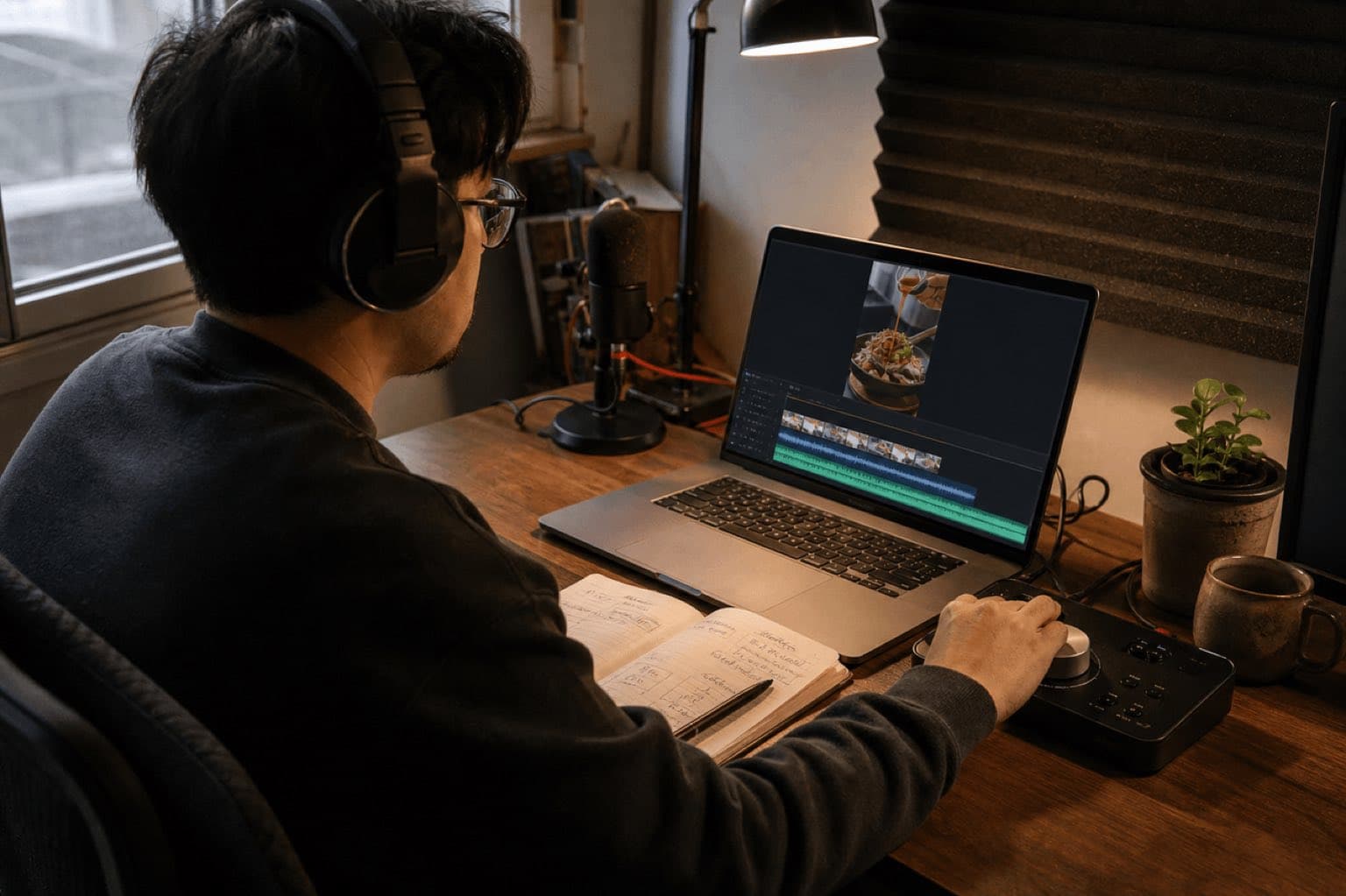
This article provides general editorial and production information; it is not legal advice and is not itself a license. An audio file appearing in a library, being accepted on upload, or remaining live does not by itself grant or confirm permission. Check the exact asset, source, account type, region, placement, territory, term, edits, monetization, and current platform or vendor agreement before release.
For Sonilo, commercial use applies only to eligible output generated under an eligible plan or written API agreement and remains subject to the current licensing page and Terms of Service. Do not infer commercial permission from a plan name alone; verify the current Terms and the plan-specific or written agreement that applied when the output was generated. Users must have the necessary rights to every input and remain responsible for third-party rights. No wording on this page promises exclusivity, copyrightability, platform approval, monetization, or freedom from claims.
Policy-source review: August 28, 2026. YouTube is a trademark of Google LLC; this independent guide is not sponsored, endorsed, or approved by Google or YouTube.
- The exact audio source and asset, generation, purchase, or download record.
- The account and plan plus the terms that applied on the acquisition or generation date.
- The intended platforms, territories, client or brand use, paid media, monetization, editing, and delivery scope.
- Clearance for every relevant input, composition, recording, sample, voice, likeness, and third-party element.
If any item cannot be evidenced, replace the audio or obtain written clearance before publication.
Sonilo publishes this guide and appears as one option for creating original music before a Short is uploaded. YouTube did not sponsor or review the page, and there are no affiliate links. YouTube controls its interfaces, music availability, monetization rules, claims, and policies. This is production guidance, not legal advice.
Last verified: August 21, 2026. YouTube currently classifies square or vertical uploads up to 3 minutes as Shorts in its standard creator workflow. Official Help pages document Add sound, segment selection, Volume controls, desktop uploads, music eligibility, Audio Library use, monetization, and Content ID behavior.
The quickest correct route depends on where the music comes from
Add a song inside the Shorts tools
Use Add sound before filming or Sound after recording. Choose the usable section, then balance the music against original audio and voiceover with Volume.
Mix authorized music before upload
Use an original, commissioned, licensed, YouTube Audio Library, or eligible Sonilo-generated file. Export the complete vertical video, then upload from mobile or YouTube Studio.
The picker is best when the selected song and permitted clip fit the Short. A pre-mixed file is better when the music must hit exact cuts, support a narrated edit, stay consistent across campaign versions, or come with a separate rights record.
01
How to add music to YouTube Shorts on iPhone or Android
Open the Shorts creation flow
In the YouTube app, tap Create and open the Shorts camera. Record new footage or import clips and photos from the device. Confirm that the visual sequence and intended duration are stable before fine music timing.
Choose music before or after recording
Tap Add sound before recording when you want the song to guide performance. If the visual is already captured, move to the editing screen and tap Sound. Search or browse, then preview the candidate.
Select the permitted section
Use the Adjust or segment control to choose which part of the song appears. YouTube states that available length depends on the song; for a three-minute Short, a track may allow up to 90 seconds. The picker shows the actual allowance.
Balance the three audio layers
Open Volume and compare the added music, the clip's original sound, and voiceover. Start with speech intelligibility. Music should not make instructions, dialogue, reactions, or product claims difficult to hear.
Preview on the likely listening device
Listen on a phone speaker and headphones. Check the first second, every cut, the voice entrance, the main reveal, and the ending. A mix that feels balanced on studio headphones can hide speech on a small speaker.
Add details and publish deliberately
Complete the title, audience and visibility settings, and any required attribution. Use Private or Unlisted for a test upload when the workflow or rights status needs review before public release.
YouTube's current Enhance your Shorts page says library music is free to use for personal, non-commercial use unless you have appropriate licenses. Shorts monetization has its own YouTube Partner Program revenue-sharing rules. A sponsored post, client ad, paid campaign, or off-platform reuse still needs its own rights check.
02
Choose among the Shorts Audio Library, YouTube Audio Library, and your own music
In-product popular music
Add it through the Shorts creation tools. Availability, segment length, territory, remix behavior, and permitted use are controlled by YouTube and participating rights holders.
Downloadable production music
Find it in YouTube Studio. YouTube describes it as copyright-safe and allows YPP monetization; some Creative Commons tracks require copied attribution in the description.
Original or commissioned
You need rights to the composition, sound recording, synchronization, upload, commercial purpose, and any client or campaign use. Keep the source files and agreement.
License must match the release
Check YouTube use, monetization, paid media, client delivery, territory, edits, and proof requirements. “Royalty-free” is not a complete license description.
YouTube says music and sound effects from its Audio Library are the items it recognizes under that library’s copyright terms; it does not take responsibility for music labeled royalty-free on channels or other sites. This is platform guidance, not a guarantee against claims, and each Audio Library item must still be used under its current attribution and usage conditions. It also warns that Content ID may not know about a license purchased elsewhere. That makes documentation useful: keep the file, license, invoice or generation record, account plan, project, channel, and publication date together.
03
How to add music to a YouTube Short from a computer
YouTube's official desktop upload flow is straightforward: sign in to YouTube Studio, select Create, choose Upload videos, and select a square or vertical file up to three minutes. That path describes uploading a finished video; it is not the same as the mobile Shorts Add sound picker. For exact music placement on desktop, finish the audio in the editor before upload.
- Lock the vertical or square video edit and its final duration.
- Import an original or properly licensed music file into the editing timeline.
- Trim the track, set cue points, and mix it under speech and original sound.
- Export a complete video file and watch it end to end.
- Upload through YouTube Studio and complete visibility, audience, title, and description fields.
- Review the Checks and Restrictions areas before making the Short public.
If you specifically need a popular song from the Shorts picker, move the finished visual to the YouTube mobile app and add that music there. Do not rip or download a picker song for desktop pre-mixing: technical access to audio is not permission to create a separate copy.
04
Create original music around the finished Short
The most relevant Sonilo path starts from the edit. Video-to-Music is appropriate when music should follow the visual pacing; Text-to-Music is useful when only the duration, mood, instrumentation, energy curve, and exclusions are known. For music-selection ideas rather than upload mechanics, use the focused music for YouTube Shorts page. None of these links implies a direct YouTube integration.
Export a timing reference
Use the nearly final Short, not a rough collection of clips. Mark the opening hook, voiceover start, primary reveal, CTA, and final frame.
Describe function rather than adjectives alone
State exact duration, musical density, energy curve, instrumentation, speech space, cue times, ending behavior, and exclusions. “Upbeat” alone leaves too many decisions unresolved.
Compare variants against picture
Judge the opening within the first second, the relationship to cuts, room for narration, repetition fatigue, and whether the ending resolves before the video stops.
Download and finish in the editor
Place the chosen file under the picture, trim precisely, adjust levels, and export the finished vertical video. This file-based workflow works for desktop upload and for mobile upload of the completed Short.
Retain the release record
Keep the output file, prompt, version, project, channel, plan, current terms, monetization status, client or sponsor, intended territories, and approval owner.
Warm tactile instrumental for a 28-second vertical cooking Short; dry hand percussion, muted bass, light plucked motif; immediate but uncluttered hook; reduce density from 3.5 to 19 seconds under narration; small lift on final plating at 21.5 seconds; clean resolved ending at 27.7 seconds; no vocals, no cymbal wash, no heavy sub, no comedic whistle.
Minimal polished electronic cue for a 17-second vertical product reveal; quiet pulse under opening close-up, restrained build across three cuts, precise accent at 8.2 seconds, confident lift at 12 seconds, short final hit at 16.6 seconds; leave space for one spoken claim; no trailer boom, no vocal chop, no long reverb tail.
Sonilo's current Commercial Use page says output covered by an eligible plan or written API agreement has commercial-use rights under current terms for YouTube monetization, ads, social videos, and client work; Do not infer commercial permission from a plan name alone; verify the current Terms and the plan-specific or written agreement that applied when the output was generated. Check the active plan and Terms at release time rather than treating generation as blanket clearance for every project.
05
Mix music, original sound, and voiceover for a Short
Make the first second readable
Use a quick musical identity, not maximum loudness. If the hook contains speech or a useful real-world sound, let that information lead.
Protect consonants and instructions
Dense midrange music competes with speech. Lower the bed before the voice starts, or choose a sparser arrangement instead of crushing both layers with processing.
Use cuts as musical evidence
Place accents only on meaningful reveals, gestures, transitions, or jokes. Hitting every cut makes the Short feel mechanical and reduces contrast.
End before the file ends
A short resolved ending is safer than a long tail that gets chopped. Check the actual export and uploaded preview because encoding can change the perceived edge.
Sonilo Audio Ducking can preprocess a music bed around foreground speech before the final video export. It does not replace listening, YouTube's Volume control, or a final check on phone speakers.
06
Check the YouTube Short before publishing
Format and timing
- Square or vertical file
- Duration no more than 3 minutes
- Opening works in 1 second
- Music ending is not cut
Mix
- Voice remains intelligible
- Original sound has a purpose
- No accidental clipping or silence
- Phone and headphones checked
Rights
- Exact source route recorded
- Attribution copied if required
- Monetization and sponsor status checked
- License evidence retained
YouTube review
- Test visibility chosen
- Checks and Restrictions reviewed
- Claim status recorded
- Replacement music ready
07
YouTube Shorts music claims and troubleshooting
| Problem | Likely check | Next action |
|---|---|---|
| Add sound is missing | App version, account, region, creation route | Update the app and confirm you opened Shorts creation, not desktop Studio |
| Song allows a shorter clip | Picker's permitted duration | Use the displayed segment or choose another eligible track |
| Voice is buried | Volume balance and arrangement density | Lower music, preserve original audio, or use a sparser track |
| Externally mixed music is claimed | Content ID match and license evidence | Review the claim; replace, remove, or dispute only with a valid basis |
| Short over one minute is blocked | Any active Content ID claim | Resolve the claim or replace the claimed material before republication |
| Client or sponsor use is unclear | Source license and commercial scope | Confirm paid media, monetization, territory, client, and proof requirements |
Content ID can block, monetize, or track a match according to rights-holder policy. YouTube states that Shorts longer than one minute with an active claim are blocked globally, but an active claim by itself does not create a strike. A valid copyright removal request can remove a video and apply a strike. Read the exact notice before acting.
For rights-sensitive release decisions, use the current YouTube notice and official policy—not assumptions from another platform or a previous upload. A track that was safe in a Short under 60 seconds may not be safe in a longer video, and an in-product song may not cover an off-platform advertisement. When the campaign, territory, distributor, or client changes, repeat the check.
Sources
Sources
- YouTube Help: Enhance your Shorts
- YouTube Help: Shorts editing tips
- YouTube Help: Upload YouTube Shorts
- YouTube Help: Music eligibility for YouTube Shorts
- YouTube Help: Audio Library
- YouTube Help: Content ID claims
- Sonilo: Music for YouTube Shorts, Video-to-Music, Audio Ducking, and Commercial Use
Editorial verification: The linked primary sources were reviewed on August 28, 2026. Interface steps can change and this article does not approve any particular track, sound, upload, campaign, or account. Recheck the current official terms for the exact asset and release. Refer unclear client, paid-media, broadcast, sublicensing, exclusivity, sample, voice, or likeness questions to a qualified rights professional.
FAQ
Frequently asked questions
In the YouTube mobile app, open the Shorts camera, tap Add sound before recording or Sound after recording, choose a track and the section you want, then use Volume to balance music, original audio, and voiceover. Preview before publishing. For externally edited music, mix an authorized track into the video before upload.
Yes, if you created it or hold the necessary rights. You can pre-mix the music in an editor, use music saved to your device in YouTube Create where available, or upload a finished Short from mobile or desktop. Music added outside Shorts creation tools can receive standard Content ID claims or removal requests.
YouTube Studio lets you upload a square or vertical video up to three minutes, but its official desktop Shorts upload flow describes uploading a finished file rather than using the mobile Shorts music picker. Mix authorized music into the file first, or use the YouTube mobile app when you need the in-product Add sound workflow.
YouTube says the available duration depends on the song and can be up to 90 seconds in a three-minute Short when using YouTube tools. The picker shows the permitted duration for the selected audio. Do not assume every song permits the same clip length or is available in every territory.
A match may have produced an active Content ID claim. YouTube states that Shorts longer than one minute with an active claim are blocked globally, regardless of the claim policy. Review the claim in Studio, remove or replace the music, or dispute only when you have a valid basis and supporting rights evidence.
This guide does not claim a direct YouTube integration. Generate music from an edited video or text brief in Sonilo, download the selected file, mix it into the Short in your editor, and upload the finished video. Check the current Sonilo plan and licensing terms before monetized, sponsored, client, or commercial release.
Related
Keep reading
Original music shaped to the edit
Generate a soundtrack for the Short you already cut.
Upload the visual, compare timing-aware directions, download the selected music, and finish the mix before YouTube upload.