Get Marketing Insights First
Subscribe to receive actionable strategies, growth tips, and industry insights delivered straight to your inbox.
If you’ve ever uploaded a video and then spent the next 45 minutes hunting for music that actually fits the cut, keep reading.
I’ve been watching the Lyria 3 Pro launch closely. Google dropped it in late March 2026, and the demos are genuinely impressive — longer tracks, structured song sections, more granular control over verse-chorus-bridge arrangements. I get why people are excited.
But here’s what I kept thinking while watching those demos: this is a music generation tool. Not a video soundtrack tool. And for a lot of us, that distinction matters more than we realize.
| Dimension | Verdict |
| Recommended? | Depends on your actual task |
| Core strength | Long-form track generation with structural control |
| Biggest gap | No native video-length matching or workflow integration |
| Best fit | Musicians, developers via API, anyone building music-forward products |
Evidence levels used below: Confirmed (verified from official sources), Likely (based on documented behavior), Inferred (based on workflow logic).
Let me give Lyria 3 Pro its due credit first.
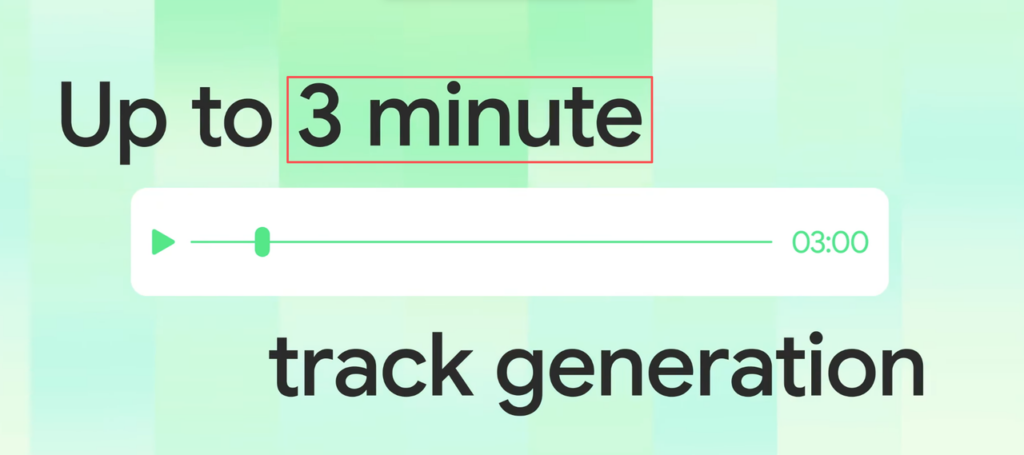
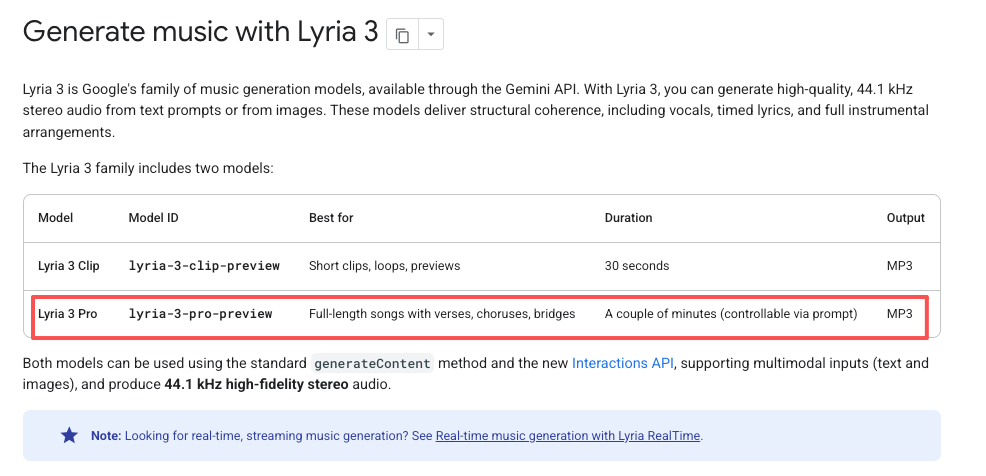
According to Google’s official Lyria 3 Pro launch announcement, the model dropped on March 25, 2026, with tracks up to three minutes long and real segment-level control — you can direct it to build verses, choruses, and bridges with distinct energy arcs. That’s a meaningful upgrade over most AI music generators that just produce a blob of audio and hand it to you. Confirmed.
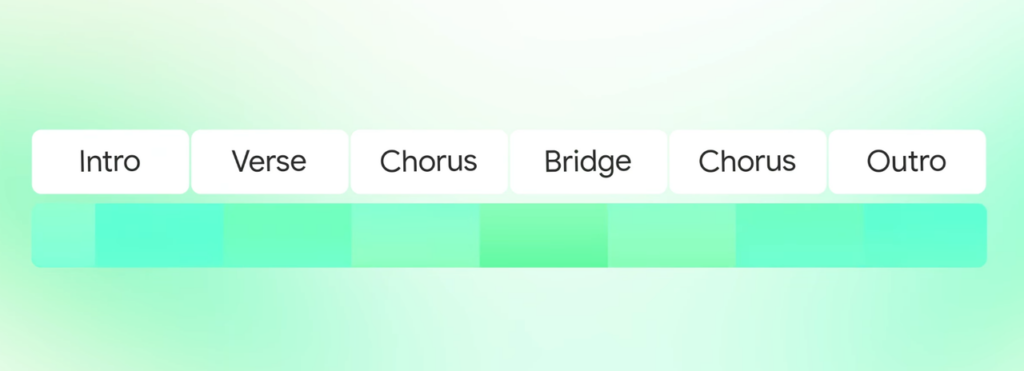
For composers experimenting with AI-assisted production, or developers building music-forward applications through the API, this is genuinely useful. The structural control means you can get something that breathes like a real song rather than ambient wallpaper.
Where does it fit well?
That’s a real set of use cases. I’m not dismissing any of them.
Here’s where I want to be direct, because this is where the conversation usually gets fuzzy.
Music generation is one thing. Video soundtrack workflow is another.
When I’m finishing a video — say a 2:47 product cut — my actual problem isn’t “generate a piece of music I could listen to.” My problem is: get me audio that fits exactly 2 minutes and 47 seconds, matches what’s happening on screen emotionally, and can go live today without me worrying about licensing.
Those are different problems. And the tools that solve them are often different tools.
With Lyria 3 Pro, the track length ceiling is around three minutes — TechCrunch’s hands-on coverage of the Lyria 3 Pro launch confirms this, along with the broader rollout across Gemini, Vertex AI, and Google Vids. But length matching in the sense of “this music should be 2:47 because that’s my video” isn’t the same as “I can generate up to 3 minutes.” Inferred. You’d still be trimming, fading, or looping manually to hit your exact cut duration. That’s the step that eats time.
Problem not in the generation quality — it’s in the last-mile fit into an actual editing timeline.
And on licensing: Lyria 3 Pro is available through Google’s API and select integrations, but the commercial use parameters for content creators aren’t as simple as “generated music = yours to use.” Likely. It’s worth knowing that even YouTube’s own help documentation states that YouTube is not responsible for copyright issues arising from third-party “royalty-free” music libraries — only tracks from the official Audio Library are platform-guaranteed copyright-safe. That logic extends directly to AI-generated audio: before you drop it into anything client-facing or monetized, you need to actually understand the terms — not assume. Paying a subscription doesn’t automatically hand you commercial clearance.
Select this tool before you start generating, not after you’ve exported three versions.
Video-first workflow. Does the tool know your video exists? Can it read duration, pacing, or content to inform what it generates? Or are you still manually describing your video in a text prompt and hoping the result fits?
Speed and fit together. Fast generation that still sounds like stock library filler isn’t a win. You want something that sounds like it was made for your specific cut — not just made quickly.
Licensing that’s actually clear. I mean this specifically: does the platform have a dedicated page that says exactly what you can do commercially, across platforms, for client work? Not a checkbox buried in terms of service — a real, readable answer. This matters more than most tools want to talk about.
Export that goes straight into your edit. The fewer steps between “generate” and “pull into Premiere/CapCut/Final Cut,” the better.
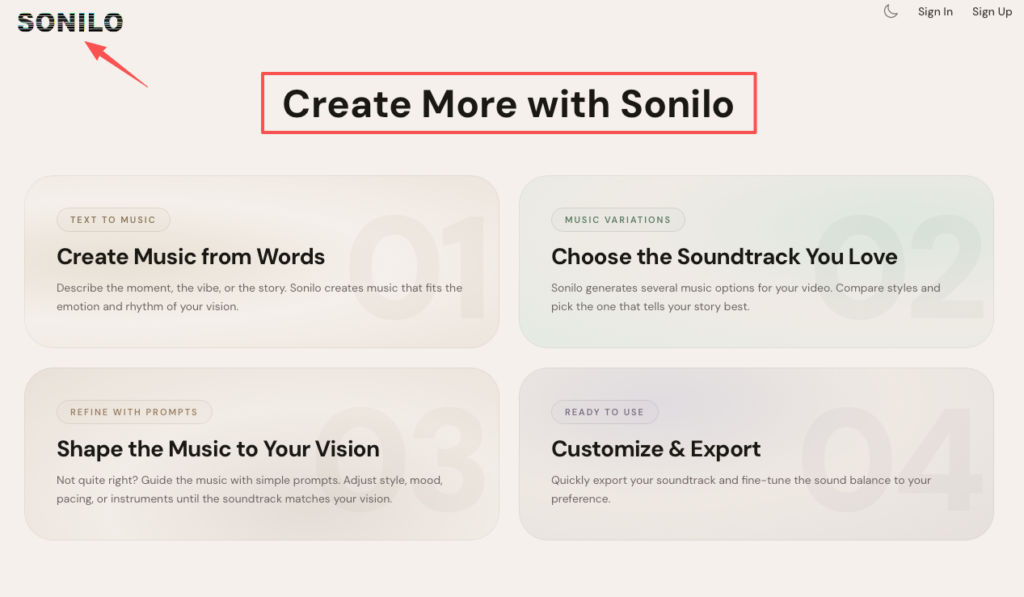
Sonilo is built specifically for the video soundtrack use case. You upload your video, the AI analyzes the content and duration, and generates custom music that matches the length automatically. That automatic length matching is the thing that saves the most time in practice — it’s the trim-and-loop step that disappears.
The workflow is video-first from the start: the video is the input, not an afterthought. There’s also a Text-to-Music path if you want to describe mood without a video reference, plus Music Variations so you can compare a few directions before committing. The Refine with Prompts feature lets you adjust mood, energy, or pacing without starting over.
On licensing: the Pro and Premium plans include commercial use terms. That’s important to verify for your specific use case, but at least the structure is there — it’s not ambiguous silence.
Testing it on a short ad cut, the duration match worked cleanly without manual adjustment. The output didn’t have that obvious “AI music” sameness I’ve heard from some generators.
If your need is less “fit my video” and more “generate quality music I’ll edit myself,” a few other tools are worth knowing:
Beatoven.ai — strong on emotional arc control and timeline-level mood marking. More process than Sonilo, but gives you finer control if you want it.
Soundraw — a solid editor if you want to manually adjust sections, instruments, and energy levels. Not automatic on video length, but the editing interface is genuinely useful for creators comfortable in that space.
Epidemic Sound / Artlist — not generative in the same way, but both now use AI to match existing human-made tracks to your video. The licensing is airtight. Worth considering if you want original human composition with AI-assisted matching.
| If you… | Consider… |
| Need music that matches your exact video cut, fast | Sonilo |
| Want song-structure control for longer pieces | Lyria 3 Pro (via API) |
| Want to manually sculpt the music after generation | Soundraw or Beatoven.ai |
| Need rock-solid commercial licensing from human composers | Epidemic Sound or Artlist |
| Are building music into a developer product | Lyria 3 Pro API |
No single tool wins every scenario. The choice depends on where your actual bottleneck is — and for most video creators I’ve talked to, the bottleneck is fit and speed, not compositional depth.
Can I use Lyria 3 Pro music commercially? You need to check Google’s current terms specifically for your use case. “API access” and “commercial use for video content” aren’t automatically the same thing. Don’t assume — verify before publishing anything monetized.
Does Lyria 3 Pro match music to video length automatically? Not in the way a video-first tool does. It generates tracks up to ~3 minutes, but precise duration matching to your specific cut still requires manual editing. Inferred from documented behavior.
What’s the main difference between Lyria 3 Pro and a tool like Sonilo? Lyria 3 Pro is a music generation model with structural control — it’s excellent at making music as music. Per Google’s Lyria 3 Pro model reference, it’s optimized for full-length song generation with complex structural coherence, including verses, choruses, and bridges, outputting 48kHz stereo audio. Sonilo is a video soundtrack tool — the video is the starting point, and length matching is built in. Different inputs, different workflows, different strengths.
Is there an AI music tool that works inside Premiere or CapCut? Mubert has integrations built into some platforms. For direct NLE integration, check what your specific tool supports natively — this space is moving fast.
Do I need to credit AI-generated music? Depends on the platform and the tool’s terms. Some require attribution, some don’t. Check per-tool, not once for all AI music.
Pay attention to your real bottleneck before you pick a tool. If you’re spending an hour per video finding, trimming, and looping music — that’s a video-soundtrack workflow problem, not a music-quality problem. Lyria 3 Pro is impressive at what it does, but what it does is generate music. What most of us need is music that fits the video we’ve already built.
This time I tested the alternatives across a few different cut types, and you can take the breakdown in the comparison table above and match it directly to your own workflow. Sonilo handled the video-first use case most cleanly in my testing. The others have real value, but in more specific contexts.
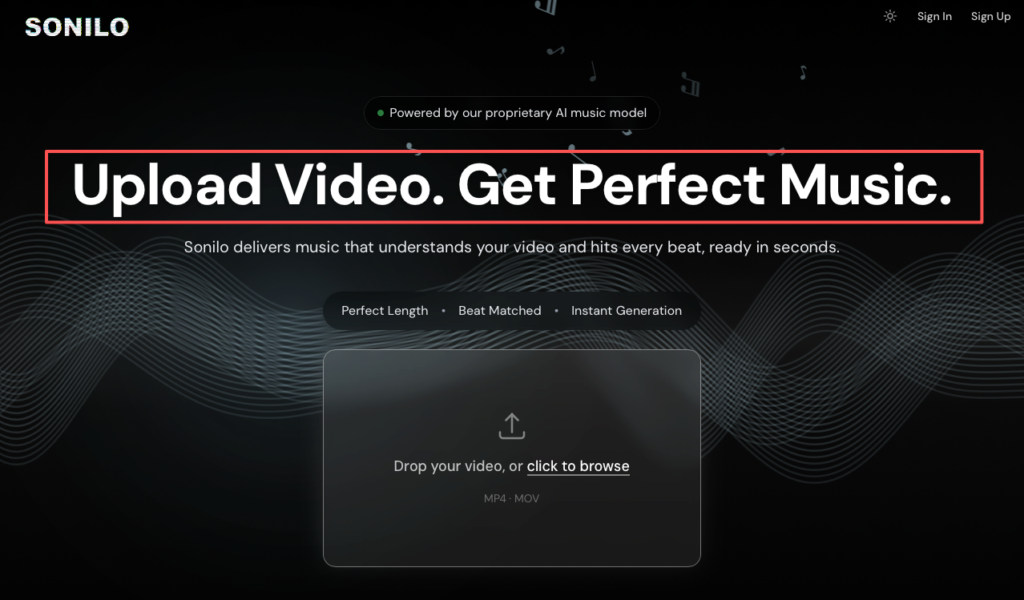
Stop spending an hour finding and trimming audio to fit your 2:47 product cut. Sonilo is a video-first platform that reads your footage to deliver perfectly timed, royalty-free tracks. Start exploring Sonilo today to cut manual adjustments from your publish deadline.
What’s the step in your video workflow that takes the most time — finding music, or fitting it once you have it?
Recommended Reads