Get Marketing Insights First
Subscribe to receive actionable strategies, growth tips, and industry insights delivered straight to your inbox.
Fellow editors, I spent the last few weeks watching a lot of creators get excited about Mureka V9 — and then quietly go back to hunting for royalty-free music on YouTube the old way.
That gap told me something.
It’s not that Mureka isn’t good at what it does. It’s that “what it does” and “what most video creators actually need” are two different things. And if you’re here searching for a Mureka V9 alternative, you’ve probably already felt that gap yourself.
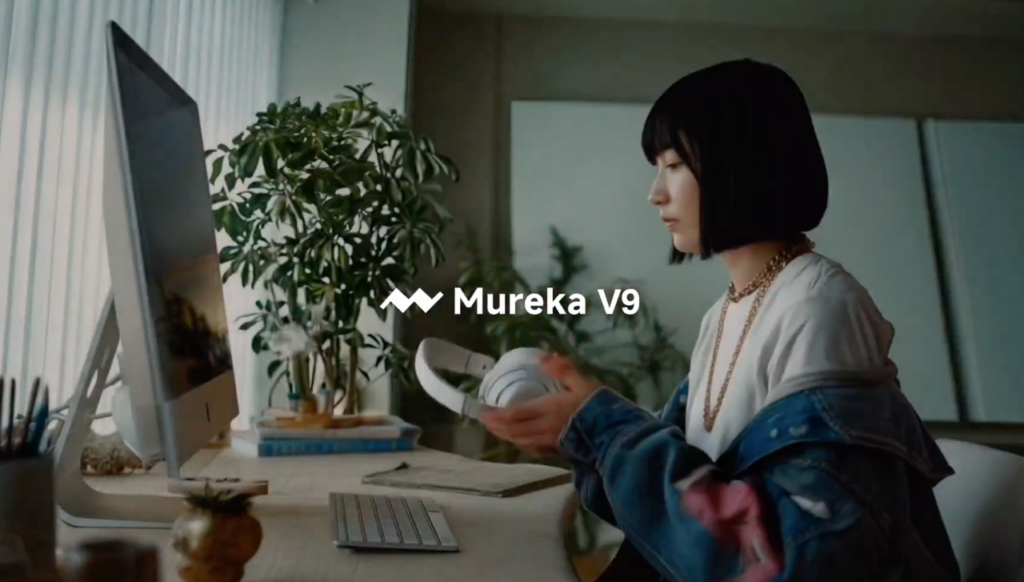
Mureka is a song generation platform. That’s its core identity. You feed it a prompt, a lyric, a genre direction — and it produces a full song with vocals, structure, verse-chorus, the whole thing. Mureka V9 is the latest iteration of that model, and based on what’s been published from the V9 work page, the audio quality is genuinely impressive.
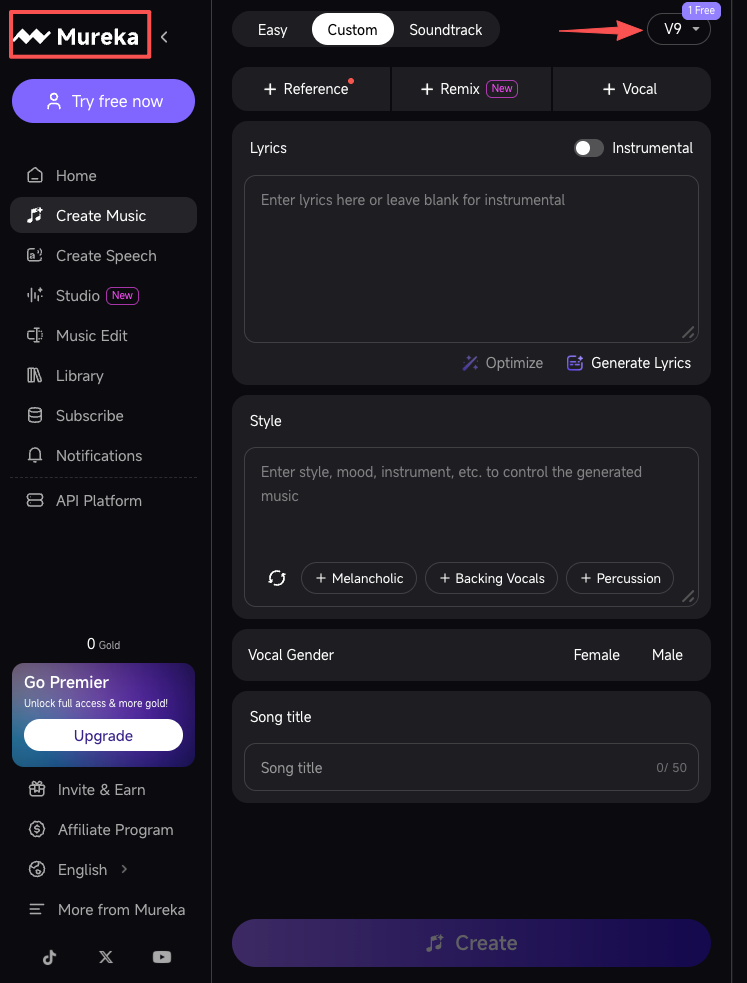
If you’re a musician who wants to draft ideas fast, prototype tracks, or experiment with genre — Mureka does that well. It’s built for people who think about music as the output.
If you produce content where music is the content — think music-forward YouTube channels, short-form covers, AI music demos, beat breakdowns — Mureka makes a lot of sense. You’re in the right workflow.
But here’s where I started noticing a pattern. Most of the people I talk to who are looking at Mureka alternatives aren’t music-focused creators. They’re video-first people. They have a timeline. They have footage. They have a deadline. And they need something that fits what’s already there.
That’s a fundamentally different task.
Generating a song is one thing. Scoring a video is another thing entirely.
When you’re working with footage, the music question isn’t “give me a great song.” It’s “give me something that matches this specific clip length, matches the emotional register of these specific shots, and doesn’t create a licensing headache when I upload.”
Those are three separate problems. And most song-generation tools — even very good ones — aren’t designed to solve them together.
This one trips people up more than anything else. You export a 2:43 brand reel. You generate a track in a song tool. It’s 3:10 long with a bridge and a fade. Now what?
You’re back in your editing software, cutting audio, guessing where to trim, hoping the edit point doesn’t land on a drop that sounds wrong truncated. That’s not saving time. That’s trading one problem for another.
Song generators produce music based on text prompts. They don’t know what’s on your timeline. They don’t know that your footage opens with a quiet establishing shot, cuts to fast B-roll at the 20-second mark, and needs to breathe again at the end. The music they generate might be beautiful. But it might also build to a climax exactly where you needed calm.
The problem isn’t that the AI isn’t sophisticated. The problem is that it has no idea what your video looks like.
This one I always have to say out loud: “royalty-free” on a song generation platform doesn’t automatically mean safe for commercial use on YouTube, Instagram, or client deliverables. Different platforms have different licensing tiers. Some allow personal use only. Some require attribution. Some charge extra for commercial rights.
When music gets flagged on upload, YouTube’s Content ID system can redirect your ad revenue to the rights holder, restrict your video in certain regions, or block it entirely — and that applies to AI-generated tracks just as much as commercial ones.
It’s worth knowing that only music from YouTube’s own Audio Library is confirmed by YouTube to be copyright-safe — the platform explicitly states it takes no responsibility for issues arising from third-party “royalty-free” libraries. That includes most AI music generators.
Before you drop any AI-generated music into a video you’re publishing or handing to a client, read the actual licensing page — not the FAQ, the actual terms. This is where a lot of creators get caught.
Before I get into specific options — pick your tool before you know what you’re optimizing for and you’ll waste a week on the wrong shortlist.
If your primary task is generating songs — with vocals, structured lyrics, a full musical arc — Mureka is a solid choice. Look at alternatives in that same category: Suno, Udio, similar platforms. You’re comparing song quality, voice synthesis, genre range.
If your primary task is scoring video — matching music to footage, getting length right, getting emotional fit right without manual trimming — you need a different type of tool entirely.
Most of the searches I see for “Mureka V9 alternative” are from the second group. So that’s where I’ll focus.
A real alternative for video work should take your footage as input, not just a text prompt. The music should know something about what it’s being asked to match.
You shouldn’t need five rounds of generation to get something usable. And once you find a style that works for a client or a series, you should be able to replicate it without starting from scratch every time.
Know exactly what you can and can’t do with the output before you export it into a client video or a monetized channel. Every time. Not just the first time you check. If you’re unclear on the difference between a personal-use license and one that covers client deliverables, this breakdown of what royalty-free actually means for commercial video work from No Film School is worth reading before you commit to any tool.
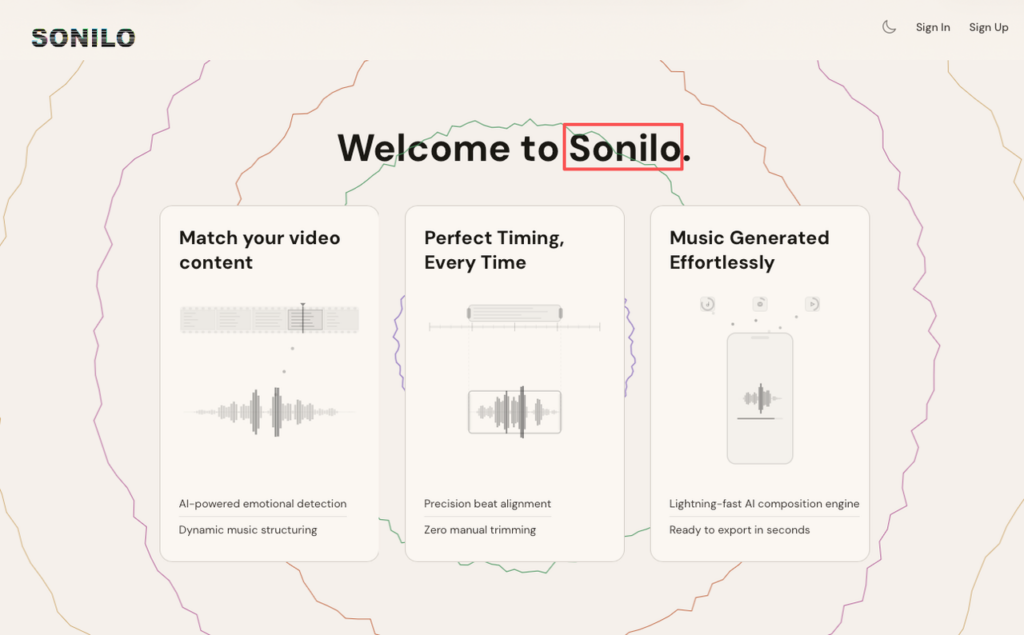
This is the tool I’d point most video creators toward when they’re tired of the generate-then-adapt-then-trim loop.
Sonilo’s approach is video-first. You upload your footage, and it generates a soundtrack matched to the video’s content, length, and emotional pacing. In practice: you’re not trimming audio to fit the video after the fact. The audio is already the right length.
The current feature set includes Video-to-Music (upload footage directly), Text-to-Music (prompt-based if you need that flexibility), Music Variations for comparing styles side by side, Refine with Prompts for adjusting mood or energy after the first output, and direct export.
Licensing is clear: commercial use is available under Pro ($14.99/mo) and Premium ($29.99/mo) plans. The Free plan lets you test with real footage before committing — 200 biweekly credits, enough to run actual tests on actual clips.
| Dimension | Assessment |
| Recommended? | Yes — for video-first workflows |
| Core strength | Footage-matched length + emotional fit without manual trimming |
| Biggest limitation | Free plan limits video to 3 minutes; commercial use requires a paid plan |
| Best fit | Solo video creators, small content teams, ad producers |
Evidence levels: Video-to-Music = Confirmed. Length matching = Confirmed. Commercial licensing clarity = Confirmed.
If you want to stay in the song-generation category but need more edge cases covered — longer clips, more genre variety, different vocal styles — Suno and Udio are worth testing. According to Mureka’s own technical benchmark documentation for the O1 model, the V9 architecture shows strong performance across pronunciation accuracy and instrumental diversity — so for pure song generation quality, this category is genuinely competitive.
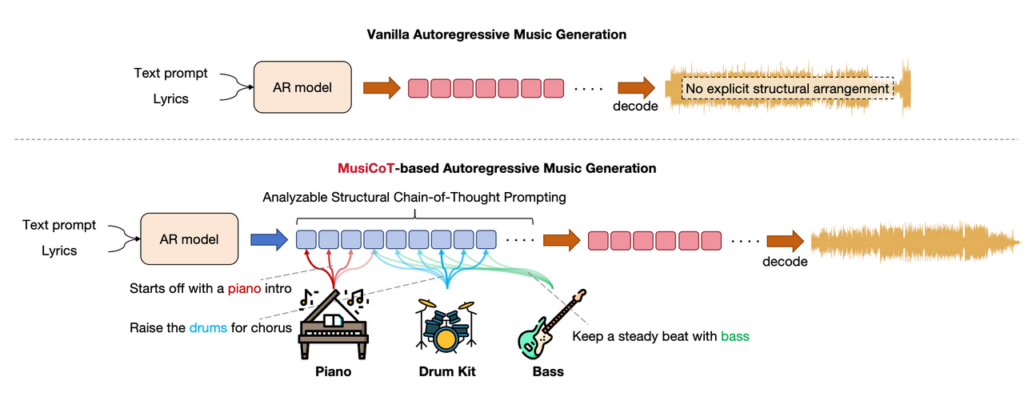
The trade-off is consistent: they’re designed for music creation, not video scoring. You’ll still be doing manual length adaptation in your editing software. That’s not a knock — it’s just the workflow you’re signing up for. Go in knowing that.
For creators who want a large licensed library rather than generated music, Epidemic Sound’s Soundmatch feature and Artlist’s AI matching tools take a different approach: they use AI to surface the best existing human-created tracks from their catalogs for your specific video. These come with very mature licensing structures. Worth knowing about if the generated-vs-human-created question matters for your use case or your client’s brand guidelines.
I’ll make this as direct as I can:
Choose a song-generation platform (Mureka, Suno, Udio) if:
Choose a video-soundtrack tool (Sonilo) if:
The two categories aren’t competing with each other. They solve different problems. The mistake is using a song tool when you needed a soundtrack tool — or vice versa.
Is Mureka V9 royalty-free for YouTube? Licensing terms depend on your specific Mureka plan. Always check the platform’s current licensing documentation for your tier before publishing. Don’t assume “AI-generated” automatically means safe for monetized content. YouTube’s official guide on what happens to your video when music is claimed walks through exactly how copyright holders can monetize, restrict, or block your video — worth reading before you publish anything with third-party music.
Can I use a Mureka alternative for client videos? It depends on the tool’s commercial licensing terms. Sonilo’s Pro and Premium plans explicitly cover commercial use. For any tool, read the terms before handing off to a client.
What’s the actual difference between a song generator and a video soundtrack tool? A song generator produces music based on text prompts — it has no information about your footage. A video soundtrack tool takes your footage as input and generates music matched to the visuals, length, and pacing. For video work, the second approach cuts down on manual adaptation time significantly.
Do I need music knowledge to use these tools? No. The tools covered here are designed for video creators, not musicians. You’re describing what you need — visually or through prompts — not composing.
Can I get a soundtrack that matches an exact video length? With Sonilo, yes — that’s the core feature. With song-generation tools, you’re typically working with tracks that have their own structure and will need manual trimming or looping to fit a specific duration.
Is the Sonilo free plan enough to test it properly? For a real test on actual footage, yes. The 200 biweekly credits on Free are enough to run a clip through and hear the output. The 3-minute video length limit on Free is the practical ceiling — if your footage runs longer, you’ll want the Pro plan to test at full length.
Before you switch, ask yourself one thing: what was the actual problem with the last tool you used?
If the answer is “the music didn’t fit my video” — you’re not looking for a better song generator. You’re looking for a tool that was designed for video from the start. Those are different searches, and they lead to different places.
I’ve run this comparison across both categories so you don’t have to do it twice. Use the table above to match your workflow to the right tool and skip the round trip.
If you want to test the video-soundtrack side without committing: Sonilo’s free plan is a real starting point — upload an actual clip and hear what comes back.
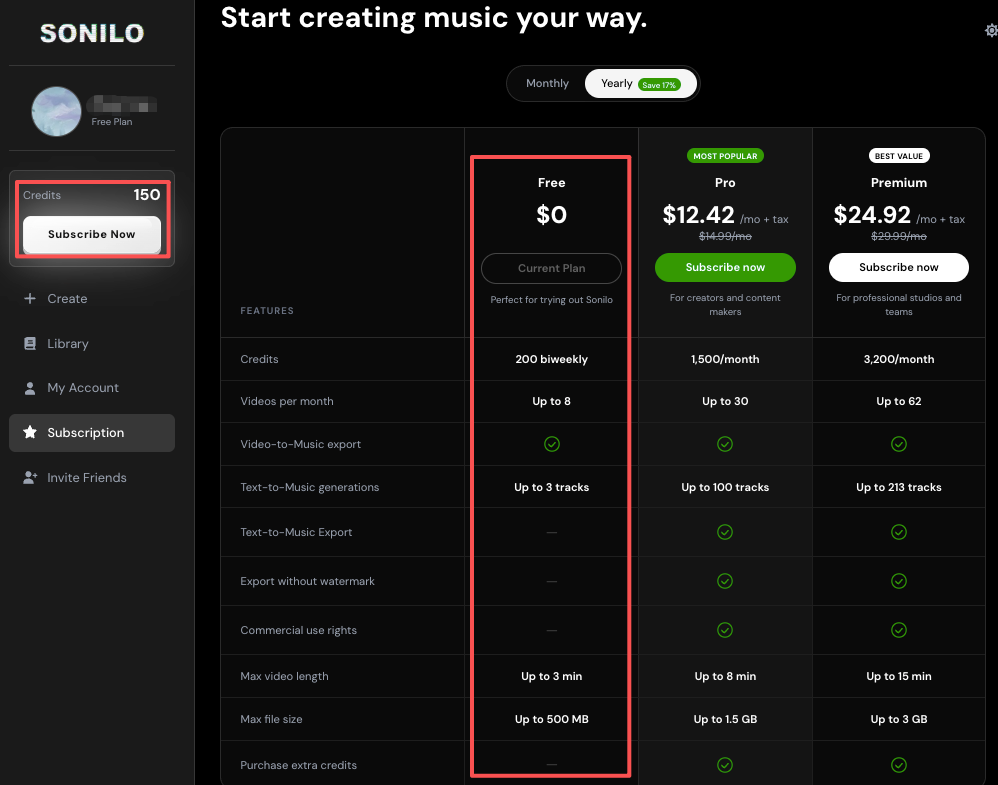
Wondering if our AI actually understands your footage? We give you enough free credits to test a full 3-minute video right now. Upload your latest edit to Sonilo and get your first video-matched soundtrack without reaching for your wallet.
What’s the part of the music step that costs you the most time right now — finding the right vibe, getting the length to line up, or figuring out what you’re actually allowed to use commercially?
Recommended Reads