Comparisons
Best AI Game Asset Generators in 2026
- Written by
- Sonilo Team
- Published
Game assets are no longer just sprites, props, and background art.
In 2026, a real game asset pipeline can include characters, environments, textures, UI, 3D models, marketing visuals, trailer clips, LiveOps creatives, and even soundtrack drafts. That is why the best AI game asset generators are not just image tools. Experience creators on Roblox need the same integrated path: a dedicated Roblox audio generator for game assets keeps music and SFX inside the same production loop as the rest of the asset system. They help game developers and studios create more usable assets, keep a consistent style, and move faster from concept to production.
One quick distinction before we start: this is not a list of “AI game generators.” Most tools here do not build a complete game for you. You still need engines like Unity or Unreal for gameplay, implementation, systems, and final production. These tools help with the assets around that process.
What Makes a Good AI Game Asset Generator?
A good AI game asset generator should do more than create a nice-looking image from a prompt.
For game developers, the real test is workflow fit:
- Can it create characters, props, environments, UI, or 3D assets?
- Can it keep the same style across multiple generations?
- Can it work from references, art bibles, or existing visual libraries?
- Can the output move into a real production or marketing pipeline?
- Can a team use it repeatedly without rebuilding the look every time?
That last point matters most. A single cool image is easy. A consistent world is harder.
Best AI Game Asset Generators in 2026
1. Scenario — Best for Consistent, On-Brand Game Assets

Scenario is the strongest pick for studios and teams that need consistent game-ready assets at scale.
Scenario sits in the AI game asset generation and creative AI infrastructure category. It is not just a general image generator. It is built for teams that need to create high-quality assets across a controlled visual system.
The platform supports image, video, 3D, and audio workflows, and it lets teams train custom models from their own art bible, style references, and visual library. That is exactly the kind of setup game teams need when they care about consistency.
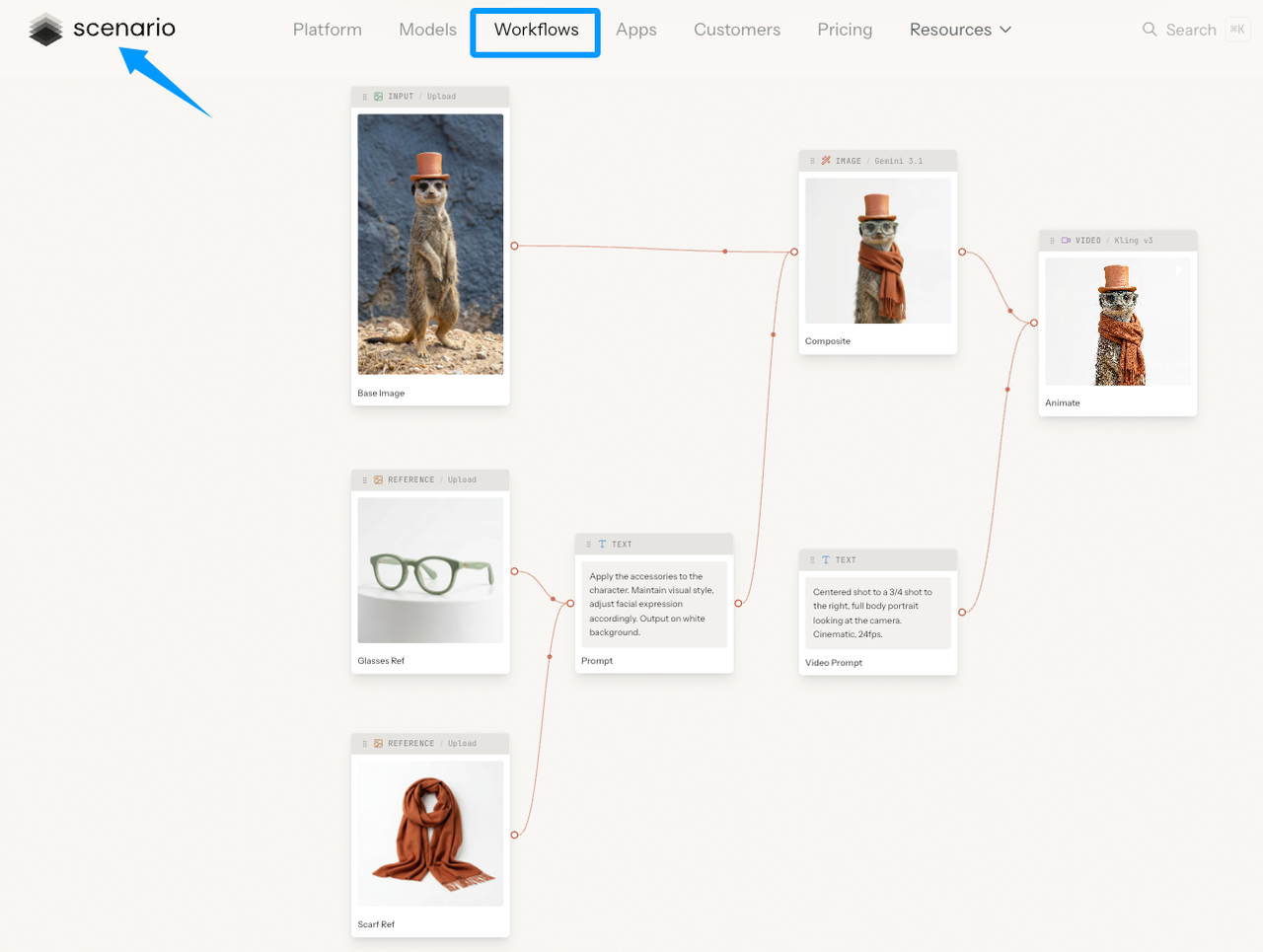
Use Scenario for:
- Character concepts
- Props and items
- Environments
- UI and marketing visuals
- LiveOps creative assets
- Style-consistent asset batches
- Custom model training
- Team workflows and API-based production
The key advantage is not just generation. It is style control.
Scenario supports custom LoRA training from 5–100 reference images and emphasizes consistent output across media types. That makes it a better fit for art directors, game developers, studios, and LiveOps teams than a generic image generator where every prompt starts from zero.
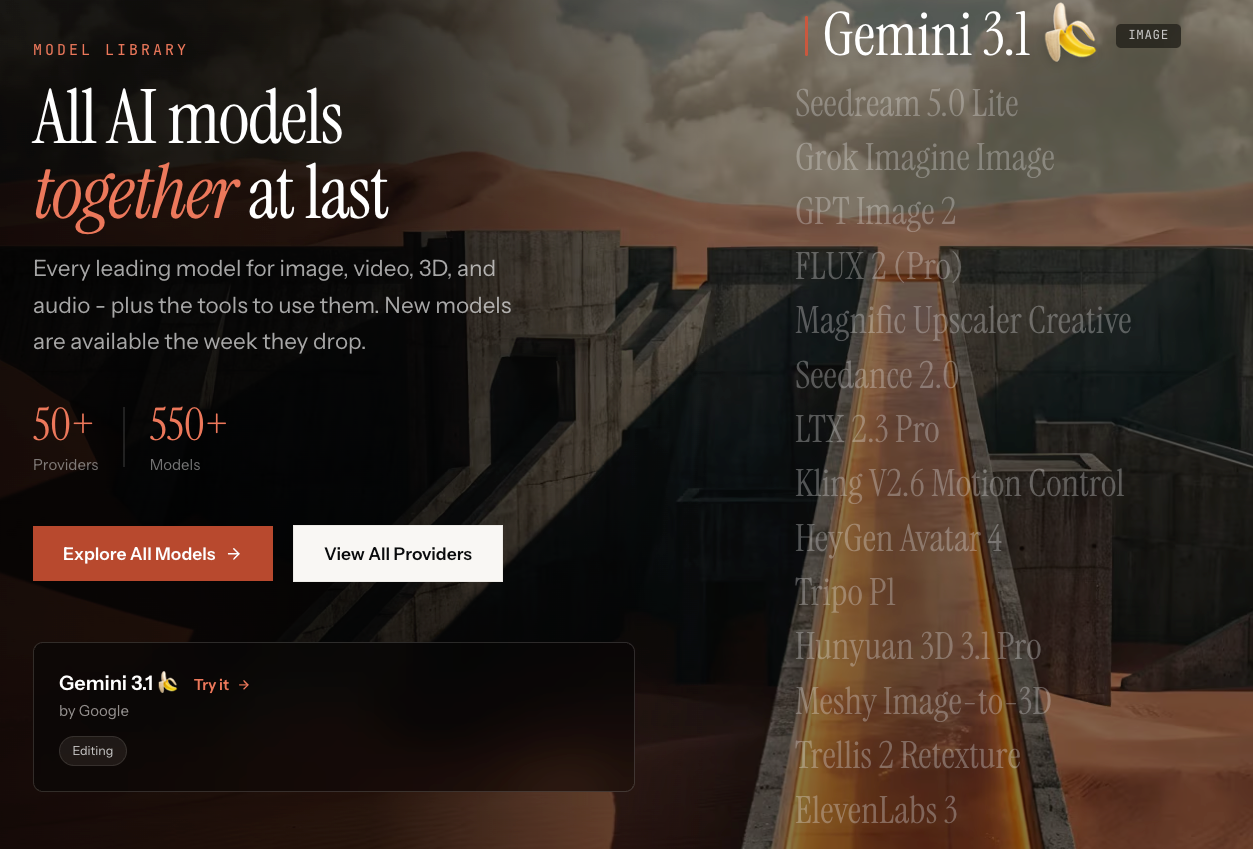
Scenario also brings together hundreds of models from many providers in one workspace, including image, video, 3D, and audio models. For a game team, that means Scenario can sit closer to the creative production layer instead of being a single-purpose prompt tool.
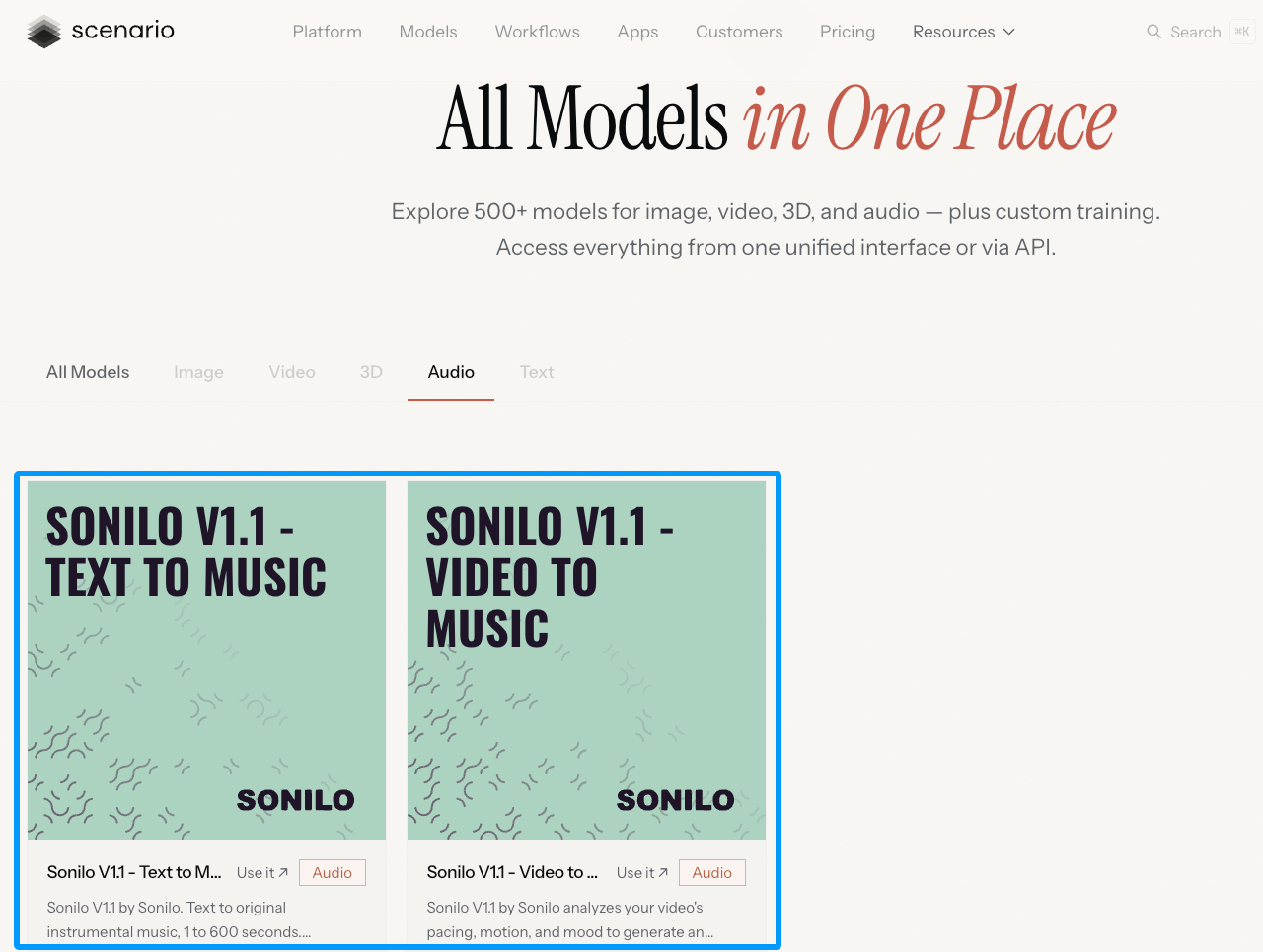
It is also worth noting the new Sonilo integration. Scenario recently published an article introducing Sonilo V1.1 on Scenario, with Text to Music and Video to Music models. That does not turn Scenario into a music-only tool. It simply expands the asset workflow from visual production into trailer music, cinematic scoring, and video soundtrack generation.
Best for: game studios, art directors, LiveOps teams, and developers who need consistent on-brand assets.
Not ideal for: users who only need one-off images with no style system or production workflow.
2. Layer AI — Best Creative AI Workspace for Game Studios
Layer AI is built for creative teams that need to produce a lot of visual content quickly.
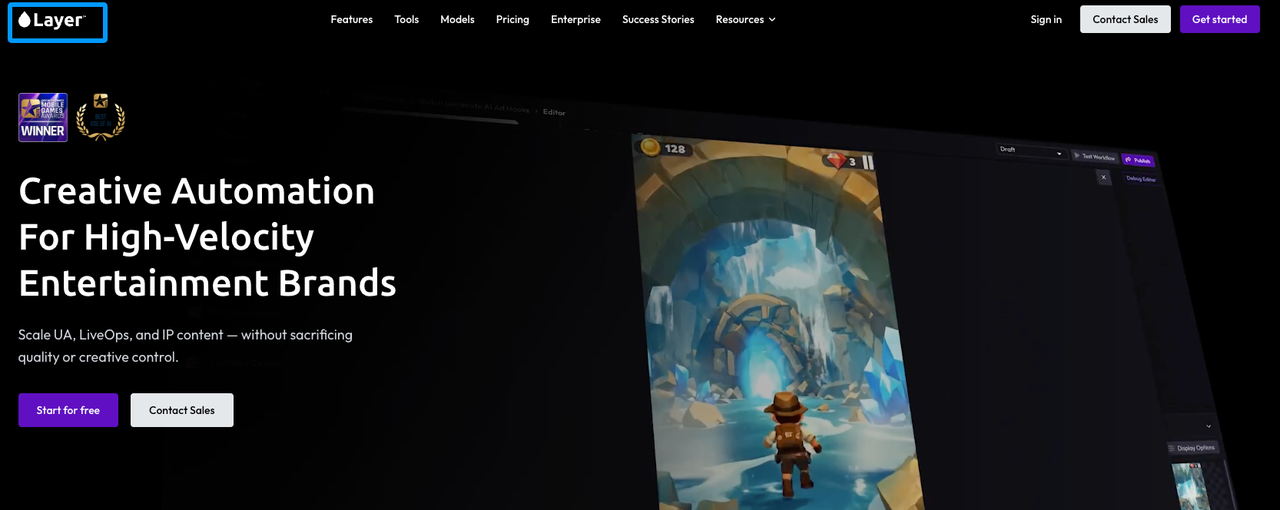
For game studios, Layer makes the most sense in marketing, UA, LiveOps, and branded creative production. If your game already has a style and you need more campaign assets, event visuals, store creatives, or ad variations, Layer is worth considering.
Use Layer AI for:
- LiveOps creatives
- User acquisition ads
- Brand-safe variations
- Campaign art
- Studio creative workflows
- High-volume visual production
Layer is less about making one character and more about scaling creative work across a team. That makes it useful for mobile games and live games where the content calendar never really stops.
Best for: LiveOps, growth, marketing, and creative production teams.
Not ideal for: solo developers looking mainly for core in-game props or 3D models.
3. Leonardo AI — Best for Game Concept Art and 2D Assets
Leonardo AI is a strong option for concept art, 2D asset exploration, and early visual direction.
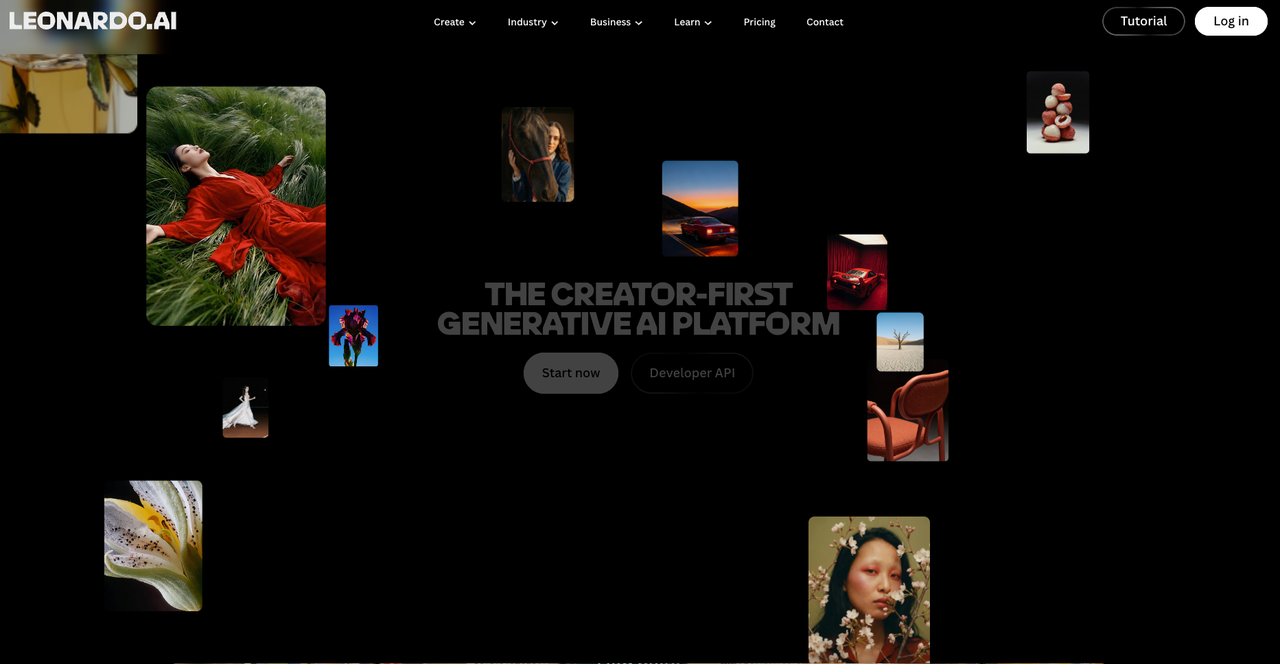
It is useful when you are still shaping the look of a game: characters, environments, props, key art, thumbnails, and style tests. For indie teams, that can be enough to move from a vague idea to a clearer visual direction.
Use Leonardo AI for:
- Character concept art
- Environment sketches
- Prop ideas
- Mood boards
- Key art drafts
- 2D visual exploration
The strength is speed and range. You can test a lot of visual directions quickly before handing the strongest ideas to artists or moving them into a more controlled production workflow.
Best for: indie developers, concept artists, creative directors, and early-stage teams.
Not ideal for: teams that need deep custom studio pipelines or engine-ready 3D assets.
4. Meshy — Best for 3D Game Assets
Meshy is one of the most direct choices if your focus is 3D game assets.
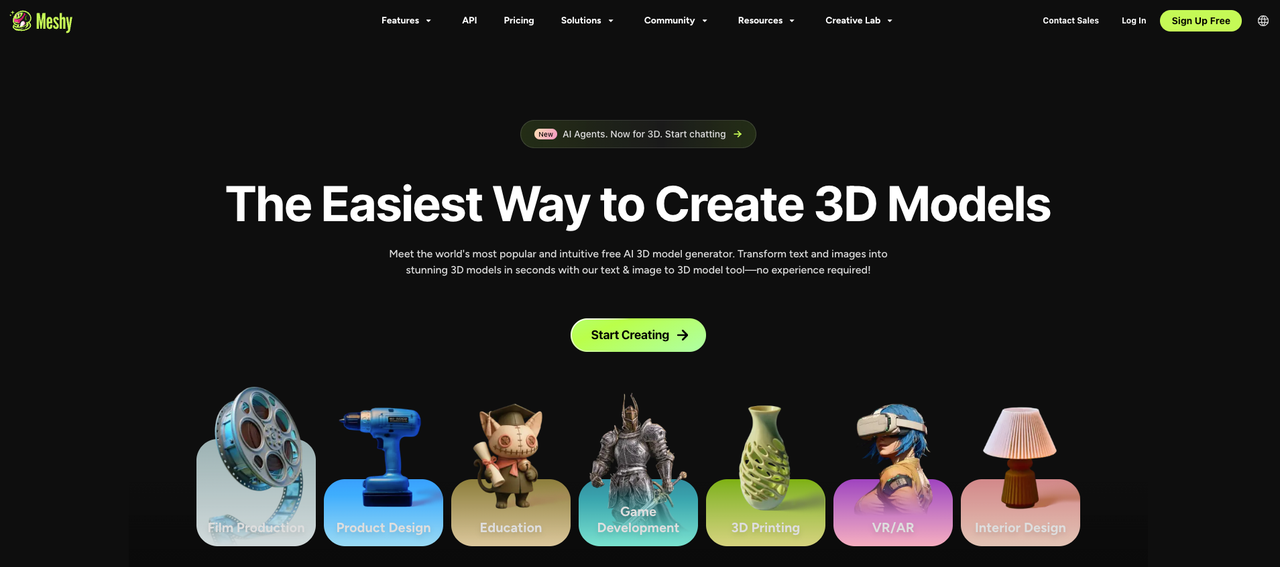
It supports text-to-3D, image-to-3D, AI texturing, rigging, animation, PBR maps, and exports for common game and 3D workflows. Meshy’s own site highlights game development use cases such as reducing 3D asset and animation cost, remesh and PBR texture support, character animation, and exporting to game engines.
Use Meshy for:
- 3D props
- Characters
- Environment objects
- Textures
- PBR materials
- Quick 3D prototypes
- Asset drafts for Unity, Unreal, Blender, and similar tools
Meshy is especially useful when you need to get from a 2D reference or written idea to a 3D object fast. You should still expect review, cleanup, and optimization before final production, but it can shorten the early modeling stage.
Best for: 3D artists, indie developers, prototyping teams, and asset-heavy projects.
Not ideal for: teams that need fully polished hero assets with no human cleanup.
5. Tripo — Best for Fast 3D Asset Generation
Tripo is another strong AI 3D tool for turning text, images, or sketches into 3D assets.
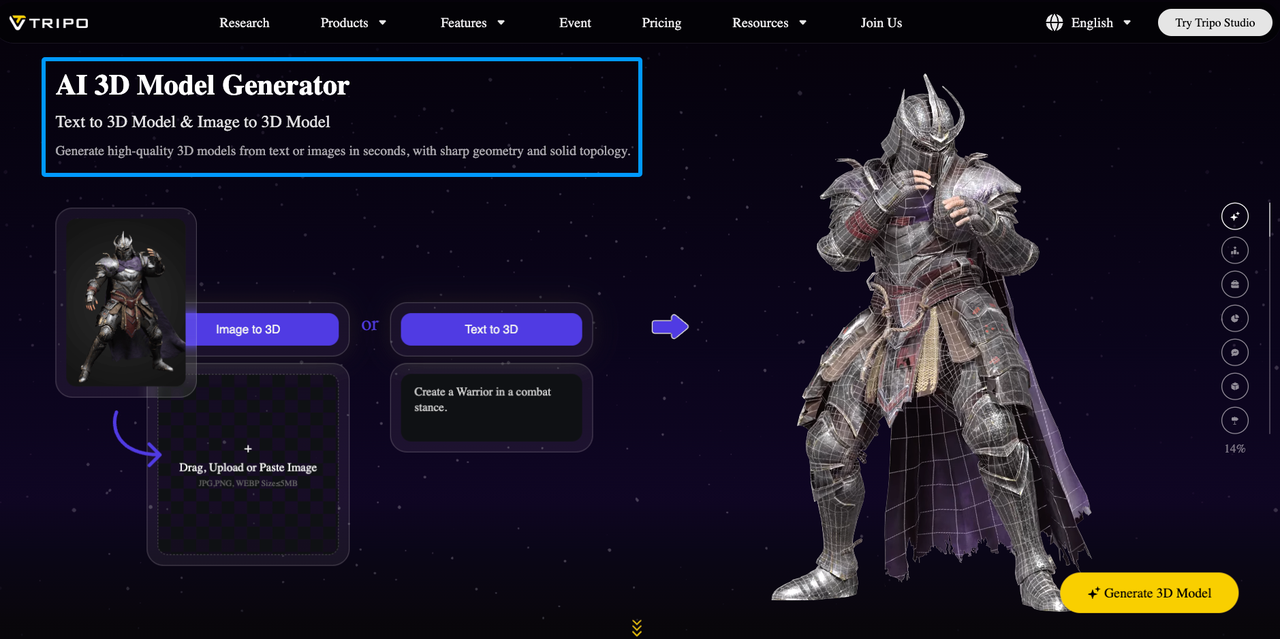
The reason to include Tripo is simple: some teams need fast 3D exploration more than full studio infrastructure. If you are testing object shapes, creature ideas, environment props, or stylized 3D directions, Tripo can help you iterate quickly.
Use Tripo for:
- Text-to-3D generation
- Image-to-3D generation
- Sketch-to-3D workflows
- Fast 3D drafts
- PBR-ready asset exploration
- Shape and silhouette testing
Tripo fits well in the messy middle of production: after the idea is clear, but before the final 3D artist pass.
Best for: fast 3D ideation and early production drafts.
Not ideal for: final assets that need strict topology, animation rigging, or engine optimization without additional work.
6. Rosebud AI — Best for AI-Assisted Game Prototyping
Rosebud AI is different from most tools on this list because it leans toward game creation and prototyping.
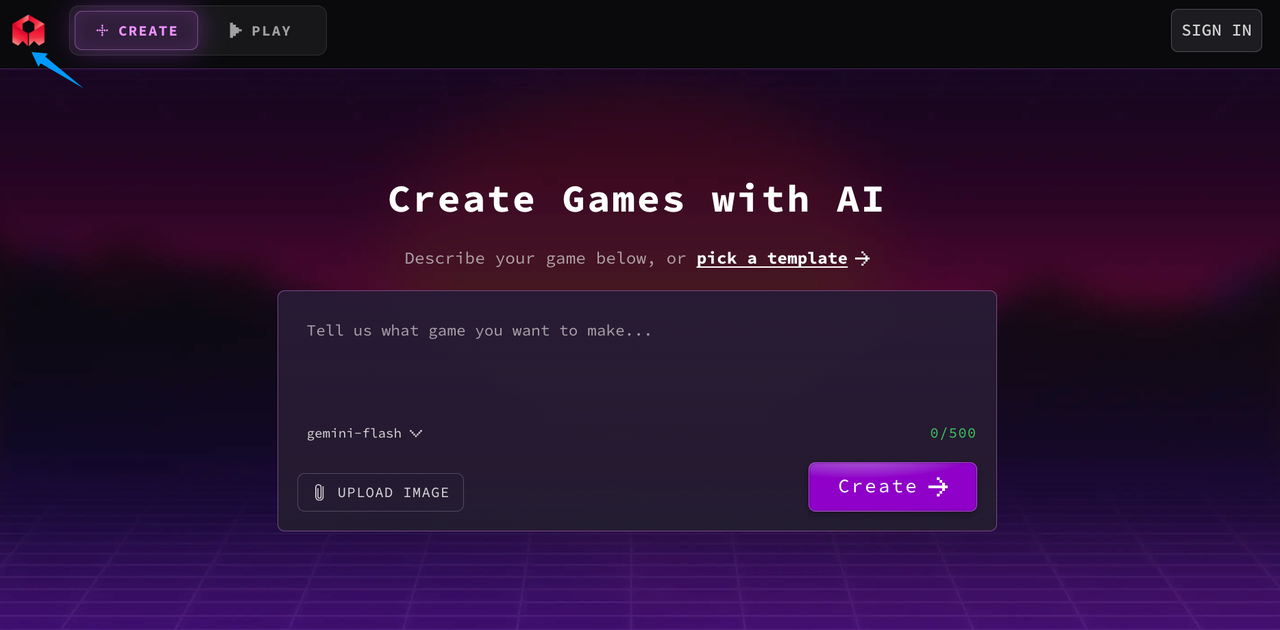
Its homepage invites users to describe a game or start from a template. That makes Rosebud useful when you want to move from an idea toward something playable, not just generate a folder of static assets.
Use Rosebud AI for:
- Playable prototypes
- Game idea testing
- Beginner-friendly game creation
- Template-based experiments
- Early concept validation
- Sprite and character workflows
For a professional game studio, Rosebud may not replace a production pipeline. But for early-stage creators, students, and solo builders, it can help turn a concept into something you can actually play with.
Best for: prototyping, education, early game ideas, and beginner-friendly creation.
Not ideal for: studios that need controlled asset libraries for an existing production pipeline.
7. Promethean AI — Best for 3D Environment Building
Promethean AI is a serious tool for 3D world building and creative asset workflows.
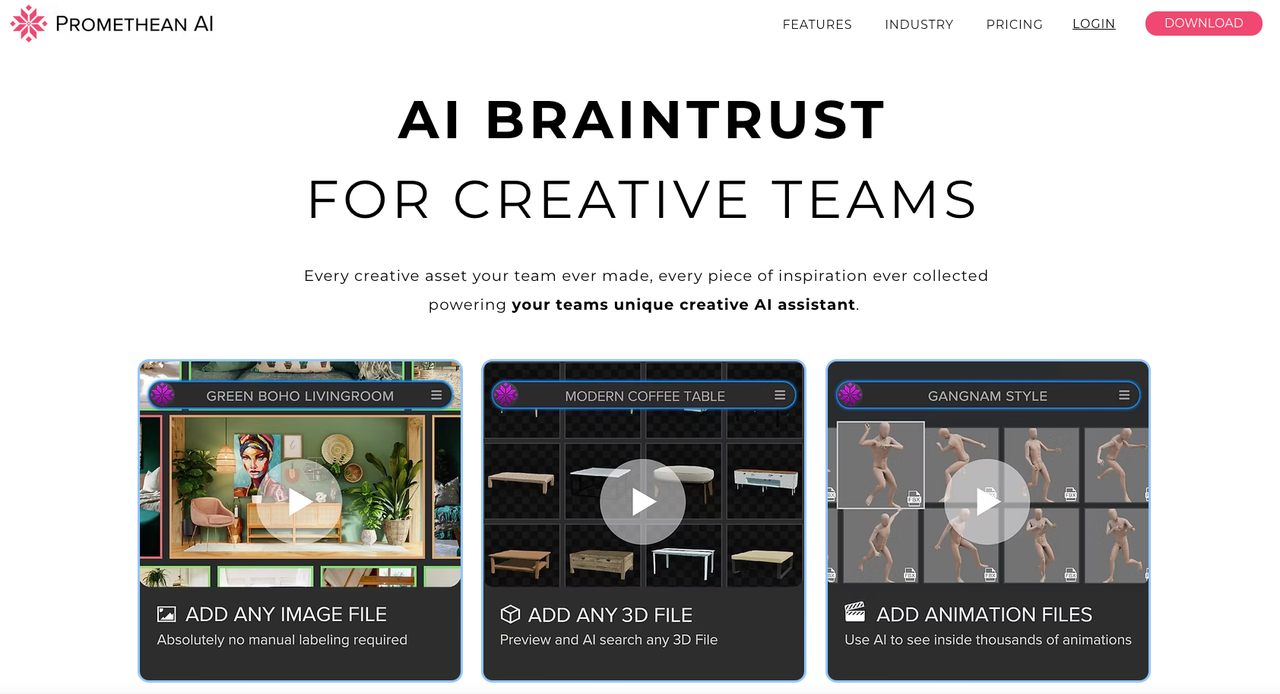
It is not just a generator. Promethean describes itself as an AI assistant for creative teams, built around existing assets, inspiration, and production context. It emphasizes world building, asset management, enterprise workflows, and integration with tools such as Unreal Engine, Unity, 3ds Max, Maya, and Blender.
Use Promethean AI for:
- 3D environment building
- Asset management
- World layout workflows
- Creative team assistance
- Existing asset reuse
- Large production environments
This is most useful when you already have a library of assets and need to build worlds faster, organize production knowledge, and help artists find and use the right materials.
Best for: professional 3D teams, environment artists, and studios with existing asset libraries.
Not ideal for: simple prompt-to-image workflows or quick one-off concept art.
8. Luma AI — Best for Experimental Video and Creative Asset Exploration
Luma AI is not a pure game asset generator, but it belongs in this conversation because game marketing increasingly depends on video, cinematic clips, and fast creative iteration.

Luma’s current site focuses on creative AI agents, video generation, image, audio, text, and brand-consistent creative workflows. For game teams, the strongest use case is not core gameplay assets. It is video-first creative work.
Use Luma AI for:
- Game trailer concepts
- Short cinematic clips
- Social video assets
- Paid social variants
- Visual experimentation
- Creative campaign testing
This makes Luma more useful to marketing teams than to technical artists building engine-ready assets.
Best for: game trailers, campaign videos, and experimental creative direction.
Not ideal for: production-ready in-game assets or controlled game art systems.
9. Inworld AI — Best for AI Game Characters and NPCs
Inworld AI fits a different part of the asset stack: characters, voice, and interaction.
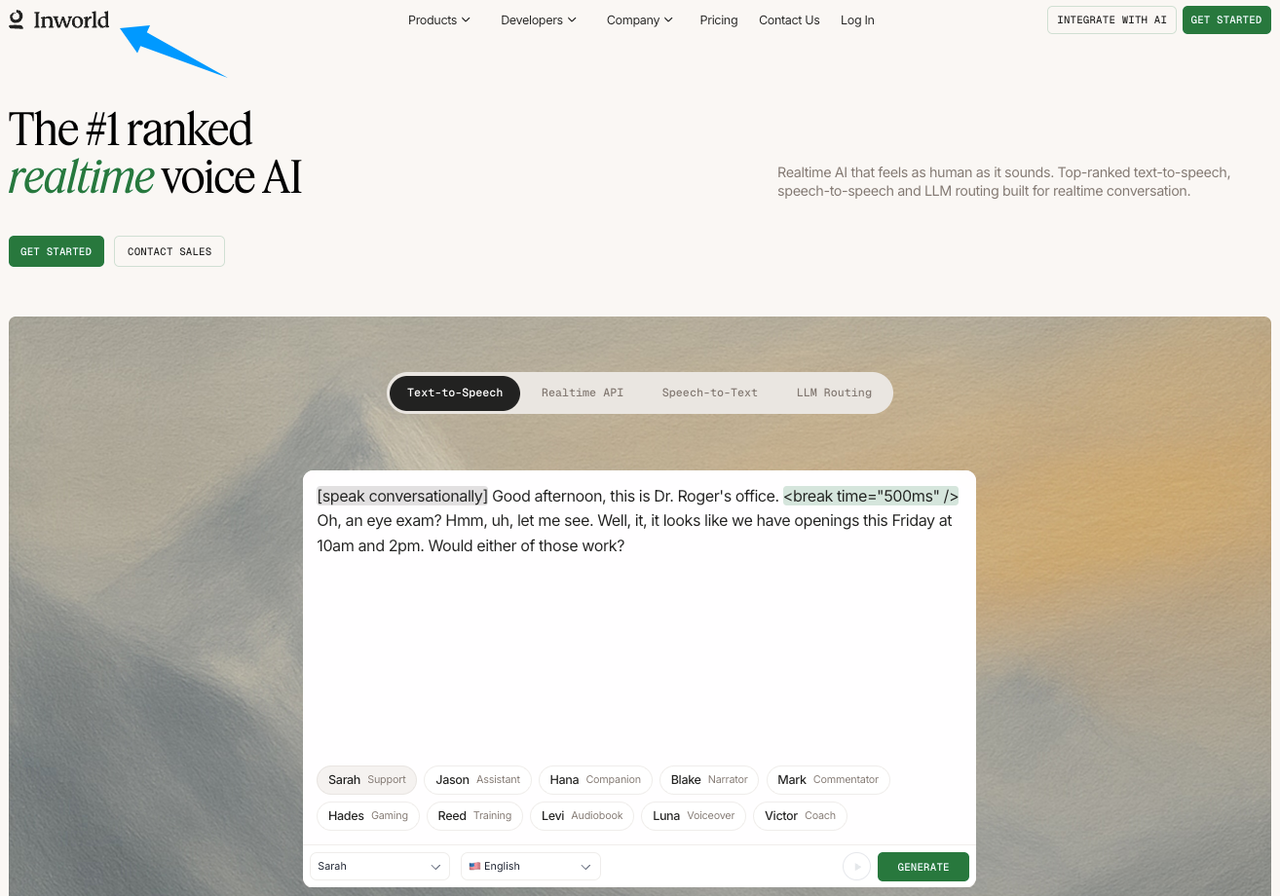
It is not mainly an art asset generator. It is more relevant when you are thinking about AI characters, realtime voice, and interactive NPC experiences. That still matters for game development, especially if your asset is not a static file but a character experience.
Use Inworld AI for:
- AI NPC concepts
- Interactive characters
- Voice-driven experiences
- Dialogue systems
- Character behavior experiments
Inworld is best treated as a character and interaction layer, not a replacement for visual art tools like Scenario or 3D tools like Meshy.
Best for: AI characters, NPCs, and interactive dialogue.
Not ideal for: visual asset production, props, environments, or UI art.
Quick Comparison: Best AI Game Asset Generators
| Tool | Best For | Main Asset Type |
|---|---|---|
| Scenario | Consistent, on-brand game assets | Image, video, 3D, audio workflows |
| Layer AI | Studio creative production | UA, LiveOps, campaign visuals |
| Leonardo AI | Concept art and 2D assets | Characters, environments, key art |
| Meshy | 3D game assets | 3D models, textures, animation |
| Tripo | Fast 3D generation | Text/image/sketch to 3D |
| Rosebud AI | Game prototyping | Playable concepts and templates |
| Promethean AI | 3D environment building | World building and asset workflows |
| Luma AI | Trailer and creative video assets | Video, image, campaign content |
| Inworld AI | AI NPCs and characters | Interactive character systems |
How to Choose the Right AI Game Asset Generator
If you care about consistent game art and studio workflows, start with Scenario.
If your bottleneck is 3D models, compare Meshy and Tripo. If you need 2D concept art, Leonardo AI is a better fit. If your game is live and your team needs constant campaign assets, Layer AI makes more sense. If you are building worlds from existing 3D libraries, Promethean AI is worth a look. If you need playable prototypes, Rosebud AI is closer to the job.
The simplest way to choose is by production need:
- For consistent visual identity: Scenario
- For 3D models: Meshy or Tripo
- For concept art: Leonardo AI
- For studio creative scale: Layer AI
- For 3D environments: Promethean AI
- For prototypes: Rosebud AI
- For trailer video: Luma AI
- For AI characters: Inworld AI
Before using any AI-generated asset commercially, check the tool’s terms, licensing rules, and production requirements. This matters more for games than for casual content because assets may end up in shipped builds, paid ads, app store pages, and long-term IP libraries.
FAQ
What is the best AI game asset generator in 2026?
Scenario is the best overall AI game asset generator for teams that need consistent, on-brand assets across a real production workflow. It is especially strong for studios that need custom model training, style references, visual libraries, and creative workflows across image, video, 3D, and audio.
What is the difference between an AI game asset generator and an AI game generator?
An AI game asset generator helps create assets such as characters, props, environments, UI, 3D models, marketing visuals, or soundtrack drafts. An AI game generator usually implies building a playable game. Scenario belongs in the asset generation category; complete games still need engines like Unity or Unreal.
Which AI tool is best for consistent game art assets?
Scenario is the best fit for consistent game art assets because it is designed around custom models, art bibles, style references, and team workflows. That makes it more useful for studios than a general image generator where every output depends on a new prompt.
What is the best AI tool for 3D game assets?
Meshy and Tripo are the strongest choices for 3D game assets. Meshy is useful for text-to-3D, image-to-3D, textures, PBR maps, rigging, animation, and exports. Tripo is useful for fast 3D generation from text, images, or sketches.
Can AI-generated game assets be used commercially?
Sometimes, but you need to verify each tool’s license, terms, and production requirements. Do not assume every AI-generated asset is cleared for every commercial game, trailer, ad, store listing, or long-term IP library. Treat licensing as part of the asset review process.
Final Take
The best AI game asset generators in 2026 are not all solving the same problem.
Scenario is the best fit for teams that need consistent, on-brand game assets and a broader creative AI workflow. Meshy and Tripo are better for 3D generation. Leonardo AI is useful for concept art. Layer AI helps with studio creative scale. Rosebud AI supports prototyping. Promethean AI helps with 3D world building. Luma AI is useful for trailer and video assets. Inworld AI belongs in the NPC and character layer.
If I were building a practical game asset stack, I would use Scenario as the core visual workflow, then add specialized tools like Meshy, Tripo, Promethean AI, or Inworld AI depending on whether the next bottleneck is 3D assets, environments, or interactive characters.