01
Where it fits in an editor.
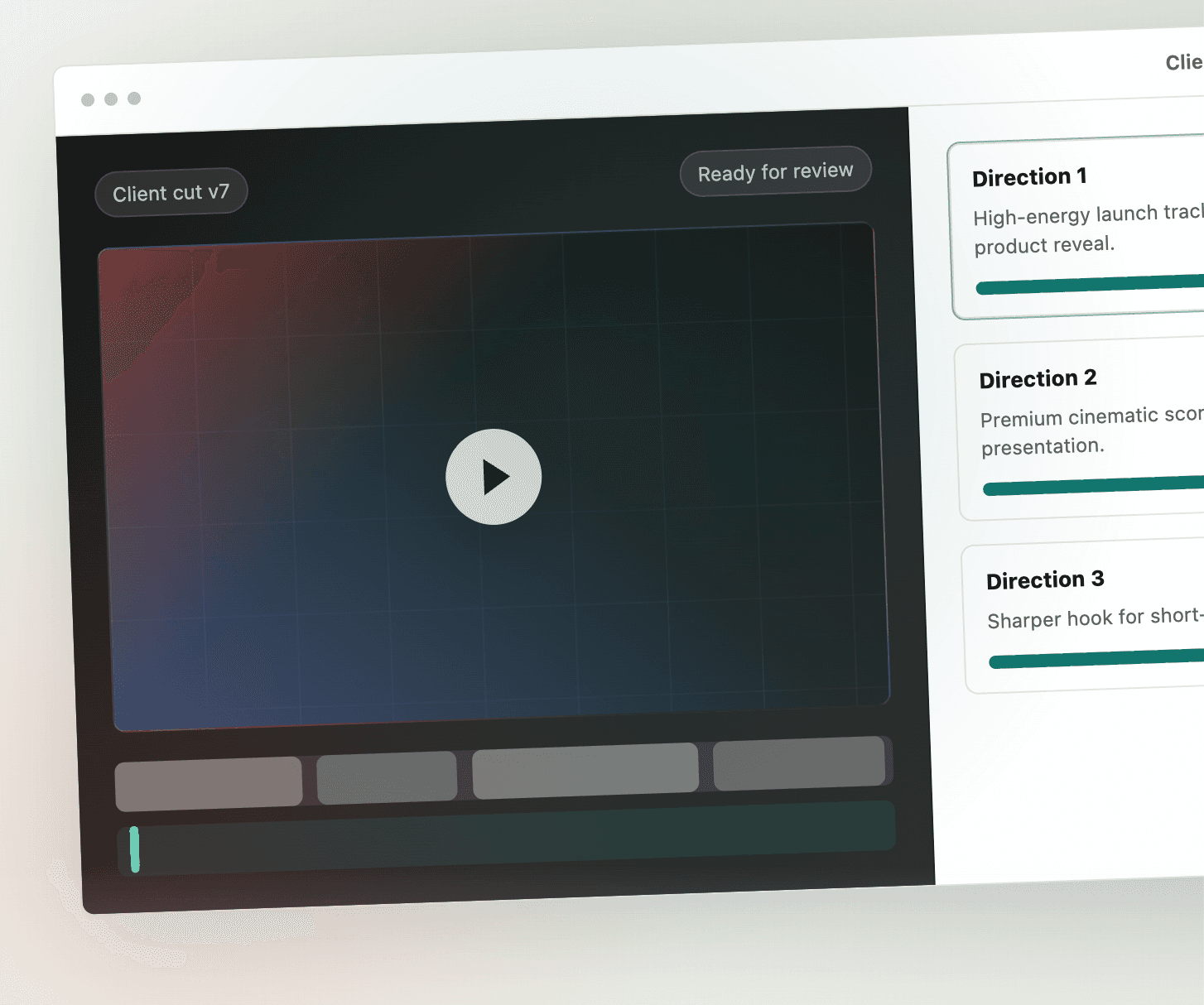
Users of a video editor usually reach for music last, after the cut is locked, and then spend time searching a library and trimming a track to the length of the edit. With an API call in that spot, the editor sends the cut itself and gets back music made to its length, so there is nothing to trim.
Common places to put it: a soundtrack button on a clip or a sequence, a sound effects pass on a selected range of the timeline, or a step after export that scores the render before the user downloads it.
02
What your app sends.
Every video endpoint takes one multipart request with exactly one of two inputs: video, the file itself, or video_url, a public link Sonilo downloads. Requests go to https://api.sonilo.com/v1 with Authorization: Bearer sk_your_api_key. Keep the key on your server and call Sonilo from your backend, not from an editor running in the user's browser.
Everything else is optional. A prompt carries the style the user picked or typed. segments gives different directions to different time ranges, which maps onto a timeline: one direction for the intro, another after the reveal. For music, prompt_influence (0 to 1) sets how much the text steers the result compared with the picture.
03
What comes back, by endpoint.
| Endpoint | What your editor gets back | Longest video |
|---|---|---|
POST /v1/video-to-music | Music made for the clip, as an audio file: m4a by default, wav or mp3 in async mode. Up to 10 variants in one request. | 6 minutes |
POST /v1/video-to-sfx | Sound effects synced to what happens on screen, as an audio file. | 8 minutes |
POST /v1/video-to-sound | Music and sound effects mixed into one track (wav by default, m4a or mp3), plus the music and the sound effects as separate stems. Billed once, where calling the music and sound effects endpoints separately is billed twice. | 8 minutes |
POST /v1/video-to-video-music, /v1/video-to-video-sfx, /v1/video-to-video-sound | The same audio already put back into the picture, as a new video file, for apps that want a finished clip instead of a track to place. | 6 minutes for music, 8 minutes for the other two |
Uploads up to 300 MB are accepted by default. The limit is set per account, and GET /v1/account/services reports it along with the services the key can use. For music, stems=true also splits each track into drums, bass, vocals and other, so users can rebalance the music on their own timeline; the docs say separation typically adds 2 to 6 minutes. Audio generated by these endpoints carries an inaudible provenance watermark.
04
Keeping your user's dialogue.
Most edits already have speech on them. On /v1/video-to-music, preserve_speech keeps the speech from the source while new music is written, and returns the isolated voice and a mix of voice and music next to the clean music track. ducking=true lowers the music under the speech and adds a ducked track. Both need async mode.
The endpoints that return a new video file replace the original audio by default. On /v1/video-to-video-music and /v1/video-to-video-sound, keep_original_sound=true keeps the whole original audio track under the new music, so set it when users expect their own sound to stay.
If your editor already has a voice track and a music track, POST /v1/audio-ducking mixes the two and lowers the music under the voice.
05
Request flow and waiting time.
The music endpoints have two modes. The default stream mode answers with application/x-ndjson, one JSON event per line: audio arrives in base64 m4a chunks as it is generated, followed by a complete event, so the editor can show progress before the file is done. With mode=async the request returns 202 and a task_id. Async is required for wav or mp3 output, preserve_speech, ducking, stems and more than one variant.
Sound effects, the combined endpoint and the endpoints that return video are async only. Poll GET /v1/tasks/{task_id} every 2 to 3 seconds until the status is succeeded or failed, then download the file from the URL in the response. The docs do not promise a fixed generation time, so build the wait into the interface: a progress state, and a job your backend can pick up again if the user closes the panel.
Standard accounts allow 60 requests a minute and 5 generations running at once. A 429 response says which of the two was hit and may carry Retry-After. A 402 means the balance is too low and nothing was generated. To raise either limit, contact sales.
06
What it costs.
The API is sold separately from the sonilo.com plans. You add funds to a prepaid US dollar balance on platform.sonilo.com and each generation is charged per second, with no monthly subscription. Video endpoints charge for the length of the video you send. At the standard rate, video to music and video to sound effects are each $0.009 a second, $0.54 a minute, so scoring a 60 second clip costs $0.54 for each variant. Rates for every endpoint are on the API pricing page.
Each run has a minimum: 10 seconds for music and the combined endpoint, 3 seconds for sound effects. Each endpoint that makes audio from a video includes one free trial call, with no credit card, and requests for more than one variant are always billed. GET /v1/account/usage returns requests, seconds and cost for a usage dashboard or a check before a large batch. High volume accounts can ask sales for a custom rate.
07
What your users may do with the audio.
A user who scores an edit in your app can publish it on a monetized YouTube, TikTok or Instagram channel, run it as a paid ad, or deliver it to a client.
Audio generated through the Sonilo API can be used commercially, in your own product and by your end users, including ads, client work and monetized channels. Your users do not need a Sonilo account, and no Pro or Premium plan is involved: the API is billed from your prepaid balance on platform.sonilo.com. Enterprise API customers follow their enterprise agreement.
For film, TV or broadcast use, or for releasing tracks to Spotify, Apple Music or other streaming services, contact sales first. Results are not exclusive, so another user may receive a similar result. Keep the API key on your server: the Terms do not let you share it. The full answer is in the help centre: can my app's users use Sonilo API audio commercially?
08
A first request.
This asks for three music options for a user's edit, as mp3, in async mode, then polls for the result.
curl -X POST https://api.sonilo.com/v1/video-to-music \
  -H "Authorization: Bearer sk_your_api_key" \
  -F "video_url=https://example.com/user-edit.mp4" \
  -F "prompt=warm acoustic guitar, light percussion" \
  -F "mode=async" \
  -F "variants_num=3" \
  -F "output_format=mp3"

curl https://api.sonilo.com/v1/tasks/TASK_ID \
  -H "Authorization: Bearer sk_your_api_key"
When the task succeeds, its audio array has one entry per variant, each with its own title and file URL. The editor can list them as options and let the user pick one. The video to music reference lists every field, and the task reference shows the result shapes for each endpoint.
Building for creators rather than editors? See the music and sound effects API for creator apps. For the full endpoint list, see API access for developers.
FAQ
Questions from teams building video editors.
Yes. Send the file as the video field of a multipart request, up to 300 MB by default, or send a public link as video_url. Because the API key has to stay on your server, the upload goes through your backend.
Up to 6 minutes for music (POST /v1/video-to-music) and up to 8 minutes for sound effects and for music and sound effects together (POST /v1/video-to-sfx and POST /v1/video-to-sound). Longer edits can be split and sent as several requests.
Yes. POST /v1/video-to-sound returns one mixed track plus the music and the sound effects as separate stems, and is billed once. POST /v1/video-to-video-sound returns the same mix already put into a new video file.
Yes. Audio generated through the Sonilo API can be used commercially by your end users, including ads, client work and monetized channels. For film, TV or broadcast use, or for releasing tracks to streaming services, contact sales first.
No. Your app calls the API with its own key and pays from its prepaid balance. Your users do not need a Sonilo account, and no Pro or Premium plan is involved.
At the standard rate, music from a video costs $0.009 a second of video, so a 60 second clip costs $0.54 for each variant. Each run is billed for at least 10 seconds. Current rates are on platform.sonilo.com/pricing.
Yes. Each endpoint that makes audio from a video includes one free trial call with no credit card. Requests for more than one variant are always billed.
Related
Keep reading
Sonilo API for video editors