Get Marketing Insights First
Subscribe to receive actionable strategies, growth tips, and industry insights delivered straight to your inbox.
If you’ve ever stared at a timeline with no music and a publish deadline in two hours, keep reading.
I’ve spent the last week testing Suno’s new Voices feature—the headline update in v5.5—because I kept wondering: can you actually train AI music on your own voice, or is this just another demo that sounds great until you try it yourself?
Turns out, it works. But not the way most people think.
This isn’t about cloning anyone’s voice. It’s not a deepfake tool. Suno built Voices specifically so you can use your own singing voice in AI-generated tracks—demos, personalized hooks, creator songs, whatever you’re making.
I’ll walk through exactly how to set it up, what recordings actually work, and where this feature makes sense in a real workflow.
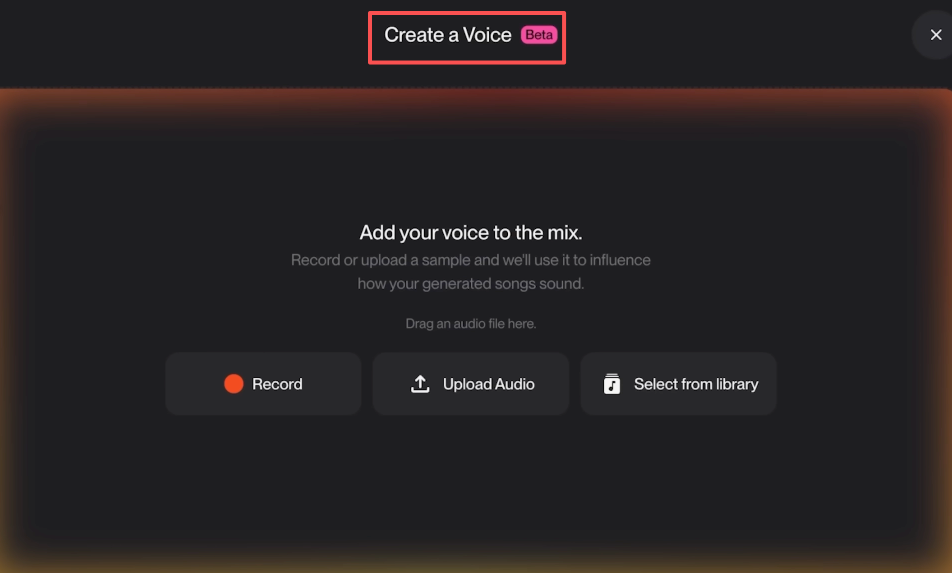
Voices lets you upload or record audio of your own voice, verify it’s actually you, then use that voice model in Suno’s music generation.
Before this, Suno gave you AI vocals, but they were generic. You could describe the style—”raspy male voice” or “smooth alto”—but you couldn’t make it sound like you.
Now you can.
The feature went live in Suno v5.5, and it’s only available on Proand Premier plans. Free users can’t access it. That’s the first thing to check before you try to find the button.
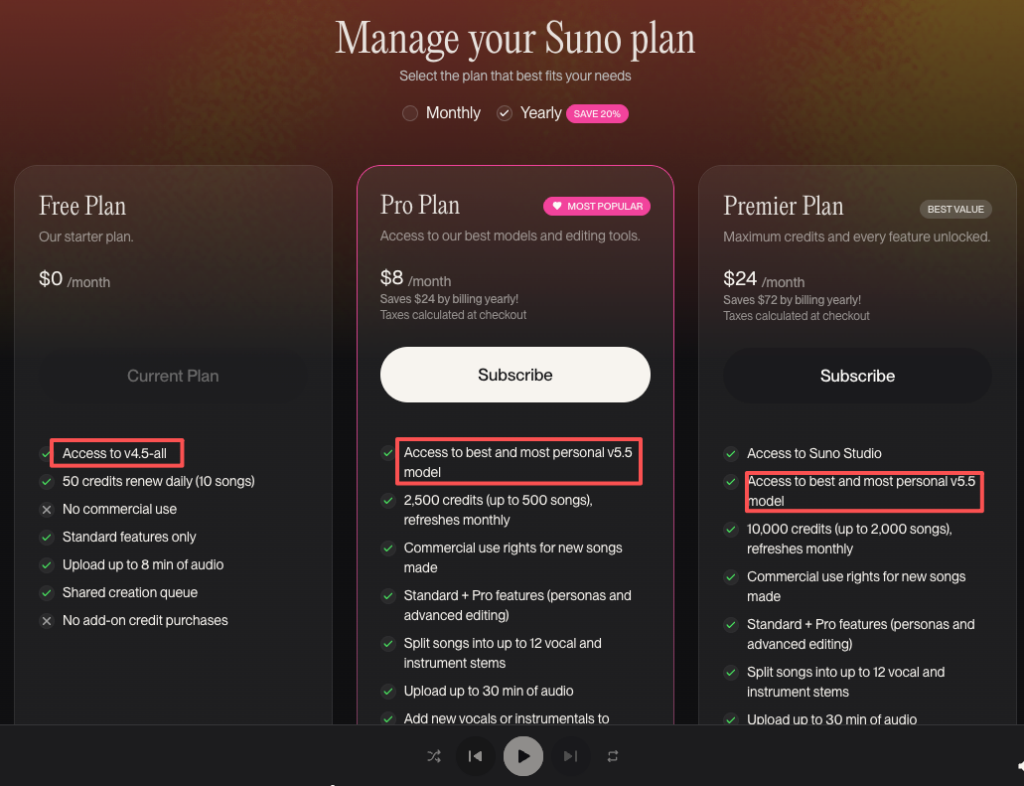
If you’re on Suno’s Free plan, Voices won’t show up. You need either:
Both plans unlock Voices. The difference is credit volume, not feature access. You can check the full breakdown on Suno’s pricing page.
Suno asks for acapella recordings—meaning just your voice, no background music, no instrumental tracks.
I tested this with three types of files:
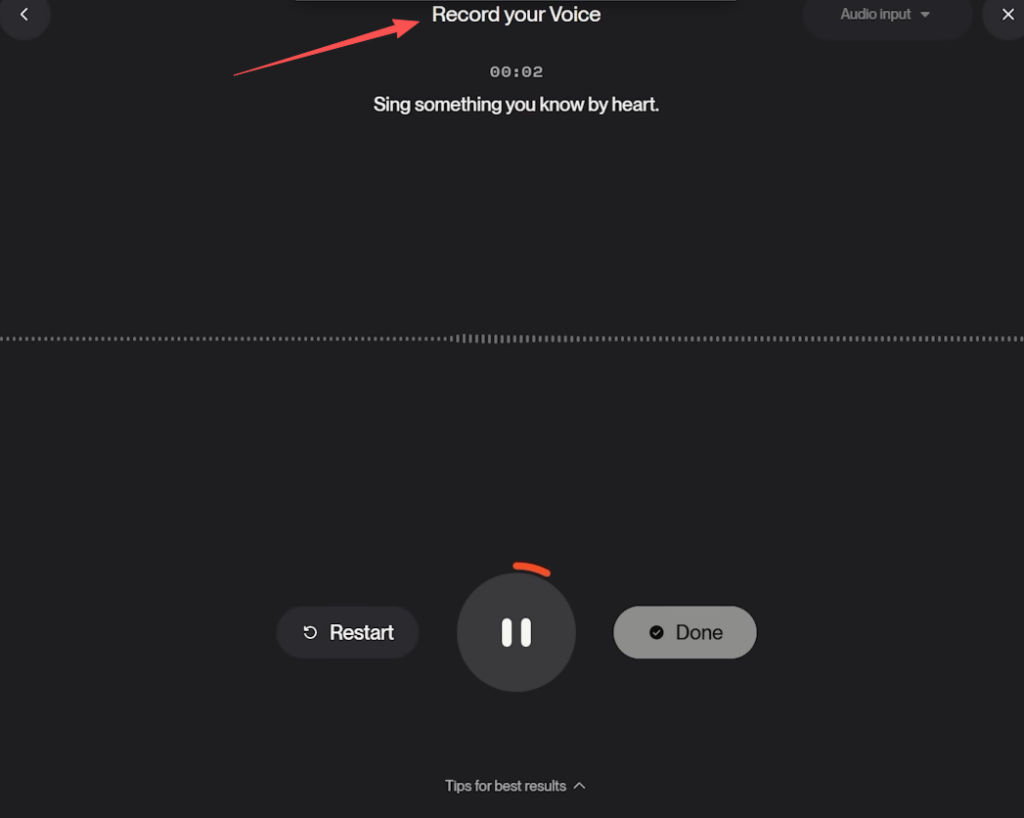
The first one worked. The second one worked but sounded unstable in certain generations. The third one failed verification.
Clean recordings are one thing. Getting them to actually pass verification is another.
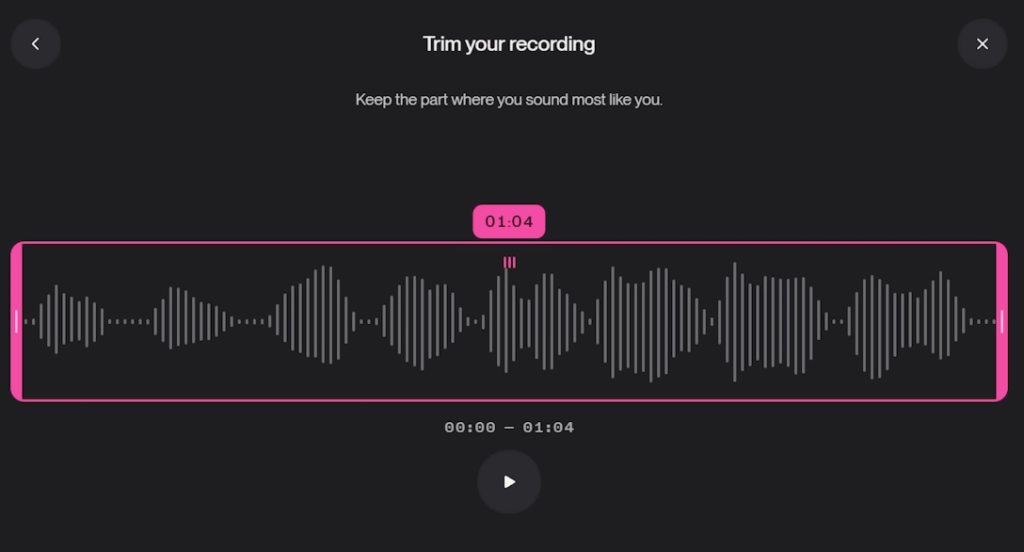
File length matters too. Suno recommends at least 30 seconds of audio. I found 45–60 seconds worked better. Anything under 20 seconds didn’t pass.
Log in to Suno (web or app). If you’re on Pro or Premier, you’ll see a Voices section in your account settings or the Create panel.
Click Add Voice.
You have two options:
I uploaded a 60-second acapella clip I’d recorded on my phone. It took about 10 seconds to process.
If you’re recording directly, make sure you’re in a quiet space. Background noise—AC hum, traffic, keyboard clicks—all mess with the model.
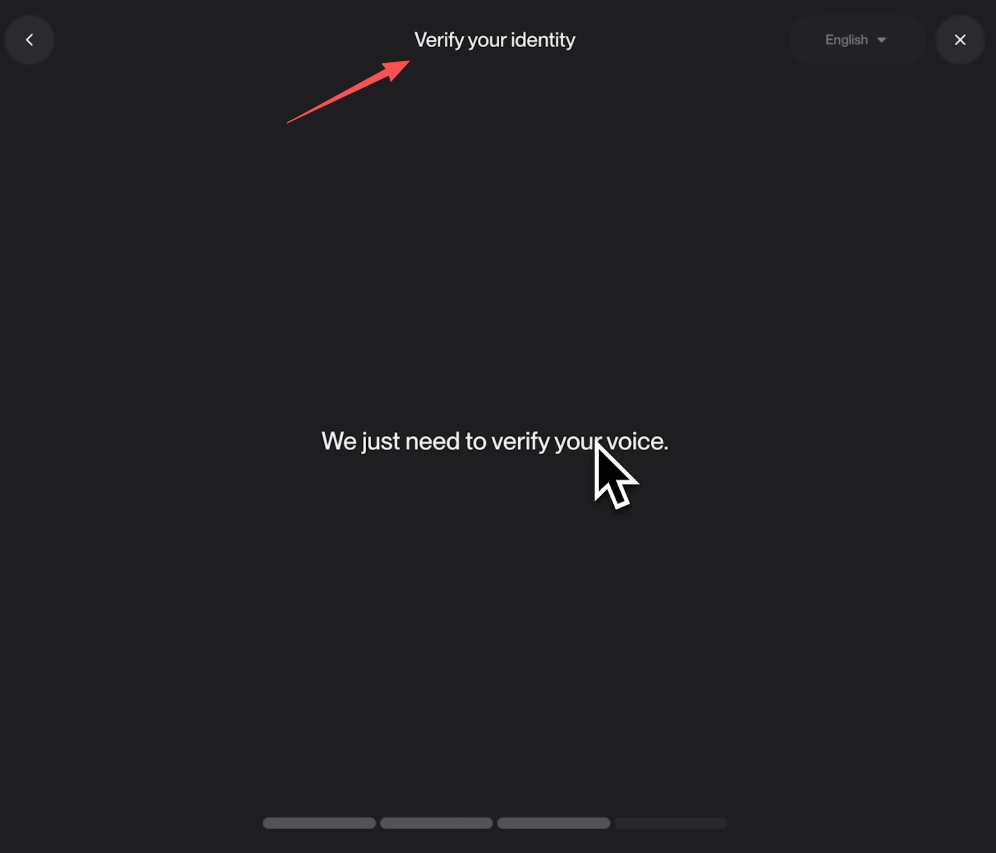
This is the part people skip and then wonder why it didn’t work.
After you upload, Suno asks you to read a verification phrase. This is an anti-abuse step. You have to speak (or sing) the exact phrase Suno shows on screen.
Why? So the system can confirm the voice in your upload matches the person actually using the account. It’s how Suno prevents people from uploading someone else’s voice and pretending it’s theirs.
I recorded the phrase in one take. It passed immediately. If your recording is noisy or unclear, you might have to redo it.
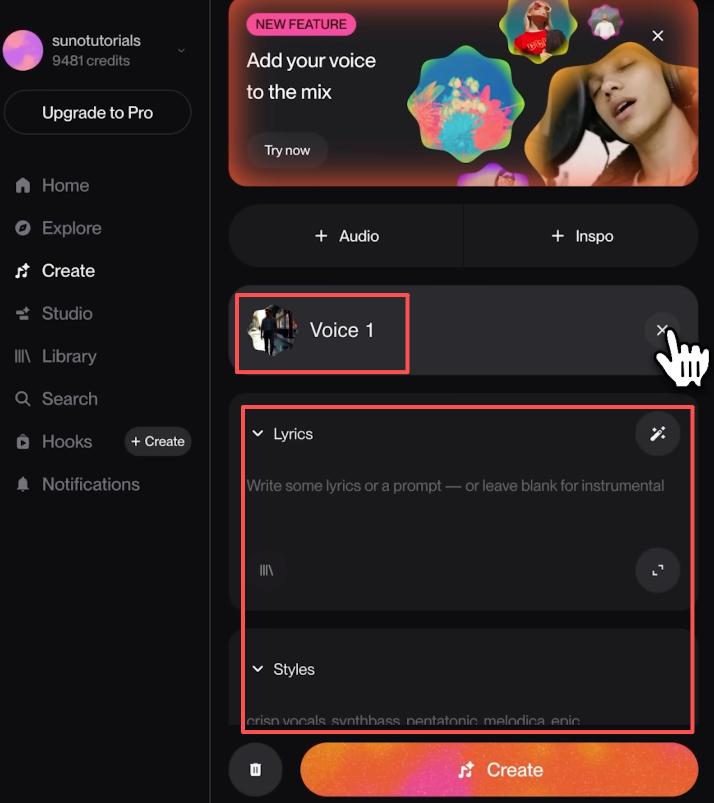
Once verified, your voice shows up as an option in the Voice dropdown when you generate a track. The Voices feature documentation explains the full workflow in detail.
Suno still needs a text prompt describing the song (style, mood, structure). But now, instead of a generic AI voice, it uses your voice model to sing the lyrics.
I generated three test tracks:
All three sounded like me. Not perfect—AI vocals still have that slightly processed texture—but recognizable.
Mixed recordings are a gamble. Sometimes Suno can isolate your voice. Sometimes it can’t.
If you only have a mixed track, try running it through a vocal isolation tool first. You can learn how vocal isolation works using free software like Audacity, which offers both AI-powered and manual vocal extraction methods. Then upload the isolated vocal stem.
But honestly? Just record a fresh acapella. It takes five minutes and you’ll skip all the cleanup guesswork.
Minimum: 30 seconds Recommended: 45–60 seconds Ideal recording setup: Phone mic in a quiet room is fine. You don’t need a studio.
What matters more than mic quality is consistent tone. Don’t shout, don’t whisper. Sing at the volume you’d actually use in a song.
The verification step isn’t just a formality. It’s the system’s check that you’re not uploading someone else’s voice.
If you skip it or mumble through it, your voice won’t activate. If you use a recording of someone else and try to verify with your own voice, it won’t match. The whole feature locks.
This is by design. Suno is betting on trust—and this step is how they enforce it.
If you’re a songwriter who can’t sing well enough for a polished demo, Voices changes the game.
You record a rough vocal guide. Suno takes that guide and generates a full track around it—backing, harmonies, structure—but keeps your voice as the lead.
I used this to mock up a chorus idea I couldn’t nail in one take. Instead of spending an hour on vocal comping, I let Suno handle the polish.
YouTubers, TikTokers, anyone who wants a signature jingle or theme song—Voices makes it yours.
Before this, you’d either hire a singer or use generic AI vocals that sounded like everyone else’s intro music.
Now you can train Suno on your voice and generate a track that actually sounds like you made it.
Brand content, podcast intros, video outros—anywhere you need a short musical moment that feels personal.
I tested this with a 15-second hook for a mock product ad. The result sounded like I’d recorded it myself, but I didn’t have to worry about pitch correction or multiple takes.
You can’t upload a celebrity’s voice. You can’t upload your friend’s voice without them verifying it on their own account.
Suno’s verification step is designed to block this. If you try it anyway, the system won’t pass your upload. This aligns with broader AI voice cloning ethics standards that emphasize consent and attribution in 2026.
Voices doesn’t fix bad input.
If your recording is muddy, the output will be muddy. If your prompt is vague, the song structure will be generic—even if the voice sounds like you.
I ran one test with a poorly written prompt and a clean vocal. The result was coherent but boring. The voice was recognizable, but the song wasn’t useful.
Voice sounding right is one thing. The track actually being usable is another.
Check Suno’s latest terms before using Voices for client work or monetized content.
As of v5.5 launch, Proand Premier users can use their generated tracks commercially—but you need to confirm that includes Voices-generated content. Review Suno’s terms of service carefully if you’re planning commercial use.
I couldn’t find explicit language in the FAQ about voice-cloned tracks, so if you’re using this for anything that makes money, ask support first.
The feature page saying it’s allowed is one thing. YouTube actually accepting it without a claim is another.
Can I clone someone else’s voice?
No. Suno’s verification step requires the person whose voice is being used to confirm it’s theirs. You can’t upload a recording of someone else and pass verification.
How long should my recording be?
At least 30 seconds. I found 45–60 seconds worked best. Anything shorter might not pass.
Can I use a song with background music?
Technically yes, but results are unpredictable. Clean acapella recordings work better. If you only have a mixed track, isolate the vocals first.
Is Suno voice cloning allowed for commercial work?
Pro and Premier plans include commercial usage rights for generated tracks. But as of this writing, Suno hasn’t published explicit terms for Voices specifically. If you’re using this for client work, double-check with support.

Voices isn’t perfect. It’s not a replacement for real vocal production. But it’s the first time I’ve used an AI music tool that actually let me sound like myself in the output.
If you’re mocking up demos, building creator content, or just want a personalized jingle without hiring a singer, this feature works.
Just keep your recordings clean, don’t skip the verification step, and make sure your prompts are specific.
This one’s worth the Pro upgrade if you’re already using Suno regularly.
This time I ran Voices through every workflow scenario I could think of—demos, jingles, creator songs—and documented what actually worked. You can take the checklist above and apply it directly to your next project.
What’s your biggest hesitation with AI-generated vocals right now—sound quality, commercial safety, or something else?
Recommended Reads