Get Marketing Insights First
Subscribe to receive actionable strategies, growth tips, and industry insights delivered straight to your inbox.
Fellow editors, I’ve spent the past two weeks going deep on what Suno v5.5 actually ships — and then asking a harder question most coverage hasn’t bothered with: is this even the right tool for video soundtrack work?
Here’s where I landed.
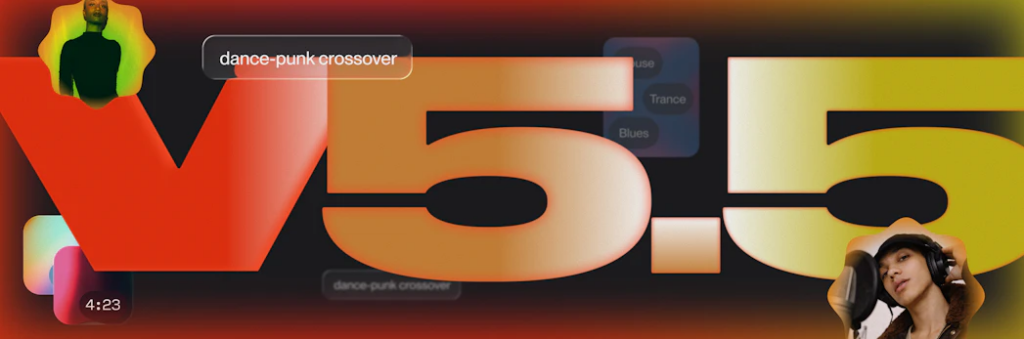
On March 26, 2026, Suno released v5.5 alongside three new features — Voices, Custom Models, and My Taste — framing it as the most expressive model yet, designed to reflect the person making the music, not just the prompt.
That framing matters. This is not a video-first update.
Voices lets users train the vocal model using their own voice — submitted as clean acapellas, fully produced tracks, or a live recording. Custom Models let subscribers upload at least six original tracks and fine-tune a personalized version of v5.5 on their style. My Taste tracks genre preferences and moods over time, adapting suggestions automatically.
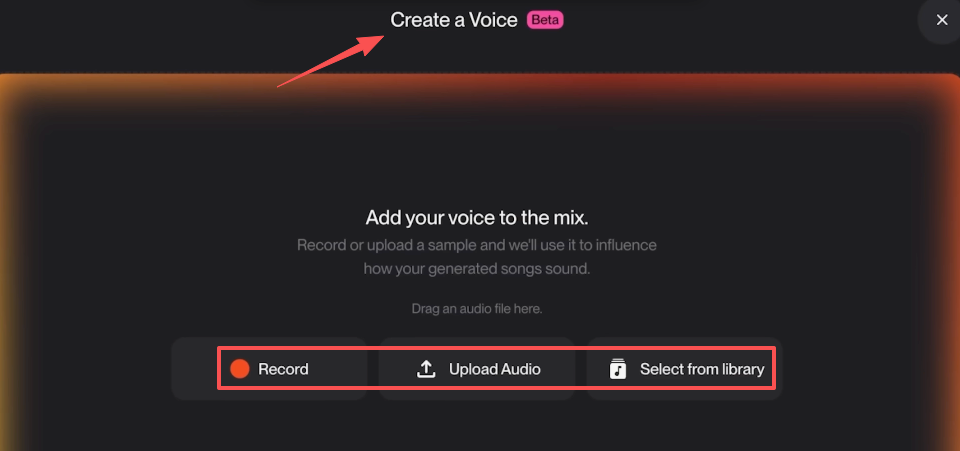
All three features point in the same direction: Suno v5.5 is building toward music identity. Your voice. Your catalog. Your taste. It’s a platform for people who think of themselves as music creators first.
If you’re a singer-songwriter demoing tracks. If you’re a producer who wants AI output that sounds more like your existing body of work. If you make music that you then use in videos — Suno v5.5 is genuinely impressive. The audio engine improvements focus on nuanced phrasing, better instrument separation, and stronger dynamic range. That translates to better-sounding results across the board.
My Taste is available to all users including the free tier, running passively in the background and learning your preferences over time. That’s a real improvement for everyday users who just want the tool to get smarter without extra effort.
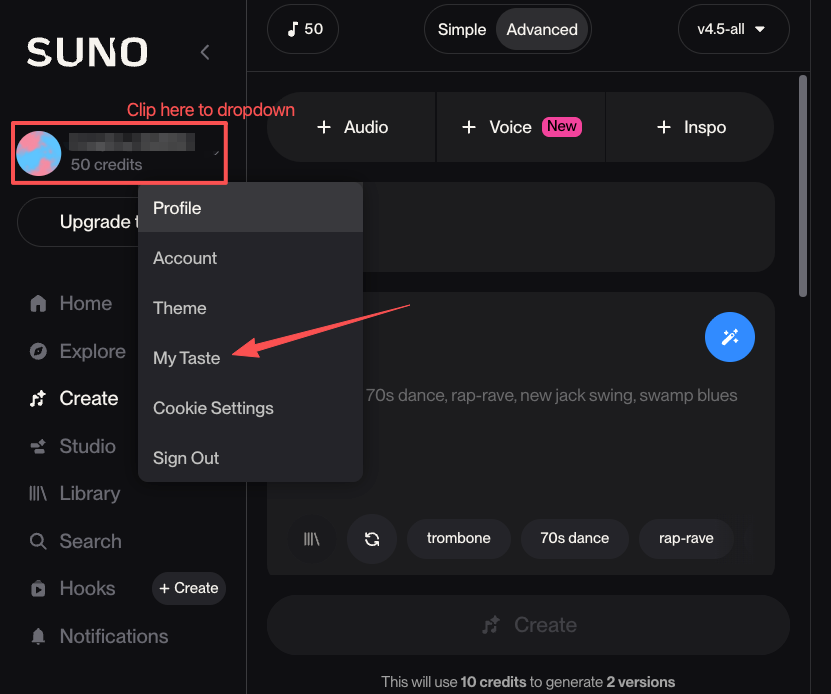
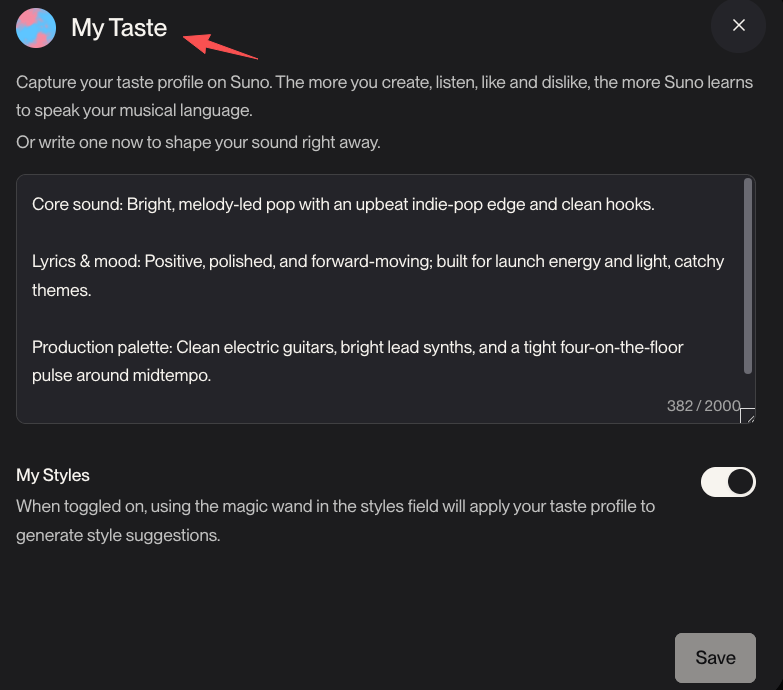
Here’s the thing. If your job is finishing a video, the question you’re asking is not “how do I make music that sounds more like me?” The question is “how do I get music that fits this specific cut in the next ten minutes?”
Those are genuinely different tasks.
Generating a song is one thing. Getting music that matches your timeline’s exact length, sits right under your voiceover, and doesn’t get claimed on YouTube before you even hit publish — that’s another thing entirely.
Suno generates songs. Full songs, with structure, lyrics, vocals, bridges. That’s the product. The problem for video work is that a full song almost never lands at exactly the right length for your cut. AI fingerprints are embedded in every track Suno generates — and that distribution question doesn’t go away with v5.5.
You still have to take what Suno gives you, drop it into Premiere or Final Cut, find a natural exit point, fade it, and hope it doesn’t sound like you just cut a song off mid-thought. For a 90-second brand video, that editing step alone can eat 20 minutes.
I want to be careful here, because this is the part that actually matters most for commercial work. Activating Voices in Suno v5.5 requires checking a consent box that grants Suno permission to use your voice data to train their models broadly — not just your personal instance. Without it, the feature doesn’t activate. That’s a detail worth knowing before you use your voice on any client project.
And the broader licensing picture: Suno remains in active legal disputes with Universal Music Group and Sony Music Entertainment, as well as European music rights organizations including Denmark’s Koda and Germany’s GEMA.
I’m not saying that makes Suno unusable — plenty of creators use it every day. But if a client ever asks “what’s the license status on this music?” you need an answer that doesn’t involve explaining ongoing litigation. For commercial video work, that’s not nothing.
Choose tools before you start a project, not after you’re stuck. Here’s the filter I actually use:
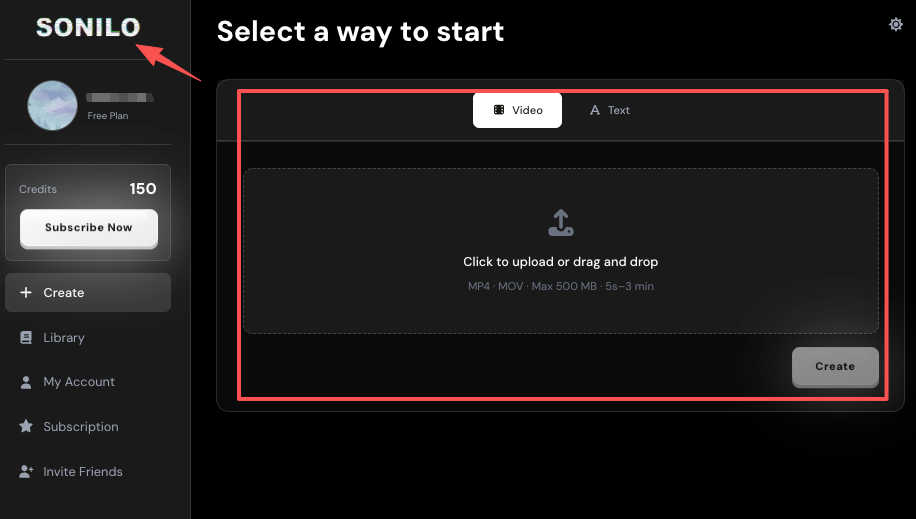
Sonilo‘s approach is different from the start. You upload a video. The AI reads the content, matches the length, and delivers soundtrack options in seconds. No reverse-engineering. No “now take this song and cut it to fit.”
The core workflow is: Video-to-Music → Music Variations → Refine with Prompts → Export. That last step matters — you’re exporting a file that already fits your cut, not a full song you then have to adapt.
For commercial use, Sonilo’s Pro plan ($14.99/mo) includes commercial licensing built in. That means when a client asks about rights, the answer is clear.
Testing it down: it works best when your video has a clear emotional arc — the AI has more to work with. For talking-head interviews or screen recordings, the results are more generic, and you’ll want to use the prompt refinement layer to push it toward the right feel.

| If you… | Use… |
| Make music and want AI to sound more like you | Suno v5.5 (Voices + Custom Models) |
| Need music that fits a specific video cut, fast | Sonilo |
| Want fine emotional control over video soundtrack | Beatoven.ai |
| Need professional licensing + human-composed quality | Epidemic Sound or Artlist |
| Want to edit instrumentation after generation | Soundraw |
Is Suno v5.5 good for YouTube video soundtracks? It depends on what you mean by “good.” The audio quality is genuinely excellent. But if you need music that auto-matches your video length and comes with commercial licensing that’s simple to verify, Suno’s workflow adds friction that video-focused tools don’t.
What’s the main difference between Suno and video-first AI music tools? Suno generates songs. Video-first tools generate soundtracks — music built to fit a specific piece of content. The output intent is different, and so is the editing work you’ll do afterward.
Do I need a paid plan for commercial use on these tools? Yes, for almost all of them. For Sonilo, commercial licensing is included in the Pro plan. For Suno, check your subscription tier carefully and read the commercial use terms before using generated music in client work.
Is the Voices feature in Suno v5.5 safe to use for commercial videos? Activating Voices requires granting Suno permission to use your voice data to train their models broadly. That consent is not optional — without it, the feature doesn’t activate. For personal creative work, that may be fine. For client deliverables, read that consent language carefully before proceeding.
What’s the fastest workflow for getting video soundtrack music in 2026? Upload your video to a tool like Sonilo, get 2–3 soundtrack options in seconds, pick the best fit, refine if needed, export. That’s a 5–10 minute workflow versus 30–60 minutes of library hunting and manual trimming.
This time I went through both sides of the comparison — Suno v5.5’s actual release notes and what it means for video creators specifically — so you can take the decision framework directly and apply it to your next project.
Suno v5.5 is a real step forward for people who think of themselves as music creators. If that’s you — if you want AI to amplify your musical identity — it’s worth exploring. The Voices and Custom Models features are genuinely useful for that task.
But if your job is getting a video published, and music is the last piece of the puzzle before you can hit export — the tool that reads your video and gives you a ready-to-use soundtrack is a different category. And that distinction is worth getting clear on before you spend two hours in the wrong workflow.
The right question isn’t “which AI music tool is best?” It’s: “what task am I actually solving?”
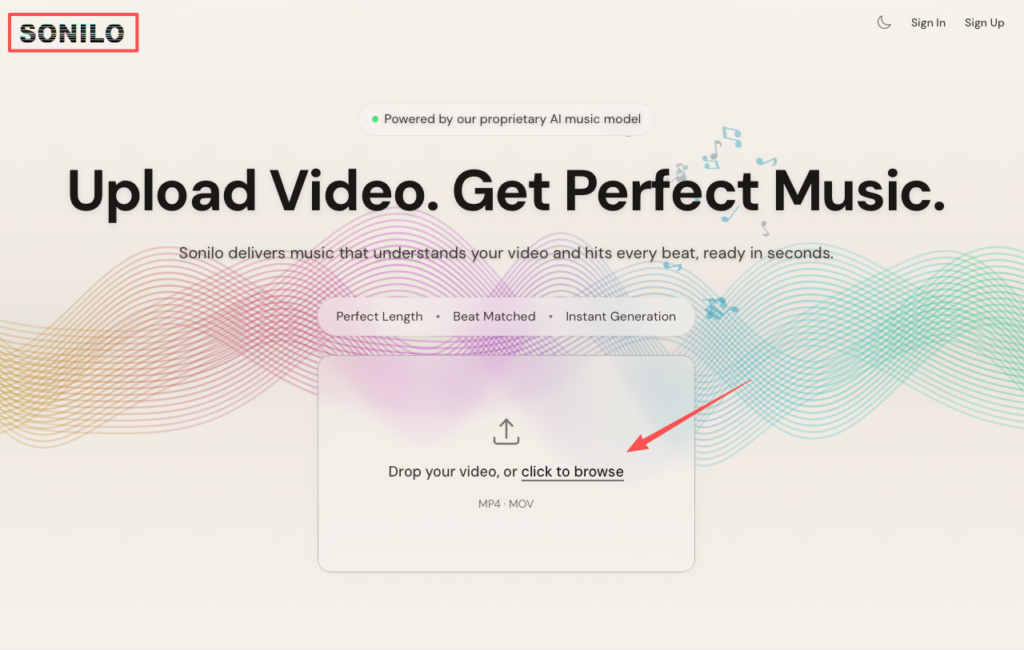
Still losing 20 minutes manually fading a generated song to fit your 90-second brand video? Try Sonilo to generate a commercial-safe soundtrack that automatically fits your exact cut —no reverse-engineering required.
What’s your current video soundtrack workflow? Do you generate from scratch, hunt libraries, or something else entirely — and where does it usually break down?
Recommended Reads