Comparisons
Suno v5.5 vs Lyria 3 Pro: Which Fits Video Creators Better?
- Written by
- Sonilo Team
- Published
One thing I wish someone had told me earlier: not every AI music generator is actually built for video.
I spent the last two weeks running both Suno v5.5 and Lyria 3 Pro through real editing sessions — not demo clips, not promotional screenshots, actual timelines with actual deadlines. The results surprised me on both ends. One tool did something I didn’t expect. The other disappointed me in a place I thought it wouldn’t.
If you’re trying to figure out which one belongs in your video workflow, skip the spec sheets. Here’s what they actually feel like to use.
Quick Verdict: Should You Bother?
| Dimension | Verdict |
|---|---|
| Is it recommended? | Suno v5.5: Yes for vocal-led / personalized work. Lyria 3 Pro: Yes if you’re inside Google’s ecosystem. |
| Core strength | Suno: Deep personalization. Lyria: Structured, ecosystem-integrated generation. |
| Biggest problem | Neither tool automatically matches your video’s exact cut length. |
| Best fit | Suno → solo creators who want music with personality. Lyria → Google Workspace / YouTube Studio users. |
Evidence levels used below:
- Confirmed — I tested this directly
- Likely — consistent across multiple sessions, not fully controlled
- Inferred — based on patterns in output and documentation
What Suno v5.5 Is Built For
Voices: Custom Vocals That Actually Sound Intentional
Suno v5.5’s Voices feature lets you upload a reference vocal and have the model generate music that stylistically leans into that sound. I tested this with a few reference tracks I’d been using as mood references for client projects.
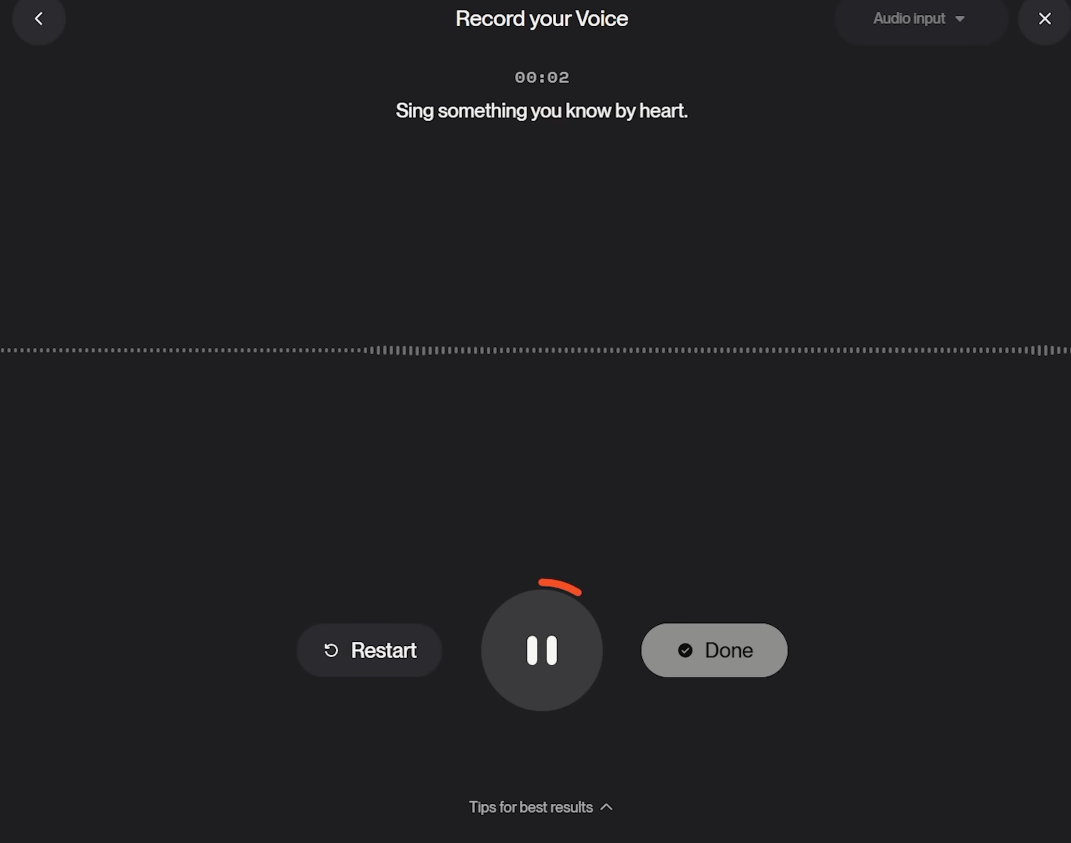
The result: it’s genuinely useful. Not “wow, it cloned that singer” useful — more like “the tone and energy of the music oriented itself toward that reference” useful. For creators who make content with a consistent aesthetic identity, this is the most interesting thing Suno v5.5 has added.
Generation speed is fast. Under 30 seconds per track in most cases. — Confirmed
Custom Models: Teaching It Your Sound
This is Suno v5.5’s deepest feature for anyone who makes content consistently. You can fine-tune a model on your own references — building something that gravitates toward your preferred sonic identity over time. Pro and Premier subscribers can create up to three Custom Models, each trained on at least six tracks from your own catalog.
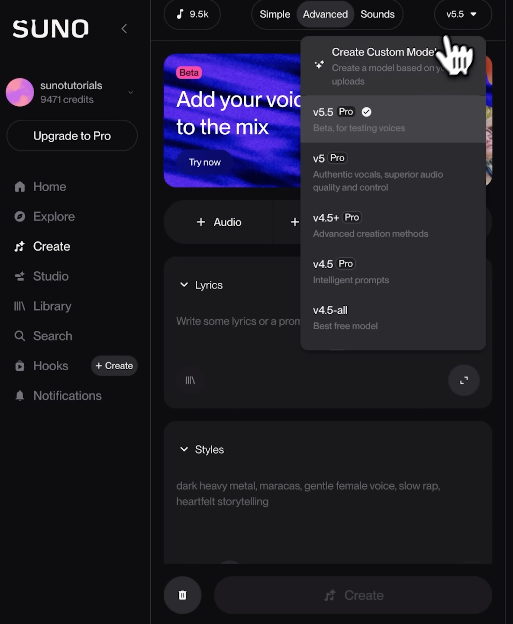
The honest version: this is more useful for music-forward creators than for pure video editors. If your channel has a very strong sonic brand, it’s worth exploring. If you’re just trying to get a background track under a talking-head video, this is more depth than you need.
My Taste: Preference-Based Generation
Suno’s “My Taste” feature learns from your rating history and biases future generations toward what you’ve responded to. This works over time, not immediately. — Likely
It’s a slow-burn feature. I noticed a shift after about 15–20 rated tracks. That’s a real time investment upfront, and the payoff is subtle. I wouldn’t block a workflow decision on this feature alone.
What Lyria 3 Pro Is Built For
Google Ecosystem Integration
Lyria 3 Pro is Google DeepMind’s model, and it shows. The sharpest integration is with Google Vids — according to Google’s official Lyria 3 Pro announcement, the model is rolling out across Vertex AI, Google AI Studio, the Gemini API, Google Vids, and ProducerAI simultaneously. If you’re already assembling video content inside Google’s suite, Lyria 3 Pro drops in without friction.
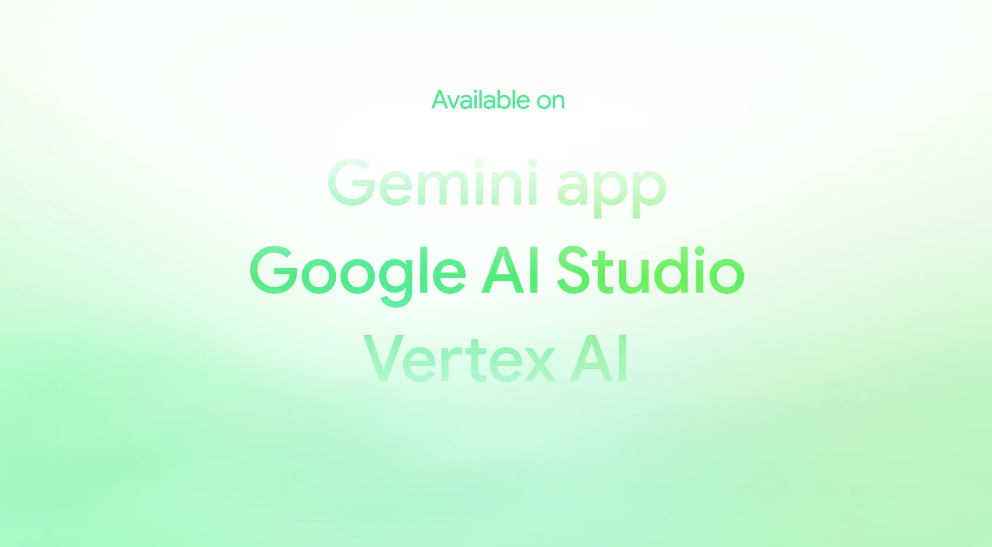
For anyone outside Google Workspace? That advantage mostly disappears. — Confirmed
Structured Song Composition
Where Suno v5.5 leans into stylistic identity, Lyria 3 Pro leans into structural reliability. The outputs tend to be more formally organized: clear intro, development, resolution. For brand videos and explainer content, that predictability is actually a feature.
Generation quality at the compositional level is noticeably strong. The music sounds arranged, not assembled. — Confirmed
SynthID and Copyright Positioning
Google has built SynthID watermarking into Lyria’s output. The stated purpose is provenance — identifying AI-generated audio. For commercial work, this is a layer worth understanding.
Here’s my actual concern: the presence of a watermark doesn’t by itself resolve copyright risk for client-facing deliverables. Sound good on paper is one thing. Knowing exactly what your commercial license covers is another.
Pay attention to the licensing tier you’re on before you hand anything to a client. — Inferred from documentation patterns
Side-by-Side Comparison
| Suno v5.5 | Lyria 3 Pro | |
|---|---|---|
| Generation speed | Fast (~30s) | Fast (~25–40s) |
| Personalization depth | High (Voices, Custom Models, My Taste) | Low |
| Structural reliability | Moderate | High |
| Ecosystem fit | Standalone / platform-agnostic | Google-native |
| Commercial licensing | Paid tier required; verify per use case | Verify per tier |
| Automatic video length matching | ❌ | ❌ |
| Upload video to generate music | ❌ | Limited (Google Vids only) |
Where Suno v5.5 Wins
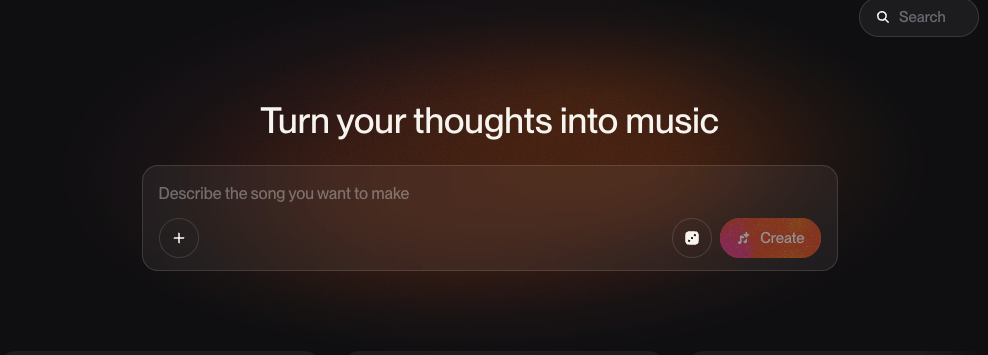
More Personalization, Less Generic Output
This is the real argument for Suno v5.5 over Lyria 3 Pro for most independent creators. The combination of Voices, Custom Models, and My Taste means the music can move toward something that feels specific to your content — not just technically competent background audio.
For YouTubers with a consistent tone, for short-form creators who’ve built a recognizable aesthetic: Suno v5.5 gives you more levers. The trade-off is that those levers take time to set up correctly.
Better Fit for Vocal-Led Song Workflows
If your video ever needs a song — with lyrics, with a sung melody — Suno v5.5 handles this better than Lyria 3 Pro right now. That’s a meaningful win for certain content categories: recap videos, brand anthem-style content, creator intros.
Where Lyria 3 Pro Wins
Google Vids Workflow
If Google Vids is your editing environment, Lyria 3 Pro is the obvious call. The integration removes a full copy-export-import step from your workflow, and the structured outputs suit the kind of corporate and explainer content that Google Vids users typically produce.
Better Fit for Google-Native Creators
Creators building primarily inside Google’s suite — Workspace, Slides, Vids — will get more practical value from Lyria 3 Pro without having to retrofit it into their tools. For everyone else, this advantage is moot.
What Neither Tool Solves Well
This is the part that matters most if you’re a video-first creator.
Automatic Duration Matching to an Exact Edit
Neither Suno v5.5 nor Lyria 3 Pro will look at your timeline and generate music that is exactly 2 minutes and 14 seconds — the length of your cut. You still have to take whatever they generate, bring it into your editor, and either trim it, loop it, or crossfade it to length.
That’s the gap. It’s not a small one. Finding a track is one thing. Making it fit without breaking the pacing of your edit is another.
Upload-Video-and-Score-It Workflow
Neither tool, in its current state, lets you upload a video and receive a soundtrack generated in response to the actual visual content. Lyria 3 Pro edges slightly closer via Google Vids, but it’s not a true video-to-music pipeline. You’re still working from text prompts and style inputs, not from the video itself.
For creators who want the music to respond to the cut — not just complement a mood board — this is a genuine limitation in both tools.
If that workflow is what you actually need, tools built specifically around video-to-music generation (like Sonilo, which generates soundtracks by reading the video directly and matching its duration) are solving a different problem than what either Suno or Lyria 3 Pro is currently designed for. Worth knowing the distinction before you pick your stack.
Try Sonilo free — upload your first video and get a soundtrack in seconds.
Decision Framework by Creator Type
You make content with a strong sonic identity (YouTube, Reels, TikTok with consistent aesthetic): → Suno v5.5. The personalization features are the differentiator.
You produce corporate videos, explainers, Google Workspace deliverables: → Lyria 3 Pro. Structural reliability and ecosystem fit win here.
You need music that matches your exact video cut length: → Neither. Look at video-first tools instead.
You’re producing ads or client work and need clear commercial licensing: → Verify both. Paid tier required for Suno; check Lyria 3 Pro’s commercial terms against your specific use case before delivery. Paying for a plan and having commercial clearance are not automatically the same thing.
FAQ
Is Suno v5.5 better than Lyria 3 Pro for YouTube?
For most independent YouTube creators, yes — the personalization features in Suno v5.5 are more useful than Lyria’s Google ecosystem integration, which only matters if you’re already inside Google Vids. That said, if your channel produces structured, professional-tone content (educational, corporate, explainer), Lyria’s compositional reliability is genuinely strong.
Which one is safer for commercial work?
Both require paid tiers for commercial use. Neither is automatically “safe” without reading the actual license terms for your tier. I’d treat any AI music tool the same way: paid plan is necessary, but not sufficient. Check what’s covered — specifically whether client deliverables and third-party platforms are included.
Can either tool match my music to video length automatically?
No. This is a real gap in both tools right now. You’ll still need to manually trim, loop, or adjust whatever they generate to match your edit. If auto-duration-matching is the thing you actually need, that’s a video-to-music workflow — a different category of tool.
The Bottom Line
This time I ran both tools through real editing sessions across two weeks, and you can take one thing from this: Suno v5.5 and Lyria 3 Pro are not really competing for the same creator.
Suno v5.5 is for creators who want music with a point of view — something that bends toward their specific aesthetic over time. Lyria 3 Pro is for creators embedded in Google’s ecosystem who value structural reliability and workflow integration.
Neither of them is a video-first tool. They’ll generate music. They won’t read your cut.
Pick the right tool before you invest the setup time. That’s the thing most comparison articles won’t tell you.
What’s the part of video music that still trips you up — is it matching the length to your edit, or getting the mood right in the first place?
Nico is a former freelance video editor who now researches AI video workflow tools. She writes from the perspective of creators who need music that actually fits their work — not demos that look good on a product page.