Guides
How to Combine Video with Audio Without Sync Issues
- Written by
- Sonilo Team
- Published
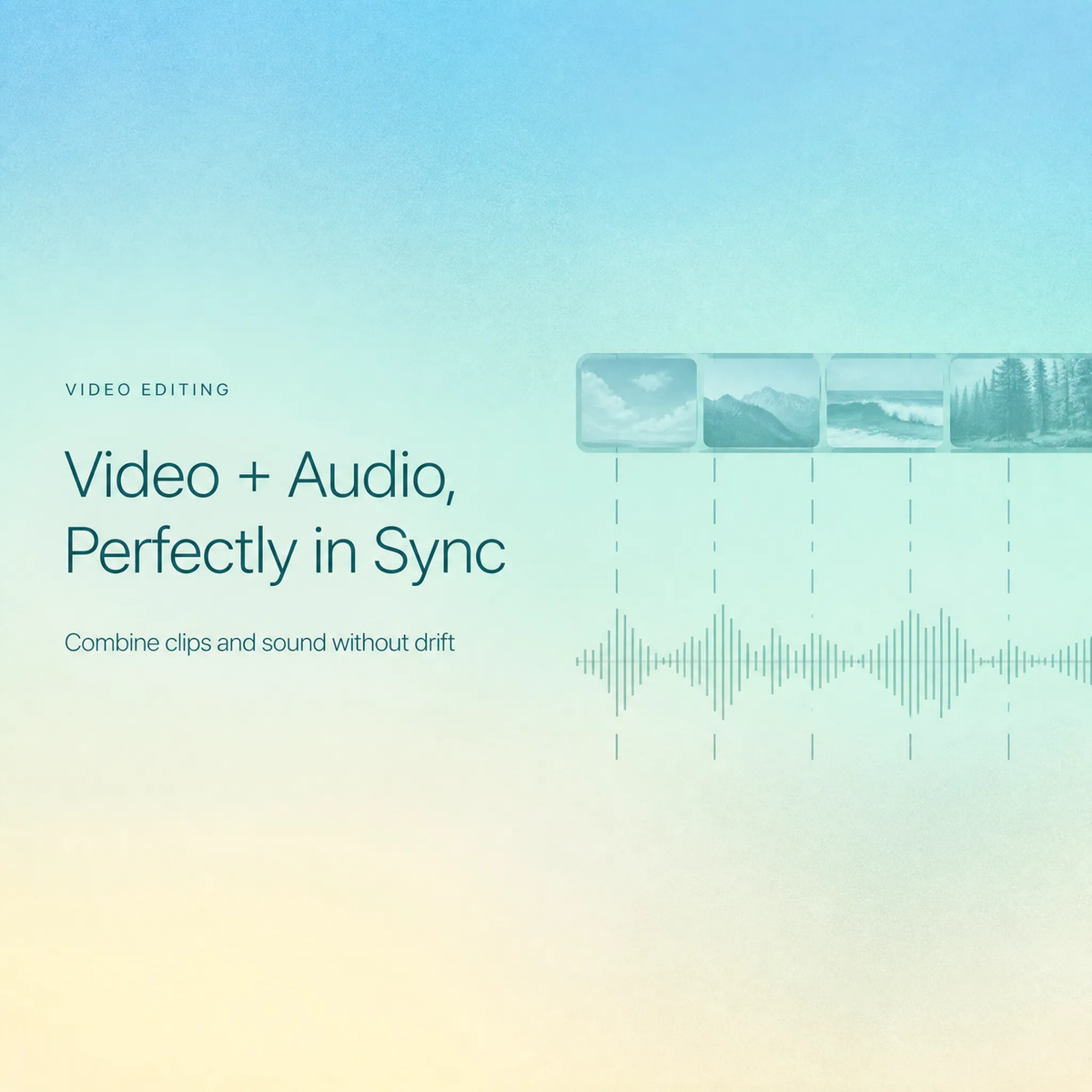
I had a three-minute talking-head cut ready to send to a client. Picture locked, the interview audio recorded on a separate field recorder, all of it laid down clean. Then I watched the export back on my phone and the voice was landing just behind the mouth — barely, but enough that the whole thing felt slightly dubbed.
The part that got me: it had been fine in my editor an hour earlier.
Hi there, I'm Nico. If you've ever tried to combine video with audio and watched it drift like that — right at the start, wrong by the end, no obvious culprit — this is for you. I'll walk through the four sync problems I run into most: audio that starts early or late, music that fits the opening but not the ending, crowded audio layers, and exports that sound different from the edit — plus what I now check before anything gets uploaded.
Why video and audio can feel out of sync
If you edit your own videos and handle your own music, you've probably hit this wall. Sync problems rarely come from one big mistake. They stack up quietly.
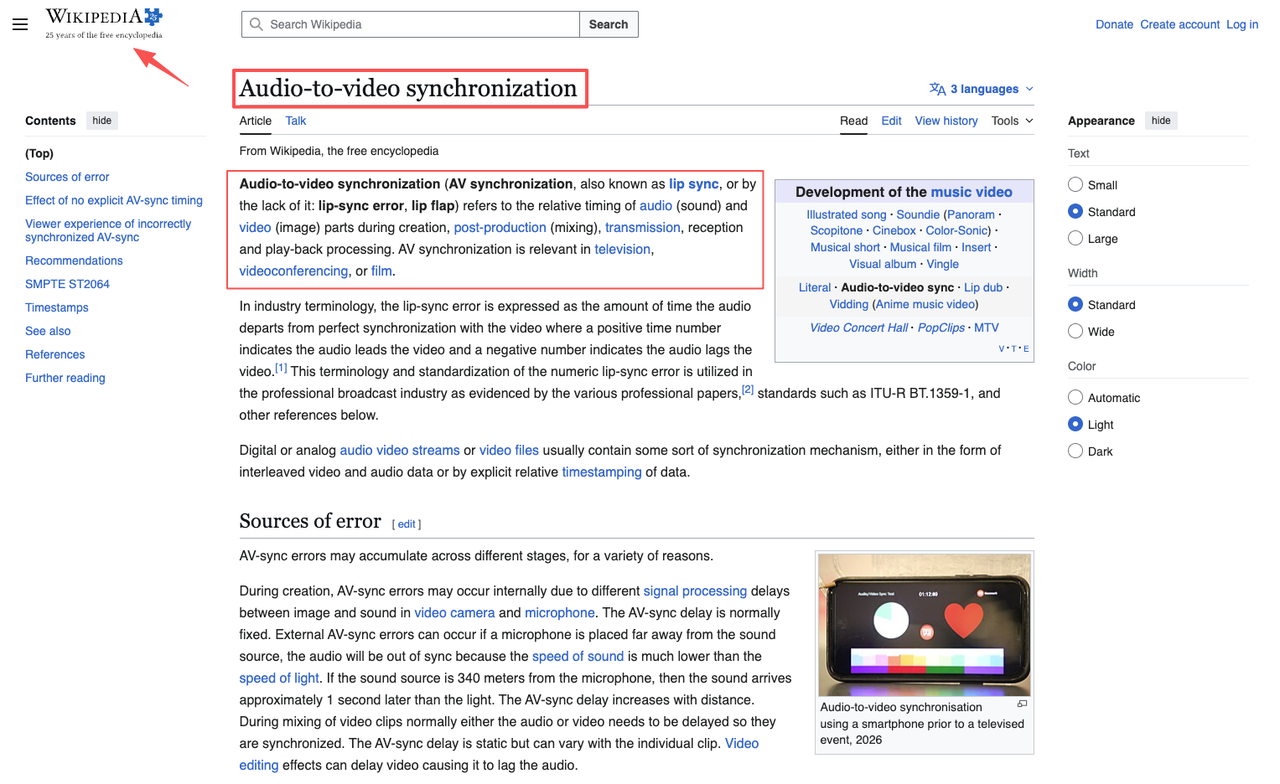
Broadcast engineers actually have a whole vocabulary for this — the timing offset between sound and picture is called lip-sync error, and it can accumulate across recording, post-production, transmission, and playback. You don't need the broadcast-grade version of that knowledge. You just need to know the four places it tends to creep in for creators like us.
Timing, export settings, source files, and edit changes
Four usual suspects:
- Timing — your audio and video start from different reference points.
- Export settings — the frame rate or sample rate shifts on the way out.
- Source files — the clip you pulled audio from was recorded at a different rate.
- Edit changes — you trimmed the picture after you placed the music.
Most of the time, when I try to put audio on a video and it drifts, it's one of these four — not the software letting me down.
Why small sync problems make a video feel unfinished
A small gap won't make a viewer say "the audio's off." It'll make them say "this looks amateur" without knowing why. That's the part that stings. The work was fine. The mismatch is what reads.
Symptom 1: The Audio Starts Too Early or Too Late
Check the first visible action or spoken moment
Find the first hard sync point you can actually see — a clap, a door closing, lips starting to move, a product hitting a table. That frame is your anchor. Line the audio's matching waveform spike to that exact frame. Don't trust the start of the timeline; trust the first visible event.
Move the audio track against the picture, not the timeline alone
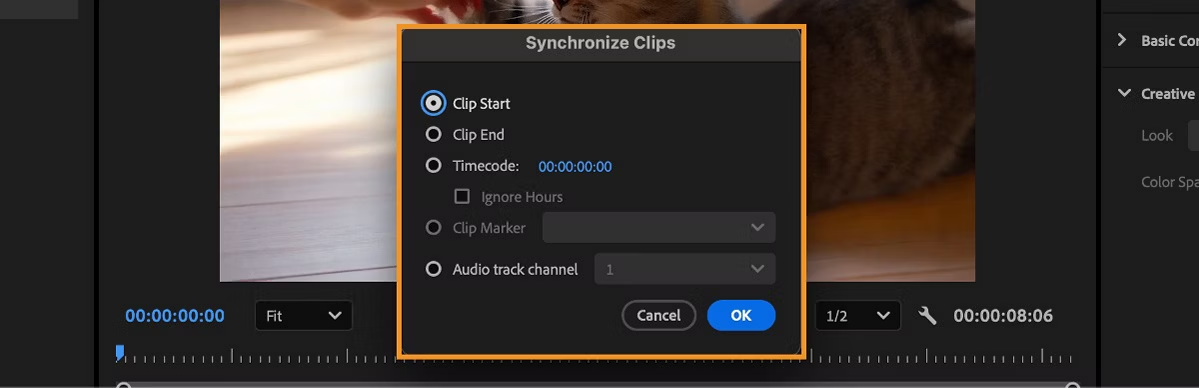
If you're pulling sound out of one clip to add video audio to video — say, taking clean audio from a second take and laying it under your A-roll — nudge the audio relative to the picture, frame by frame, until the spike lands. In Premiere, the Synchronize command in the Timeline panel handles the rough alignment off the waveform, then you fine-tune by eye.
Here's where I stumbled the first dozen times: I kept moving the whole timeline instead of the one track that was out. That just shifts the problem around. It doesn't fix it.
Symptom 2: The Music Fits at the Start but Not the Ending
The track length does not match the final edit
This is the one that quietly eats an afternoon. Your cut is 63 seconds. The track is 47. Or it's 90 and you're fading it out at an awkward spot. Either way, the music wasn't built for your edit, so now you're doing surgery on it.
Trim, fade, loop, or use custom-length music
Three manual fixes, in rough order of how natural they sound:
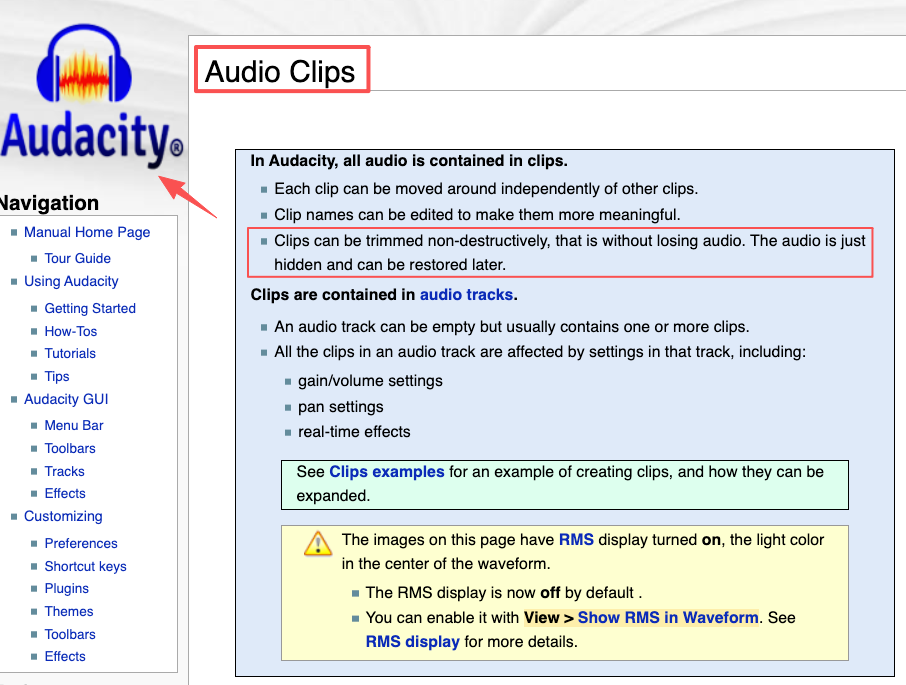
- Trim the track to your cut length, then add a short fade so it doesn't stop mid-phrase. In Audacity, trimming a clip is non-destructive — you can pull the edge back out later if you cut too much.
- Loop a section when the track is too short, but watch the seam. Loops that don't land on the beat are painfully obvious.
- Fade as a last resort. A clean fade beats an abrupt cut, but it still reads as "this wasn't made for this video."
Trimming and looping get you a workaround. That's not the same thing as music that ends exactly when your video ends — which is a length problem you didn't have to choose in the first place. Worth holding onto for the prevention section.
Symptom 3: Voice, Music, and Original Sound Feel Crowded
Separate the role of each audio layer
When three layers fight, nothing wins. Give each one a single job: voice carries the message, music carries the mood, original sound carries the realism. If two of them are doing the same job at the same volume, one has to step back.
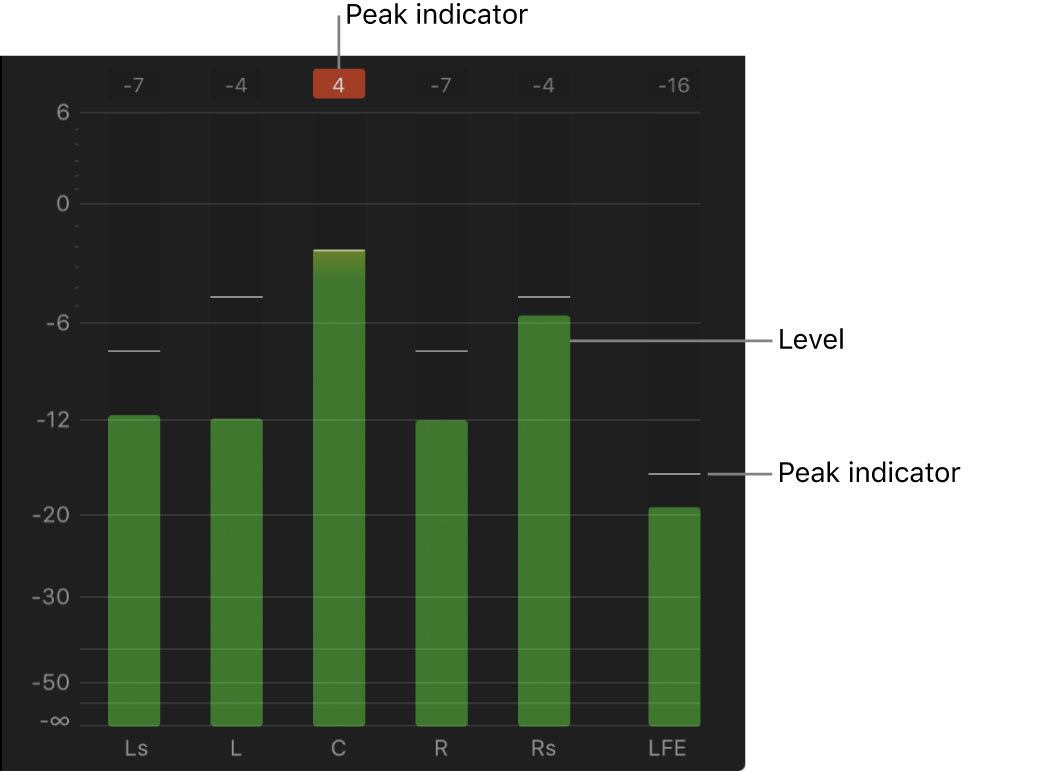
The practical move is ducking — drop the music under the voice when someone's talking, bring it back up when they stop. Final Cut's guidance on keeping the combined level of all concurrent clips under peak is the boring-but-correct rule here. If your layers clip together, the mix turns to mush.
Remove sounds that do not support the video
Here's the thing nobody mentions: the fix is usually deletion, not balancing. The room-tone hum, the half-second of traffic noise, the breath before the first word — cut whatever isn't pulling weight. A crowded mix is often just an uncurated one.
Symptom 4: The Exported Video Sounds Different From the Edit
Recheck playback after export
You nailed the mix in your editor, exported, and the file sounds flatter or slightly off. Usually it's the export settings — a sample-rate or codec change between your timeline and the final file.
If you used a browser tool to merge video and audio online, this gets even more common, because you don't always control what settings it bakes in.
Test the final file before uploading
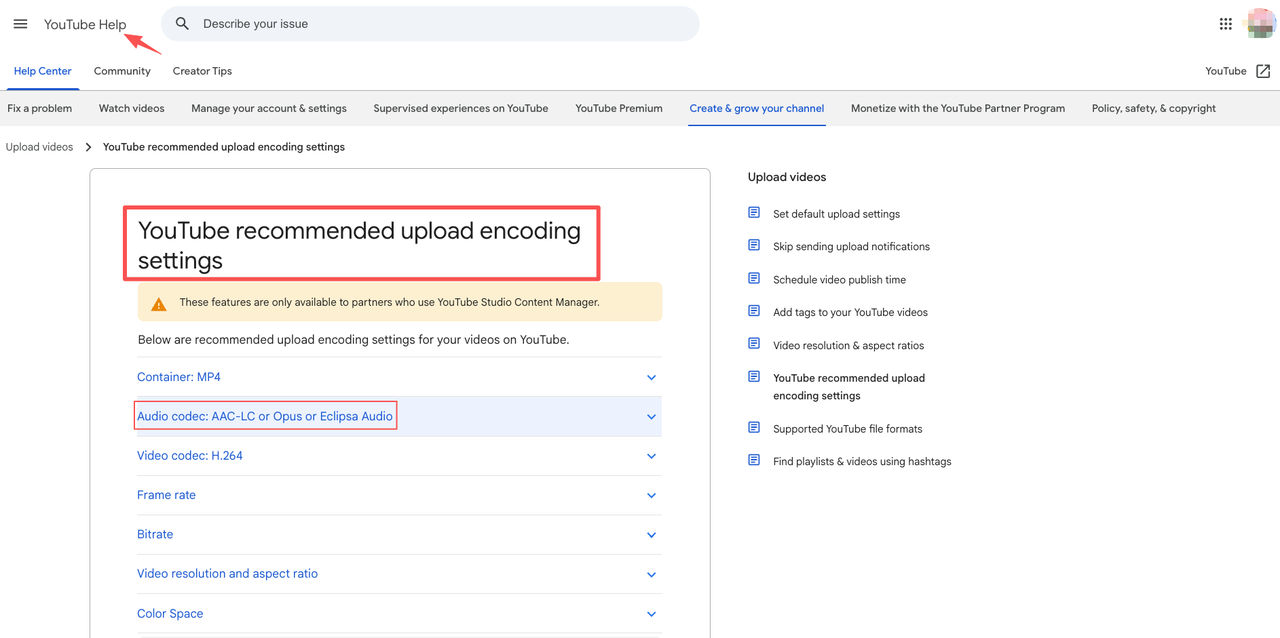
Play the exported file in a plain media player, not your editor. Your editor previews; the exported file is the truth. When you add audio to MP4 and export, check that the audio codec matches what your destination expects — YouTube, for one, recommends AAC-LC audio in an MP4 container. If you add audio to a video and the platform re-encodes it badly, a mismatched export is usually why.
I once uploaded a clip three times before I realized my editor was previewing a version that didn't match the file actually sitting on disk. Embarrassing. Now I play the real export start to finish before it goes anywhere.
How to Prevent Sync Problems in Future Edits
Lock the final edit before adding final music
The single biggest fix: stop adding final music until your picture is locked. Every time you re-trim the video after placing music, you risk knocking the timing loose again. Rough music while you're editing is fine. Final music goes on last, full stop. This one habit killed most of my sync problems, and it costs nothing — it's a sequencing change, not a skill you have to learn.
When you do combine video with audio at this final stage, you're working against a picture that won't move anymore. Which means anything you line up actually stays lined up.
Use music made for the video length when possible
A lot of sync pain is really a length problem wearing a disguise. If the track already matches your cut, there's nothing to trim, loop, or fade.
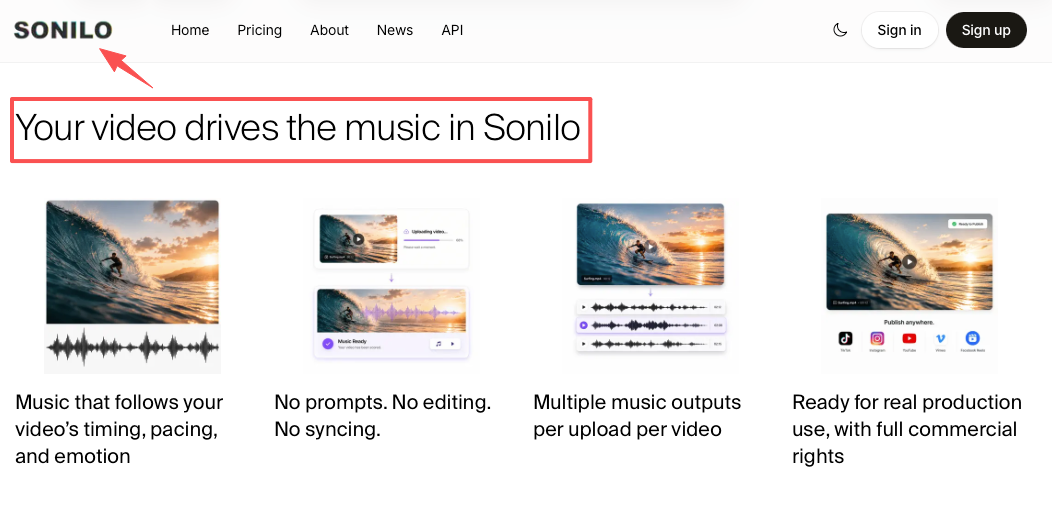
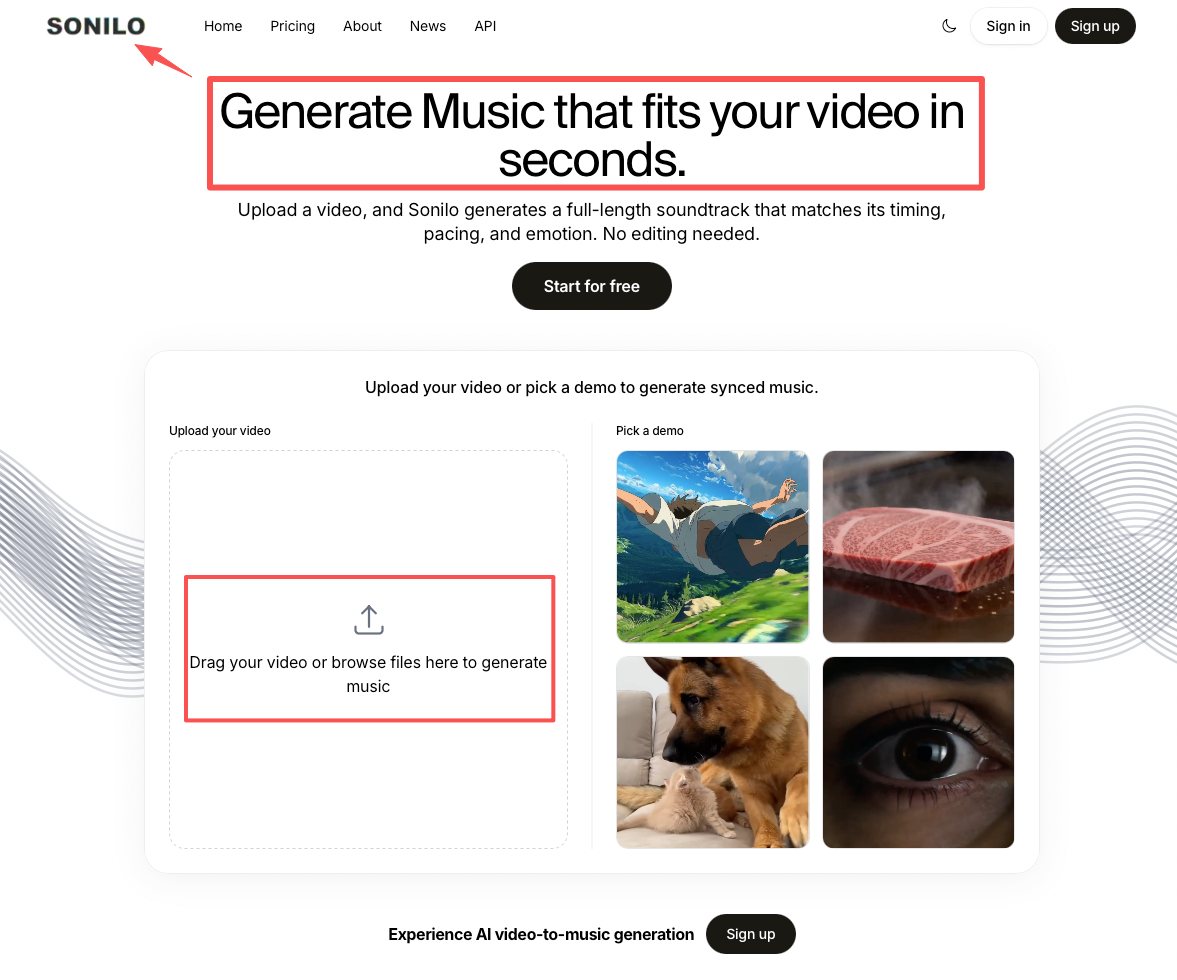
This is where the newer video-to-music tools change the math. Sonilo is built for video specifically — you upload your cut and it generates a custom soundtrack matched to the exact length of the video, ending naturally instead of getting chopped or looped. It reads the video's timing and pacing rather than asking you to describe a mood in text, so you start from something that's already the right shape for your edit.
I'd still read the licensing details yourself before putting anything on a client project — that's not a call I can make for you. But if "the music never matches my edit" is your recurring headache, generating a soundtrack built for that specific cut is worth a look. See how it works on a clip you're already fighting with.
FAQ
What causes audio and video to go out of sync?
Usually one of four things: different start reference points, an export setting that changes the frame or sample rate, source files recorded at mismatched rates, or edits made to the picture after the audio was placed. It's rarely the software itself — it's the handoff between steps.
How do I combine video with audio and keep everything aligned?
Anchor the audio to the first visible sync event, not the start of the timeline. Move the audio relative to the picture, not the whole timeline at once. Then lock the picture before you commit the final audio, so later trims can't pull it loose.
What should I check before exporting a video with separate audio tracks?
That your picture is locked, that no single moment has all your audio layers clipping at once, and that your export's audio settings match where the file is headed. Then play the exported file all the way through in a separate player before you upload.
How can I prevent sync problems in future edits?
Lock the edit before adding final music, keep your reference points consistent, and where you can, start from music that already matches your cut length so there's nothing to trim. Prevention is mostly about sequence: picture first, final audio last.
When is it better to generate a custom soundtrack instead of syncing an existing track?
When the length never matches and you keep trimming or looping to force a fit. A tool like Sonilo generates a soundtrack matched to your video's exact length, which removes the length-mismatch step. Whether it's right for a paid or client project depends on the licensing terms — read the official documentation yourself before relying on it, since that's not something I can decide for you.
Most sync problems aren't audio problems. They're sequence problems. Lock your picture, anchor to the first visible event, give each audio layer one job, and test the real exported file before it leaves your machine. Do that, and the times you combine video with audio stop being a fight.
The question that actually matters isn't "does it sound good in my editor." It's "does it still hold up in the exported file a stranger will watch." That's the actual test.
So — when you're combining video with audio, where does it usually fall apart for you: the timing, the length, the layered mix, or the export? Tell me which one eats your afternoons, and I'll go deeper on it next.