Guides
How to Put a Song on a Video That Matches the Edit
- Written by
- Sonilo Team
- Published
Last Thursday I dropped a song I loved onto a 50-second product cut. Good track, right mood, clean export. And the first chorus landed on a shot of an empty table — the most nothing moment in the whole edit. The music wasn't bad. The placement was.
If you've ever stared at a timeline with a song that just won't sit right, this one's for you. Here's how to put a song on a video so it feels intentional instead of stuck on top — picking the right section, lining it up with your edit, dealing with length, and keeping your dialogue clear.
Why song placement matters in video editing
Most guides on how to add a song to a video stop at "drag it onto the timeline." That part takes three seconds. The part that actually decides whether your video feels finished is where the song starts and what it's doing when your key moments hit.
A good song can still feel wrong if it starts badly
A track you genuinely love can still wreck an edit if it opens at the wrong point. I've had songs where the intro was thirty seconds of ambient build — lovely on its own, dead weight under a fast-paced reel. The song wasn't the problem. The first few seconds were.
I've started timing the first eight seconds of every track separately now. If those eight seconds don't earn their place under your opening shot, the rest of the song rarely saves it.
Here's the thing nobody mentions: viewers don't hear "this is a great song." They feel whether the music and the picture are moving together. When they're not, people can't always say why — they just click away a little sooner.
The difference between adding a song and scoring an edit
Adding a song means the audio exists in your project. Scoring an edit means the music's energy lines up with what's happening on screen.
That's not the same thing as just having a track playing. One is a file on a timeline. The other is a song that hits when your cut hits, breathes when your shot breathes, and lands its biggest moment on your strongest visual.
Step 1: Choose the Part of the Song That Fits the Video
Before you worry about placement, decide which section of the song you're actually using.
Intro, build, chorus, drop, bridge, and ending
Songs have parts that each carry different energy — and knowing them makes everything downstream easier. If you want a quick refresher, MasterClass has a clear breakdown of how a song is typically structured, from intro through verse, chorus, bridge, and outro.
Quick map for editing:
- Intro — low energy, good for openers or setup shots
- Build / pre-chorus — rising tension, great under a montage that's heading somewhere
- Chorus / drop — peak energy, save it for your strongest moment
- Bridge — a shift, useful for a tonal turn in your edit
- Ending — natural resolution, ideal over your last shot
Match the song section to the video moment
The mistake I made for years: starting the song at the song's beginning instead of at the video's beginning. Those aren't the same.
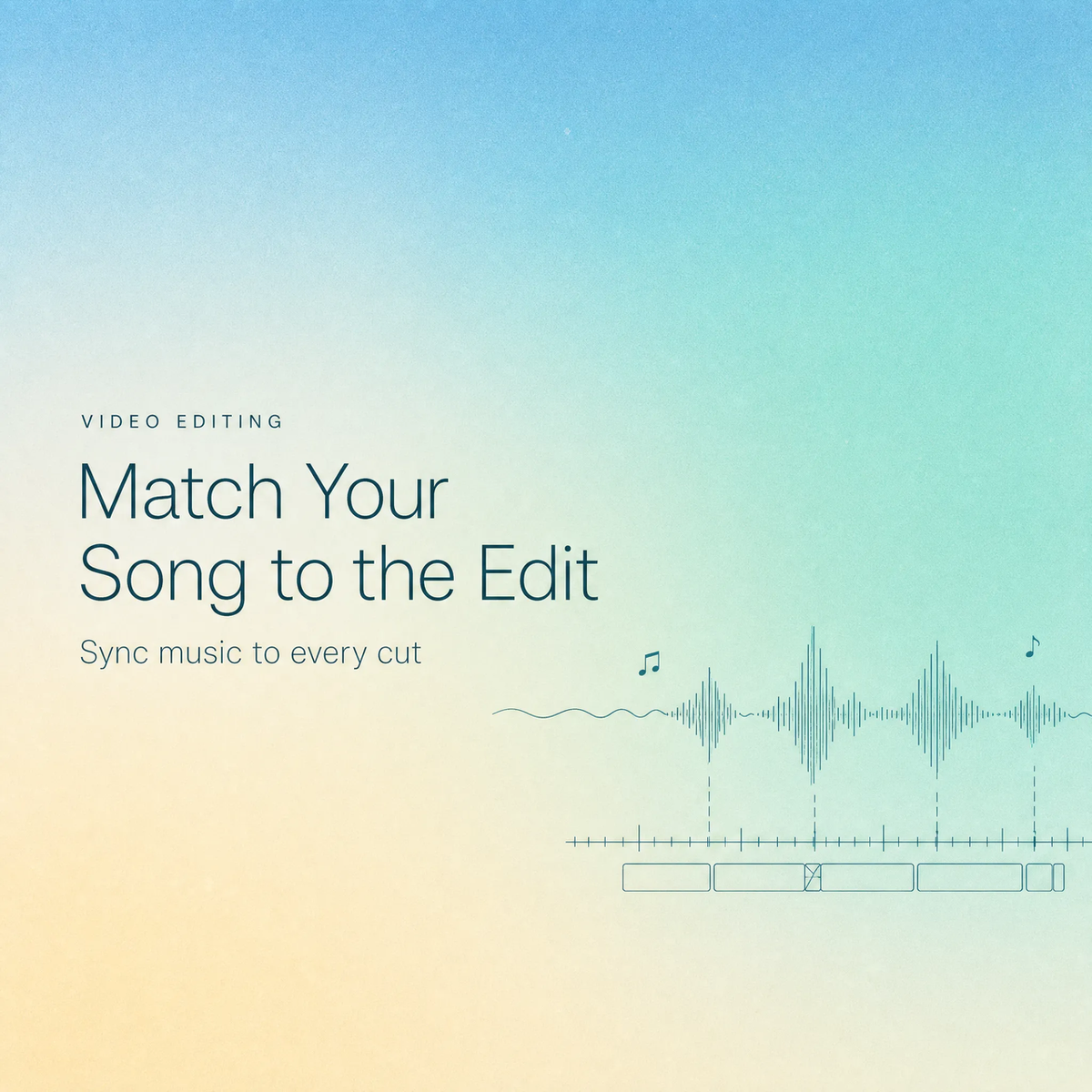
If your video's emotional peak is at the 40-second mark, that's where the chorus should land — not wherever the chorus happens to fall when you start the track at zero. So I work backwards now. I find my biggest visual moment first, then slide the song so its biggest musical moment sits right under it.
If you're not sure where your peak even is, scrub the video with the sound off and watch for the shot you'd freeze for a thumbnail. Nine times out of ten, that's the moment the chorus belongs under.
Step 2: Place the Song Around the Edit Structure
Once you know which section you're using, the question becomes where it goes in the cut.
Opening hook, main section, transition, and ending
Think of your video in blocks, and give each block the right musical energy. The actual mechanics of dropping a track onto the timeline are simple — Apple's guide on adding music and sound in Final Cut Pro walks through placing a clip at a specific point, and most editors handle it the same way: park your playhead where you want the music to begin, then drop the clip there.
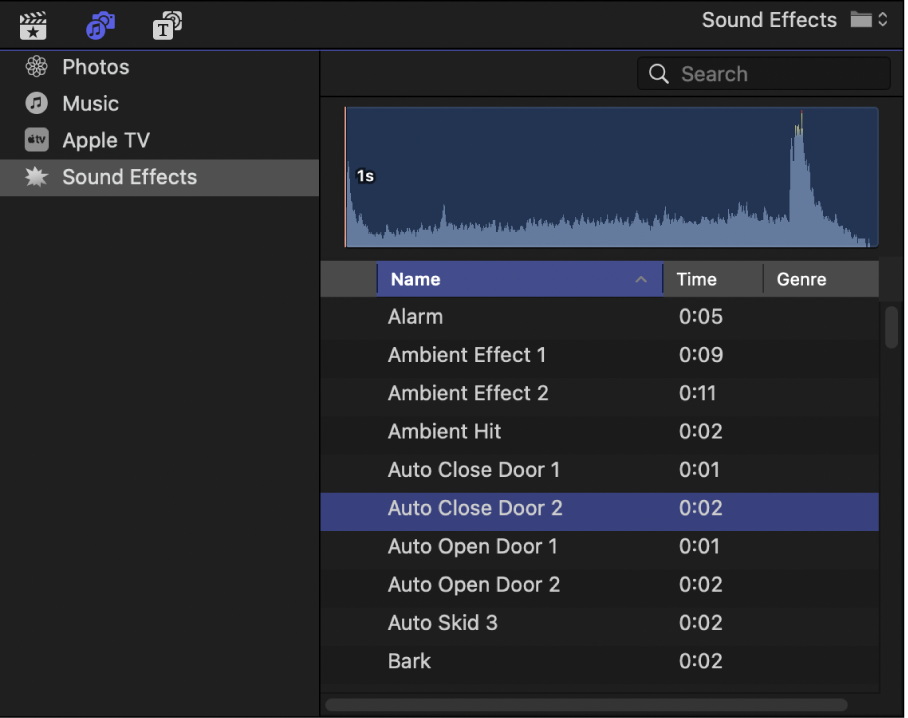
When you're figuring out how to insert a song in a video, the insertion point matters more than the insertion method. A song that starts two seconds before your first hard cut feels designed. The exact same song starting two seconds after feels like an accident.
Avoid placing big music changes over weak visual moments
This is where my empty-table disaster came from. A chorus, a drop, a key change — those are promises to the viewer that something is happening. If nothing is happening on screen, the music writes a check the picture can't cash.
So before you lock placement, audition a different section or a different track entirely. Premiere lets you preview and license tracks without leaving your timeline, which makes it easy to test whether a quieter passage sits better under a slow shot. Match your music's peaks to your video's peaks, and the energy dips to your dips.
Step 3: Make the Song Fit the Video Length
Your cut is one length. Your song is another. Something has to give.
Trim, loop, fade, or choose another track
You've got four honest options:
- Trim — cut the song down to your video length (easiest when the song is longer)
- Loop — repeat a section (risky; the seam usually shows)
- Fade — end early with a smooth taper instead of a hard stop
- Replace — accept the song doesn't fit and find one that does
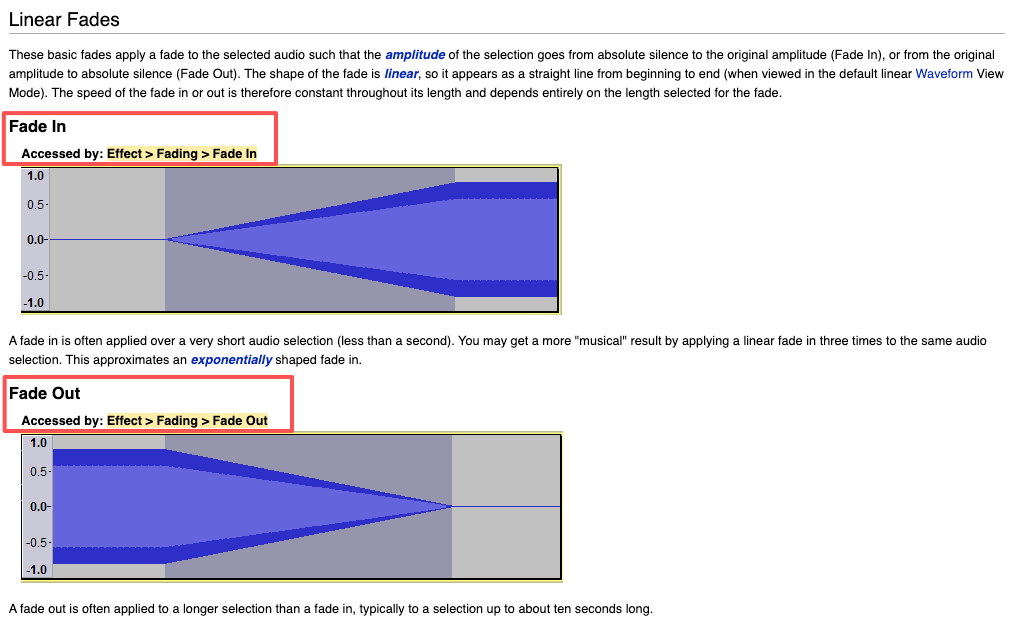
A clean fade is the most underrated of these. The Audacity manual has a solid explanation of how fade in and fade out actually work, including why a curved fade sounds more natural than a straight cut. If your song runs a few seconds long, a gentle fade-out beats an abrupt chop every time.
When forcing the song creates a weaker edit
Here's where I'll be straight with you. Sometimes the song is 47 seconds and your cut is 63, and no amount of trimming, looping, or fading fixes it — you just end up with a Frankenstein track that loops awkwardly or dies before your last shot.
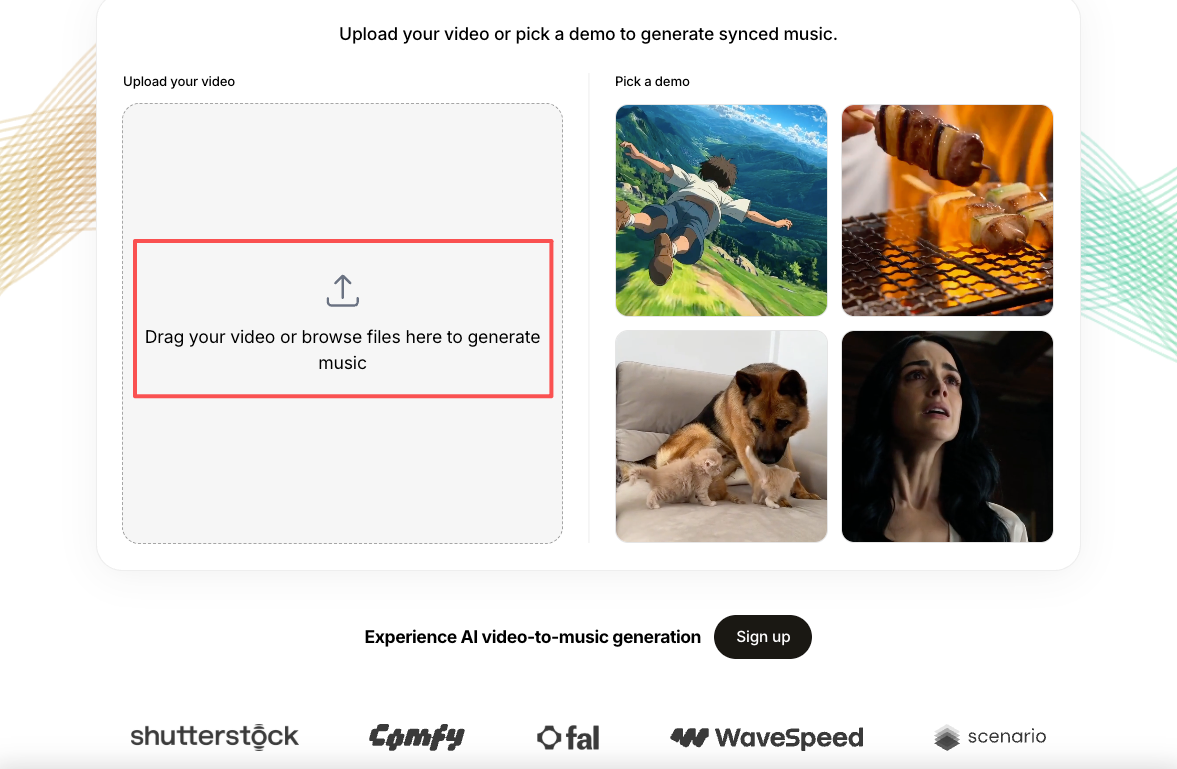
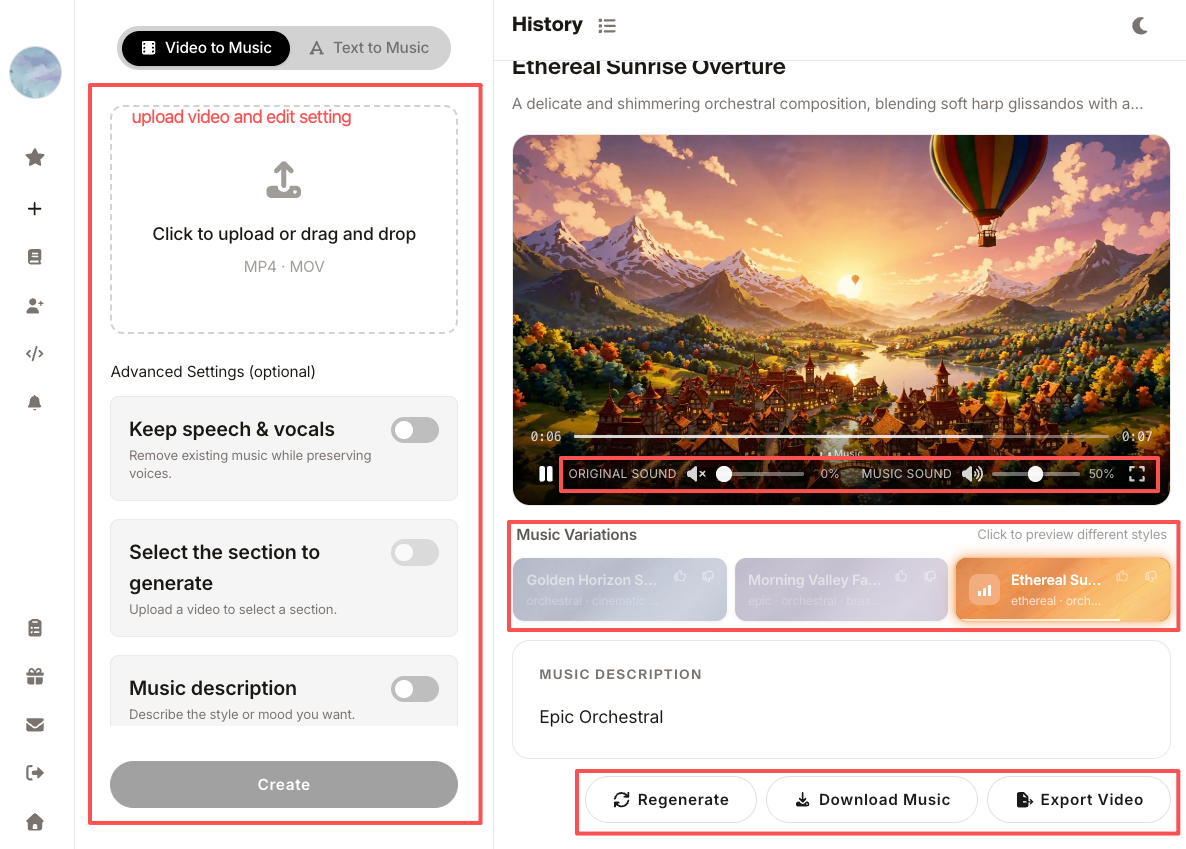
When that happens, forcing it makes the whole video worse. One option worth knowing: instead of bending a fixed-length song to your edit, you can generate a custom-length soundtrack that's built to your video's actual duration from the start. That's the gap Sonilo works in — it reads the video and generates custom music that matches its length, so you skip the trim-and-loop tug-of-war entirely. It's live now at sonilo.com if you want to test it on the cut where length never cooperates. As always, read the licensing terms yourself before you publish for a client — I'm not the right person to interpret those for you.
Step 4: Balance the Song With Speech and Original Audio
If your video has talking in it, the song is now competing with a human voice. The voice wins, always.
Keep dialogue and key sounds clear
When you're working out how to put a song over a video that already has voiceover or interview audio, your job is to make sure the song supports the words instead of burying them. I've watched otherwise great edits where I couldn't make out a single sentence because the music sat at the same volume as the speech.
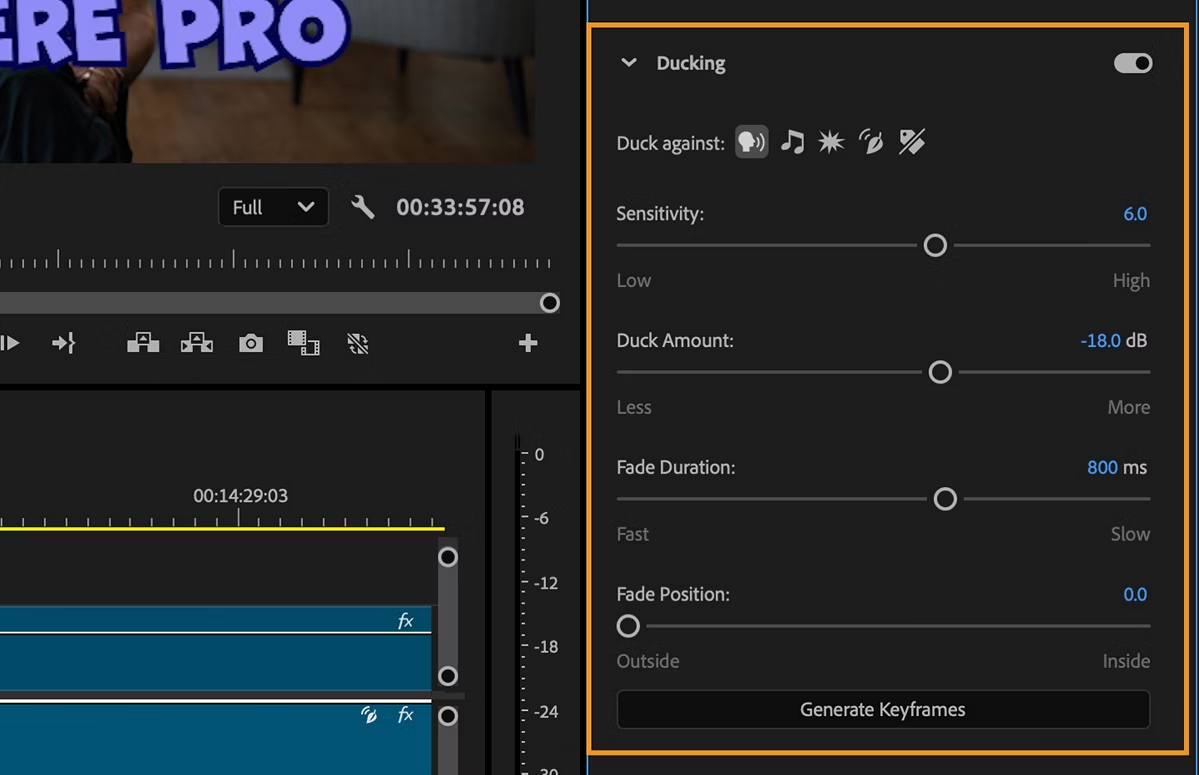
The fix most editors reach for is ducking — automatically lowering the music whenever someone talks. Adobe's guide on how to automatically duck audio under dialogue covers the settings that control how fast and how far the music drops. It saves a lot of manual keyframing.
Use lower-energy sections under voiceover
Even with ducking, a busy chorus fights a voiceover. So under speech, I deliberately place a quieter part of the song — a verse, an intro, a stripped-back section.
I didn't expect that to matter as much as it does. Swapping a dense section for a sparse one under dialogue did more for clarity than any volume adjustment. The music's arrangement matters as much as its level.
One small habit that saves me time: I keep a stripped-back version of the track on a second audio layer, so I can swap dense for sparse under speech without going back to hunt for a whole new song.
Step 5: Preview the Video as a Viewer
You've placed everything. Now stop editing and just watch.
Watch for moments where the song distracts
Play the whole thing start to finish without touching anything. This is the step I skip when I'm tired, and it's the one that catches the most problems. When you've been scrubbing the same ten seconds for an hour, you stop hearing the song the way a first-time viewer will.
I look for one thing: any moment where I notice the music instead of the video. If the song pulls my attention away from what's on screen, that's a flag — not a verdict, but a flag.
What helps me most is watching it once on my phone at low volume, the way most people will actually see it. Problems that hide on good monitors tend to jump right out on a small, tinny speaker.
Replace the track if the edit feels less clear
If a song makes the video harder to follow, it's not the right song — no matter how much you like it. That's a hard rule I had to learn. Knowing how to put a song on a video well sometimes means admitting this particular song isn't the one, and starting over.
It stings to drop a track you spent twenty minutes auditioning. But the edit doesn't care how long you searched — it only cares whether the song serves the picture.
FAQ
What does it mean for a song to match a video edit?
It means the song's energy lines up with what's happening on screen — the build rises as your shots build, the peak hits your strongest moment, and the song resolves around when your video ends. A song can match the mood of a video and still clash with its structure, which is the part most people miss.
How do I put a song on a video at the right moment?
Work backwards from your biggest visual beat. Find your strongest shot or cut first, then position the song so its peak — the chorus or the drop — lands there. So when people ask how do you add a song to a video that actually feels timed, the answer is: don't start the song at the song's beginning, start it so its high point meets your high point.
How do I make a song fit the structure of my video edit?
Trim it down, fade it out early, or pick a section that matches your video's length and pacing. If the song is a fixed length that fights your cut no matter what you try, generating a custom-length track built to your video's duration usually beats butchering one that was never going to fit.
What should I avoid when placing a song over dialogue or product audio?
Avoid letting the music sit at the same volume as the voice, and avoid placing a dense, busy section under speech. Use ducking to lower the music when someone talks, and reserve the quieter parts of the song for your spoken moments. Clarity of the voice comes first — the music is support.
When should I replace a song instead of forcing it to fit?
When fitting it makes the edit worse. If trimming creates an awkward stop, looping shows an obvious seam, or the song's energy keeps clashing with your shots, that's your sign. A song you love that fights the cut is still the wrong song for that cut.
So that's the actual workflow: pick the right section, place its peak on your peak, solve the length honestly, protect the dialogue, and watch it cold before you commit. Master those five and how to put a song on a video stops being guesswork and starts being a decision you can repeat.
One question before you go — where does the music part usually slow you down most: finding the right section, matching the length, or balancing it against your voiceover?