Comparisons
Suno vs Udio for Video Creators (2026)
- Written by
- Sonilo Team
- Published
Suno and Udio are both designed primarily to generate songs from creative instructions. For video creators, the real question is not simply which platform makes the better song. It is whether that song can be edited, exported, documented, and fitted to a finished video. Once a candidate exists, the real work begins: a practical guide on how to sync audio and video should mark visual anchors, align musical accents, and review the export on more than one device.
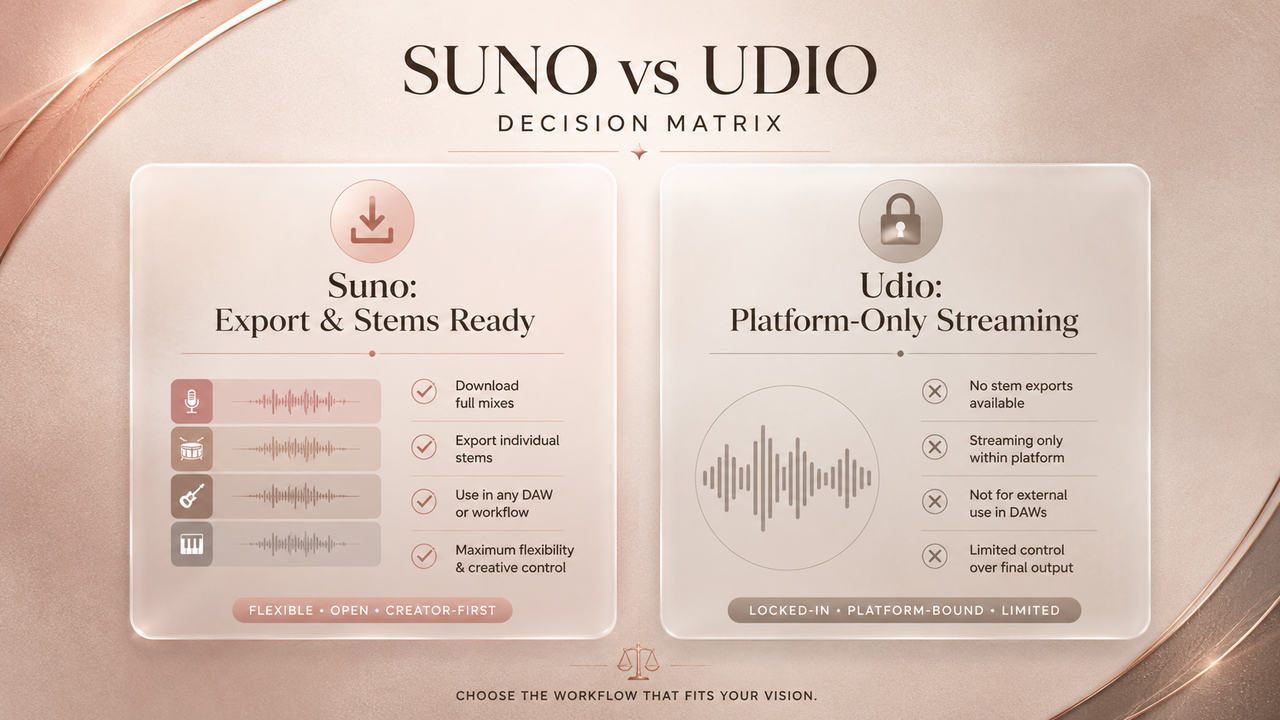
As of August 14, 2026, Suno provides a more complete off-platform workflow for editors who need downloadable audio and stems. Udio still offers song creation, audio uploads, and internal editing, but its official help center states that audio, video, and stem downloads are currently disabled.
That difference is decisive for many production teams, but it does not make Suno the universal winner. Prompt response, vocal character, arrangement, editing preferences, account terms, and the intended release all remain relevant.
Quick Verdict for Video Creators
Choose Suno when the immediate workflow requires downloading generated music, importing it into an editor, extracting stems, or handing files to an external mixer. Suno’s current documentation describes audio and video downloads, waveform-based editing, section replacement, extensions, and stem separation.
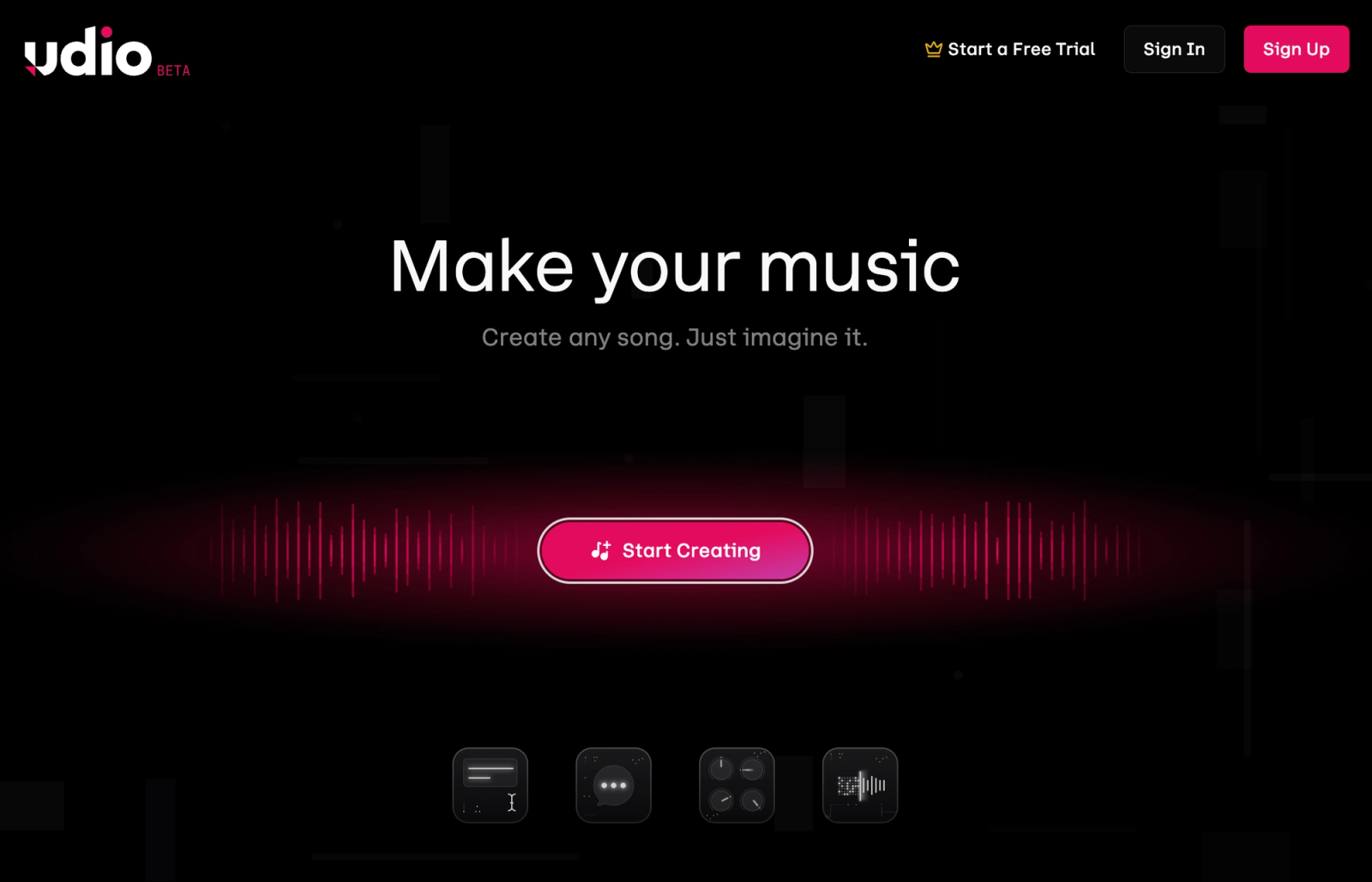
Consider Udio when the goal is to explore songs and refine them within Udio’s current platform. Its tools include prompt-based generation, audio uploads, section replacement, extensions, Styles, and a timeline-oriented Sessions interface. However, Udio’s official partnership update says downloading of audio, video, and stems has been disabled.
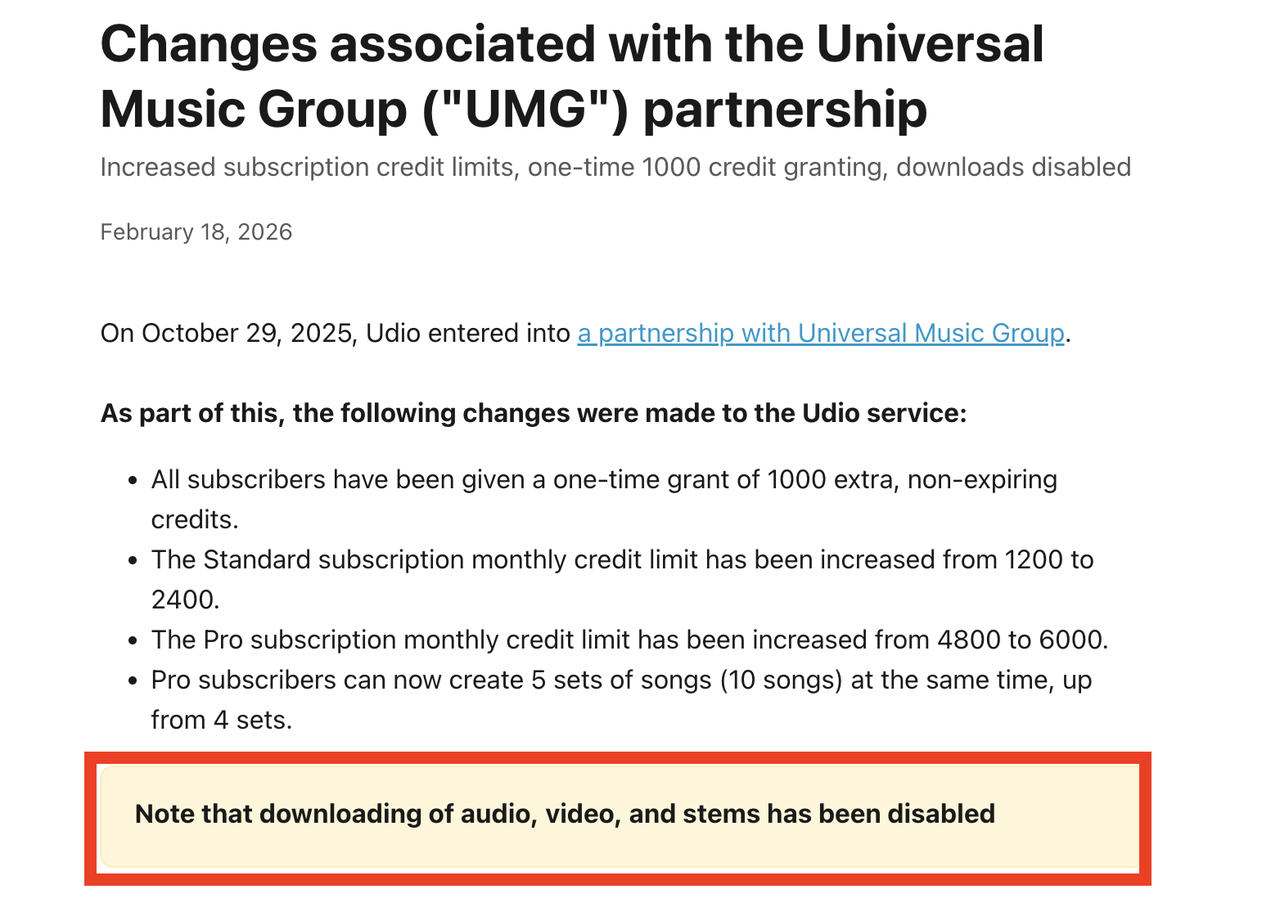
For a conventional video post-production workflow, the inability to export audio is a substantial limitation. Check Udio’s current help center before making a production decision, because this status may change.
What Suno and Udio Are Built For
Both services are song-generation platforms. They accept creative direction about style, mood, instrumentation, lyrics, and vocals, then generate music that can be revised through their respective tools.
Neither platform’s reviewed official documentation describes a workflow in which the model watches an uploaded video, analyzes cuts, protects narration automatically, or composes to an exact final video duration.
That distinction matters. Generating an appealing song is different from scoring a finished edit. A track can match the requested genre and still place a chorus, breakdown, vocal entrance, or ending at the wrong point for the video.
For YouTube, Shorts, Reels, and brand projects, creators should evaluate the complete workflow rather than judging isolated music samples.
Compare the Music Workflow
The current differences are clearest when the tools are compared by the same production requirements.
| Workflow area | Suno | Udio |
|---|---|---|
| Song generation | Prompt, lyrics, instrumental and vocal workflows | Prompt, lyrics, instrumental and vocal workflows |
| Audio uploads | Available, with limits depending on plan and feature | Available to paid subscribers |
| Internal editing | Song Editor, crop, replace, extend and related controls | Edit tools and Sessions for replacing or extending sections |
| Audio download | Currently documented as available | Currently disabled |
| Stem export | Current paid features include stem separation and download | Currently disabled |
| Finished-cut analysis | Not documented | Not documented |
| Automatic video-duration matching | Not documented | Not documented |
Features, limits, and account eligibility can change. Review the linked official pages at the time of production.
Song generation and creative control
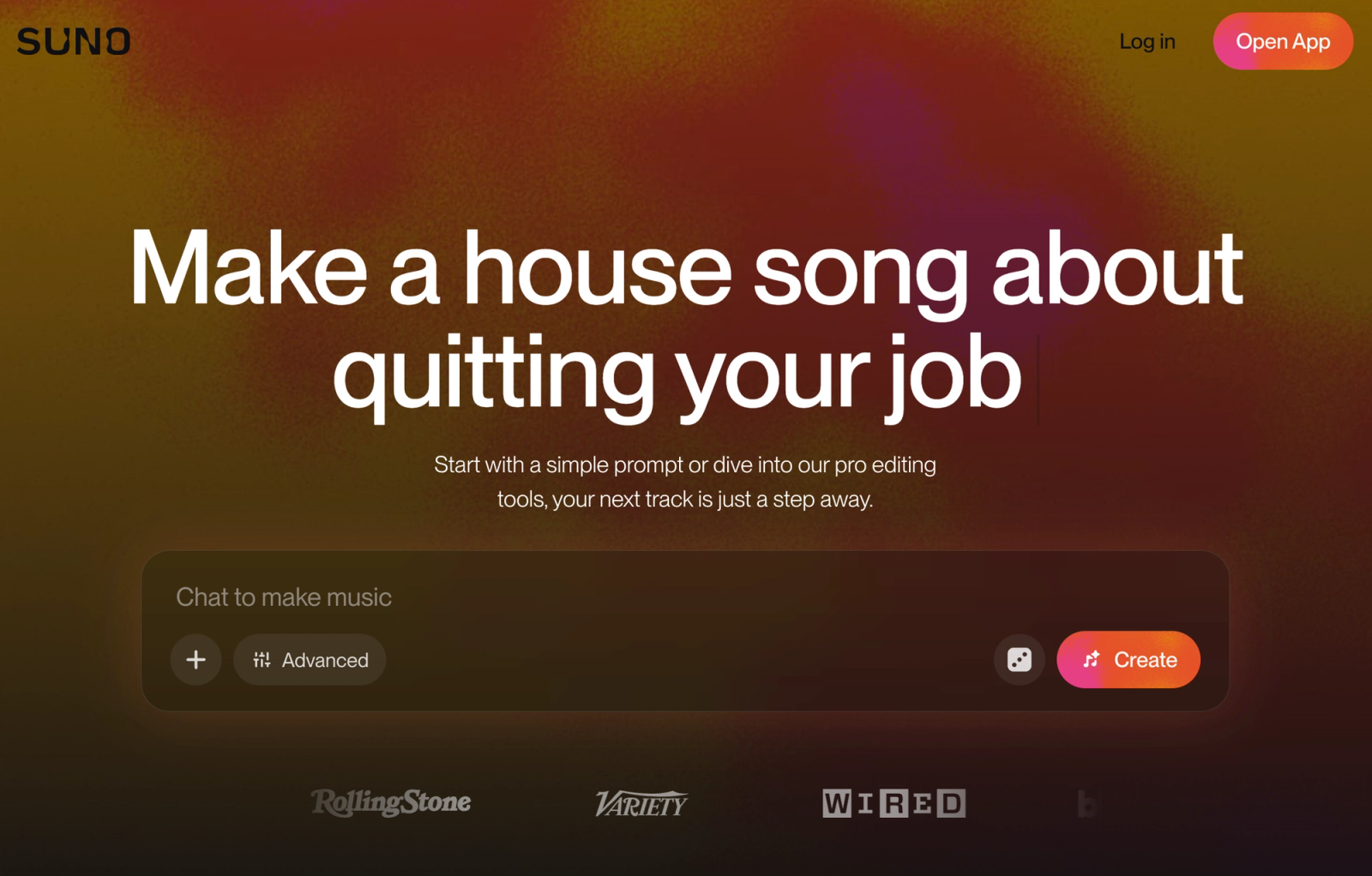
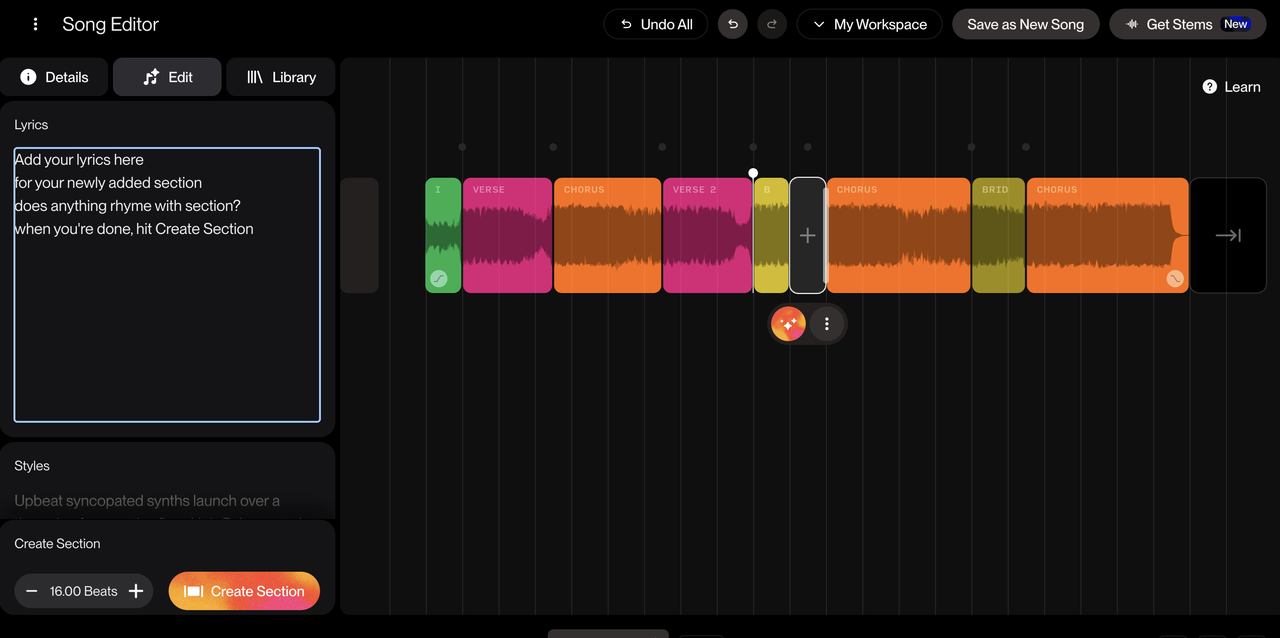
Suno offers simple and custom creation modes, lyric control, instrumental generation, style direction, Personas, and newer voice-related features. Its Song Editor can reorder material, replace sections, add sections, crop the arrangement, extend a song, and shape fades. Availability can depend on the selected plan and model.
Udio also generates from prompts and supports original or generated lyrics. Its official prompting guide describes controls for mood, genre, tempo, instrumentation, lyrics, vocals, instrumental mode, and style reduction. Guidance tags can suggest sections such as intros, choruses, bridges, breaks, and outros, although Udio cautions that these act as guidance rather than guaranteed commands.
Both platforms therefore offer meaningful song-level direction. Neither gives an editor deterministic control over exactly where every musical event will occur in relation to a video timeline.
Audio upload and editing options
Suno lets users upload audio they have permission to use and develop it through features such as Extend and Cover. Current plan information describes different upload limits across tiers.
Its Song Editor documentation covers section replacement, lyric editing, extensions, cropping, rearrangement, and fades. These tools can help an editor reshape a generated song before moving it into video software.
Udio’s audio-upload documentation says paid subscribers can upload owned audio and use it with Extend, Inpaint, Session, Remix, or Style workflows. Uploading confirms that the user has the necessary rights to the source material.
Udio’s Sessions interface allows paid subscribers to extend a track, replace selected waveform regions, edit associated lyrics, compare takes, and undo revisions.
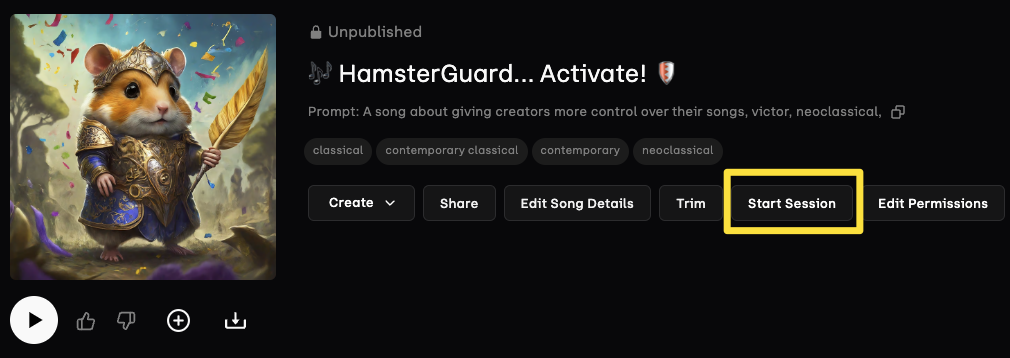
These controls can improve a song internally. They should not be confused with fitting music directly against video frames.
Download and export availability
This is currently the largest practical difference.Suno’s official download instructions state that creators can download their own songs as audio or video files. Current paid features also include stem separation, although the available separation modes depend on the plan.
That gives editors a route from generation to an NLE, DAW, shared storage system, or external mixer.
Udio’s status is different. Its February 17, 2026 official service update explicitly states that downloading audio, video, and stems has been disabled.
Older reviews and tutorials may describe Udio downloads or stem exports, but those sources no longer reflect the current official status. Unless Udio restores exporting, creations can be developed and reviewed inside its service but cannot follow the normal downloadable-file handoff described above.
Voice, lyrics, and style guidance
Both services support generated and custom lyrics, vocal music, and instrumental output.
Suno’s current feature set includes Personas and voice-related tools, with availability depending on plan, model, age, and location. Users should verify the controls shown in their own account rather than assuming that every voice feature is universally available.
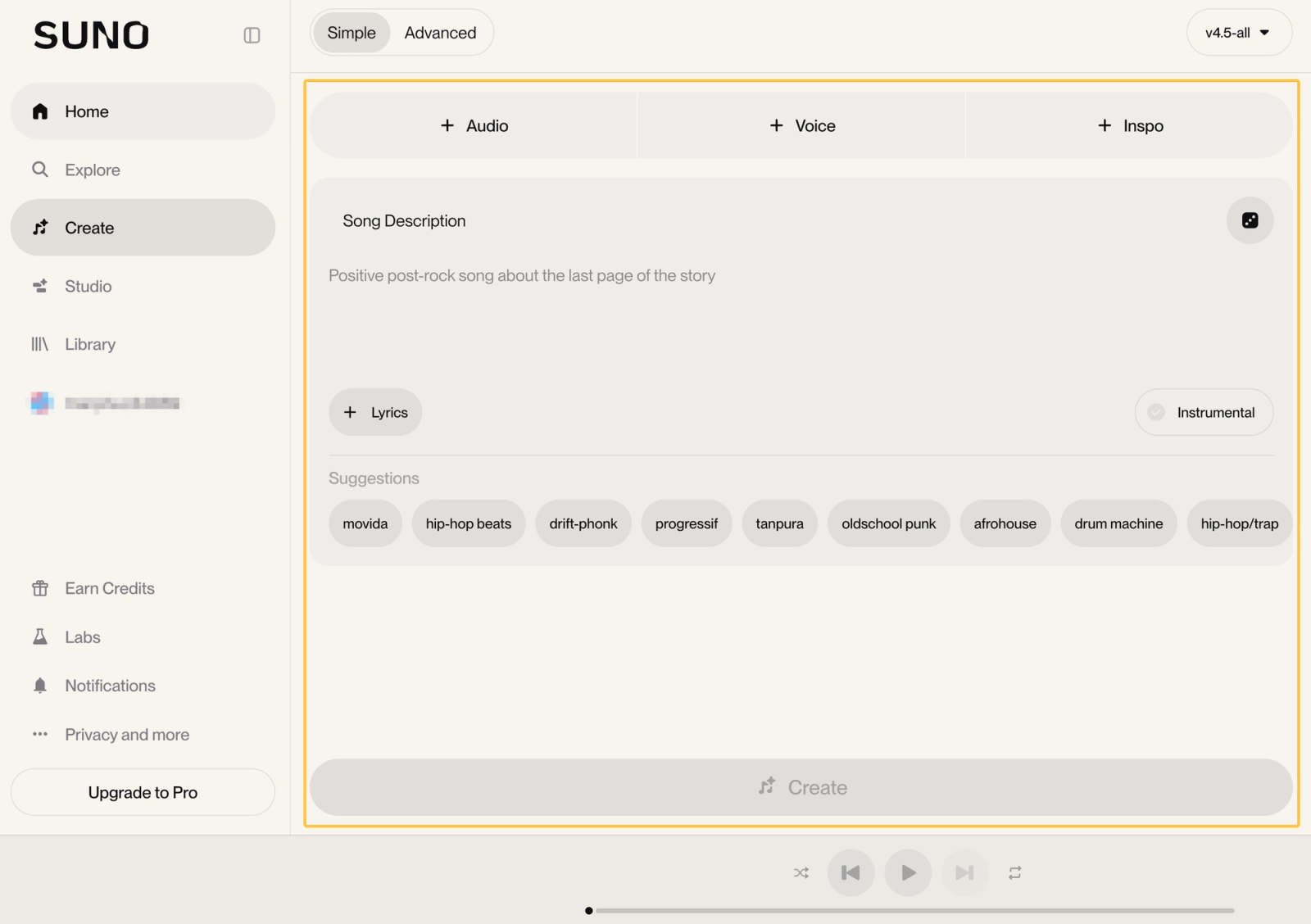
Udio lets creators supply their own lyrics, request generated lyrics, use guidance tags, and work with its Voices and Styles features. Some tools or subfeatures are restricted to subscribers or particular interfaces.
For video work, vocals should be chosen deliberately. A generated lead vocal can conflict with dialogue, narration, captions, or brand messaging. Instrumental mode may reduce that conflict, but it does not automatically create space for speech. The editor must still evaluate melody, percussion, frequency density, and level.
Rights and publishing checks
Rights cannot be reduced to “free versus paid” or “AI-generated versus human-made.”
Suno’s current Terms of Service say that outputs generated from a user’s submissions during an eligible paid subscription receive the rights described in those terms, while outputs made on the free or Basic tier are limited to personal, non-commercial use with attribution. Suno also states that receiving commercial-use rights does not guarantee copyright protection.
Special workflows may carry additional restrictions. Suno’s official Remix guidance, for example, distinguishes remixing your own eligible work from remixing another user’s song.
Udio’s rights and publishing position should be checked through its current Terms of Service, account notices, and help center at the moment of use. Do not rely on archived Udio terms or older articles that assumed downloads remained available.
For either service, verify:
- Rights to every uploaded recording, lyric, voice, or reference
- The plan active when the output was generated
- Whether the intended use is commercial
- Attribution requirements
- Platform, territory, and distribution restrictions
- Rules for remixes, shared songs, or third-party source material
- Current download and export availability
This is a production checklist, not legal advice. Commercial campaigns, client releases, disputed material, recognizable voices, and uncertain source rights may require review by a qualified rights specialist.
Fit for Video Soundtracks
A useful AI-generated song is not automatically a finished soundtrack. The editor still has to fit it to the picture.
Matching a finished cut
Neither Suno nor Udio is currently documented as accepting a finished video and producing music aligned to its cuts. Editors must generate from text or audio-based inputs, then compare the result with the timeline.
A generated track may need to be trimmed, extended, reordered, looped, or partially regenerated. Suno currently provides both internal editing and downloadable files for this process. Udio provides internal editing, but its disabled downloads prevent a conventional external timeline workflow at present.
Avoid changing important video timing solely to rescue a promising song. The picture should retain enough time for dialogue, actions, text, and narrative transitions.
Leaving room for narration
Instrumental generation is usually the cleaner starting point when a video contains substantial speech, but an instrumental track can still mask narration.
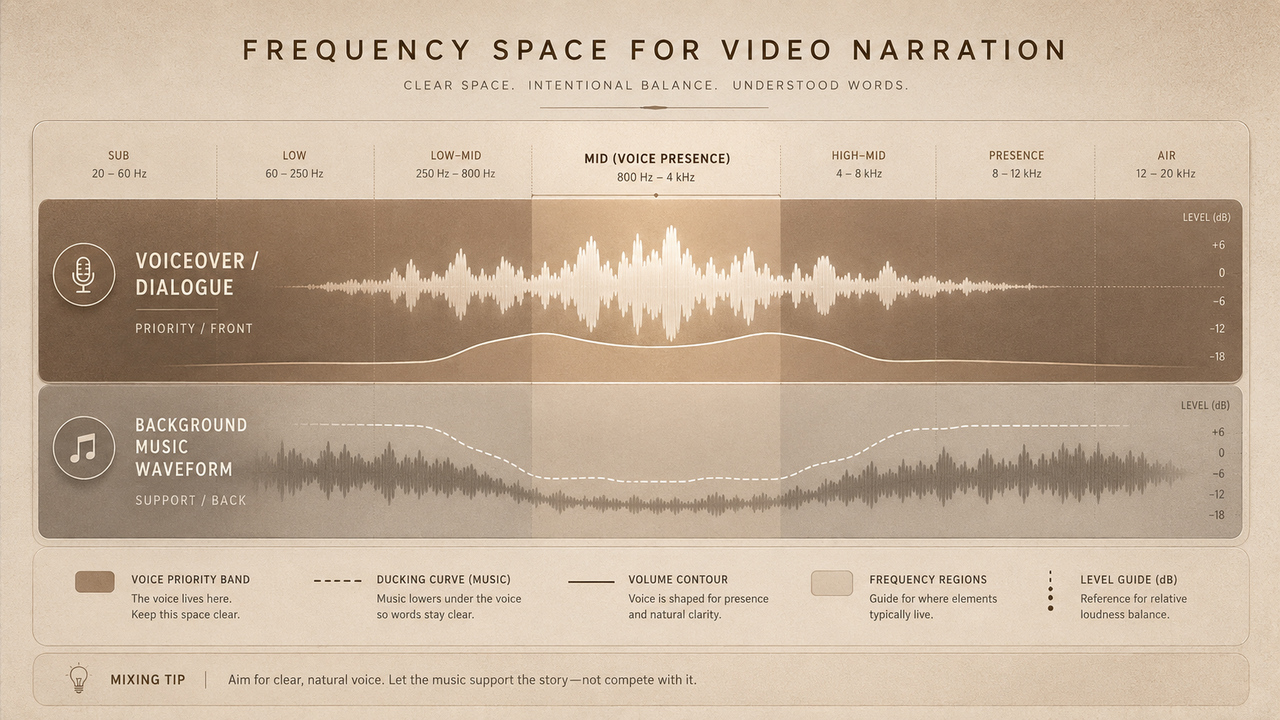
Review sections with dense percussion, active melodies, or strong frequency overlap. If stems are available, reducing or removing an interfering element can help. Suno currently documents stem-separation options on paid plans. Udio’s stems cannot currently be downloaded.
Neither platform should be assumed to perform automatic dialogue-aware mixing. Final balance belongs in the video editor or audio-mixing workflow.
Reviewing endings and loops
Suno’s editing tools include Extend, Crop, Replace Section, and waveform fades. These can help create an ending that fits an end card or final scene before the track is downloaded.
Udio’s Sessions documentation describes intro, section, and outro extensions as well as waveform-region replacement. Those tools can refine an ending inside Udio, but the current export restriction remains.
When looping either platform’s output, listen across the join and check whether the repeated arrangement reveals an unwanted restart, vocal pickup, cymbal tail, or harmonic jump. A technically clean loop may still feel narratively repetitive.
When a Video-First Soundtrack Tool Fits Better
A video-first tool may be more appropriate when the primary requirement is not “generate a song in this style,” but “create music around this particular edit.”
For example, Sonilo’s product page describes a workflow in which the company says users can upload a video and generate music aligned with its length and timeline. The page also presents controls related to keeping speech and vocals. These are vendor claims and should not be treated as independent performance verification.
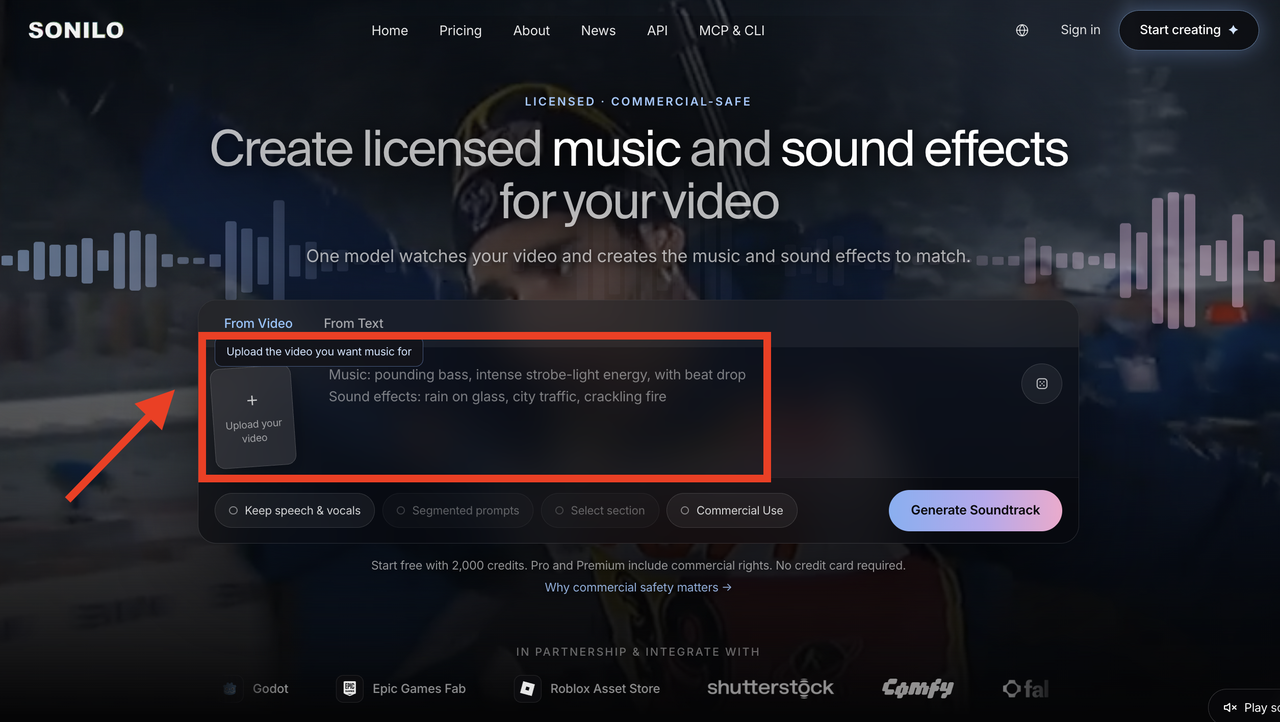
That workflow may be worth evaluating when a team prioritizes:
- Music prepared around a finished or nearly finished cut
- Fewer manual duration edits
- Review against visual pacing
- Space for existing speech
- Multiple soundtrack variations tied to one video
- A repeatable approval record
Suno may still be preferable when the team wants broader song development, downloadable stems, vocals, or extensive music-first editing. Udio may remain useful for platform-based song exploration and internal iteration, subject to its current export restrictions.
The categories overlap, but they begin from different production questions.
Limitations and Trade-Offs
Suno’s current strength for video teams is its exportable workflow. Its trade-offs include generative unpredictability, plan-dependent features, and the need to fit song structure manually to picture.
Udio offers detailed internal creation and editing tools, but disabled downloads sharply limit its current use in external video production. This may be a transitional state, so publication dates matter when reading comparisons.
Both tools can produce variations that consume review time. Neither removes the need for music selection, timeline editing, dialogue mixing, rights records, or final export checks.
Teams should test with an actual edit rather than comparing showcase songs alone.
FAQ
Can a team test both tools inside the same edit?
Yes, provided the team has lawful access to the files it imports. At present, Suno supports downloads, while Udio’s official help center says audio downloads are disabled. Do not use unofficial capture methods to bypass platform restrictions.
What should a music handoff note include?
Include the tool, account tier, generation date, prompt, lyrics source, output version, edits made, approved file, intended platforms, rights documentation, and approval owner.
Should demo generations stay separate from approved tracks?
Yes. Store experiments in a clearly marked folder and place only approved files in the delivery location. This reduces the chance that an unreviewed or improperly licensed draft reaches publication.
Can older editing templates bias the comparison?
Yes. A template built around stems, WAV files, or external mixing naturally favors a tool that currently exports those assets. Record those workflow requirements before evaluating musical preference.
When should an editor involve a rights specialist?
Seek specialist review when source ownership is unclear, recognizable voices or protected material are involved, a client requests warranties, the release spans multiple territories, or the planned use extends beyond the permissions you can verify.