Comparisons
7 Best AI Music Generation Tools for Video in 2026
- Written by
- Sonilo Team
- Published
A tool can generate an impressive piece of music and still waste a video editor's time. If the track ignores the final cut, crowds the voiceover, or comes with rights information nobody can locate, it is not a strong AI music generator for video. When the release path includes film or festival delivery, verify rights against the film music licensing and clearance guide.
For creators searching for the best AI music generation tools 2026, this is a workflow-based comparison of seven tools worth testing when the real deliverable is a finished video. It is not a definitive sound-quality ranking, and “best” here does not mean the model that can make the catchiest standalone song.
Disclosure: Sonilo publishes this guide and is included in the comparison.
Product, pricing, and licensing pages were checked on July 23, 2026. Features, plans, prices, and terms can change, so treat the official links as the starting point for your own release check—not as legal advice.
What this seven-tool comparison evaluates
My rule is simple: start with the video workflow. Can the tool accept the available input, produce a useful length, leave room for speech, export cleanly, and provide retrievable pricing and rights information?
The seven entries use the same fields:
- best-fit video use case;
- input method;
- length matching;
- voiceover space;
- output and revision path;
- pricing and rights verification entry.
An official page can confirm a feature and describe a license. It cannot prove that every result will fit every edit or outperform a competitor.
Tools 1-2: Prompt-first music generators
1. Loudly

- Best-fit video use: Music-led edits, ads, social posts, and podcasts needing direct musical controls.
- Input: Text prompts or a “song formula” built from genre, energy, instruments, structure, tempo, key, and duration.
- Length matching: User-set duration; no published cut-awareness claim.
- Voiceover space: Instrumental generation and stems support manual density control; no voice-aware claim found.
- Output and revision: Loudly lists WAV, MP3, stems, samples, mastering, and remix tools.
- Pricing and rights check: The FAQ names Free, Personal, and Pro plans without stable public amounts. It describes commercial licensing, while the general Terms contain non-commercial language. Confirm which license controls.
2. Beatoven.ai
- Best-fit video use: Prompt-led background music for films, social content, podcasts, and games.
- Input: The current Beatoven page foregrounds text-to-music. An older launch post documented video upload; confirm that input in the current app.
- Length matching: Customizable tracks; no current public cut-awareness claim.
- Voiceover space: Background positioning and stems support manual mixing; no speech-aware claim found.
- Output and revision: MP3, WAV, and stems.
- Pricing and rights check: Beatoven describes pay-per-track and subscription access, but its public Pricing link returned 404 on review. Check in-app pricing. Its Terms grant synchronization-focused use and restrict standalone distribution.
Tools 3-4: Catalog-style AI music platforms
3. SOUNDRAW
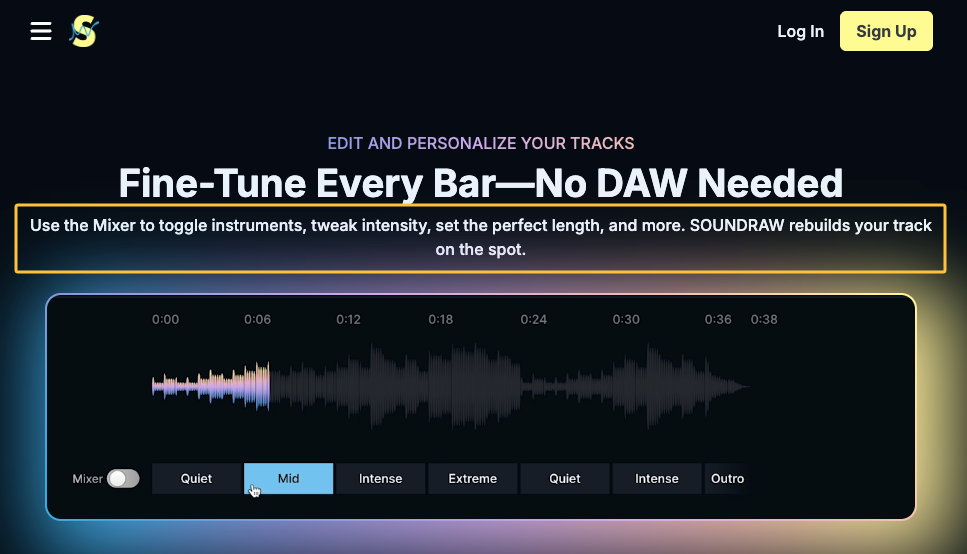
- Best-fit video use: Repeatable background music that the editor can fit to creator videos, podcasts, or games.
- Input: Genre, mood, theme, tempo, and track-length selections, followed by arrangement and instrumentation edits.
- Length matching: User-selected length; no video-analysis claim.
- Voiceover space: Arrangement controls support manual changes; stem access is plan-dependent.
- Output and revision: Current plans list Creator MP3 exports and WAV plus stems on higher Artist tiers.
- Pricing and rights check: Verify live promotional pricing, the license, and Terms. Public pages differ on some post-cancellation uses, so retain a dated copy and clarify the intended use.
4. Mubert Render
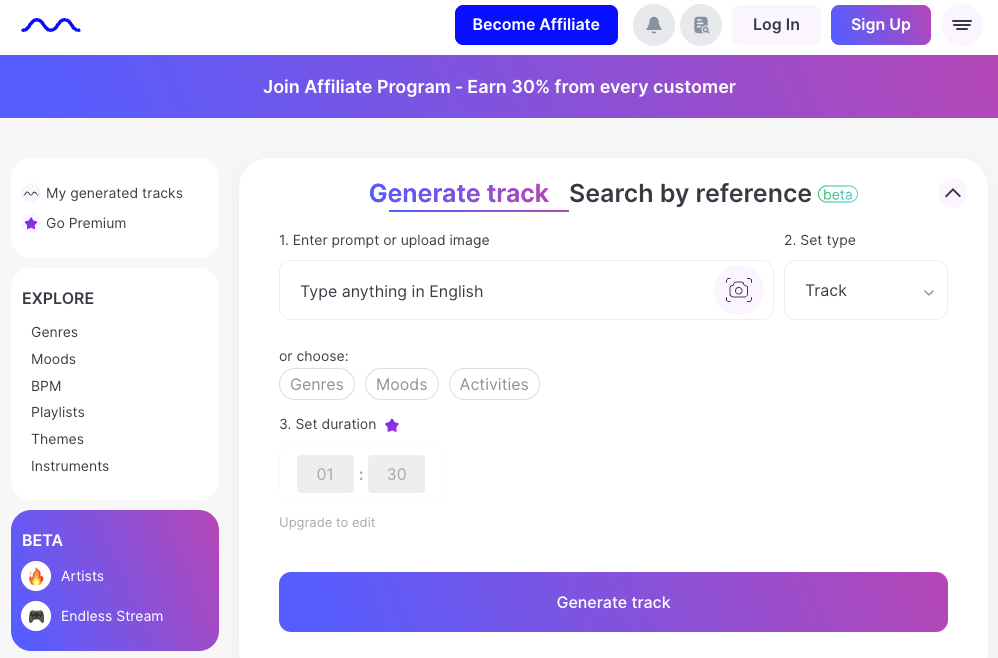
- Best-fit video use: Fast background options when mood, style, and duration are already known.
- Input: Text or filters for mood, genre, theme, BPM, and duration.
- Length matching: Custom duration on paid plans; no cut awareness.
- Voiceover space: Instrumental output supports manual mixing; no voice-aware claim found.
- Output and revision: Pricing lists free MP3 and paid WAV plus MP3 exports.
- Pricing and rights check: Plans separate non-commercial, limited-commercial, and commercial scopes. Compare the chosen plan with the Render Terms and keep its download certificate.
Tools 5-7: Video-first soundtrack tools
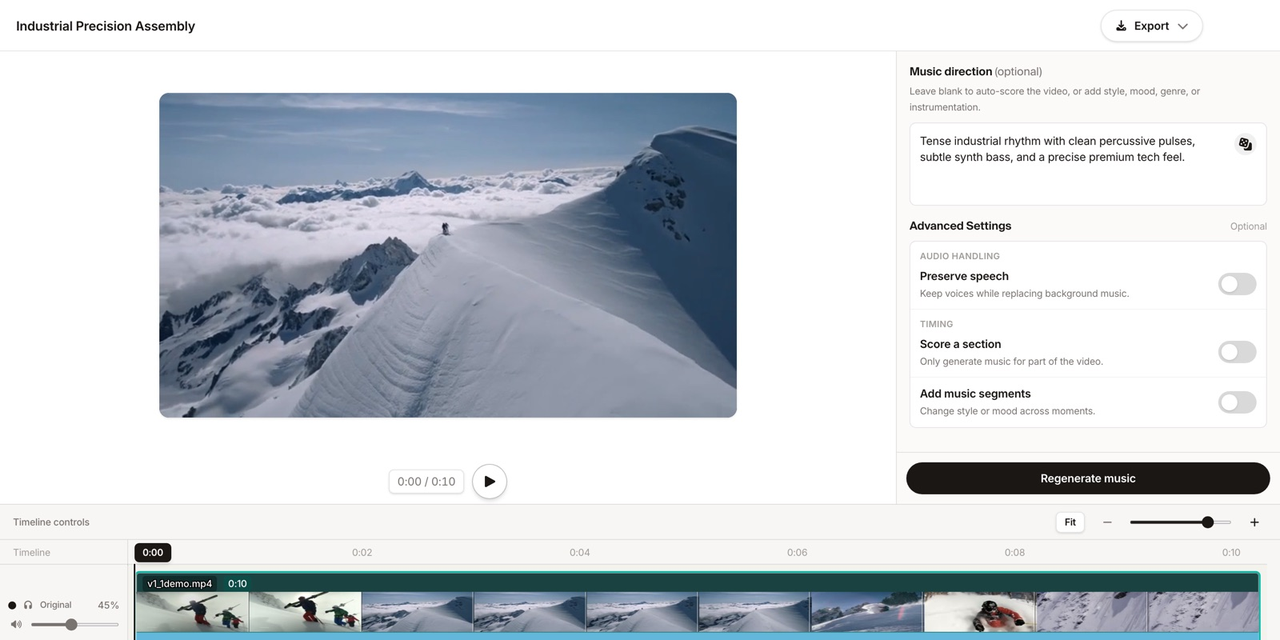
5. Sonilo
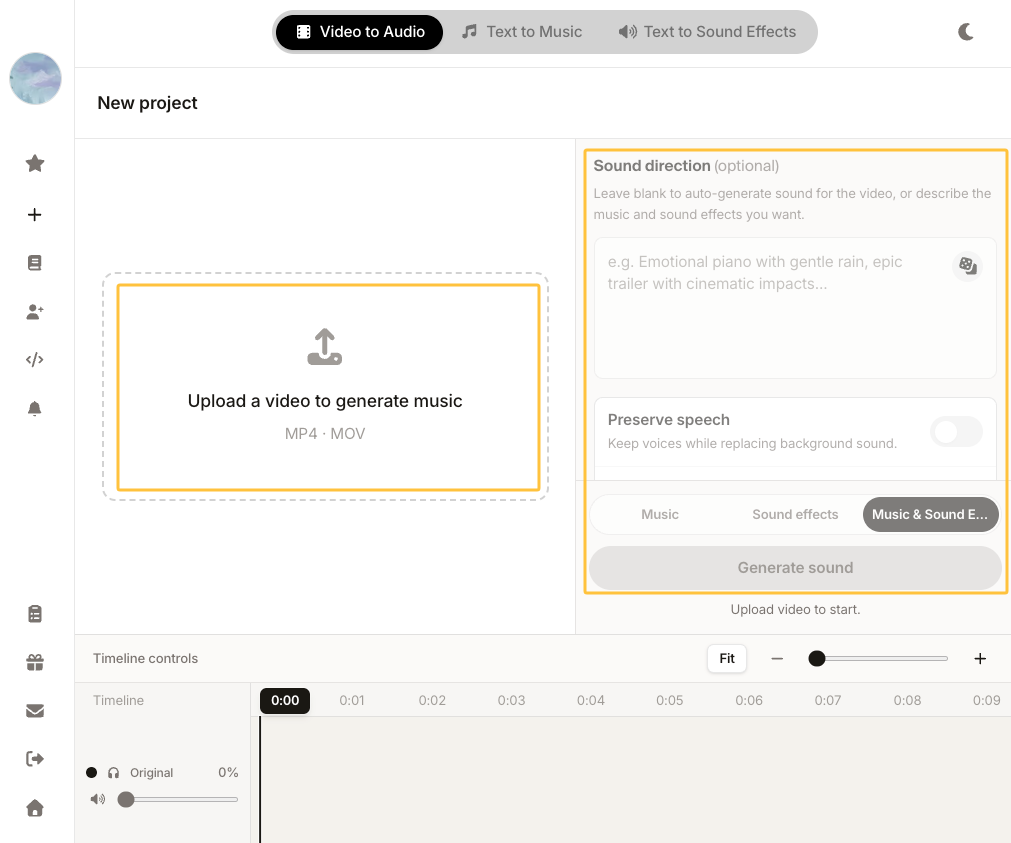
- Best-fit video use: Locked edits, voiceover-led videos, trailers, ads, explainers, and short-form work.
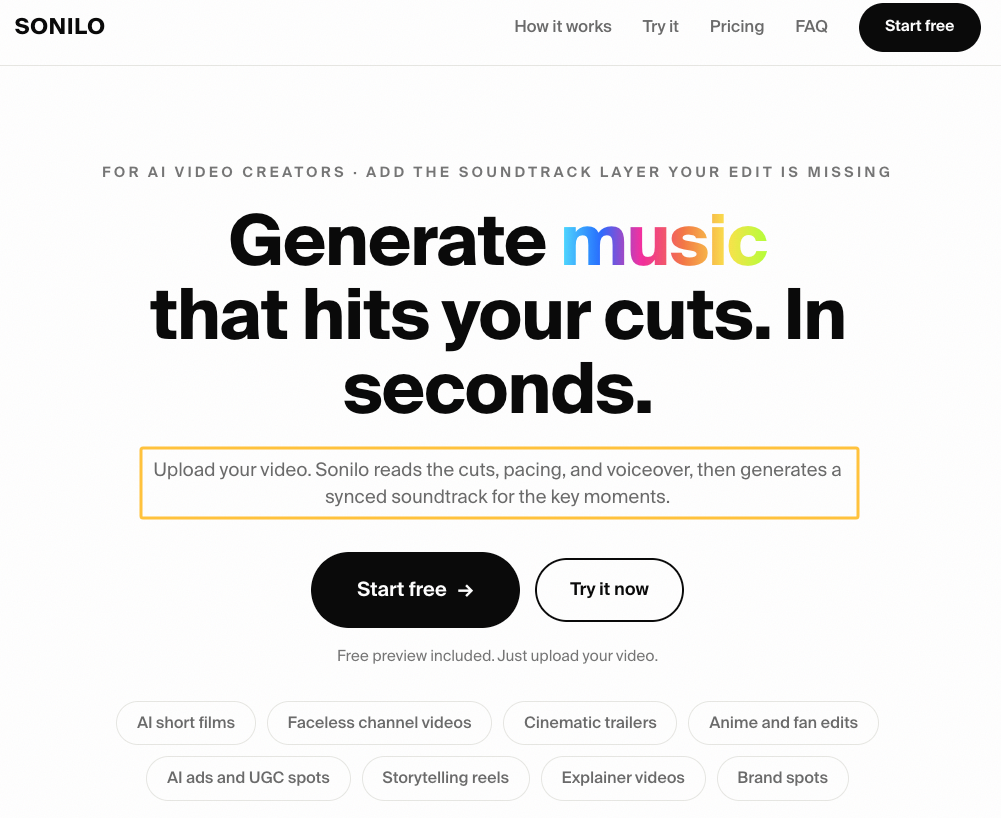
- Input: Upload a video, then add an optional prompt or let the video act as the brief.
- Length matching: The video workflow describes reading cuts, pacing, reveals, and scene changes while matching video length.
- Voiceover space: The product page describes narration space; the API documents speech-preserving and ducked mixes.
- Output and revision: Paid web plans offer audio and video exports; the API returns M4A by default and supports asynchronous WAV.
- Pricing and rights check: Pricing separates preview-only Free use from paid commercial publishing. Review the Terms and Privacy Policy.
6. Adobe Firefly Generate Soundtrack
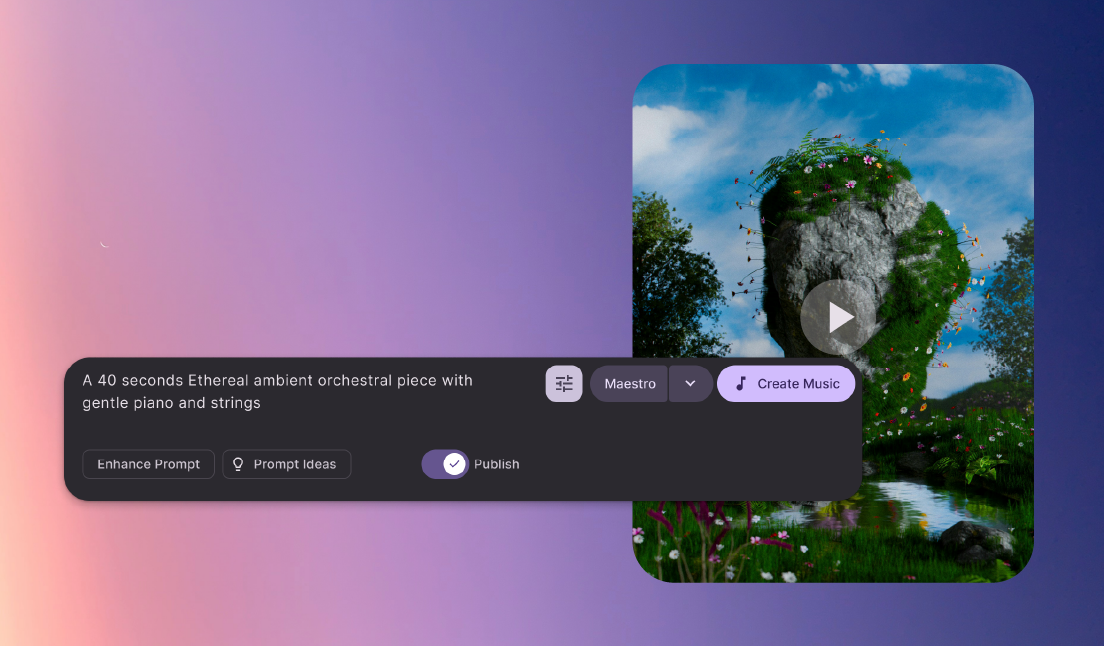
- Best-fit video use: Instrumental scoring from an uploaded video or guided prompt inside Firefly.
- Input: Video upload or a custom prompt using vibe, style, purpose, energy, and tempo controls.
- Length matching: Adobe's help page documents duration controls and uploaded-video guidance, not proven cut-level scoring.
- Voiceover space: Instrumental background output; no direct speech-aware mixing claim found.
- Output and revision: Firefly generates variations and exports the selected soundtrack as WAV.
- Pricing and rights check: Generate Soundtrack is a premium, credit-based feature; check Firefly plans and the current Generative AI Terms, including input responsibility and output limitations.
7. ACE Studio Video Composer
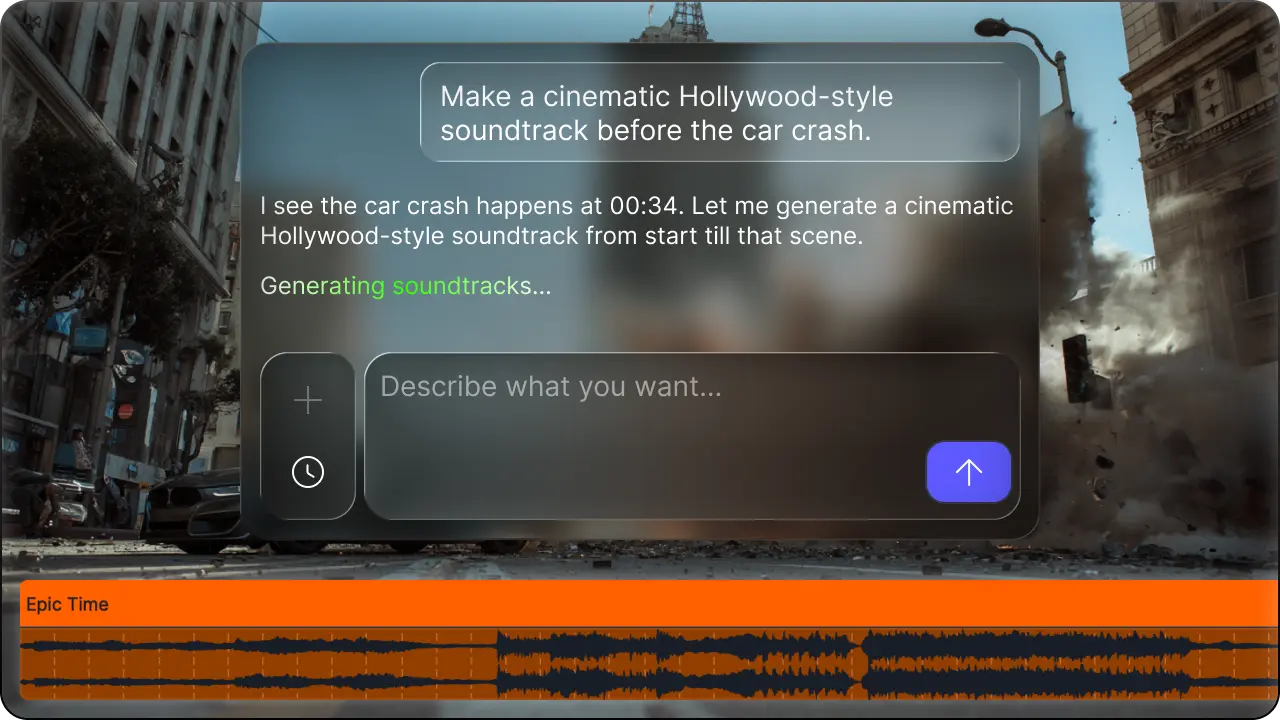
- Best-fit video use: Desktop-timeline scoring for a full video or selected range.
- Input: Import video, then ask the Video Composer agent to generate or revise music.
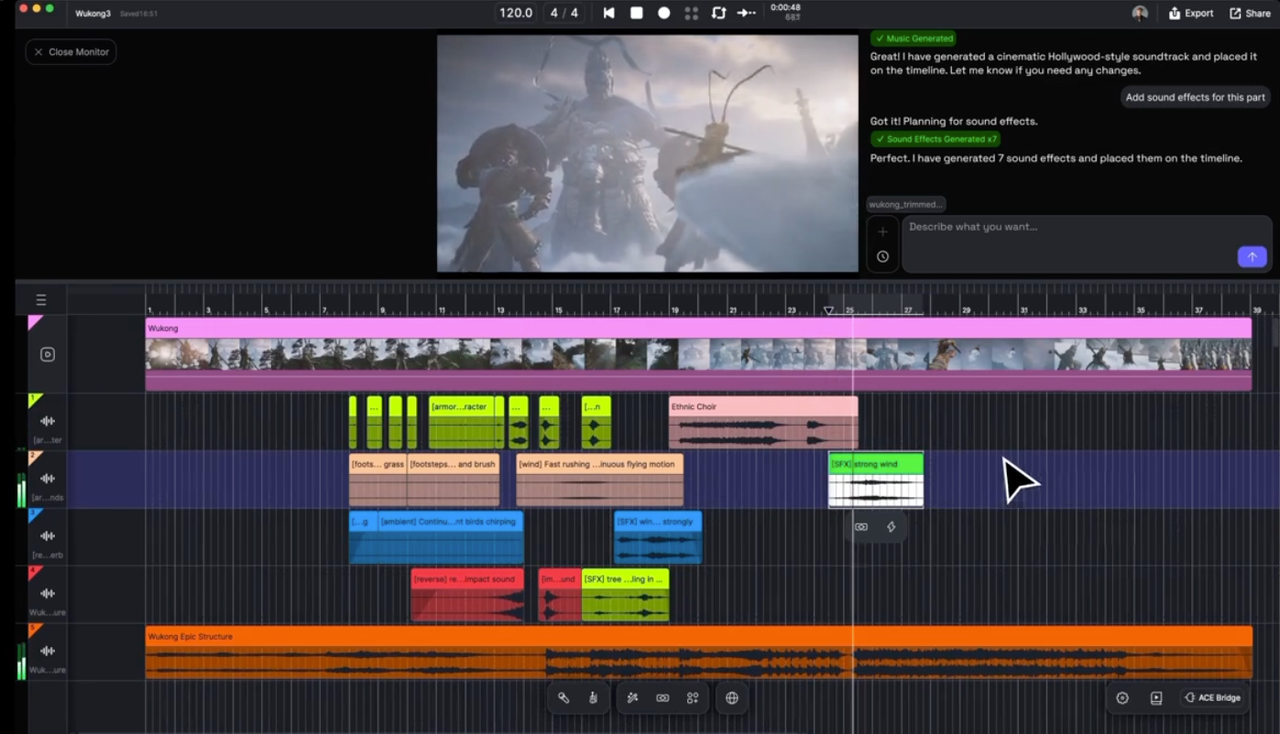
- Length matching: ACE says it analyzes scenes, cuts, and motion and places editable clips on the timeline.
- Voiceover space: No voice-aware claim; timeline editing provides the manual revision path.
- Output and revision: Video Composer docs cover continued chat revisions; the web tool exports scored video or standalone audio, while desktop exports include WAV and MP3.
- Pricing and rights check: Video Composer uses plan credits; verify pricing. The updated license page specifically addresses Video Composer output, stated exceptions, and input rights.
Compare the seven tools for video production
The seven profiles make one thing clear: a polished generation screen is not enough. The practical differences appear when the soundtrack meets the final cut, dialogue, revision notes, and delivery folder.
Final-cut length matching
Custom duration and cut awareness are different capabilities. Loudly, SOUNDRAW, and Mubert let creators choose a duration or shape a track. Beatoven produces customizable background music, although its current public pages do not establish a reliable video-upload workflow.
Sonilo, Adobe Firefly, and ACE Studio accept video as an input. Sonilo and ACE Studio make explicit claims about cuts or scene structure; Adobe documents uploaded-video guidance and duration matching. None of those official descriptions substitutes for testing the same locked cut across tools.
Voiceover space and music density
Sonilo is the only entry in this comparison whose current product page explicitly describes reading voiceover and keeping space for it. Loudly and Beatoven offer stems, while SOUNDRAW provides plan-dependent stems and arrangement controls. Those options can help an editor clear the speech range manually.
Adobe generates instrumental soundtracks, ACE Studio provides timeline-based revision, and Mubert produces instrumental background music. For all seven, the final judgment should come from listening to the real dialogue mix—not from treating “instrumental” as a guarantee of voice clarity.
Export and revision workflow
Loudly and Beatoven provide the broadest published audio-component options in the prompt-first group, including stems. SOUNDRAW's export depth changes by plan, while Mubert supplies WAV and MP3 on paid tiers with a license certificate.
Among video-first tools, Sonilo supports audio or scored-video workflows and documents M4A or WAV API output. Adobe exports WAV variations. ACE Studio keeps generated clips on an editable timeline and supports continued revisions, which is useful when the first direction is close but not final.
The better export is the one another editor can reopen, identify, and revise. Save the selected file, tool name, input or prompt, plan, generation date, and approval note together.
Source and rights information
“Royalty-free,” “commercial use,” and “ownership” are not interchangeable. Licensed AI music is only useful when the current grant can be found: which plan generated the file, whether synchronization with video is allowed, whether client work and ads are covered, and what restrictions apply to music-only distribution or Content ID.
The official pages also reveal update risk. Beatoven's public Pricing link was unavailable during this review. Loudly's FAQ and general terms use different commercial-use language. SOUNDRAW's public pages contain differing post-cancellation wording. Those are not automatic disqualifications, but they are reasons to obtain clarification and keep a dated record.
For tools that accept video uploads, confirm that you have permission to provide the footage and review the current privacy and data-use terms before uploading client, confidential, or unreleased material. Platform rules may also apply; for example, YouTube's current AI disclosure guidance lists synthetically generated music among content creators need to disclose.
Which tool type fits each video workflow
Choose a prompt-first tool when the music direction comes before the edit or the editor wants detailed musical controls and stems. Loudly is the more production-oriented entry here, while Beatoven is positioned around creator background music and synchronization-focused use.
Choose a catalog-style platform when the job resembles a faster stock-music search: define mood, genre, and length, generate options, then fit the selected track to the video. SOUNDRAW emphasizes customizable background tracks; Mubert emphasizes fast generation by filters and duration.
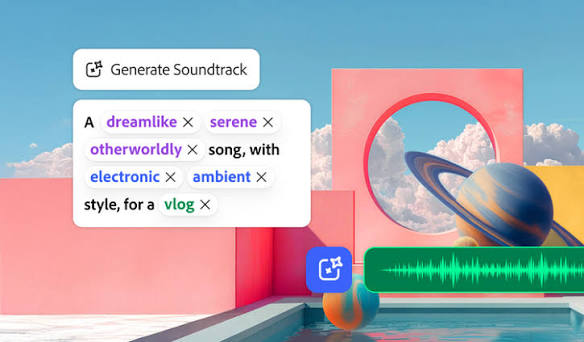
Choose a video-first tool when the cut already exists. Sonilo is the clearest fit for a browser-based, voiceover-aware video-to-music workflow; Adobe Firefly fits creators already using Firefly and wanting guided instrumental generation; ACE Studio fits editors who want timeline-based generation and revision.
There is no universal winner because these tools begin at different stages. If the actual input is a completed timeline, compare the three video-first options on that cut before adding a prompt-first or catalog-style control. You can upload the edit to Sonilo and judge timing, speech space, revision effort, export fit, and rights documentation against the same checklist.
How we keep this comparison current
Product, pricing, and licensing pages for all seven tools were last reviewed on July 23, 2026. We check official product or help pages separately from pricing and legal terms, record the plan and output format behind each claim, and retain dated source copies when public pages use different language.
Features, prices, and license scopes can change after publication. Before choosing a tool for a client or commercial project, open the linked official pages and verify the current plan, export options, and permitted use.
FAQ
Which tool type is best for a finished video?
Start with a video-first tool when the edit is already locked. Sonilo is designed around cut, pacing, and voiceover cues; Adobe Firefly provides guided soundtrack generation from uploaded footage; and ACE Studio places generated music on an editable timeline. Test the same cut in more than one tool before deciding which workflow fits.
Which tools provide stems or editable outputs?
Loudly and Beatoven publish stem-export options. SOUNDRAW provides stems on eligible plans, while ACE Studio supports timeline-based revisions. Sonilo, Adobe Firefly, and Mubert offer finished audio exports rather than the same stem-based workflow. Check the current plan before assuming a specific format is included.
Can AI-generated music be used in client videos?
Sometimes, but the answer depends on the tool, plan, project, and current license. Verify that the applicable terms cover synchronization, client work, advertising, and the intended publishing platform. Keep the plan name, download record, dated terms, and any supplied license certificate with the project. This is an information checklist, not legal advice.
Should creators choose video-to-music or prompt-first generation?
Choose video-to-music when the timeline, cuts, and narration are already established. Choose prompt-first generation when music leads the creative direction or you need more control over genre, tempo, instruments, and stems. Catalog-style tools sit between those workflows: they speed up background-music discovery, but the editor still fits the result to the cut.