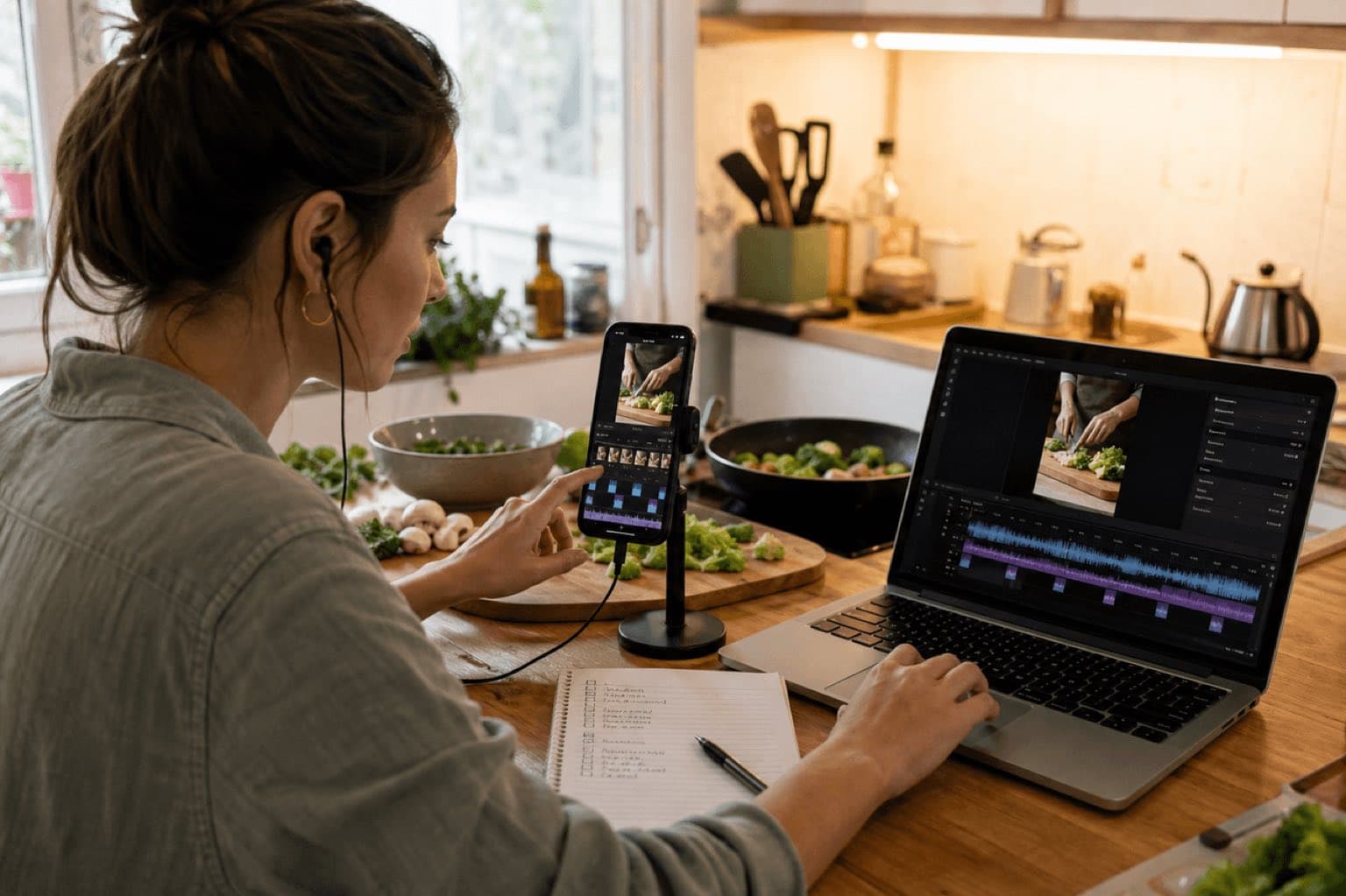
This article provides general editorial and production information; it is not legal advice and is not itself a license. An audio file appearing in a library, being accepted on upload, or remaining live does not by itself grant or confirm permission. Check the exact asset, source, account type, region, placement, territory, term, edits, monetization, and current platform or vendor agreement before release.
For Sonilo, commercial use applies only to eligible output generated under an eligible plan or written API agreement and remains subject to the current licensing page and Terms of Service. Do not infer commercial permission from a plan name alone; verify the current Terms and the plan-specific or written agreement that applied when the output was generated. Users must have the necessary rights to every input and remain responsible for third-party rights. No wording on this page promises exclusivity, copyrightability, platform approval, monetization, or freedom from claims.
Policy-source review: August 28, 2026. TikTok is a trademark of its respective owner; this independent guide is not sponsored, endorsed, or approved by TikTok.
- The exact audio source and asset, generation, purchase, or download record.
- The account and plan plus the terms that applied on the acquisition or generation date.
- The intended platforms, territories, client or brand use, paid media, monetization, editing, and delivery scope.
- Clearance for every relevant input, composition, recording, sample, voice, likeness, and third-party element.
If any item cannot be evidenced, replace the audio or obtain written clearance before publication.
Sonilo publishes this guide and appears as one option for creating video-matched sound effects before upload. TikTok did not sponsor or review this page, and there are no affiliate links. TikTok controls its app, editing tools, sound libraries, Commercial Music Library, account access, regions, ads, disclosure controls, and enforcement. This is production guidance, not legal advice.
Last verified: August 21, 2026. Sonilo had no live page at this URL when checked, so this is a new guide rather than a duplicate canonical. TikTok’s current Help Center lists Sounds and enhanced editing as separate creation topics; its July 2026 business guidance says Business Accounts see Commercial Sounds through Add Sound, while personal accounts can switch the sound menu to Commercial sounds. Interface labels and availability can vary by device, account, market, post type, and rollout.
Use TikTok for one sound; use a timeline for sound design
Choose one available TikTok sound
Search the sound catalog attached to the account, choose a useful section, and preview it with the post. Availability does not create rights outside the applicable terms.
Treat voiceover and voice effects separately
Voiceover, speech processing, music, and scene SFX solve different problems. A voice effect does not replace a door close, footstep, UI click, or room ambience.
Place multiple effects on exact frames
Use separate SFX tracks for Foley, transitions, interface cues, ambience, and impacts, then mix and export one finished vertical video for upload.
Generate around visible actions
Upload the locked cut, generate scene-matched cues, review timing and texture, mix the approved audio, and check the plan before commercial release.
If the entire TikTok revolves around one comedic sound or trend, Add sound may be enough. If a 20-second product demo needs a swipe at 2.3 seconds, a click at 5.1, a soft motor at 7–12, and a reveal impact at 13.4, pre-mix the SFX. Precision requires a timeline, not repeated hope that one library sound will cover every event.
01
How to add a sound effect with TikTok Add sound
Confirm the account and purpose
Decide whether the post is personal, promotes your own business, contains a paid partnership, or may become an ad. TikTok recommends its Commercial Music Library for content promoting a brand, product, or service. Do not begin in the general library and solve commercial rights after the edit is approved.
Tap Add post and choose the video
In the TikTok app, tap the Add post button, record a clip, or upload the locked vertical edit. Finish the visual order first. Sound timing becomes unstable when shots, captions, or the opening hook continue to move.
Open Add sound
Use Add sound to search or browse what is available to the current account. TikTok’s current CML instructions say Business Accounts see Commercial Sounds, while personal accounts can choose Commercial sounds from the sound menu. Select the campaign region when business rights depend on territory.
Search by action, not only by genre
Try functional words such as whoosh, click, pop, camera, impact, cash register, glitch, typing, rain, or applause. Preview the complete result. A sound title is not proof that its attack, tail, room, or intensity fits the picture.
Select the useful section
Align the transient or recognizable moment with the visual event. If the sound begins with a long lead-in, the action can feel late. If the tail covers speech or the next cut, choose another section or another effect.
Use enhanced editing for the available controls
Trim and reorder the video, add text or overlays, and adjust the sound controls shown in the installed version. TikTok’s Help Center groups Sounds and enhanced video editing as distinct areas, so do not assume every sound has independent clip-level editing or multitrack placement.
Preview before posting
Watch once with the phone speaker, once with headphones, and once with captions hidden. Confirm that the SFX happens on the correct frame, does not clip, does not bury speech, and still makes sense at ordinary volume.
It can work brilliantly when one sound is the concept. It becomes fragile when a video needs several independent events, a continuous ambience bed, exact fade control, or different perspective. Build those layers before upload and retain a clean master so the post can be revised without reconstructing the visuals.
02
Map the sound effects before you search or generate
A good TikTok sound design is not “more noises.” It is a small set of cues with clear jobs. Watch the locked edit silently and list every event that the viewer should feel, understand, or believe. Then remove any cue that merely repeats information already obvious from the picture.
Foley and object sound
Hands, fabric, footsteps, packaging, pouring, chopping, switches, doors, and tools make visible contact feel present. Match material, distance, speed, and room.
Transitions and motion
Whooshes, swishes, rises, and stops can clarify a move or reveal. They should follow direction and duration, not turn every cut into the same template.
Interface and feedback
Clicks, pops, beeps, notifications, errors, and typing help tutorials and app demos. Keep attacks short enough that repeated cues do not become tiring.
Ambience and room tone
Kitchen air, rain, store noise, workshop hum, birds, or traffic gives continuity beneath edits. Ambience should support the scene, not sound like a separate location.
| Visual event | SFX role | Timing note |
|---|---|---|
| Fast camera move | Light whoosh | Attack begins just before motion; tail ends after the settle |
| Caption appears | Soft pop | Transient lands on first visible frame, below voice |
| Button press | Short click | Align to finger contact, not the following screen change |
| Product reveal | Impact plus short shimmer | Body lands on reveal; tail clears the call to action |
| Cooking sequence | Foley plus quiet kitchen ambience | Sync primary actions; use ambience continuously across cuts |
| Comedic reversal | Record stop, drop, or dry hit | Leave a small silence before the cue when the joke needs contrast |
For individual building blocks, Sonilo has focused pages for a whoosh sound effect, pop sound effect, camera shutter, typing sound, and impact sound effect. Use these only when the action calls for them; internal links are not a reason to overdesign the mix.
03
How to add multiple precise SFX before uploading to TikTok
Use CapCut, Premiere Pro, DaVinci Resolve, Final Cut Pro, iMovie, or another editor that gives every sound its own clip and timeline position. TikTok receives the finished audio inside the video. This route is also easier to version, review with a client, archive, and republish if one effect or license changes.
Export or lock the vertical picture
Confirm the hook, action order, caption timings, product or story reveal, call to action, and last frame. SFX generation and placement should follow picture lock, not a moving draft.
Create an SFX cue sheet
Record timecode or exact seconds, action, desired effect, perspective, intensity, and tail. Separate must-have cues from optional decoration. A 15-second post rarely needs a sound on every cut.
Collect or generate authorized effects
Use owned recordings, properly licensed libraries, eligible TikTok Commercial Sounds, or generated audio with terms that match the release. Store the source URL, file, date, account, plan, and license beside the edit.
Place each transient against picture
Zoom into the timeline. A click belongs on contact; a footstep belongs on weight transfer; a whoosh can begin before the moving object enters and resolve as it settles. Move by ear and frame, not waveform shape alone.
Build depth with restraint
Combine a close action sound with quiet room tone when it improves realism. Avoid stacking three impacts because one effect feels weak; find a better primary sound or adjust perspective first.
Export, inspect, and upload
Render the vertical video with dialogue, music, ambience, and SFX. Watch the file completely, then upload to TikTok. Confirm the platform preview, content disclosure, account identity, caption, audience, and cover before posting.
04
Sync sound effects so they feel attached to the action
Frame accuracy is only one part of believable sound. The effect also needs the right scale, distance, surface, room, frequency balance, and narrative importance. A close camera-shutter sound over a wide street shot feels detached even if the transient lands on the exact frame.
Place the readable moment
Align the click, impact, snap, or first pressure wave to the event the viewer sees. Remove unnecessary silence before it.
Match material and size
A cardboard box, glass jar, metal lid, and heavy door need different weight and resonance. Avoid making every object cinematic.
Respect the room and next line
Trim or fade a reverb that masks speech or carries into a new location. Preserve a useful tail when it makes the space believable.
Let camera distance guide detail
Close shots can hold crisp transient detail; distant actions usually need less high-frequency presence and more environmental context.
Mix dialogue first, then SFX, ambience, and music
- Set dialogue or voiceover to a clear, stable reference.
- Add the primary action effects one at a time.
- Use quiet ambience to connect cuts where needed.
- Add transitions and UI feedback only when they clarify motion or information.
- Bring in music last and create space around voice and important effects.
- Check peaks, then listen on phone speaker, headphones, and at low volume.
There is no universal TikTok SFX number. A single click can be audible at a low average level because its transient is sharp; rain may need more sustained energy but less foreground attention. Protect speech, prevent clipping, and judge whether the sound’s apparent distance matches the picture. If music competes with narration and effects, Sonilo Audio Ducking can provide a file-based first pass before the final manual mix.
05
Generate scene-matched sound effects from the TikTok cut
Use TikTok Add sound when one available catalog item is the creative idea. Use Sonilo Sound Effects when the uploaded cut itself should guide Foley, ambience, impacts, UI cues, and transitions. The output still needs human review, a final mix, and TikTok publication; Sonilo is not presented as an in-app TikTok extension.
Prepare a clean locked cut
Keep useful production audio or voice as a reference, remove temporary effects, and export the final visual duration. Mark the actions that must read and the spaces that should stay quiet.
Describe the sound-design intent
State environment, materials, distance, intensity, realism, stylization, must-have cues, forbidden sounds, and whether the result should leave room for voice or music.
Generate against the video
Upload the cut and create candidate SFX. Use video context for visible actions; use a focused text request when one transition, interface cue, or stylized effect needs tighter control.
Review every event
Check timing, surface, scale, room, perspective, artifacts, repeated patterns, and unwanted sound. Regenerate or replace weak events rather than approving an entire track because one cue works.
Mix, export, and retain evidence
Bring the approved output into the editor, separate or trim events when needed, balance against voice and music, render the finished video, and keep output, plan, terms, source cut, client, campaign, territory, approval, and publication record.
Natural close kitchen Foley synchronized to the video; crisp vegetable chops at 1.2, 1.8, and 2.5 seconds; ceramic bowl set down at 4.1; quiet oil sizzle from 5.3 to 11.8; light pan movement at 8.6; soft plate contact at 13.2; subtle airy whoosh into final overhead reveal at 14.0; low home-kitchen ambience throughout; no music, voices, exaggerated impacts, comedy boings, or long reverb.
Clean minimal interface SFX for a 12-second vertical app demo; soft tap at 0.8, muted typing from 2.0 to 3.6, short confirmation click at 4.1, light directional whoosh from 5.2 to 5.7, restrained success tone at 8.9, dry final pop at 11.4; modern, quiet under narration, no alarm tone, arcade character, bass impact, or repeated sparkle.
The broader AI sound-effects editing guide covers general video workflows. For a TikTok that also needs a soundtrack, the existing music for TikTok guide addresses the music layer; keep SFX and score decisions separate before combining them.
06
Commercial Sounds, owned SFX, and the final TikTok post
TikTok’s current business help describes the Commercial Music Library as a route for eligible business content, including Commercial Sounds. Availability and permitted use can vary by account, region, placement, and current terms, so verify the exact sound and campaign route before publishing.
Account
- Personal or Business confirmed
- Brand promotion identified
- Disclosure setting reviewed
- Region selected
Sound source
- CML, owned, licensed, or generated
- Exact file retained
- Composition rights considered
- Placement and edits checked
Mix
- Voice remains clear
- SFX match perspective
- No clipping or harsh repetition
- Phone preview completed
Recovery
- Clean master retained
- SFX master retained
- Cue sheet archived
- Replacement assets ready
For original sound or music outside CML in promotional content, TikTok says the Music Usage Confirmation confirms either that no copyright-protected music is present or that all necessary licenses have been obtained and paid for. A checkbox records a representation; it does not create missing rights. Confirm current Sonilo Commercial Use wording for generated SFX and the exact plan before a brand, ad, paid partnership, client, or commercial campaign.
07
TikTok sound-effects troubleshooting and rights checks
| Problem | Likely cause | Next action |
|---|---|---|
| Add sound does not show the effect | Account, region, library, rights, search term | Try a functional search, check Commercial Sounds, or use an authorized external SFX |
| Effect is late | Lead-in or loose placement | Trim the source and align the transient in an external timeline |
| Effect covers narration | Level, long tail, too many layers | Lower it, shorten the tail, remove decoration, and recheck on a phone |
| Business account has fewer sounds | General library is not cleared for business use | Use CML or an owned, properly licensed, or eligible generated effect |
| Original sound receives a claim | Underlying material was not fully cleared | Review the notice and source rights; dispute only with valid evidence |
| Video sounds different after upload | Export or platform processing | Check the local render, re-export conservatively, and review the TikTok preview |
| Client needs proof | Release package is incomplete | Provide cue sheet, files, source URLs, terms, plan, dates, approvals, and uses |
TikTok’s Terms say creators must hold the necessary rights in music used outside the library, including the relevant recording and underlying musical work. Its commercial guidance recommends CML for brand promotion and requires confirmation for outside sounds. Copyright policy still applies to music, recordings, and other protected audio.
Retain each SFX file, source URL, generation or acquisition date, license or applicable terms, account and plan, client, campaign, territory, placement, edit permission, content disclosure, approval owner, cue sheet, clean master, and final master. Escalate uncertain commercial, branded, commissioned, sampled, or trend-derived audio to a qualified rights reviewer.
Sources
Sources
- TikTok Help: editing, posting, and deleting
- TikTok Help: commercial use of music
- TikTok for Business: use the Commercial Music Library
- TikTok for Business: about the CML
- TikTok for Business: CML music and sound effects
- TikTok Intellectual Property Policy
- TikTok Terms of Service and music terms
- Sonilo: Sound Effects, Audio Ducking, and Commercial Use
Editorial verification: The linked primary sources were reviewed on August 28, 2026. Interface steps can change and this article does not approve any particular track, sound, upload, campaign, or account. Recheck the current official terms for the exact asset and release. Refer unclear client, paid-media, broadcast, sublicensing, exclusivity, sample, voice, or likeness questions to a qualified rights professional.
FAQ
Frequently asked questions
For one available sound, tap the Add post button, record or upload the video, use Add sound, search the available sounds, choose the useful section, edit, preview, and post. For several effects that must land on exact frames, place and mix them in a video editor or video-to-SFX workflow first, export the finished vertical video, then upload it to TikTok.
TikTok accepts video posts and provides sound tools, but it is not presented here as a general multitrack SFX file uploader. The dependable route is to import the authorized WAV or other supported audio into your editor, align it to the picture, mix it into the video, and upload the completed master.
Search results depend on account type, region, available library, rights, and product rollout. A Business Account may see Commercial Sounds rather than the general library. Do not switch accounts to bypass a commercial restriction; use a suitable CML sound, an owned effect, or a separately licensed or generated effect.
TikTok recommends the Commercial Music Library for content promoting a brand, product, or service, and its business materials describe CML content that includes music and sound effects. For sounds outside CML, TikTok requires the applicable Music Usage Confirmation and all necessary rights. Verify region, placement, terms, and the exact asset.
There is no universal slider or loudness number for every effect. Set the transient clearly below clipping, protect dialogue, and judge perspective: a close click can be crisp, distant ambience should remain subtle, and a transition should not erase the first word after the cut. Test the rendered video on a phone speaker and headphones.
This guide does not claim a TikTok plug-in or direct publishing integration. Use Sonilo Sound Effects to generate scene-matched SFX from a video, download and review the audio, mix it into the vertical edit, then upload the completed video to TikTok and confirm platform and commercial-use rules.
Related
Keep reading
Scene-matched SFX for a locked vertical edit
Generate the sound effects around the action, then publish a finished TikTok mix.
Upload the cut, create Foley, ambience, impacts, UI cues, and transitions, review every event, and export the documented master.