Comparisons
Suno v6 vs v5.5: Which Works Better for Video Soundtracks?
- Written by
- Sonilo Team
- Published
A song can sound more polished and still make a video editor do more work. The useful Suno v6 vs v5.5 question is whether one version leaves fewer awkward transitions, fewer fights with narration, and a cleaner ending on the same cut.
I’m Nico, and that timeline test is the standard here. This guide separates Suno’s documented model status from the timeline checks video editors can use when choosing a track.
Quick Verdict for Video Soundtracks
For new generations, v6 is the practical choice because Suno has retired v5.5. For an existing project, an archived v5.5 track may still be the lower-effort option if it already fits the picture.
Suno describes v6 as faster, more expressive, and easier to control. Those descriptions do not establish which version needs fewer cuts beneath a voiceover or product reveal. The practical choice depends on the track’s transition repairs, narration space, and ending fit.
Why This Comparison Uses Dated Samples
Model labels matter because Suno changed the ground beneath this comparison. Its current v6 FAQ says every pre-v6 model has been retired. Old songs remain unchanged, but new iterations use v6 models.That rules out a fresh v5.5 generation. It also makes an unlabeled file a weak comparison point.
v5.5 as the Archived Baseline
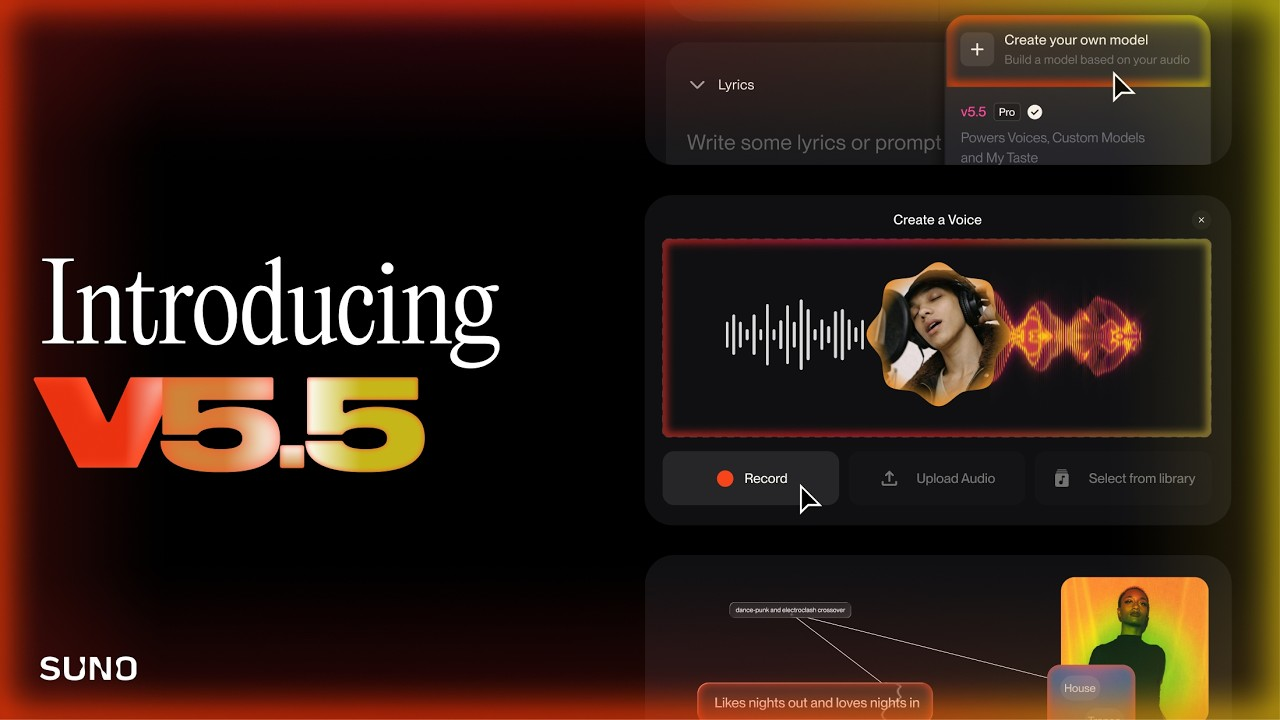
An archived baseline should include the exported file, original prompt, visible model label, and generation date. Suno’s v5.5 announcement confirms the March 26 launch, but it cannot identify a particular file.
If any part of that record is missing, label the audio “unverified old sample.” Do not quietly promote it to v5.5 because the arrangement sounds familiar.
v6 as the Current Test Model
Suno launched three options: v6, v6-wild, and v6-mini. The official v6 announcement positions flagship v6 as the precise option for Pro and Premier subscribers. Use that named model for new generations, rather than whichever v6-family option happens to be selected.
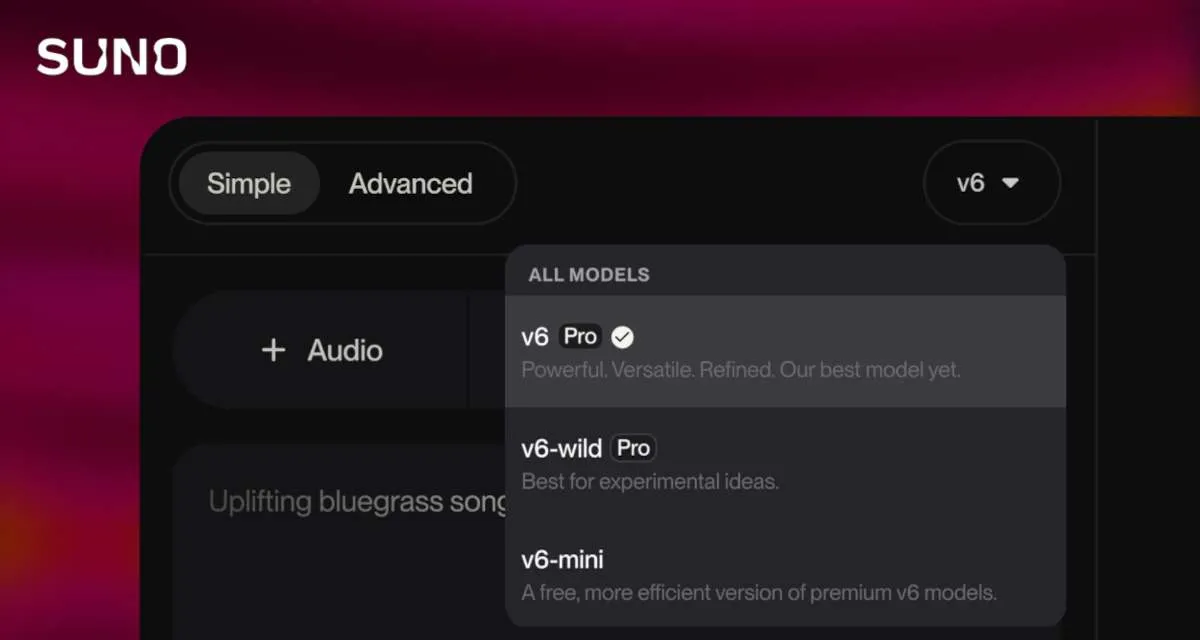
Keep the date and settings beside the export. A later rerun may use a different model or mode.
One Video Brief Across Two Model Generations
Choose one finished video with a real job for music. A voiceover-led demo exposes all three test points: a section change, speech space, and a final reveal.
The goal is to determine which available track reaches approval with fewer repairs, not to treat the model label as a quality guarantee.
Keep the Video, Prompt, and Mix Target Consistent
Use the same locked cut, instrumental request, prompt text, and target loudness under narration. Mark the intended transition and final frame before listening.
Do not add v6-only video input halfway through. Changing the input changes the evaluation, so test that feature separately.
abel Every Sample by Model and Generation Date
Put the model and date in the filename: product-demo_v5-5_YYYY-MM-DD.wav is more useful than final-music-2.wav. Save the prompt beside the file.
Also note whether standard or Max Mode produced the v6 track. The current FAQ says Max Mode costs more credits and is intended for demanding generations.
Which Version Needs Less Editing?
This is where a useful verdict earns its wording. Count the interventions each candidate track needs and record why each was necessary.
Structure and Section Transitions
Place the candidate track under the same picture. Does the musical lift arrive near the visual turn, or does the edit wait for the song to catch up?
Record each move, cut, rebuilt transition, or regeneration. A richer arrangement is not automatically the easier soundtrack.
Background Presence Under Narration
Match the mix target, then listen at normal playback volume. Notice whether a lead instrument or dense rhythm keeps pulling attention from the spoken line.
If lowering the music also removes its energy, record an arrangement issue rather than pretending the fader fixed it.
Ending and Runtime Adjustments
Judge the last five seconds with picture. The track should resolve with the final image, not wander past it or stop abruptly.
Count trims, fades, extensions, and regenerations. The track that preserves a deliberate ending with fewer repairs is the stronger video choice for that cut.
Limits of This Comparison
This page uses status, credits, and terms checked September 15, 2026. It offers a repeatable workflow without claiming that one model wins every video brief.
One video cannot settle every genre. A talking-head bed rewards restraint; a travel montage may tolerate more energy.
Which Version Fits Your Workflow?
You cannot select v5.5 for a new generation. Keep an old v5.5 song when it already fits, and preserve that export. Use v6 for new work or iterations, expecting the sound to change.
If carrying scene changes into a text prompt is the real headache, a video-first route may fit better. Whichever tool you use, judge the result on the same three timeline points: transitions, narration space, and ending fit.
FAQ
Will old v5.5 songs remain playable after the v6 rollout?
Yes. Old songs remain playable, shareable, remasterable, and coverable. A new output uses a v6 model.
Can v5.5 Custom Models be used with v6?
Existing Custom Models are upgraded automatically to v6. Old v5.5 Custom Model songs remain available and unaffected. Keep those exports if an approved video depends on their exact sound.
Do v6 generations use more credits than v5.5?
Standard v6 generations have the same stated cost: 10 credits for two songs. The FAQ says prompts with many images or videos can cost more, and Max Mode also uses more credits.
Can a v5.5 project be reopened in Suno Studio 2.0?
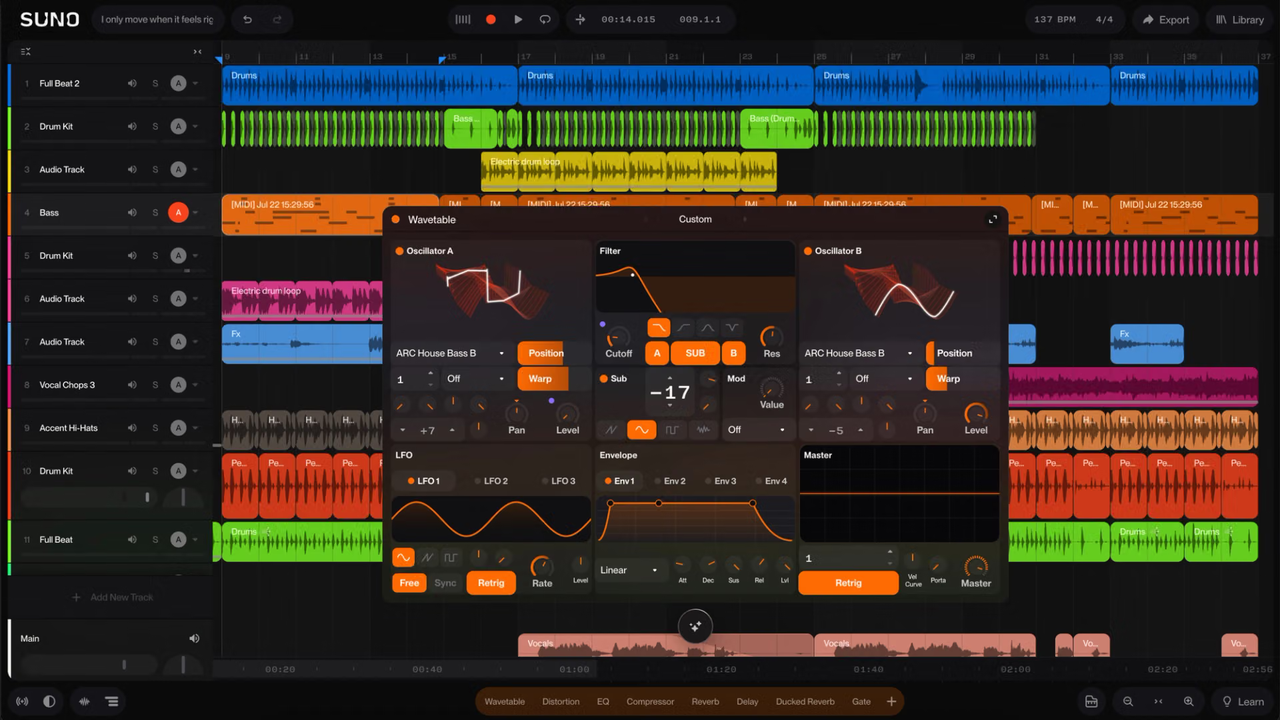
Suno says old songs remain workable, and Studio 2.0 can import audio. It does not promise every older project reopens unchanged. Preserve the export before relying on project-level compatibility.
Did commercial-use terms change when v6 launched?
Yes, but not as a v6-only change. Suno introduced updated terms and download rules on September 3, six days before v6 launched. Commercial-use permission depends on the plan and download, not the model label, and does not guarantee copyright protection. Review the terms for your use; this is general information, not legal advice.
Conclusion
The practical Suno v6 vs v5.5 video music decision is conditional. Choose v6 for new generations because it is the available model. Keep an archived v5.5 track when it already delivers clean transitions, enough space for narration, and a usable ending.
The better choice is the track that reaches the locked cut with less repair—not necessarily the newer model. A launch adjective cannot fix an ending that lands after the picture is already gone.
Related Posts
- Suno v5.5 vs Video Soundtrack Tools: Two Workflows
- Suno v5.5 Alternative for Video Soundtracks
- Suno v5.5 Pricing and Commercial Use: What Video Creators Need to Know Written by Sonilo Team