Get Marketing Insights First
Subscribe to receive actionable strategies, growth tips, and industry insights delivered straight to your inbox.

Using Suno v5.5 to score a video takes 8+ manual steps. Here's how that compares to tools built specifically for video soundtrack generation.
Video done. Client waiting. Yet you’re wasting another 45 minutes hunting for music that actually fits.
Sound familiar?
I finally got tired of it. So I tested two opposite approaches back-to-back on the exact same 90-second video: Suno v5.5 (prompt-first) versus a dedicated video-first soundtrack tool.
The difference in workflow and efficiency was bigger than I expected.
Here’s the honest breakdown — complete with a clear comparison table — so you can stop guessing which method actually makes sense for your work.
This is the first thing most comparisons miss — and it’s the thing that changes everything.
Suno is a music generation tool. A genuinely impressive one. But it starts from a prompt. That means you are the translation layer between your video and the music. You watch your video, you figure out what you need, you write a description, and then Suno tries to generate something that matches what you described.
Video soundtrack tools flip that sequence. You upload the video. The tool reads it — duration, pacing, visual cues — and generates music around what’s already there.
Song idea first is one workflow. Video first is another. They’re not the same thing, and mixing them up is where most creators waste the most time.
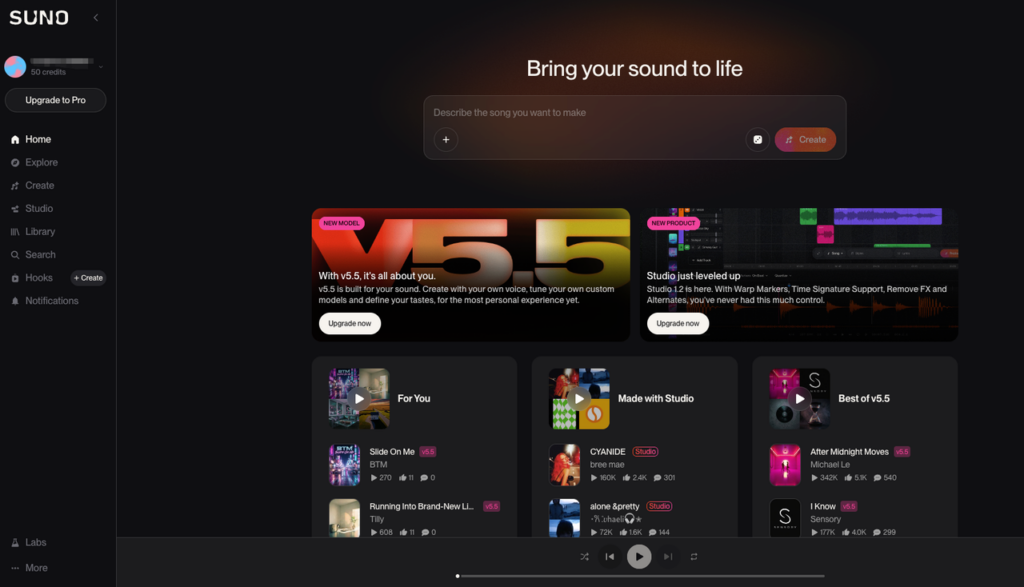
Here’s what actually happens when you try to use Suno v5.5 to score a video:
That’s eight steps minimum. More if the first generation misses the mood and you loop back to step one.
The length problem is the biggest one. Suno generates full songs — typically 2–4 minutes with a natural arc: intro, build, chorus, drop, outro. If your video is 47 seconds, or 1 minute 23 seconds, you’re cutting into the middle of that arc. The result often sounds abrupt, or you end up using just the intro, which wasn’t designed to carry the full emotional weight on its own.
Generation speed is fast — a minute or so per track. But you’re not generating once. Most creators I’ve talked to generate 4–8 times before getting something usable. That’s 30–40 minutes, minimum, before you’ve even started trimming.
Suno v5.5 brought real improvements: better audio quality, more coherent song structure, stronger vocal performance. If you’re making music to listen to, it’s genuinely good.
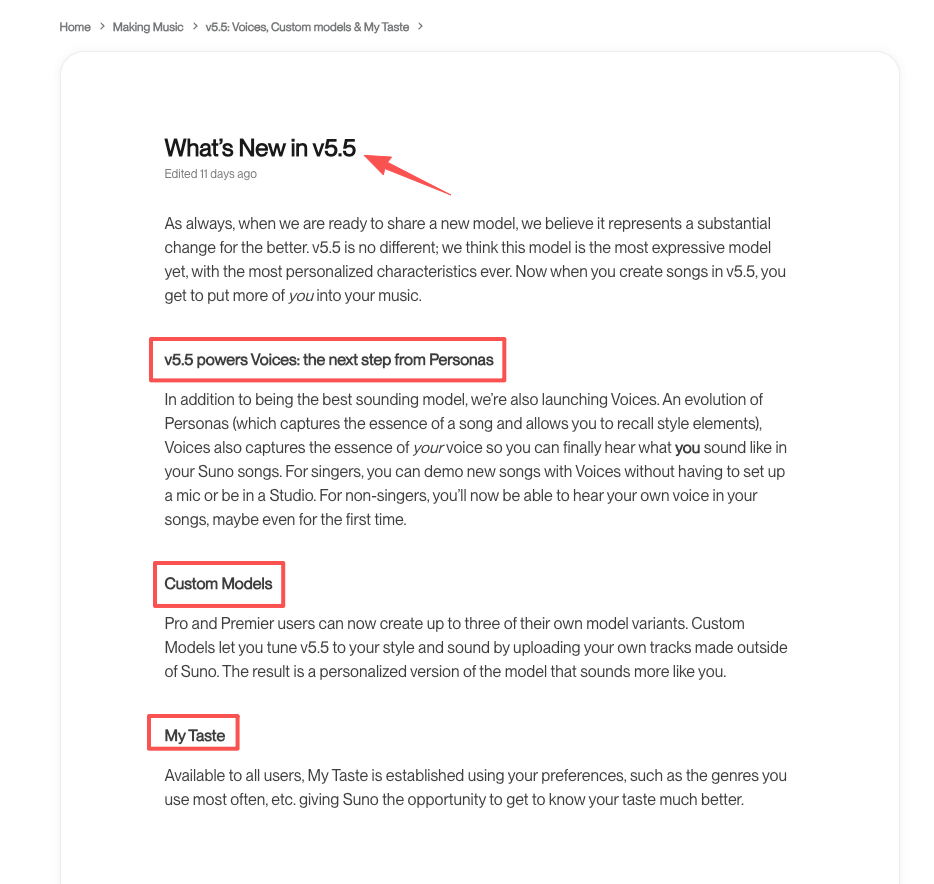
But for video work? Generation speed is one thing. Automatic length matching is another. v5.5 still doesn’t read your video. It still doesn’t know your cut is 1:23. Nothing in the v5.5 release changes the core workflow friction for video creators.
Tools built specifically for video soundtrack generation work from the other direction. You upload your video. The tool analyzes it — duration, pacing, sometimes visual cues — and generates music that’s already shaped around those constraints.
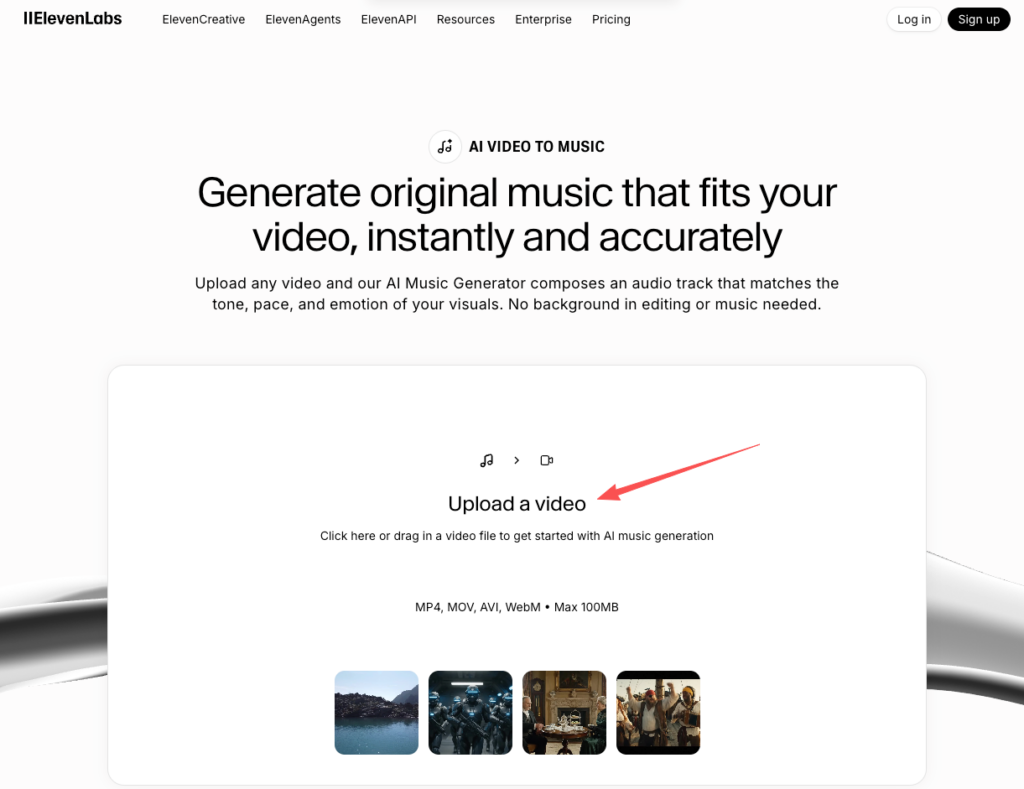
The workflow looks more like this:
That’s five steps. Often fewer, depending on how the tool handles preview and export.
The key difference is length. A video-first tool knows your video is 1:23. It generates something that lands at 1:23 — with an arc designed for that duration, not trimmed from something longer. The fade, the build, the ending — they’re all placed relative to your video’s actual timeline.
This sounds like a small thing. It isn’t. Trimming a 3-minute song to 47 seconds is a skill. Knowing where the natural cut points are, which section carries the right energy for your specific moment — that’s music editing experience most video creators don’t have and shouldn’t need.
I’ll be honest about the downside. You have less say in the specifics. With Suno, if you want something that sounds like lo-fi piano with a specific BPM, you can prompt for that. With most video-first tools, you’re working within mood or style categories — less granular, less customizable.
If you’re a creator who cares deeply about the exact sonic texture of your background music, you’ll find that limiting. If you’re a creator who needs something that fits and can be exported in under ten minutes, the trade-off is completely worth it.
| Suno v5.5 | Video-First Soundtrack Tool | |
| Input required | Text prompt | Video file |
| Length matching | Manual (trim/extend) | Automatic |
| Prompt complexity | Medium–High | Low |
| Video awareness | None | Core feature |
| Steps to usable export | 8+ | 4–5 |
| Regeneration rate | High (mood misses happen) | Lower (video anchors the output) |
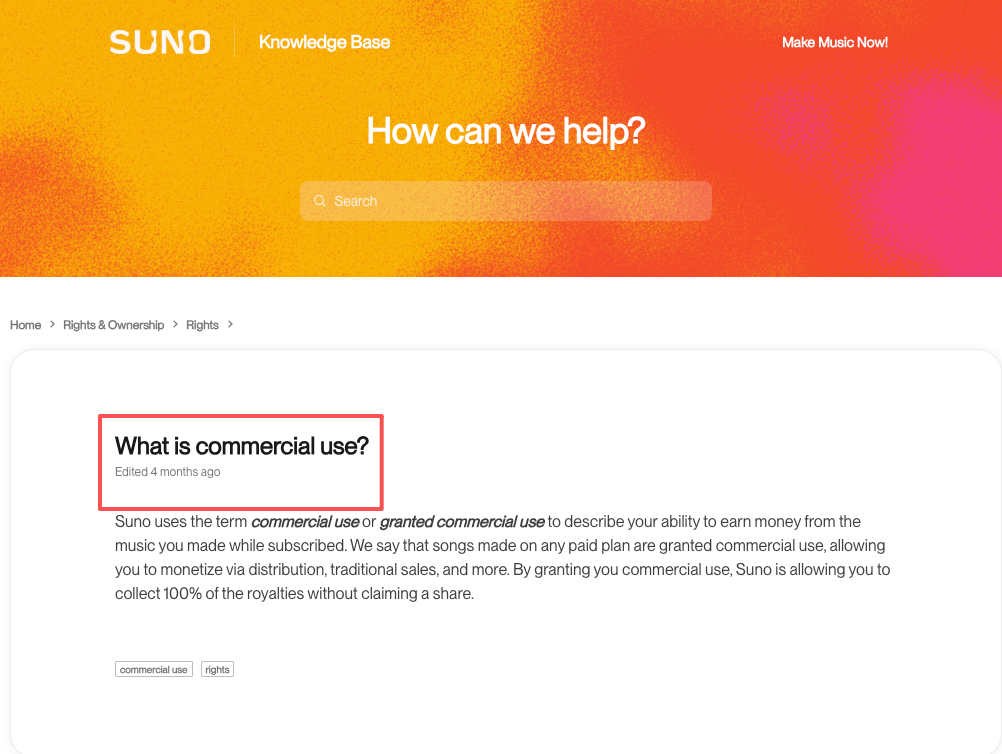
| Commercial rights | Verify per plan | Verify per tool |
| Best for | Music-first creative projects | Video-first production workflow |
One note on commercial rights — and I’m going to say this clearly: check the licensing page of whatever tool you use, not just the marketing copy. “Royalty-free” is not a universal standard. What’s safe on one platform may not be safe on another. This applies to both Suno and any video soundtrack tool. Don’t assume. Read the actual terms.

The workflow that saves you time is the right workflow. That’s the only metric that matters here.
No. Suno generates music based on a text prompt. It has no video input. Length matching requires manual editing after the fact — trimming, extending, or adjusting loop points in your editing software.
No. That’s the point of the video-first category. You upload the video; the tool handles the musical decisions. Style or mood selection is typically the only input required.
Depends on what “better” means for your work. Suno v5.5 produces higher overall music quality and offers more creative control. Video-first tools produce music faster with less friction when your starting point is a video. They solve different problems.
Upload your video to a tool that reads it and generates around it. That removes the prompt-writing step, the trimming step, and most of the regeneration loops. It’s not a guarantee of a perfect result on the first try, but it’s fewer steps between “video done” and “soundtrack ready.”
Selecting a tool before knowing what you need from it is one thing. Knowing your workflow constraint first is another.
This is where most creators lose time — they pick up a powerful general tool and then spend hours making it do something it wasn’t designed for. Suno is genuinely impressive. I use it for other things. But for scoring a video efficiently, the workflow mismatch is real.
This time I ran both workflows back to back on the same 90-second cut. You can use the comparison table above to check which one fits where you are right now.
What’s your current biggest friction point in this step — is it the length matching, the mood miss, or the licensing question? I’m curious which one is actually slowing people down most right now.
Recommended Reads