Comparisons
Top 5 AI Music Generation Apps for Reels and Shorts 2027
- Written by
- Sonilo Team
- Published
A promising soundtrack can change once it leaves an app preview and sits under a real voiceover. The opening may take too long, the busiest phrase may cover the key line, or the ending may arrive three seconds after the final frame.
That is my test for the best AI music generation apps 2027: not whether they make an impressive standalone track, but whether a mobile creator can generate, review, export, and document something usable for a Reel or Short. The same production test applies when ranking the top AI music tools for video creators: preview quality alone is not enough.
Disclosure: Sonilo publishes this guide. Sonilo is not included in the five-app ranking because it does not currently offer an official mobile app.
The product, app-store, pricing, and policy pages below were checked on July 23, 2026. This is an early 2027 planning guide based on products available now—not a promise about their 2027 features, prices, or availability. Recheck each official page and the installed app before publication.
What counts as an AI music generation app
For this comparison, an app must do more than provide a music library or add an existing song to a video. It must create new music through an AI feature and have either an official iOS or Android listing, or a documented mobile workflow from the product owner.
That includes standalone generators and features inside mobile editors. It excludes mobile websites without an official app path and unofficial name copies.
I use “best” narrowly here. Each label identifies a documented workflow for AI music apps for creators, not an independent sound-quality ranking. No shared five-app output set was supplied, so I have not invented listening-test results.
Top five apps by mobile creator workflow
| App | Verified mobile path | Core generation method | Export or handoff checkpoint |
|---|---|---|---|
| BandLab | iOS and Android | SongStarter generates three music ideas at a time | Save as a project, then export audio or MIDI |
| Suno | iOS and Android | Text or recorded-audio input, with an instrumental option | Mobile audio download defaults to MP3 |
| Filmora Mobile | iOS and Android | Choose mood, style, length, and number of tracks | Generated music enters the video timeline; export the finished video |
| Canva with AI Music | iOS and Android | Choose style, mood, duration, tempo, and intensity | Export the design as MP4; raw audio has plan restrictions |
| CapCut | iOS and Android | Prompt-based AI music inside the editing product | Mobile video export is documented; verify audio-only export in your build |
App 1: Best for mobile-first idea testing
BandLab SongStarter is available through BandLab’s official iOS and Android apps. Its current SongStarter instructions describe generating three ideas at a time, changing genre, key, tempo, and other controls, then saving a choice as a project.
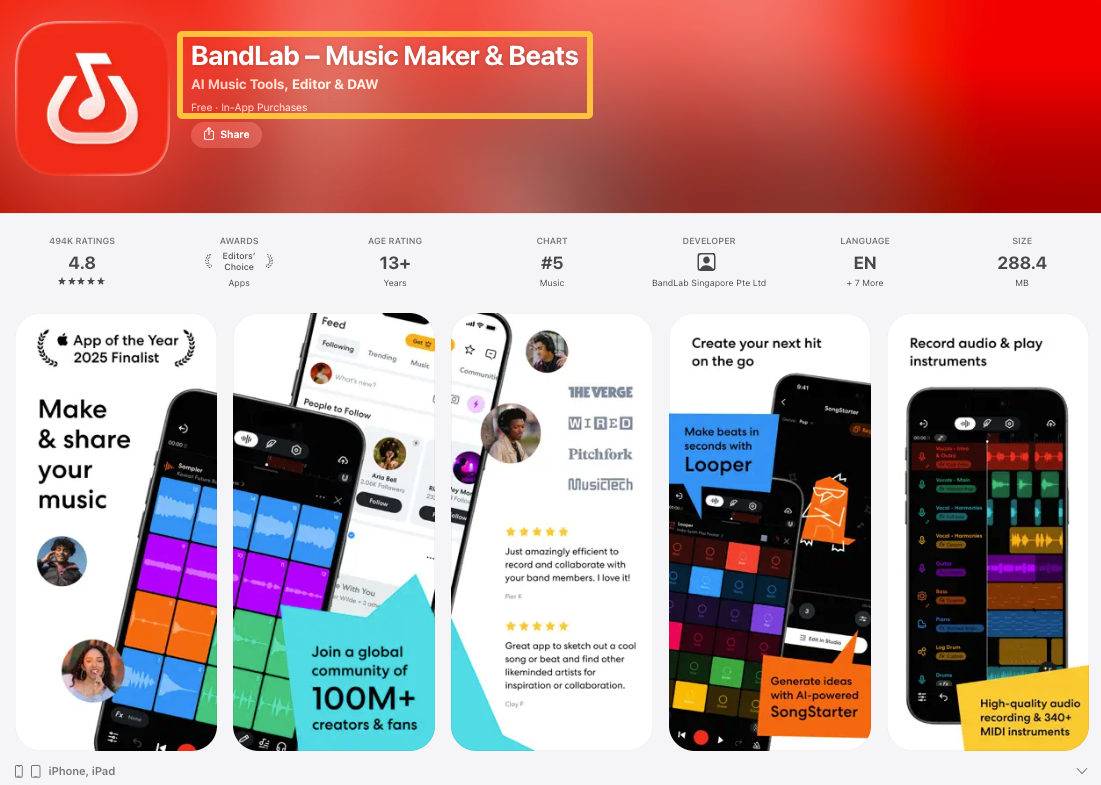
It can answer an early question such as “Does this clip want something restrained or energetic?” BandLab also documents mobile mixdown and track downloads. Save the choice as a project and check the plan before export; SongStarter is less direct when the goal is a score shaped around specific cuts.
App 2: Best for quick instrumental drafts
Suno has official apps published by Suno, Inc. for iOS and Android. Its current Android instructions let a creator enter a prompt, switch on Instrumental, and generate two versions.
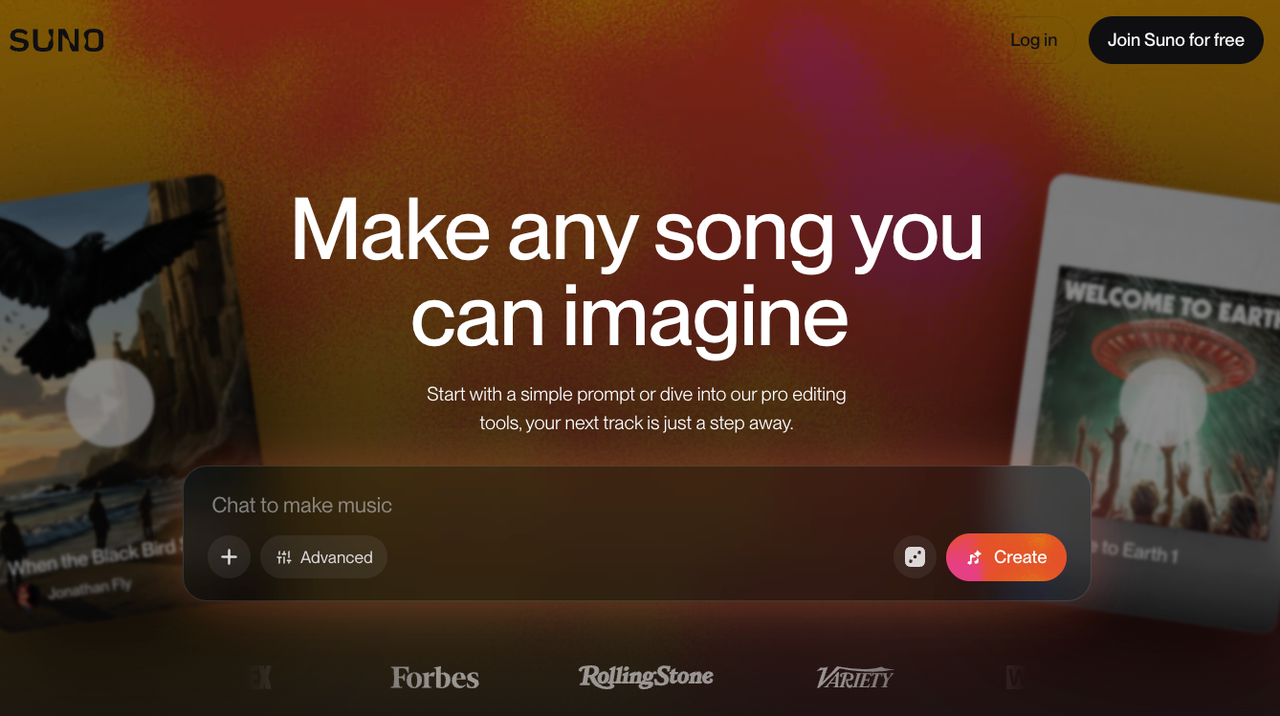
That is practical when vocals would compete with dialogue, but the result has not seen the Reel’s hook, narration map, or ending frame. Suno’s current download guidance says mobile downloads default to MP3; WAV requires an eligible paid plan and the web version. Save the generation date, plan, prompt, and file because usage terms depend on the plan active when the track was created.
App 3: Best for matching short clip length
Filmora Mobile is listed for iPhone and iPad and on Google Play. Filmora’s current mobile AI Music workflow says creators can open AI Audio, choose mood, style, length, and the number of tracks, then place the generated music in the project.

Custom length reduces obvious looping or an unfinished tail, but it is not cut awareness: a 30-second track can still lift after the reveal. Filmora keeps generation, fades, volume changes, and video export in one timeline. Before publication, inspect the result’s usage label; current mobile licensing help distinguishes “Commercially available” from “Non-Commercial Use,” while pricing and AI-credit access vary by store and plan.
App 4: Best for testing mood variations
Canva has official iOS and Android apps. Its current AI Music page documents an integrated app that can generate by style, mood, and duration, then recompose after changes to tempo, length, or intensity.
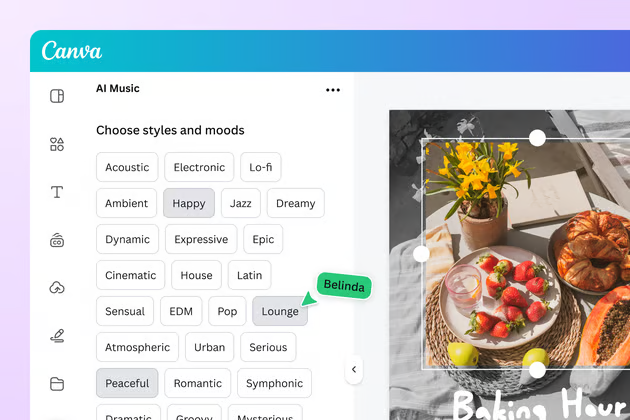
That makes Canva useful when one vertical design needs several emotional directions, although duration and intensity do not tell the generator where a sentence or reveal occurs. The documented exit is an MP4 design export. Canva says raw-track downloads and permitted uses vary by AI Music plan, so distinguish this integrated app from any native Canva music feature marked as forthcoming elsewhere.
App 5: Best for clean export options
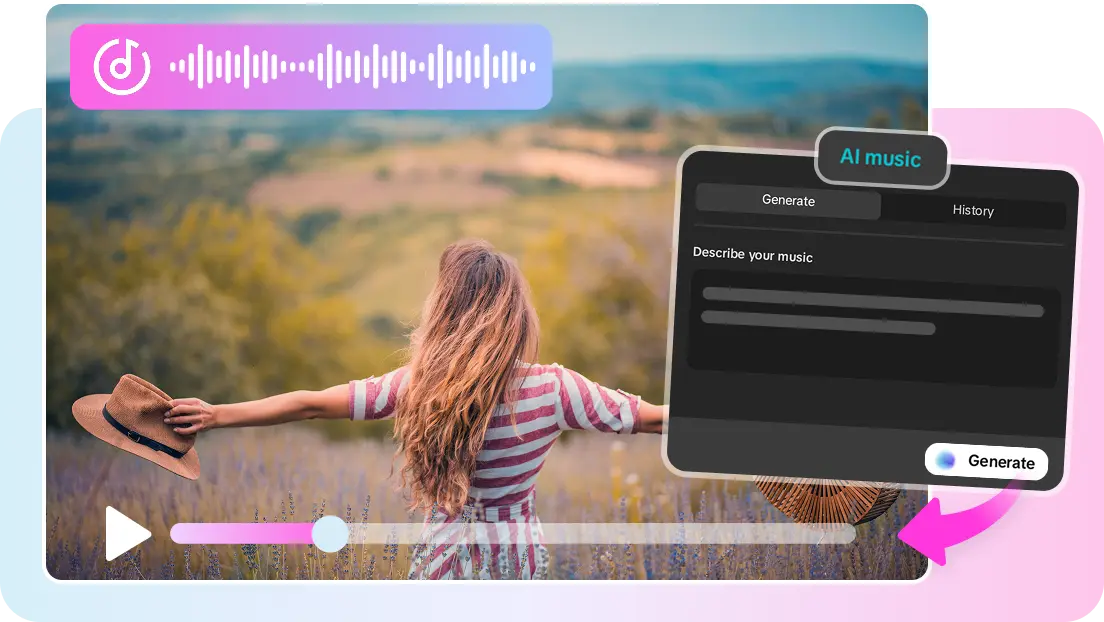
CapCut is available through its official iOS and Android listings. CapCut’s current AI music material describes prompt-based generation, preview history, timeline editing, and audio export options, while its mobile listings document finished-video export for social platforms.
The cleanest short-form route is to review the generated cue beside the edit and export the approved vertical master. CapCut’s detailed AI music walkthrough currently shows a desktop interface, while other official plan material lists AI music across its products. Confirm the feature in your mobile version and region, then verify whether your build exports audio separately or only the finished video. Pro pricing varies by region, device, and promotion.
Test the five apps against Reels and Shorts edits
Use one locked vertical clip for all five apps, whether you are evaluating music for Reels or music for Shorts. Give each generator the same mood, instrumental, energy, and duration brief. When an app can receive the video, use the same file.
Save one review export per app. Score each result as pass, mixed, or fail, then record generation count, repair time, export type, and approved version.
Preview quality versus exported audio
Compare the in-app preview with the file or video that actually leaves the app. Listen on ordinary phone speakers and headphones. Flag changes in loudness, compression, fades, or clarity, and reject any workflow that cannot preserve the approved version outside the account.
Timing against the final cut
Check the opening action, the main visual turn, and the final frame. A correct file length is only a container measurement; it does not prove that musical changes support the edit. Record every trim, moved start point, forced fade, or regeneration needed.
Music density beneath narration
Play the complete mix with captions hidden. If the words become harder to follow, determine whether the app can generate a simpler instrumental or whether the editor must repair the mix elsewhere. “Instrumental” does not automatically mean there is enough room for speech.
Why app-generated music can still miss the edit
Most mobile generators receive mood, genre, duration, or a prompt. They do not automatically receive the clip’s editorial logic: where the hook lands, which sentence matters, or why the last frame needs space.
That is where a fast mobile AI music generator can create slow revision work. A 20-second short-form video soundtrack may still begin too gently, introduce a phrase at second 18, or fill every gap beneath the narration. Generation speed only matters after revision cost is counted.
Mobile listening adds another blind spot. A phone preview can support quick comparison, but it should not become the only approval environment for client work, paid placements, or a mix with dense speech.
What to verify before relying on an app
First, verify identity and availability. Use the official store listing, confirm the developer, record the app version, and check whether AI music exists in your region and plan.
Next, verify the exit route. Save the generated audio when the app permits it, or preserve the exact review video when music can only leave inside a project export. Record the output format, generation date, prompt, account or plan, source URL, and approved filename.
Then inspect current pricing, terms, and any track-level usage label. “AI-generated,” “royalty-free,” and “commercial use” are different claims. This is workflow information, not legal advice; current provider terms and destination rules control.
Reels and Shorts have separate publishing rules. Meta’s Music Guidelines say users remain responsible for posted music; YouTube’s Shorts guidance says outside music may receive standard claims, and its disclosure guidance lists AI-generated music. Recheck both platforms for a 2027 release.
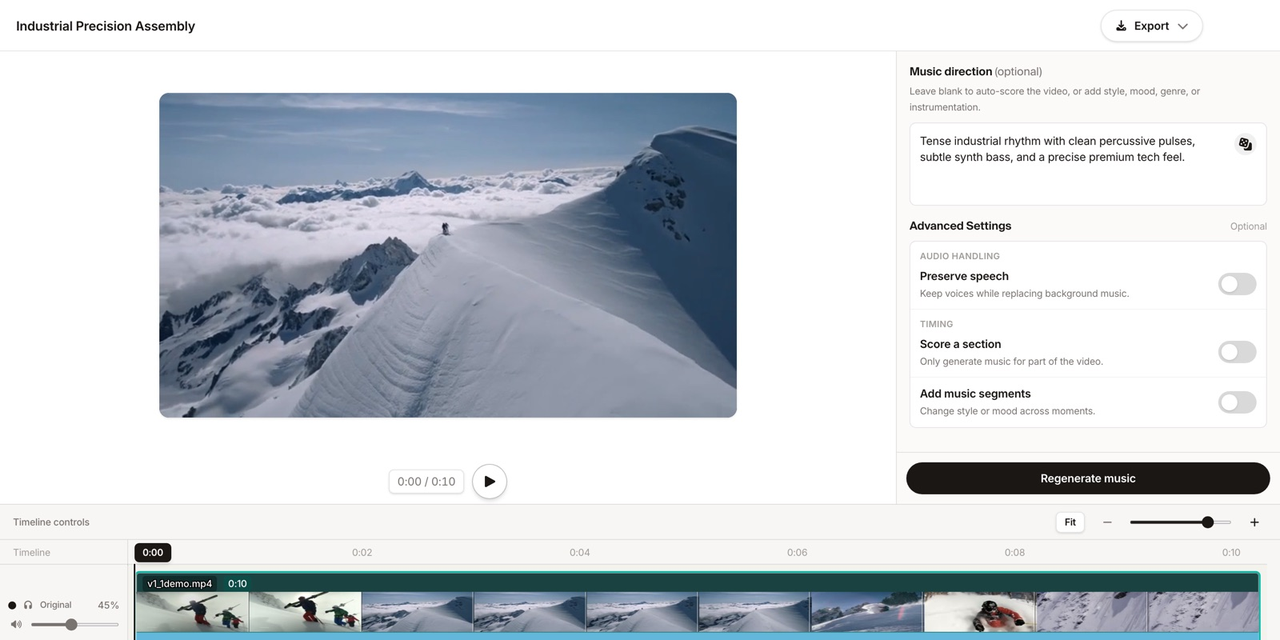
Sonilo remains outside this ranking. Its current product is a video-first web workflow, with a separate video-to-music API, rather than an official mobile app. It becomes relevant after mobile idea testing when the question changes from “Which mood?” to “Which soundtrack responds to this finished cut?”
If an app draft survives review but still needs substantial timing repair, compare it with a video-first result using the same cut. Keep whichever option reduces real revision work and leaves a source record the next editor can understand.
FAQ
What should creators do if an app removes a track?
Start with the locally saved export and source record; do not assume the missing result can be recreated identically. Check the app’s current support and terms pages for changes affecting earlier outputs. If the project is still active, tell the approver what disappeared and create a documented replacement instead of silently changing the soundtrack.
How should mobile editors name soundtrack versions?
Use a pattern containing the project, cut duration, source app, version, and date, such as project-30s-app-v03-2026-07-23. Give the review video and separate audio the same base name. Increment the version after every approved change rather than overwriting a file called final.
Who should keep proof of the chosen audio source?
The person responsible for delivery should own the record, not whoever tapped Generate. Store the app, developer, installed version, store region, prompt, plan, terms link, date, export, and approval note so the evidence survives account or staff changes.
When should creators move from app testing to desktop review?
Move when the next decision depends on the full timeline, reliable monitoring, detailed level changes, stakeholder approval, or comparison between exports. Mobile is useful for choosing a direction. Desktop review should become the source of truth once timing, narration clarity, and final delivery matter more than generating another option.