Comparisons
Online AI Video Translators: Choose by Upload and Export
- Written by
- Sonilo Team
- Published
Choose an online AI video translator around the corrections your video still needs and the files you'll deliver. Replacing speech in an approved short is one job. Revising the picture while the translated explanation takes shape is another. Then there's the export: your next editor may need a separate voice track, even if you only need a finished video today.
Sonilo publishes this article and provides one of the three services compared. The other two are HeyGen and Kapwing.
Which Online Route Fits Your Finished Video?
Sonilo suits a short, locked cut when you want to approve the words before voicing and download the translated video and subtitles. HeyGen adds supported hosting links and existing workspace videos as starting points. Kapwing deserves a closer look when captions, shot lengths, or layout still need work alongside the dub.
All three accept files, and Kapwing also imports supported URLs. A link can save you a download, but it says little about your ability to fix a sentence or take the audio elsewhere. Those are the differences worth following through.
For options beyond these three, see the eight-tool video translator comparison.
Compare the Same Upload, Review, and Export Needs
For an illustrative comparison, imagine a product demonstration with one narrator. You need to correct a product name, deliver a captioned video, and perhaps send separate audio to another editor. If the translated instruction runs past the close-up, you'll also need to revise the words or the picture.
The input, proofreading, download, and usage conditions below were checked against official pages on November 10, 2026. In particular, script correction and standalone audio downloads have different plan restrictions.
| Need | Sonilo | HeyGen | Kapwing |
|---|---|---|---|
| Bring in the source | Local video file | File, supported YouTube/Google Drive link, or existing project | File or supported URL |
| Correct the words | Proofreading before voicing | Proofread on eligible plans, including Pro | Transcript and translation review in the editor |
| Deliver video and captions | Paid video and subtitle downloads | Video with or without burned-in captions; SRT | Dubbed MP4; SRT or embedded captions |
| Take audio to another editor | Voice-only export not specified on the translation page | Audio-only download restricted to Enterprise | Dubbed MP3 download documented |
The last row can change the choice even when every tool accepts your source.
1. Sonilo — Upload a Finished Creator Clip
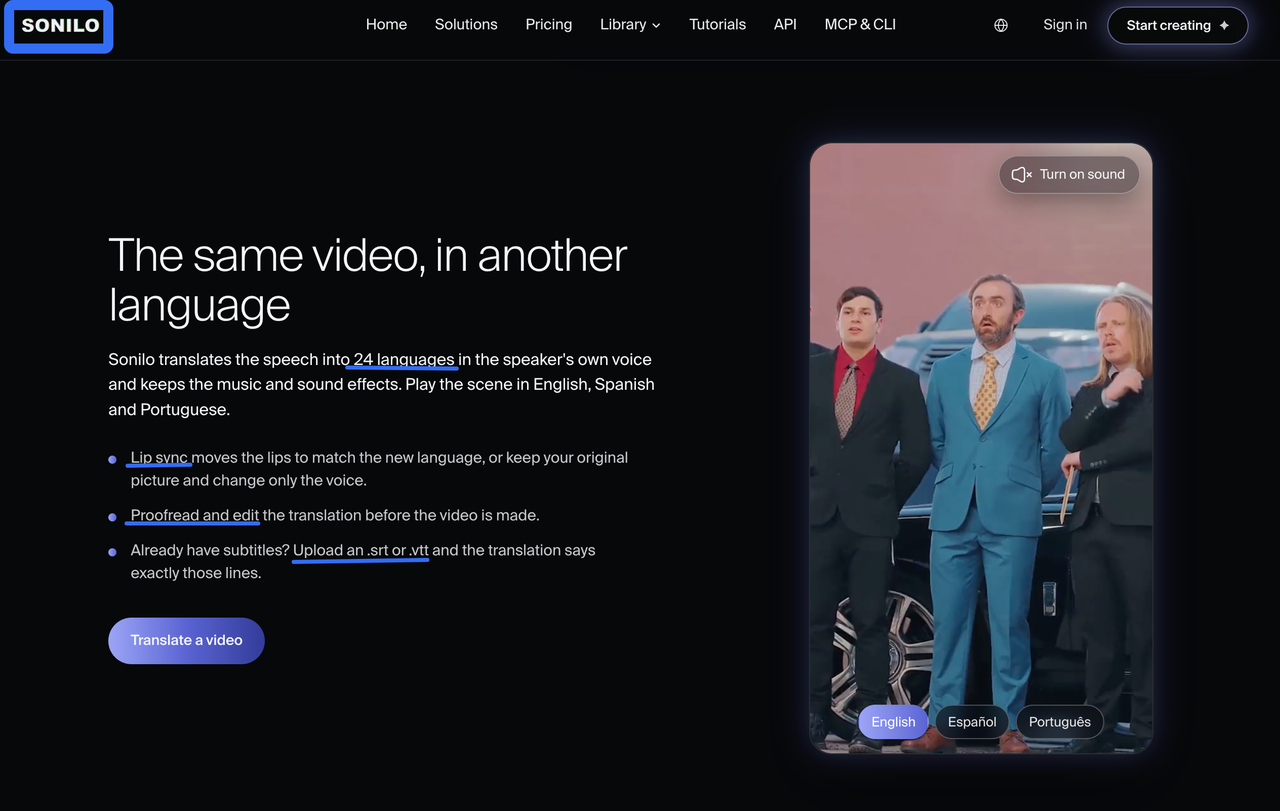
With the picture approved, Sonilo offers a file-upload translation route for MP4, MOV, and M4V clips up to five minutes and 400 MB. Turn on proofreading to correct the transcript and translation before rendering. In the demonstration example, that puts the product-name correction before the new voice is made.
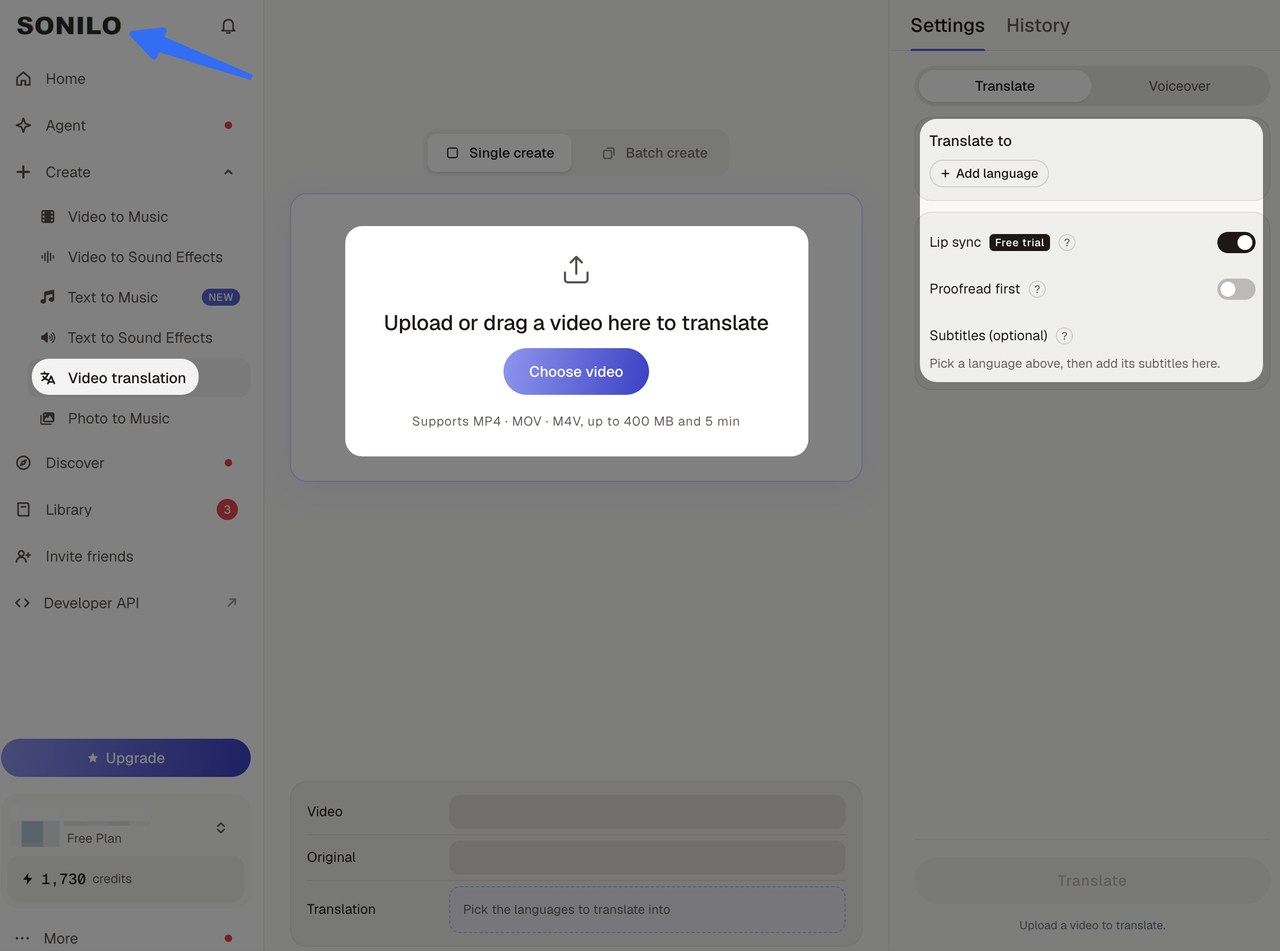
Sonilo says it retains each speaker's voice and the original music and effects. Its lip-sync control can leave the original picture unchanged when switched off. That suits narration over product footage. For a visible presenter, watch the rendered mouth and face as well as listening to the sentence.
A clear name on the script still needs a clear pronunciation in the dub. Play the corrected line in context: can you understand the name without reading the caption? Then listen across the next cut for clipped words or an explanation that arrives too late.
Video and subtitle downloads require a paid plan. The translation page doesn't specify a separate voice-only download, so ask about that exact file if another editor needs it. The pricing table lists general audio download formats, but that alone doesn't establish a standalone translated-voice export.
2. HeyGen — Start From a File or Link
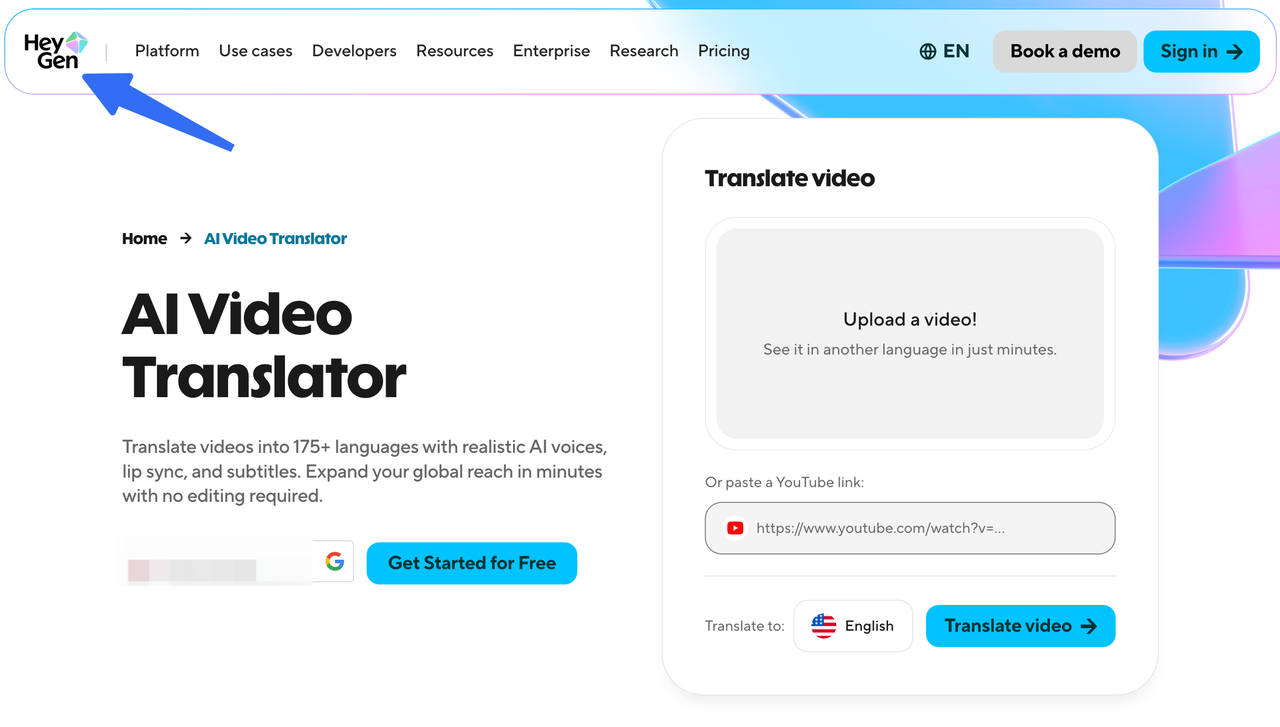
HeyGen's video translator accepts an upload or YouTube link. Its setup guide also covers Google Drive and existing workspace videos. Local inputs can be MP4, MOV, or WEBM, up to 5 GB. The guide caps Creator and Pro translations at 30 minutes per video; Vimeo links aren't currently supported.
That makes source retrieval useful, but script access deserves equal attention. The Pro plan includes translation-script proofreading. Buying a plan that can translate a clip doesn't necessarily give you the correction controls you expected.
In HeyGen's Proofread editor, changing text or timing requires Refresh Voice. For the product-name correction, refresh the affected segment and listen again. Preview plays the translated speech against the original picture; generate Result to assess the final render, including lip sync when selected.
The export distinction is easy to miss. HeyGen offers an Audio Only translation mode without lip sync, while its setup guide reserves audio-only downloads for Enterprise. You can choose how the video is translated without gaining a separate audio file for your editor. Captions can accompany video versions with and without burned-in text, with SRT output available.
For our example, source access and proofreading may fit. If separate audio becomes mandatory, the Enterprise restriction becomes part of the buying decision.
3. Kapwing — Translate in a Browser Editor
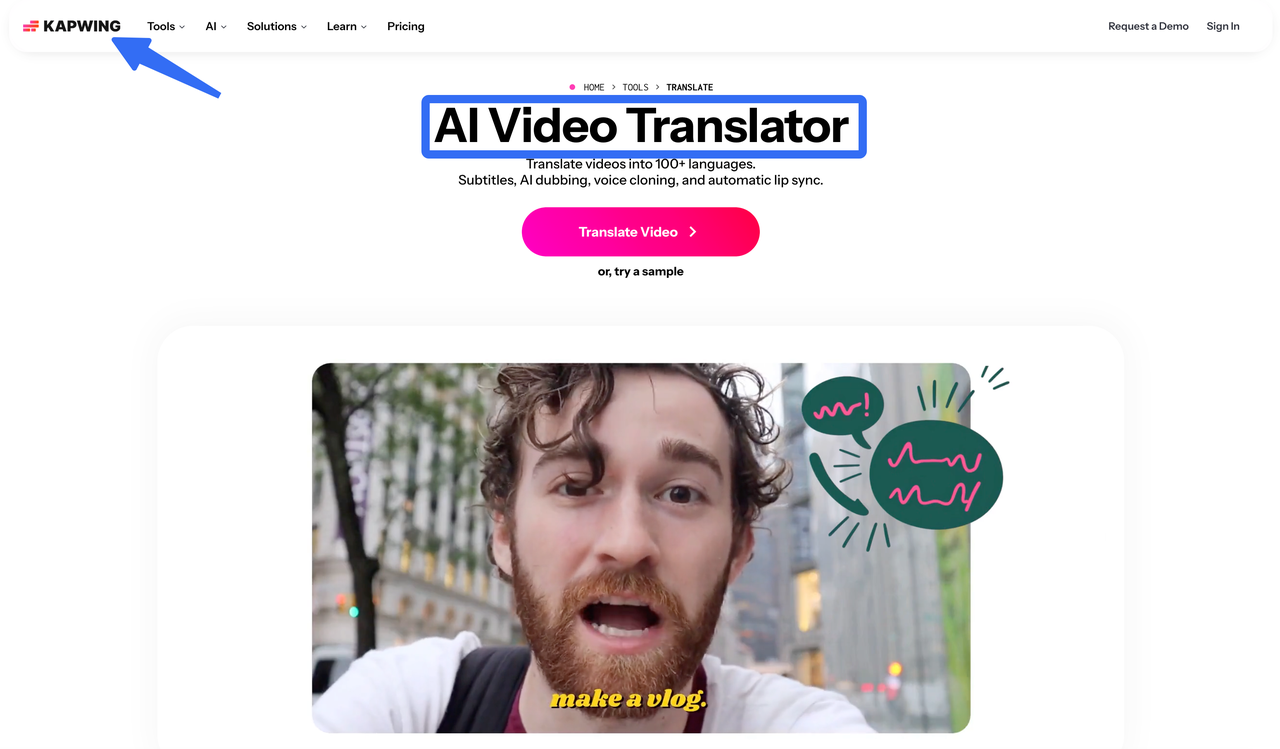
Kapwing's browser translator combines dubbing with video and caption editing. Import a file or supported URL, then use the Translate tab to work on the dub. This matters when the translated explanation reveals a picture change you still need to make.
Suppose the narrator finishes the button instruction after the close-up has ended. First have a target-language reviewer check whether the wording can be shorter without losing meaning. If the full instruction needs more time, extend the close-up where the source footage allows it. Replay the following cut and adjust the caption timing with it.
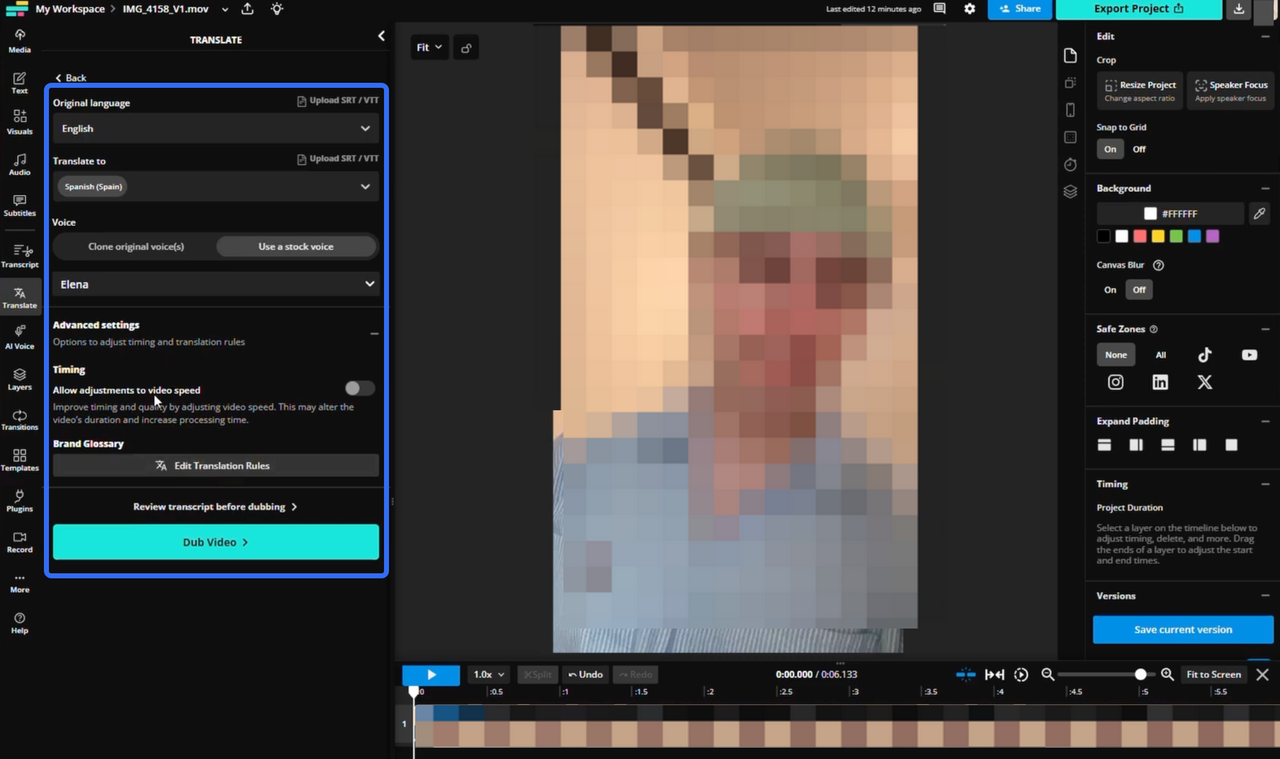
Kapwing lets you review the transcript and translation before voicing. Its dubbing guide documents MP4, MP3, and subtitle outputs, plus stock voices and language-dependent voice cloning. For a voice-only handoff, confirm which sounds the MP3 includes; an audio download doesn't establish isolated speech.
Text corrections need to reach the sound too. Use Apply changes to dubbed audio or Regenerate dubbed audio after revising a line. Regeneration uses additional allowance. A corrected caption can look finished while the voice still says the old wording.
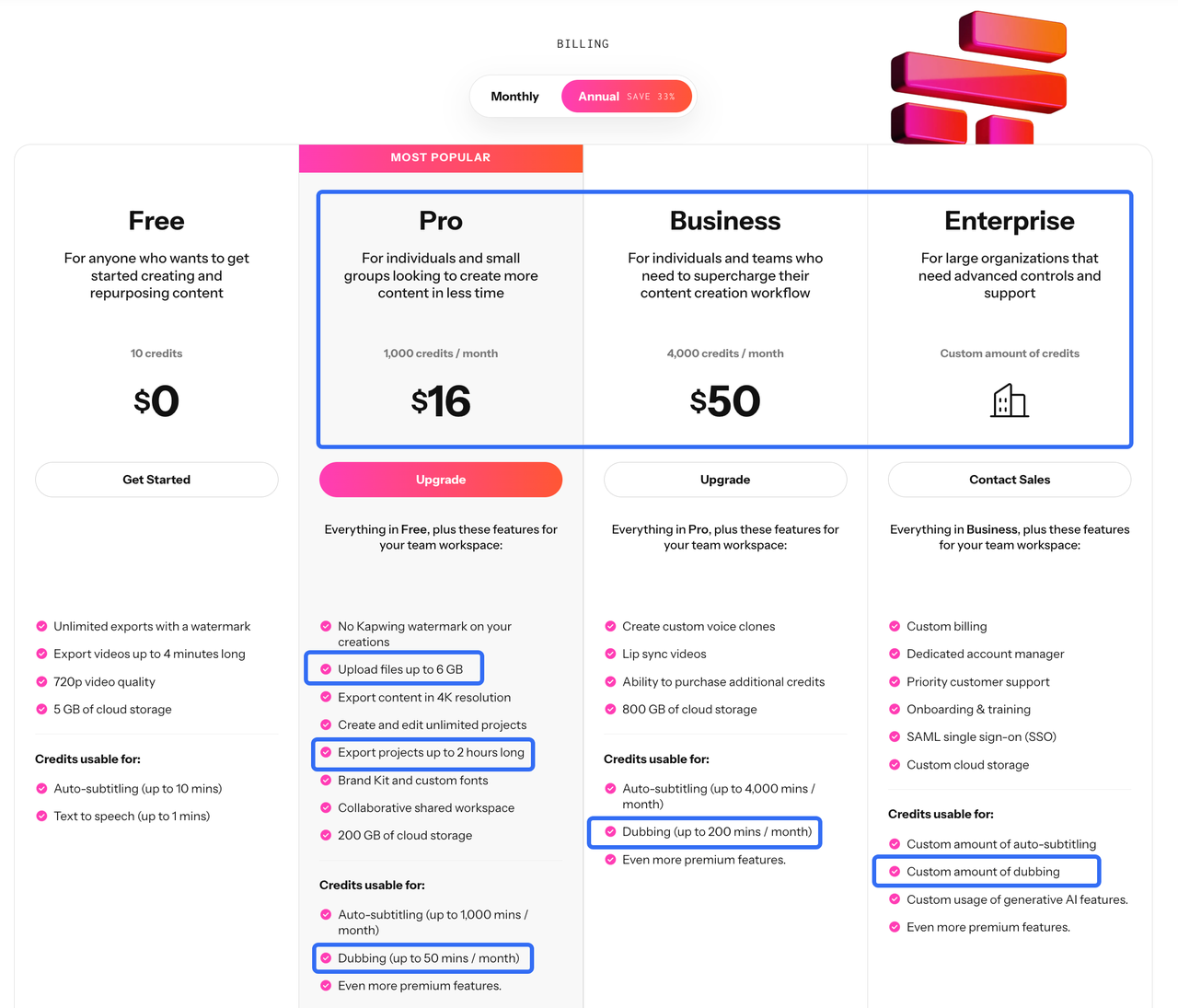
The Pro plan lists 6 GB uploads, exports up to two hours, and watermark removal. Business lists custom voice clones. Free editor exports carry a watermark; limited dubbing trials and recurring paid dubbing allowances are separate offers. Match the voice feature and export you need to the plan, rather than treating free editor access as a complete dubbing package.
Which Route Should You Choose Before Paying?
For the demonstration, a corrected captioned video may be the whole delivery. That leaves several viable routes. Requiring separate audio makes the shortlist narrower: Kapwing documents MP3 output, HeyGen restricts audio-only downloads to Enterprise, and Sonilo needs confirmation for a voice-only translation file.
If changing the words isn't enough to fit the explanation, give timeline editing more weight. If the picture must stay exactly as approved, seek a shorter, accurate translation before stretching a shot. Having more editing controls doesn't make changing the picture the right first move.
Try the likely correction during your evaluation: fix the product name, update the spoken segment, and listen to the rendered sentence. Then establish that your chosen plan can download every required file. A preview that sounds right answers only part of that question.
What Rights and Plan Limits Could Block Export?
A download button and permission to publish answer different questions. Your footage, speaker permissions, and subscription conditions all matter.
- Sonilo: Its terms distinguish non-commercial and commercial plan rights. Pro permits specified client and monetized uses. The current terms also allow a commercial license certificate for earlier Free outputs after upgrading to Pro or Premium. Obtain the certificate covering the intended use before relying on that route.
- HeyGen: Its Free output license is limited to personal, non-commercial, and internal evaluation purposes. Its voice terms require verifiable permission for another person's voice, covering the intended languages and uses. Owning the recording doesn't establish that permission.
- Kapwing: Its terms leave ownership of your content with you and responsibility for source rights with you. An export doesn't clear third-party music, footage, or performances. Confirm that the service terms and your existing permissions cover the intended release.
For confidential client footage, permission to translate also needs to cover external processing. Sonilo's privacy policy requires its written authorization for confidential third-party business uploads. Review each provider's processing terms before uploading the same material elsewhere.
This is general information, not legal advice. Before purchase or publication, follow the providers' current terms and the permissions for your specific video.
FAQ
Can Sonilo reuse an approved SRT file in an online translation?
Yes. Sonilo accepts SRT or VTT files for a target language and says the dub uses those supplied lines. Match the file to the approved cut before uploading it. An approved translation can remove the need to rewrite those words, but it doesn't remove generation charges or paid-download requirements.
Can HeyGen start from a private video link?
Use an authorized file upload if the source requires your login. HeyGen's guide specifies anyone-with-the-link access for Google Drive and a full YouTube URL. It doesn't confirm authenticated private-link support. Keep sensitive footage restricted rather than widening access just to make an import work.
Can Kapwing invite an external reviewer to a translation project?
Yes, subject to the project's sharing settings. Kapwing's access guidance allows viewing and comments through unlisted project links. It also describes external access to team projects as view-only. Check the recipient's actual permissions before arranging review; you may be able to collect feedback without buying another editing seat.
Can a source video with two spoken languages be translated in one job?
HeyGen requires a single source language per video. The Sonilo and Kapwing pages reviewed don't establish complete handling of two source languages in one job. For a bilingual recording, use language-specific sections where necessary and review every passage. Multiple speakers or target languages don't establish support for multiple source languages.
Can an original upload be reused for another target language later?
HeyGen lets you select an existing workspace video. Kapwing supports reusable media and editable projects, but project access depends on the plan and storage limits. Sonilo supports several target languages in one job; later reuse of a saved upload isn't specified. Keep the master locally and budget for each additional translation.
Conclusion
Choose around the correction you expect to make and the files you actually need to deliver. A supported link helps with access; script controls help fix the words; an audio download keeps a later mix possible.
Before committing, follow one corrected sentence all the way into the exported version. Hear the right name, watch the action it describes, and open the files your next editor will receive. That's where the choice becomes useful.