Guides
Free Sound Effect Maker for Custom Video SFX
- Written by
- Sonilo Team
- Published
The door closes on screen, but the available sound is a heavy slam. Your shot needs a soft latch. That's a good reason to try a free sound effect maker: you can describe the missing cue instead of auditioning another page of almost-right files. The useful test comes later, when that cue meets the picture, the dialogue, and the terms for publishing it.
This guide follows one small sound from brief to final export, whether you start with text or the video itself.
Decide What the Sound Must Communicate
Watch the shot without audio and name the event the viewer needs to notice. Is the latch confirmation that a character has left, or is it meant to make the room feel suddenly empty? The same object can need a different sound in each scene.
Mark the visible action and listen to what surrounds it. A click can disappear under voiceover; a huge impact can make a harmless UI tap feel like a disaster.
For an ordinary cue, a library may be quicker. A custom effect earns the work when material, distance, motion, or timing is specific. Browse free sound effects for video editing first.
Write a Useful Sound Effect Prompt
A useful prompt names one audible event, then adds details that change the edit.
Name the Source and Action
“Wooden door” still leaves too much open: is it creaking, scraping, slamming, or catching? Try “a small wooden cabinet door closes; the metal latch clicks once.” That tells the generator what makes the sound and what actually happens.
Generate the latch separately from footsteps or wind so you can move each layer. If a result includes unwanted speech or ambience, try a cleaner variation. Listen before saving it.
Add Timing, Space, and Intensity
Add distance, space, intensity, and tail. For the cabinet shot, “close microphone, quiet room, brief tail” is more useful than “cinematic and realistic.”
If the object moves across the frame, describe that movement. If the sound must land at a precise point, put a marker on the cut. A duration instruction can help shape a candidate, but it does not guarantee that the audible attack will arrive on your marker.
Generate Several Short Variations
Keep the brief fixed for an initial batch. Audition each candidate against three simple questions: does it sound like this object, is its first audible moment usable, and does its tail leave room for the next shot? A result can be impressive and still fail all three.
Change one prompt detail at a time. If the latch is too metallic, revise its material. Save a promising take before regenerating; the next attempt may differ.
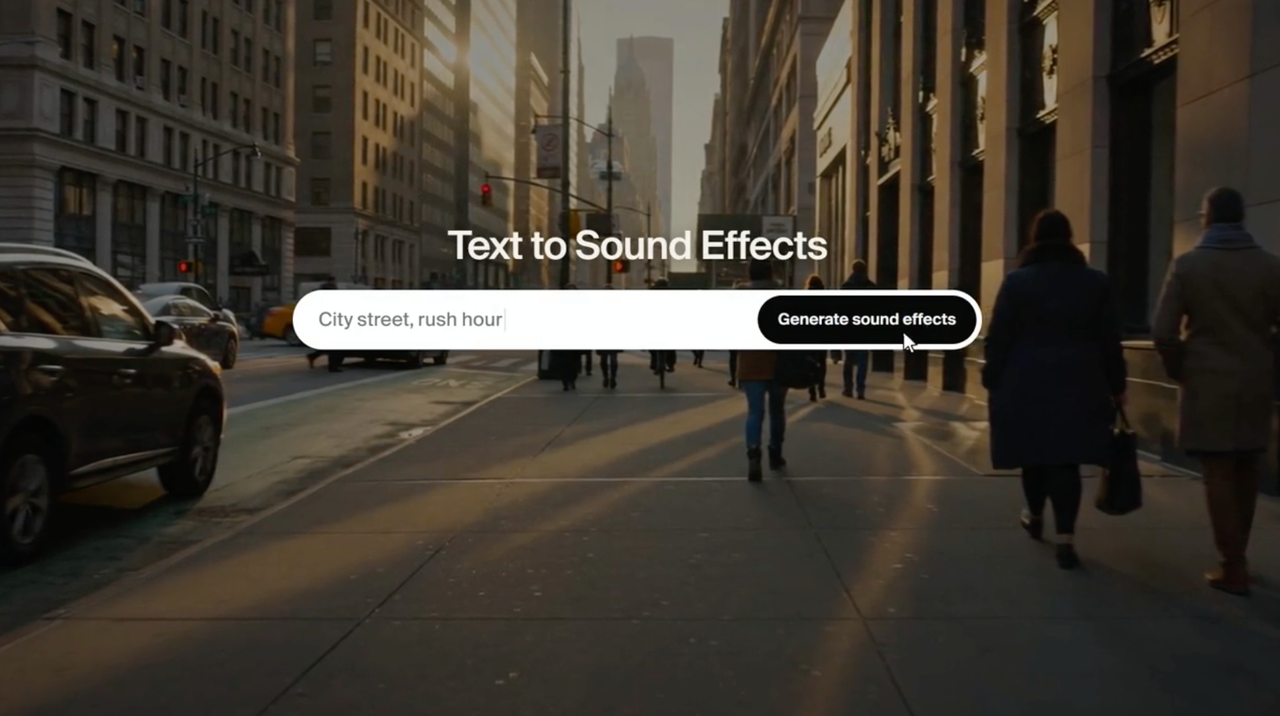
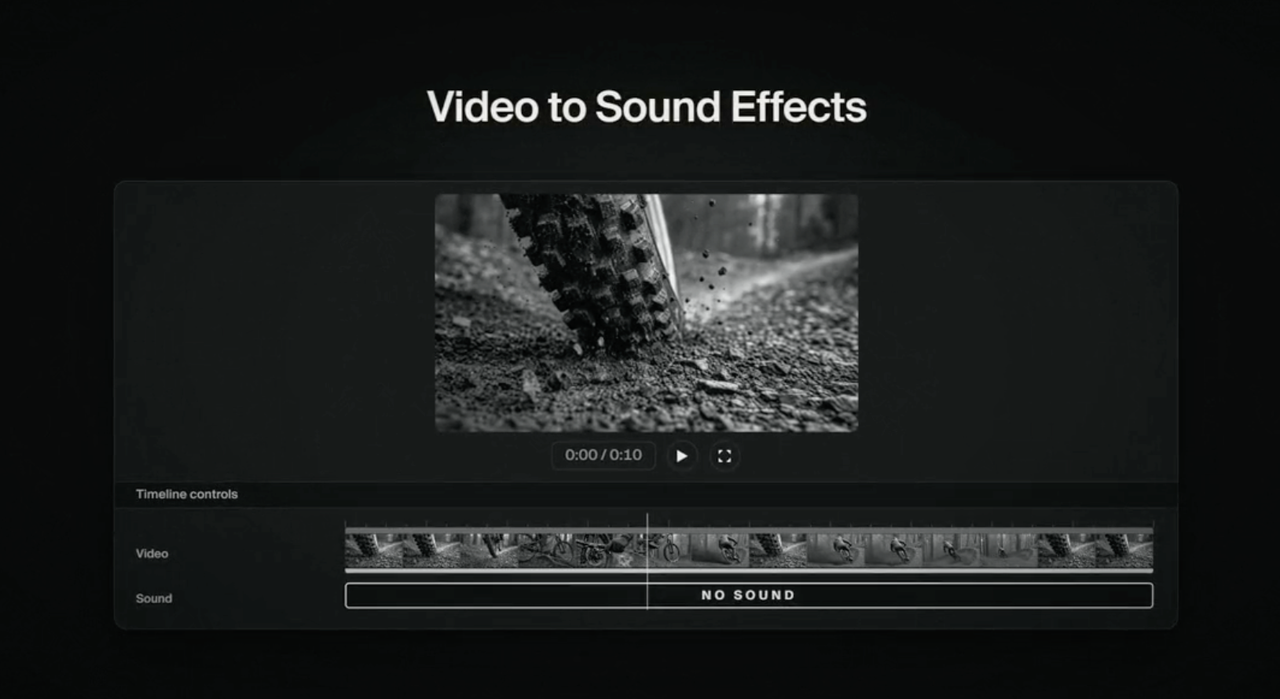
Sonilo publishes this guide and offers both a text-to-sound-effects tool for a standalone cue and a video-to-SFX path when the footage should guide timing. Its current product pages describe these as different inputs, not interchangeable guarantees of sync.
Match the Best Result to the Video
Import the candidate and line up its audible onset with the visible cause. Don't trust the left edge of the file: a little lead-in silence can make a hit feel late. Slide it until the action reads clearly, then watch the shot at normal speed without staring at the waveform.
Video-to-SFX can use picture timing as context, but the export still deserves a human pass. Check the first hit, any repeated movement, and the sound across a cut. If the effect seems to come from the wrong side of the room, a different candidate may be faster than heavy repair.
Mute the effect. Does the viewer lose information, or only decoration? If nothing changes, leave it out of a busy mix.
Edit, Layer, and Export the Final Effect
Trim excess silence, fade a rough tail, and adjust the level under the actual dialogue and music. Keep a clean copy of the original candidate. A second, quieter layer can give a small cue body, but stacking similar hits may turn one clear action into a cluttered double-click.
Listen on headphones and on the device where the video will be watched. A low thud can disappear on a phone; a narrow, sharp click can become annoying when repeated. If you need an ambience bed, build and loop it separately from the one-shot action. That way the door can move without dragging the whole room tone with it.
Export to the format and sample rate your editor requires. Keep the original, edited effect, and final video together. For YouTube, check other sound effects in the upload by the same final-listen standard.
Check Free-Plan and Publishing Limits
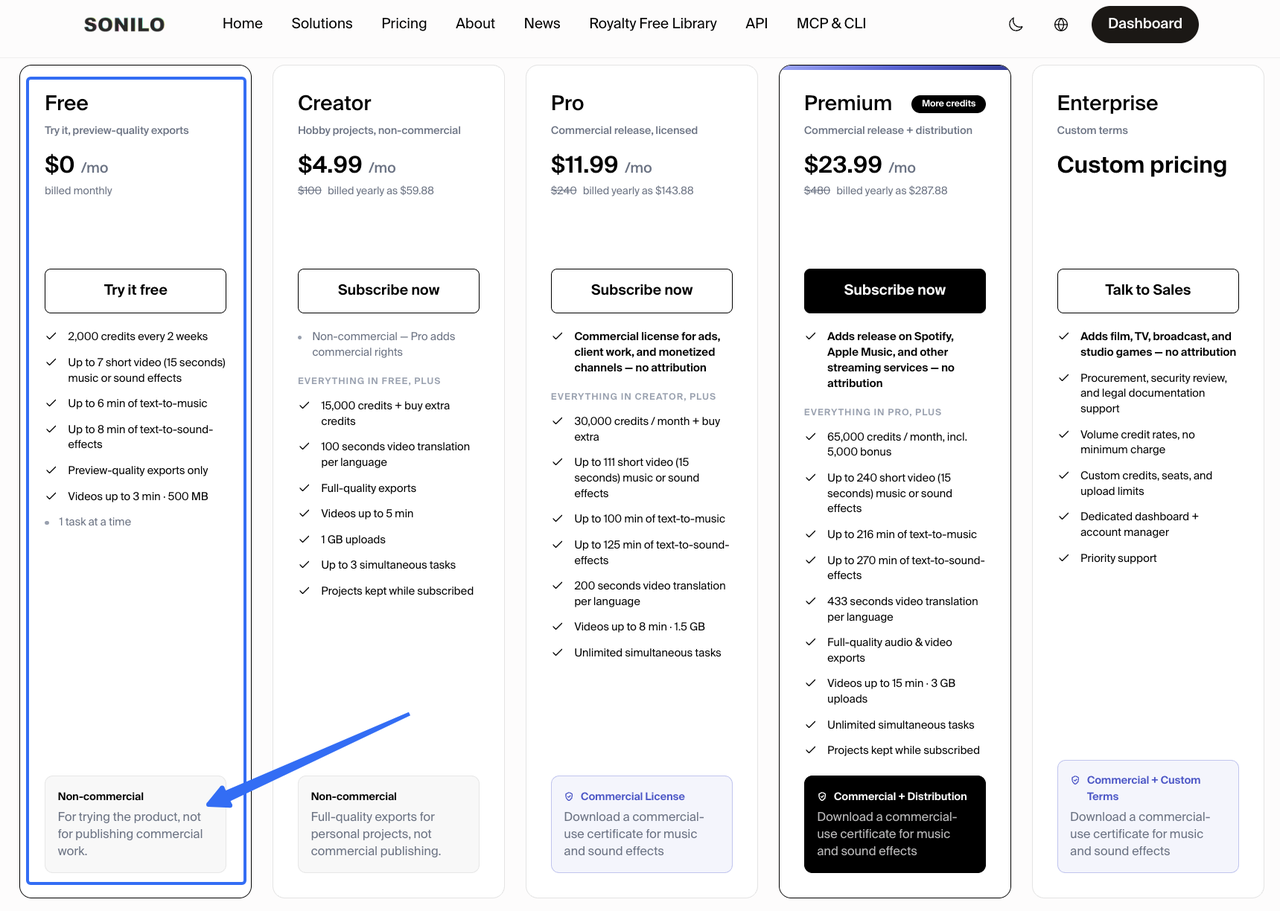
“Free to generate” does not mean “free to use in a client's ad.” As checked on September 23, 2026, Sonilo's pricing page lists a Free plan with preview-quality exports for personal, non-commercial trying. Its current terms require a visible “Sound effects by Sonilo” credit when Free-tier output is downloaded and shared. The site says eligible commercial rights start with Pro, Premium, Enterprise, or applicable API terms. Verify the plan tied to the generation and the current terms before a monetized upload or client handoff; an upgrade later should not be assumed to change the rights of an earlier file.
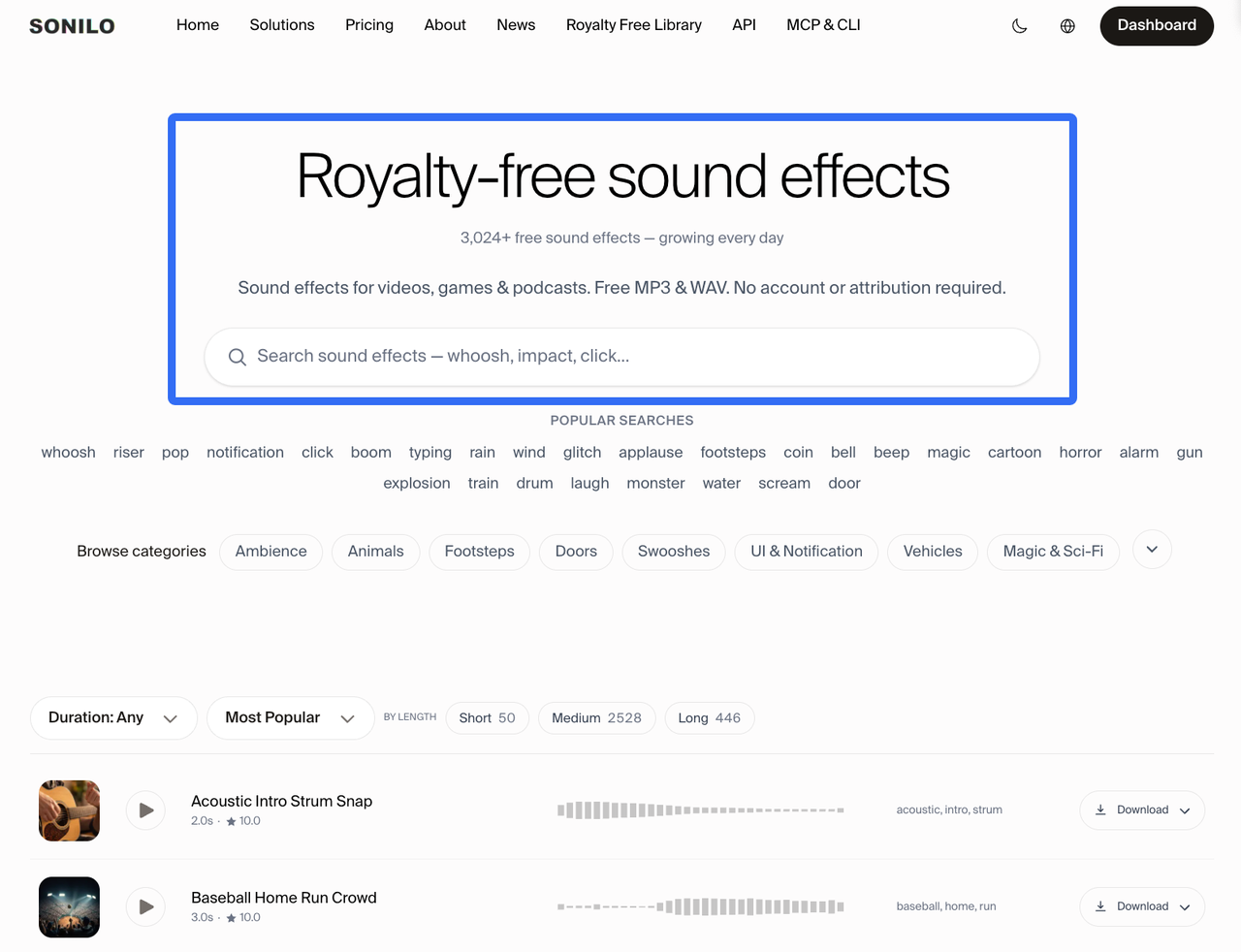
The free downloadable library is a different route with its own published library license. Don't apply the library's no-account, no-attribution wording to audio generated in your account. That distinction matters more than the word free on either page.
If you upload a client or unreleased clip for video-to-SFX, confirm that you may submit it and that the tool's privacy terms fit the project. Use text-to-SFX when the sound can be described without sharing sensitive footage. These are practical rights checks, not legal advice; the applicable agreement and intended use control the publishing decision.
Limitations and Trade-Offs
A custom prompt can narrow the search, but it cannot promise a repeatable take, a perfect tail, or a sound that feels attached to the image. You may spend more time correcting an AI cue than trimming a good library recording. The fastest path is whichever file survives the final timeline listen with less repair.
Text-to-SFX is convenient when the visual event is simple. Video-to-SFX is worth considering when several visible beats should influence the result, though that also means uploading footage and reviewing timing afterward. Neither path automatically gives exclusivity, copyright protection, or clearance for every platform.
Conclusion
The useful custom effect is the one that still makes sense after you stop soloing the audio track. Define the event, prompt one sound at a time, keep the best variation, and judge it against the picture and the final mix. If a library file already does that job, use it.
When the shot needs a cue you cannot find, make a short sound-effect variation, then check its timing and publishing terms before it leaves the edit.
FAQ
Can a Generated Effect Be Made Seamless for Looping?
Sometimes, but test the join rather than trusting a “loop” prompt. Choose a stable section without a distinctive hit, overlap its ends, and crossfade. Then listen for changes in room tone or rhythm over several repeats. A one-shot impact is usually a poor loop source; generate a separate ambience bed instead.
Can a Client Require Disclosure That a Sound Effect Was AI-Generated?
Yes. A client brief or contract can set disclosure duties even when a platform does not ask for the same wording. Ask before delivery, note which cues were generated, and follow the channel's current rules. The creator should not infer “no disclosure needed” from a download button.
Can a Team Reproduce the Same Effect After a Prompt Changes?
Do not count on an identical result from a revised prompt or a later model run. Keep the approved audio file, prompt, generation date, tool or model label if available, and editing notes. Treat those as a way to rebuild the decision, not a guarantee of bit-for-bit reproduction.
How Should Generated SFX Be Labeled in Project Files?
Use names that survive a handoff: scene, action, version, and status, such as kitchen_latch_v03_approved.wav. Keep generated originals apart from edited and licensed-library files. That prevents the next editor from mistaking an audition clip for the approved cue.
Can Generated Sound Effects Qualify for Copyright Protection?
It depends on the jurisdiction and the human creative contribution. The U.S. Copyright Office's AI report says prompt-only generation does not itself establish the human authorship it requires, while creative human arrangement or modification may matter. That is not a worldwide rule or a decision about your particular file. For a valuable commercial cue, seek qualified advice in the relevant jurisdiction.