Guides
Free UI Sound Effects: Build a Consistent Video Set
- Written by
- Sonilo Team
- Published
One free click can make a product demo feel polished. Five unrelated clicks can make it feel like five different products.
I’m Nico. The job is not to collect every free UI sound effect. Build a small set that agrees on tone, length, loudness, and purpose. A button tap should belong beside a success chime.
What Makes a UI Sound Set Feel Consistent?
Compare effects in sequence. Listen for four kinds of continuity:
- Tone: bright, soft, warm, digital, mechanical, or muted.
- Shape: a dry transient, a short decay, a two-note rise, or a longer tail.
- Weight: how much low end and impact the cue carries.
- Role: whether it confirms, warns, opens, fails, or moves the viewer forward.
The sounds do not need to be identical. They need to feel as if they belong to one interface. A light click followed by a heavy cinematic boom is not automatically wrong, but it needs a reason in the story or product behavior.
Start with the screen state, not the download page. Mark the visible action, expected feedback, and moment where the video moves to its next shot. That brief helps you reject attractive files that do not serve the sequence.
Where to Source Free UI Sound Effects
Treat “free” as a starting filter, not a complete license answer. Save the asset URL, license name, download date, and any attribution text with the project.
Library Packs
Library packs are useful when you need several related cues quickly. Look for a group that covers clicks, confirmations, warnings, errors, and transitions without changing character.
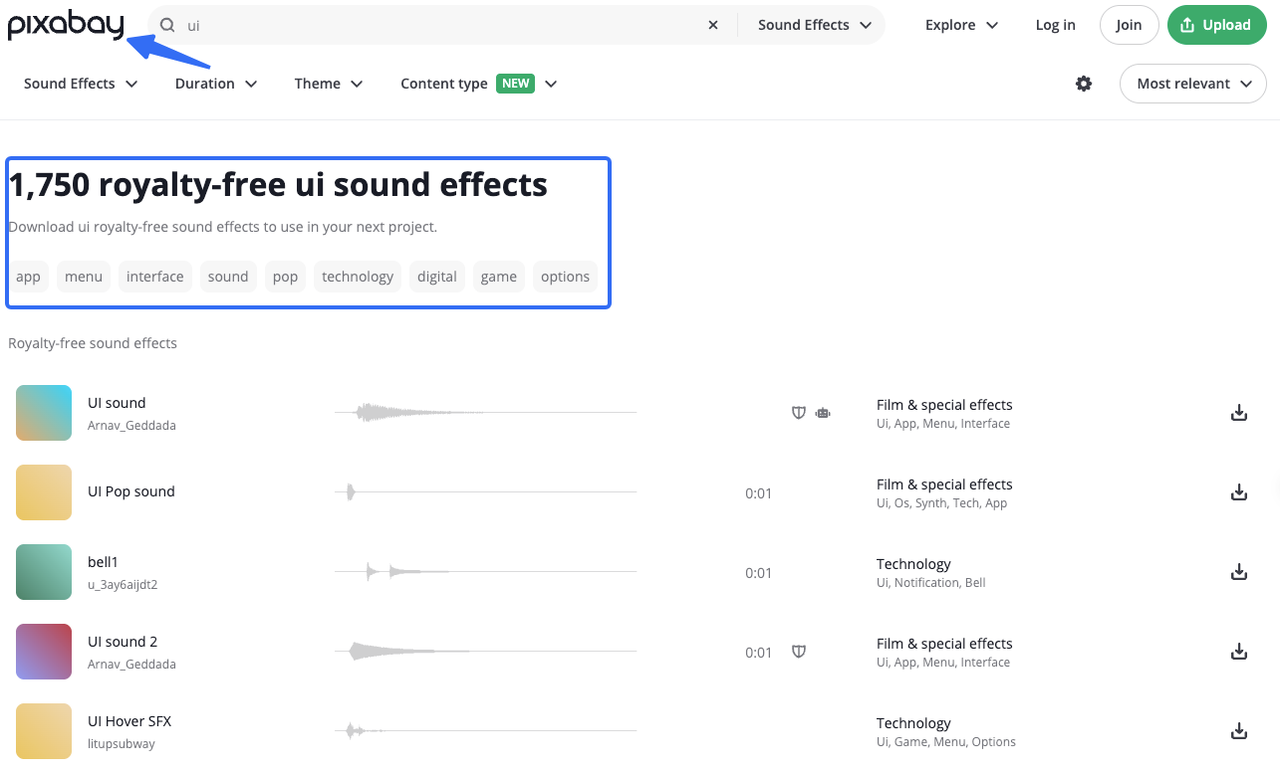
Pixabay’s license summary says its content can generally be used for free, modified, and used without attribution, subject to prohibited uses. It also says some files may involve additional copyright, trademark, privacy, or other rights. Read the full license and inspect the individual file before using it in a commercial demo or app.
Freesound’s FAQ explains that individual sounds may use Creative Commons Zero, Attribution, or Attribution-NonCommercial licenses. Those labels affect whether credit is required and whether a commercial use is permitted. Do not treat a whole community library as if it had one shared license.
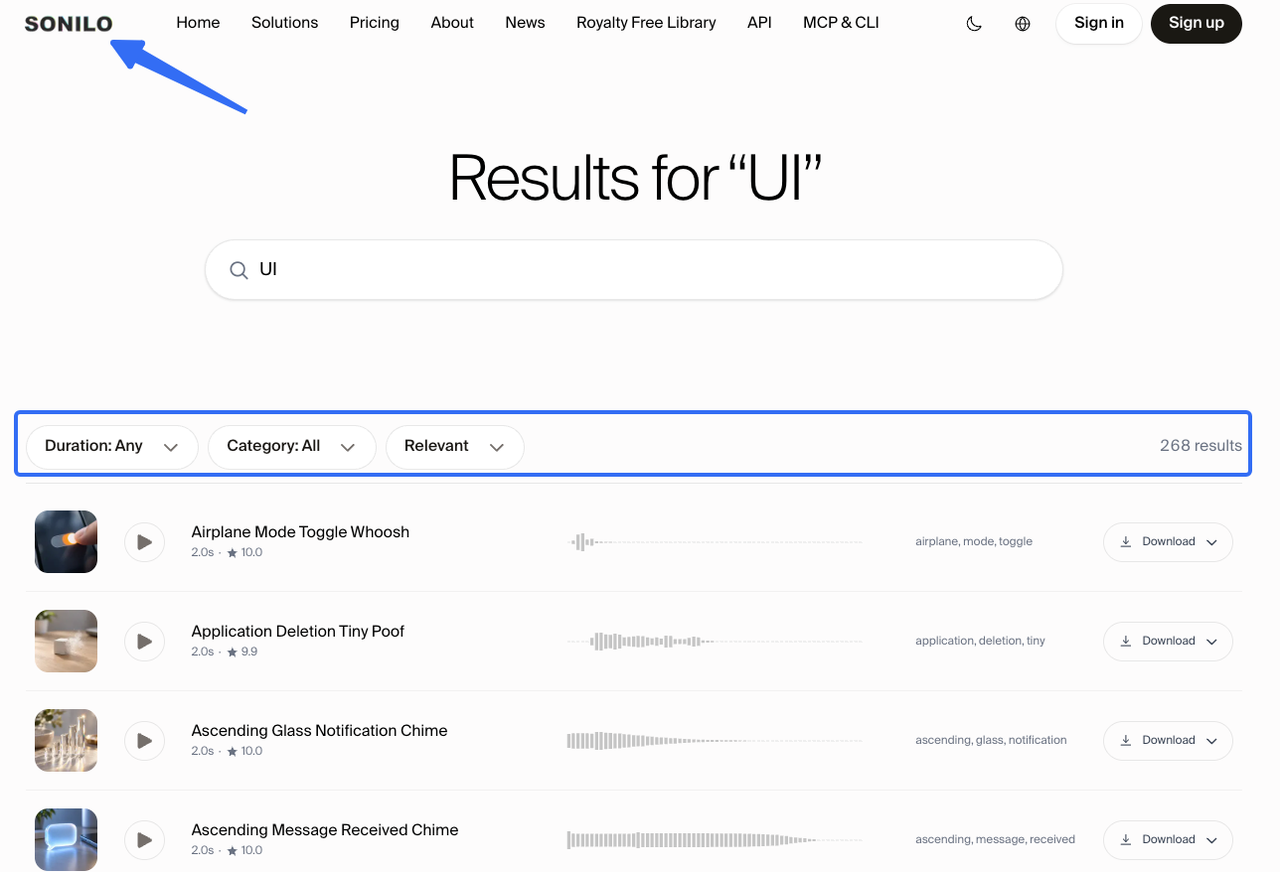
Sonilo’s royalty-free sound effects library is another option for ready-made UI cues. You can browse sounds by category, search term, and duration, then choose files that share a similar tone before building the set. Check the current library license for commercial use and redistribution limits.
For a broader comparison of library and AI routes, see this guide to free sound effects for video editing.
Individual Button Sounds
Sometimes you need one missing cue: a clean tap, status beep, or restrained error tone. Search by action and texture rather than only by category.
Try phrases such as “soft interface click,” “short confirmation beep,” “muted error pulse,” or “two-note notification.” Add duration and intensity when the result is too broad. A search for sound effects buttons free can produce useful leads, but each file still needs its own license check.
Preview the sound beside the voiceover and on the intended playback device. A subtle headphone click may disappear on a phone, while a bright beep may compete with the narrator.
Custom-Generated Variations
Use custom generation when the set has a clear identity but the library is missing one variation. Describe the function, material, energy, and duration instead of naming another app or asking for a clone.
For example: “short glassy confirmation tick, soft attack, no bass tail, 0.5 seconds.” Then create a few related options and keep the one that matches the existing set.
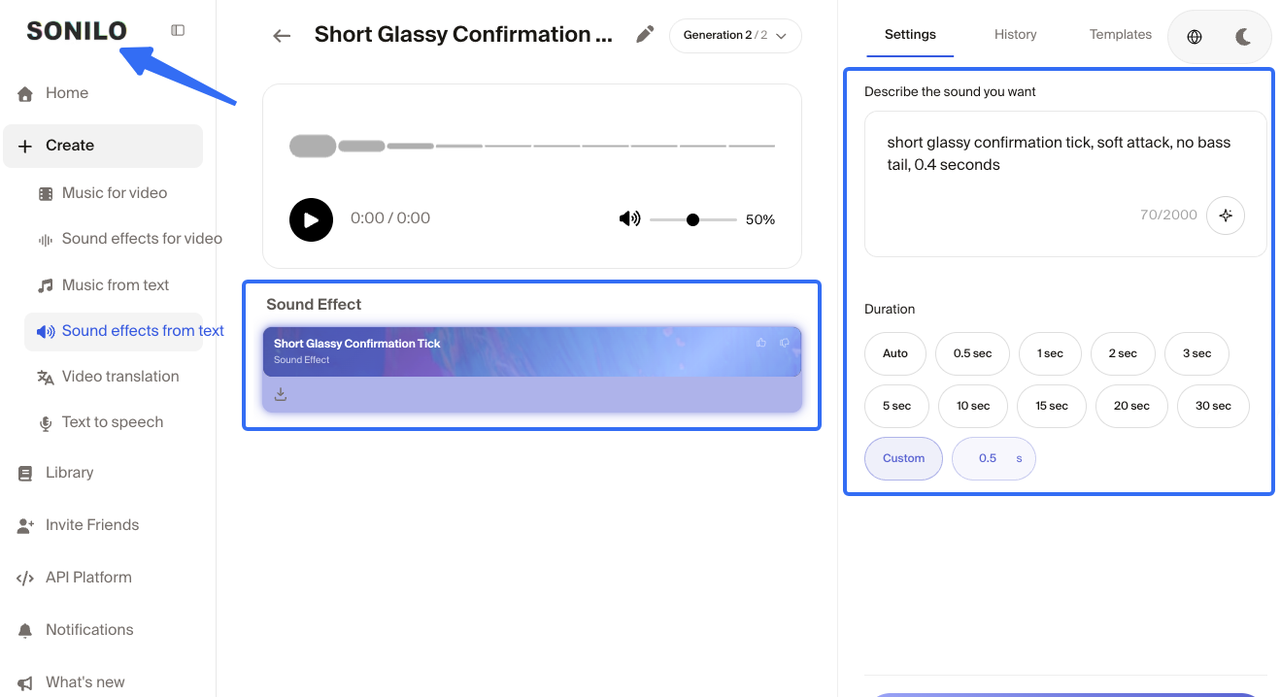
Sonilo’s platform documentation is the appropriate place to verify current generation and API details. Product capabilities, export behavior, credits, and plan limits can change, so do not turn an undocumented feature into a promise in a production brief.
Build a Small Core Set
You rarely need a hundred UI cues for one demo. Start with the states that appear in the cut, then leave room for future scenes.
Clicks and Taps
Keep two or three clicks with the same general family: one light, one neutral, and one with a little more presence. Match their tails. If one ends abruptly and another rings for a full second, they will feel unrelated when used on neighboring screens.
Name them by function and version, such as ui_click_light_v01 or ui_tap_confirm_v02. Avoid names like final-final-new.wav; the next editor should know what the file does before opening it.
Success and Error States
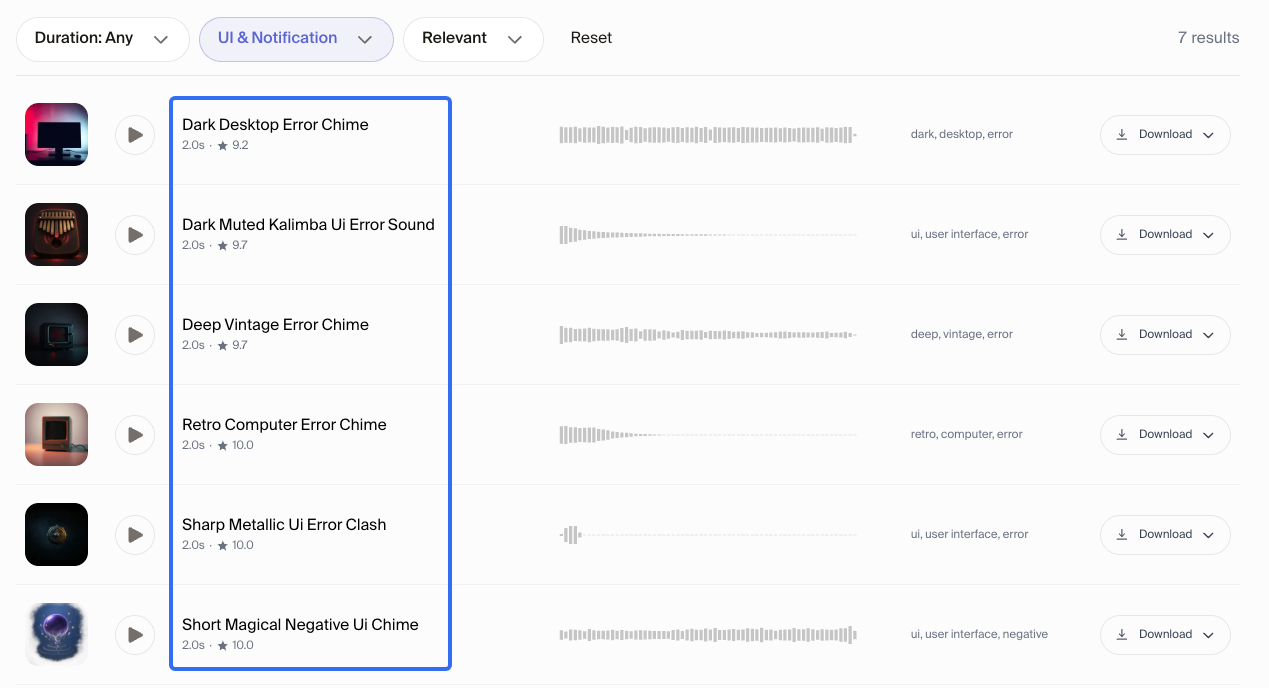
Success sounds can rise, resolve, or open slightly. Error sounds often need less musical sweetness and more controlled friction. Keep the difference audible without making failure sound comically loud.
If the demo includes several statuses, create a hierarchy. A small validation error should not carry the same weight as a completed export. The sound should help the viewer read the state, not compete with the narrator.
Notifications and Transitions
Notifications need a clear start and short tail. Transitions can be tonal, percussive, or airy, but use them to connect a visual move rather than decorate every cut.
For a video, mark the frame or visual anchor where the cue should land. A notification that arrives after the screen changes will feel like an editing mistake.
Match Loudness and Tone Across the Set
Put the click, success, error, and notification on one timeline and compare them at the same listening level.
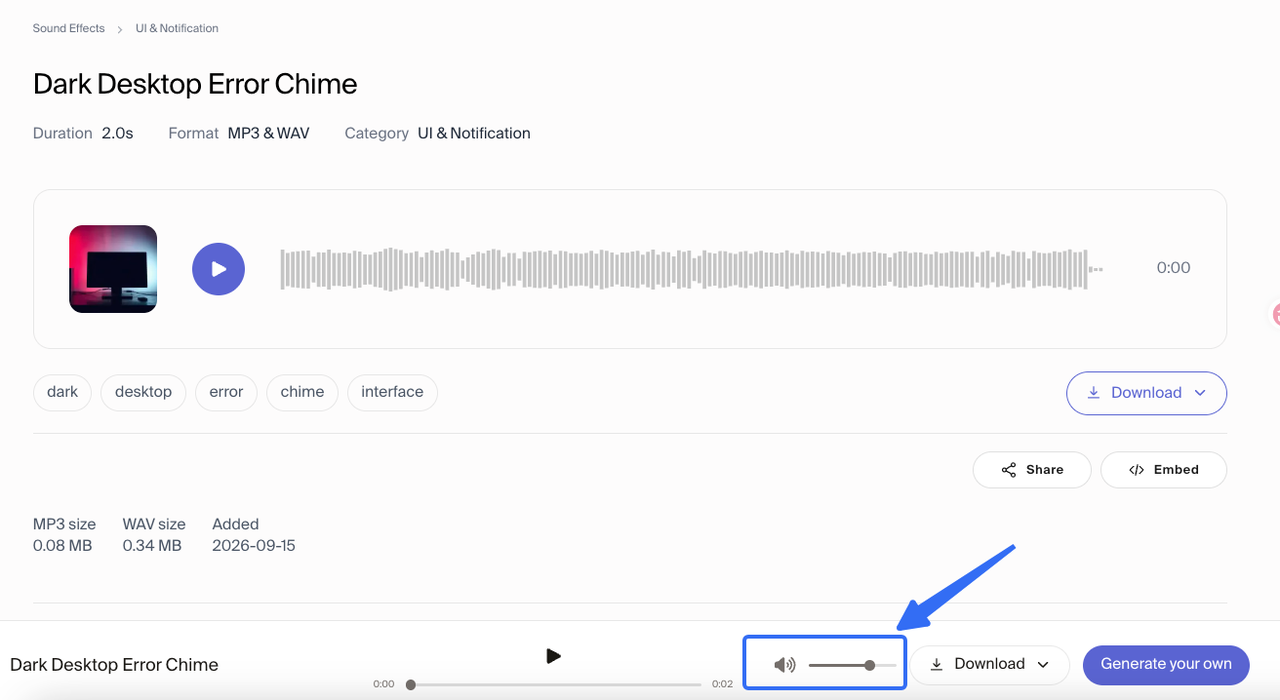
Check the transient, tail, and quiet space after it. Repeated sharp peaks become tiring; effects that are all soft and low may lose clarity on small speakers.
Leave headroom for narration and music. A UI sound can be technically clean and still be too present in the finished demo. Make the voiceover the reference layer, then place effects around it.
Check Every Effect in the Final Edit
Run the set through the actual video before you approve it:
- Watch once with the effect muted to confirm the visual action is understandable.
- Add the effect quietly and check whether it clarifies the action.
- Listen for masking under speech, music, or a busy screen transition.
- Review the export on headphones, phone speakers, and the setup your client is likely to use.
Keep a small asset sheet with the filename, source, license, version, and scene reference. It makes a revision easier when the product team changes a label or the editor replaces one screen.
Limitations and Trade-Offs
Free libraries may not share one sonic identity. Filter aggressively, process files, or replace a near-match with an original variation.
Custom generation can help with consistency, but it does not remove listening, editing, or rights review. A generated file still needs a timeline role and a record of how it was made.
Licenses travel with the source file, not your folder name. CC0, CC BY, and CC BY-NC have different conditions. If you combine files into a pack, check redistribution; embedding a sound in a video is not the same as handing over a library.
FAQ
Can the same UI sounds work in product demos and released apps?
Sometimes, but check both uses. A license that fits a video may include different conditions for an app, game, or downloadable product. Save the license and confirm that the client’s distribution model is covered.
What sample rate should editors keep before the final export?
Keep the source files at the project’s native sample rate when possible, and avoid unnecessary conversions during editing. The final setting depends on the editor, delivery platform, and project specification. Confirm the export requirements before converting a whole sound set.
How should teams version a UI sound pack?
Use a predictable name with function, intensity, duration, and version. Keep the asset sheet beside the pack and archive replaced versions.
Should haptic feedback and sound use the same interaction cue?
They can share interaction logic without identical timing or intensity. A device may be muted, or vibration may be felt before sound. Treat haptic and audio feedback as related layers with separate checks.
What visual feedback is needed when a device is muted?
The interface should still communicate the state through text, color, motion, focus, or another visible change. Sound can reinforce a confirmation, but it should not be the only evidence that an action succeeded or failed.
Conclusion
The useful goal of free UI sound effects is not a full folder. It is a small, consistent language that survives the timeline, the export, and the next revision.
Define the states your video needs, source each file under a documented license, match tone and loudness, and test the complete set in context. If one cue is missing, generate a variation that belongs to the system instead of forcing a near-match into the cut.


