Guides
YuE2 for Video: Vocal Song or Instrumental Bed?
- Written by
- Sonilo Team
- Published
Give the narrator first claim on the words. A sung hook can carry a montage, but during an explanation it asks viewers to follow another voice. That is the starting point for choosing YuE2 for video: decide where singing belongs before choosing the musical style.
Which YuE2 Output Fits a Locked Cut?
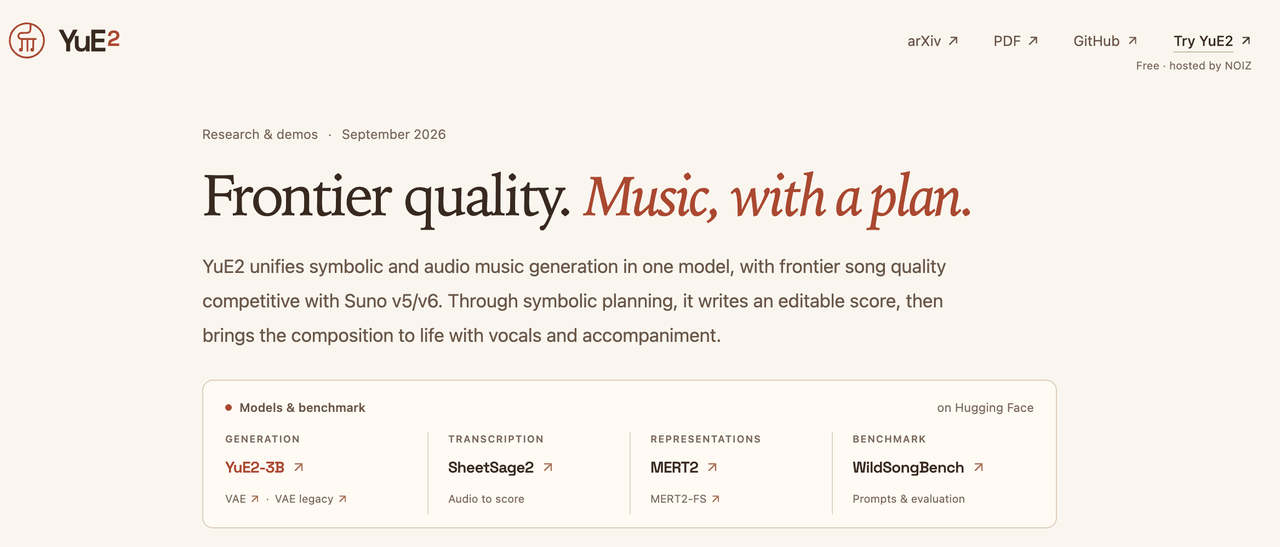
Start with an instrumental bed when narration carries the story. Consider a vocal song when the cut has enough speech-free space for its lyrics to matter.
That is an editing choice, not an audio-quality ranking. The comparison here follows YuE2's documented routes and one illustrative narrated cut. An instrumental removes a competing singer; it does not automatically create a restrained background arrangement.
How Do the Two YuE2 Routes Begin?
The song route starts with lyrics and style. The instrumental route converts a composition into instrumental score conditions before rendering. Neither is a video-upload scoring system.
Lyrics and Style for a Vocal Song
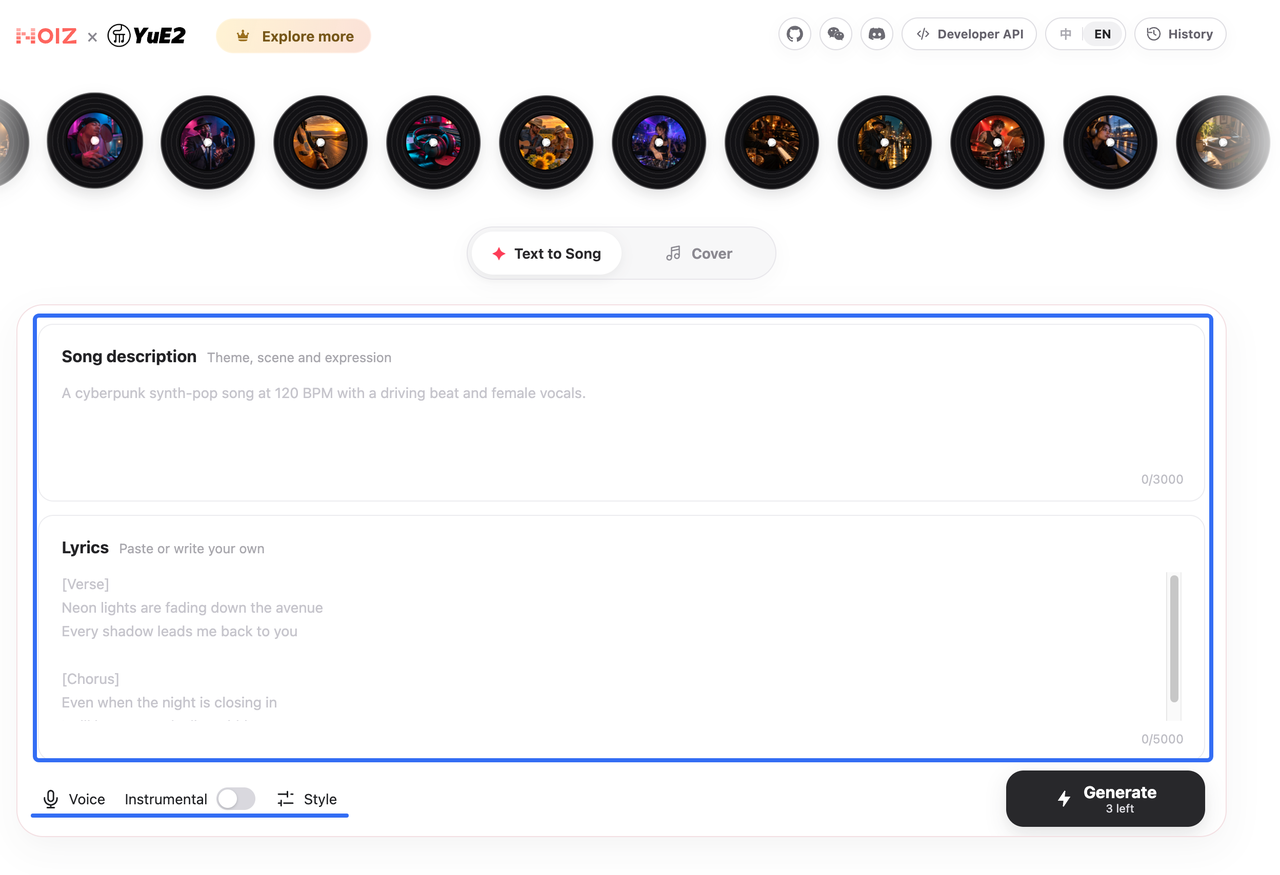
YuE2's song-generation inputs separate lyrics from style. Lyrics contain the sung words and section labels; style describes genre, instruments, tempo, and vocal character. Full symbolic planning produces melody and chords before audio synthesis.
For a vocal song, write lyrics that belong in the video's quiet passages. A chorus entering beneath a spoken explanation may be an arrangement problem, not something a volume slider can solve.
An Instrumental From the Score
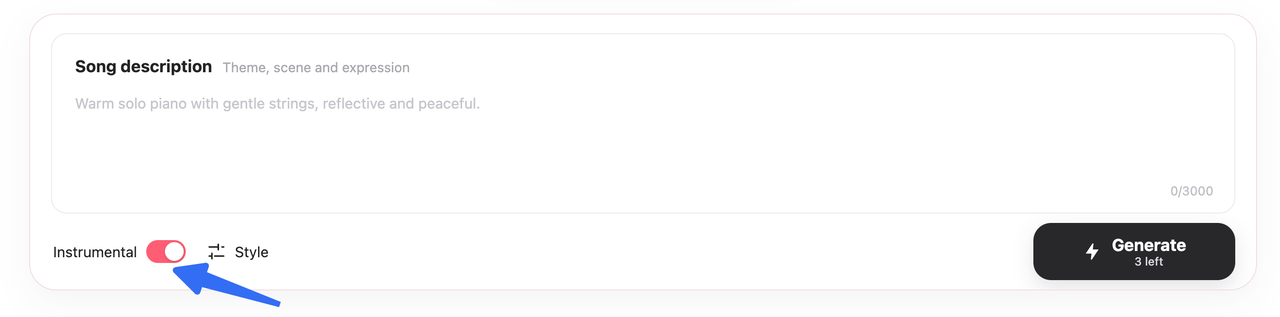
The official instrumental workflow normally asks YuE2 to plan the score. It moves the melody notes from Vocal to Ins, then renders with no lyric text. Simply deleting lyrics is not this conversion.
The helpers check transferred notes, but listening still matters: score checks do not guarantee the absence of vocal leakage. A melody previously intended for a singer can also become a prominent instrumental lead. Removing words does not make that lead stop asking for attention.
Compare Both Against One Video
Imagine a product demo with an introduction, a narrated walkthrough, and a speech-free result reveal. Keep the picture, narration, mood, and target runtime consistent when auditioning either route.
An original shared brief could be: warm piano-pop, light percussion, restrained energy during the explanation, a modest lift at the reveal, and a resolved ending. Give both routes the same musical job; judge their actual duration rather than assuming the requested length was met.
Speech Space and Vocal Competition
During the walkthrough, listen for whether you follow the narrator or drift toward the singer. Lowering music may help, but a hook that disappears at the necessary level contributes little. Save it for a genuine speech-free passage or choose the instrumental.
With music under voiceover, check the lead instrument too. If piano phrases keep answering every spoken sentence, the converted melody may need fewer notes or a quieter arrangement. “No vocals” is only the first check.
Musical Sections and Cut Length
A verse-to-chorus change may suit the reveal, but it can also arrive too late. Section labels guide a song's form; they do not place a chorus on a video frame.
Listen through the last shot. If the singer is halfway through a line, trimming changes the lyrical meaning as well as the music. An instrumental offers more freedom there, provided its phrase reaches a usable ending. Neither route guarantees exact runtime.
What Manual Editing Remains?
Placement, phrase edits, fades, and mixing remain. Keep the original render and edit a copy beneath the unchanged narration. Moving a chorus to the reveal can fix that moment while putting its lead-in beneath an earlier spoken line.
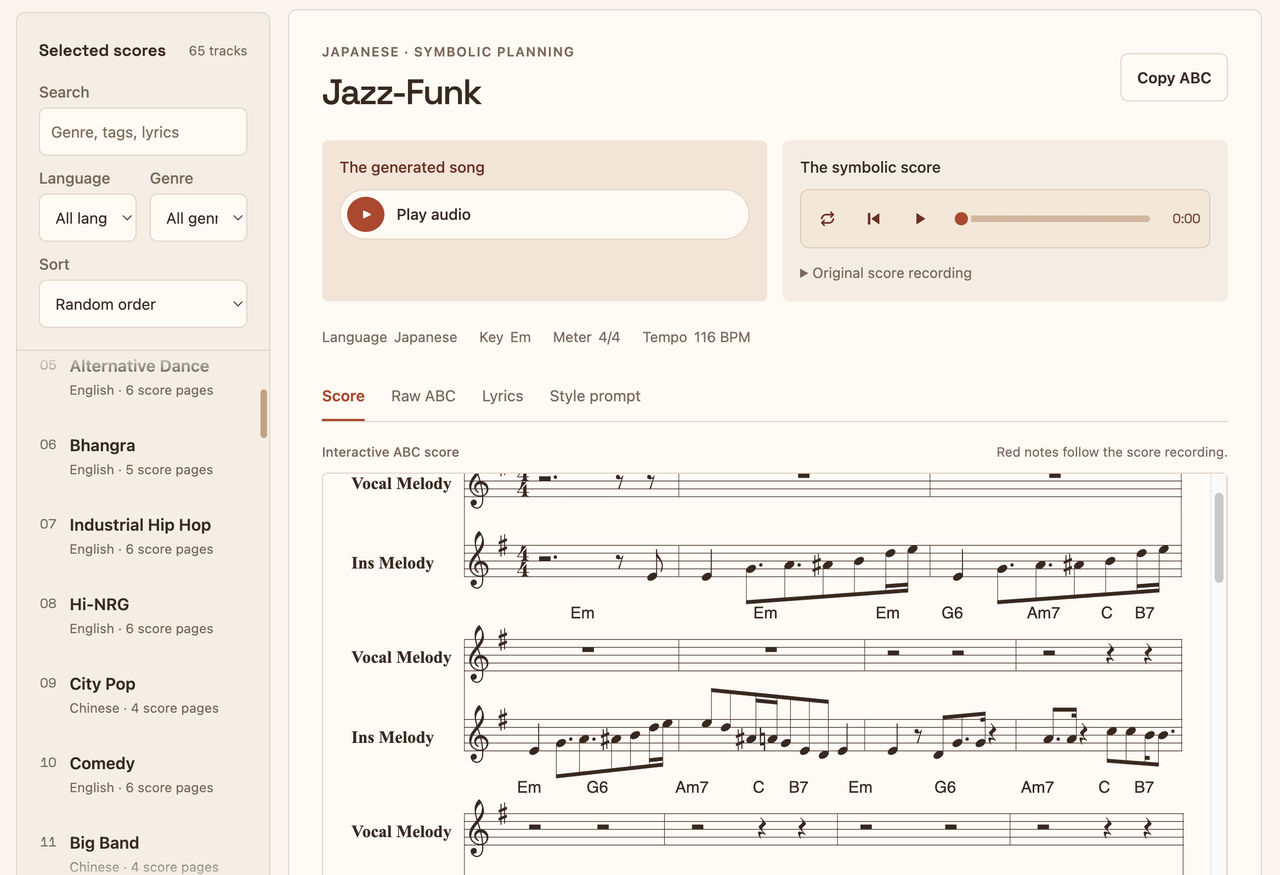
For a composition change, use the score-editing route. It renders a new complete recording, not a patch in the old audio. Recheck the opening and every approved cue after bringing the revision back into your editor.
YuE2's CC BY-NC weight license includes additional creator permission, checked October 14, 2026. Individuals can monetize outputs, including licensing them to clients, subject to its conditions. Companies' commercial use of model weights requires separate licensing discussions. Third-party input rights remain your responsibility. This is general information, not legal advice.
When Should the Video Drive the Music Instead?
Consider video-driven generation when the main problem is placing builds and endings around fixed images, rather than designing a melody. A YuE2 symbolic score makes composition inspectable; it does not inspect your footage for you.
Sonilo publishes this article and offers a video-driven soundtrack tool. To audition that alternative, generate music from your finished cut in Sonilo. Compare the result against the same narration and reveal. A different starting point still needs your ear, not an automatic approval. Check upload rights and confidentiality terms before sending client footage.
FAQ
Can YuE2 generate a vocal song in a language other than English?
Yes. The official examples include Mandarin as well as English. Specify the intended language in style and supply matching lyrics. Review pronunciation and sung wording before publishing; those examples do not establish equal accuracy for every language or accent.
Can a reference recording guide a YuE2 instrumental cover?
Yes. The instrumental-cover route uses SheetSage2 transcription before score conversion and rendering. It reinterprets the melody rather than extracting the original accompaniment. Use material you have permission to adapt, and review transcription errors before treating the new score as faithful to the recording.
Can I supply an existing ABC score to YuE2?
Yes, through abc with full or melody planning. YuE2 expects its supported notation; arbitrary ABC dialects may need conversion. Preserve the original, validate a working copy, and use the instrumental conversion when that is your goal. A supplied score is not automatically an instrumental score.
What files does YuE2 save for later soundtrack changes?
The documented save_artifacts() output retains audio.flac, the applicable score.abc, plan.json, tokens, latents, and generation settings. These support later rendering and comparison, not a finished video-editing project. Keep your cue markers and approved mix separately, and save changed requests in new directories.
Can I try a YuE2 vocal draft in the official online demo before installing the model?
Yes. The repository links to a NOIZ-hosted song demo with description and lyrics fields. Use original, non-confidential material for a draft. A browser preview can help audition the song idea, but it does not verify your local score-conversion setup or final timeline fit.
Conclusion
For a narrated cut, begin with YuE2's instrumental route unless the singer has a clear passage of their own. Keep a vocal song when its words contribute something the pictures and narrator are not already saying.
The winning cue leaves the explanation understandable and the final phrase intact. It need not be the more impressive song.

