Guides
AI Video Translation Lip Sync: When to Use It
- Written by
- Sonilo Team
- Published
You’re happy with the picture. You just need the presenter to speak another language. Then the translation tool offers lip sync, and suddenly you’re deciding whether to change their face, too.
I’d make that choice shot by shot. In a close interview, viewers have plenty of time to notice the mouth and voice drifting apart. In a screen tutorial, they may barely look at the presenter. Before switching lip sync on, let’s look at where it helps—and what you’ll need to review afterward.
What Does Lip Sync Change in a Translated Video?
Lip sync adjusts visible mouth movements to match translated speech. Dubbing supplies the new voice track. With lip sync off, the mouth still follows the original language.
Sonilo, which publishes this guide, offers translation with lip sync on or off. Here, “audio-only dubbing” means replacing speech without changing the picture. It doesn't mean downloading a standalone audio file.
If you're still choosing between text and speech, the subtitles, dubbing, and lip-sync guide explains what each output adds.
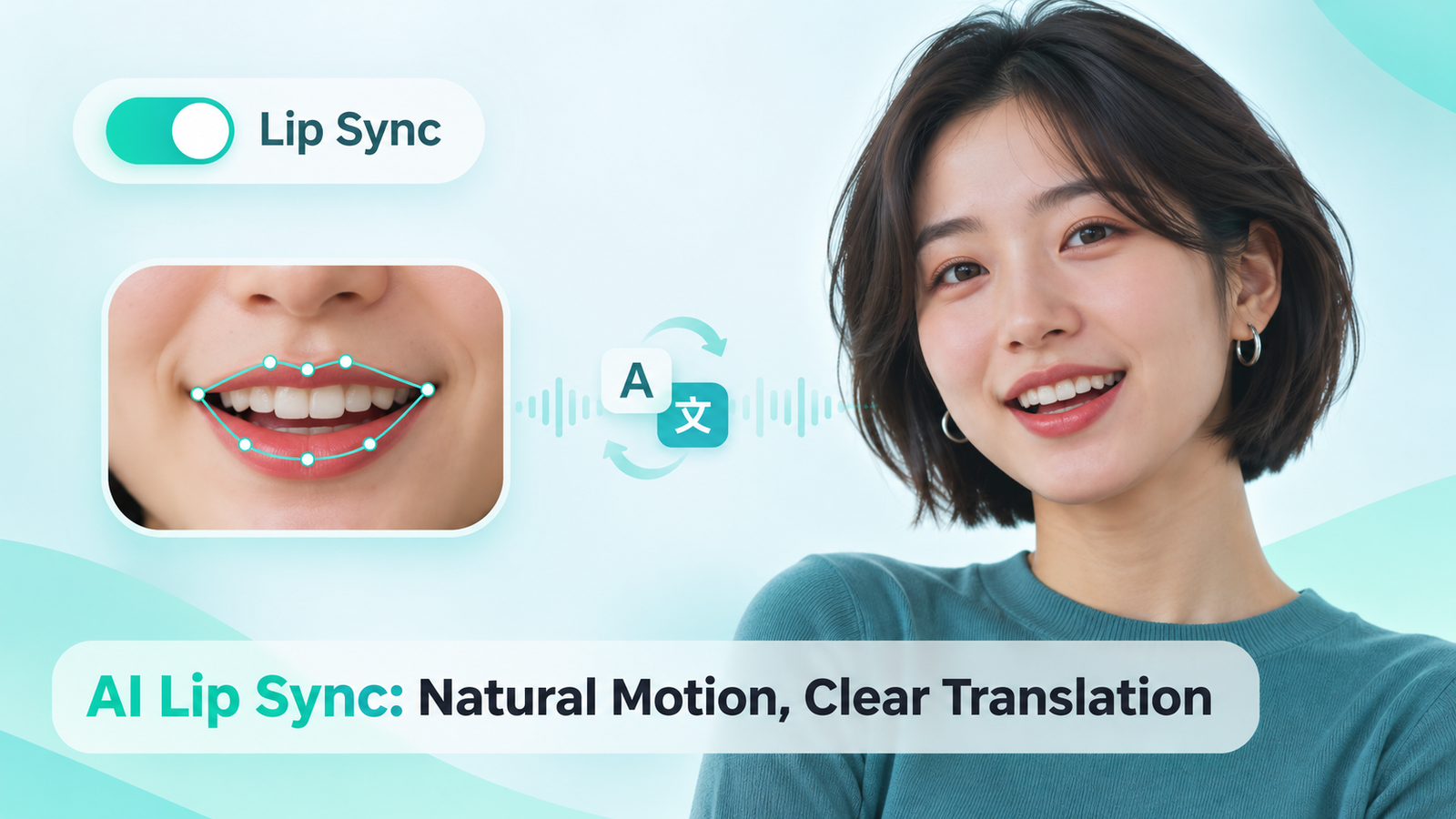
Lip-sync concept illustration; it does not show a tested translation result.
When Is the Speaker's Mouth Visible Enough to Matter?
A close presenter shot gives viewers time to notice the mouth forming different words. That's where lip sync has a clear purpose. A brief wide shot or a face partly hidden by a microphone may gain less from it.
Watch at the size your audience will use. A face that looks prominent on your editing monitor may be tiny in a phone layout. If viewers mainly follow a cursor or a pair of hands, keeping those actions easy to understand deserves more attention.
For visible speakers, review turns, smiles, pauses, and hands crossing the mouth. A convincing front-facing moment is only part of the shot.
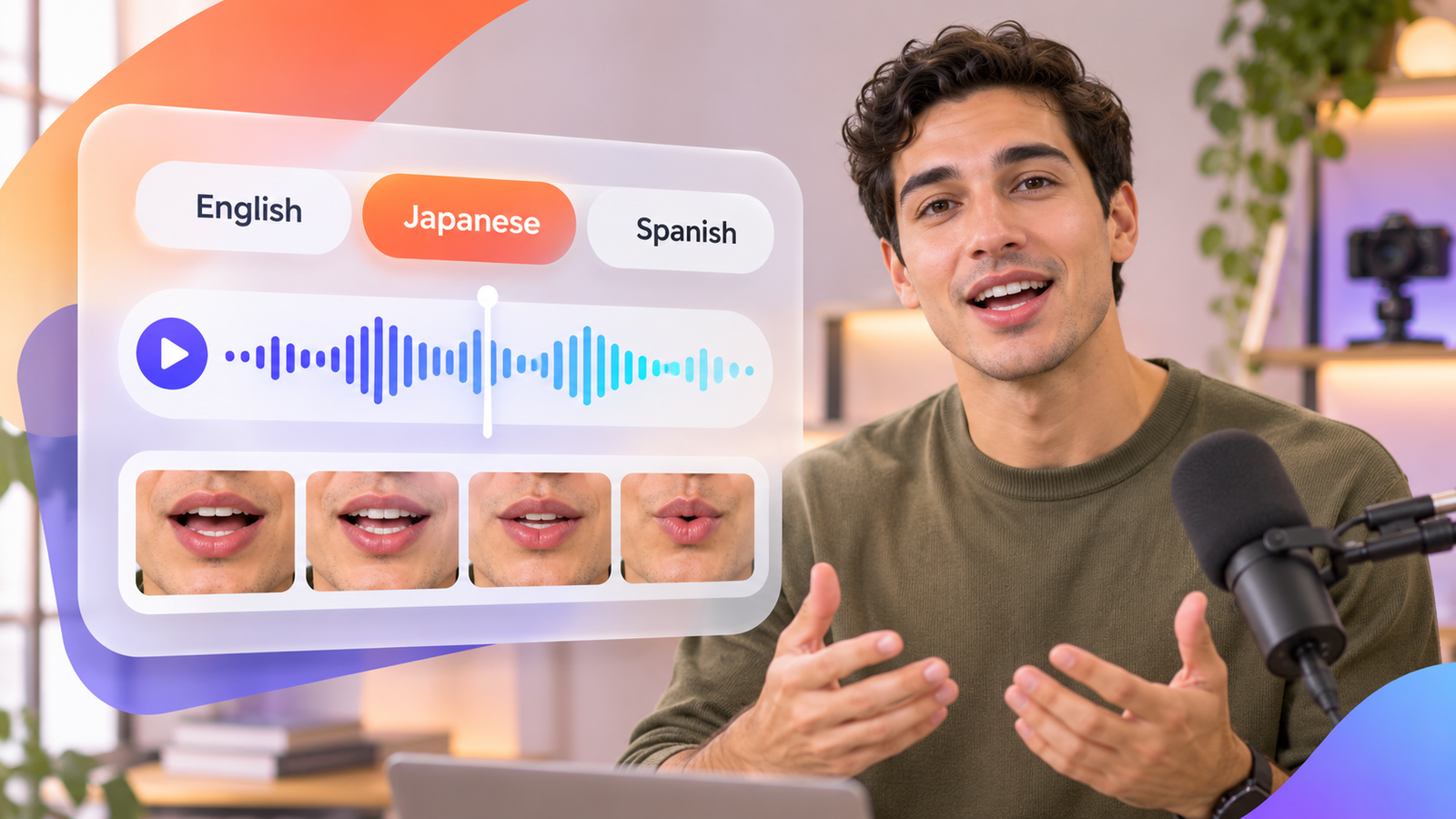
Language and mouth-movement illustration, not a before-and-after test.
When Is Audio-Only Dubbing the Simpler Choice?
It is usually simpler for screen demonstrations, product close-ups, and off-camera narration. You can replace the speech while keeping the approved picture. There's no redrawn mouth to inspect, though the voice still needs to arrive beside the right action.
Turning lip sync off doesn't lower Sonilo's translation rate. As checked on November 23, 2026, Pro and Premium include lip sync, and Free offers one completed lip-sync translation as a trial. When you keep the original speaker’s voice in Sonilo’s web translator, the translation costs the same with lip sync on or off. Translated-video downloads require a paid plan.
How Translated Sentence Length Affects Timing
Lip sync cannot solve every timing problem. A longer translated sentence still needs somewhere to finish.
Imagine a presenter explaining a step before cutting to a demonstration. If the instruction must be heard before the action, a line that ends halfway through the demonstration arrives too late. Shorten unnecessary wording with a fluent reviewer first. If the meaning needs more time, extend the presenter shot in your editor where the footage allows it.
But some explanations can continue over the demonstration. In that case, let the voice carry across the cut and check that each instruction reaches viewers while the action is visible. You don't need to hold on the presenter's face just to contain the whole sentence.
Review the Face, Voice, and Original Sound Together
Watch a complete answer at normal speed before inspecting individual frames. Look for a mouth that keeps moving during a pause, teeth that change shape, or a jump in the lower face. Replay the surrounding movement to judge whether the change distracts from the explanation.
Listen through the pauses, too. Sonilo says it keeps background music and effects while replacing speech. Compare the source and result for missing room tone, sudden background changes, or quiet words covered by music.
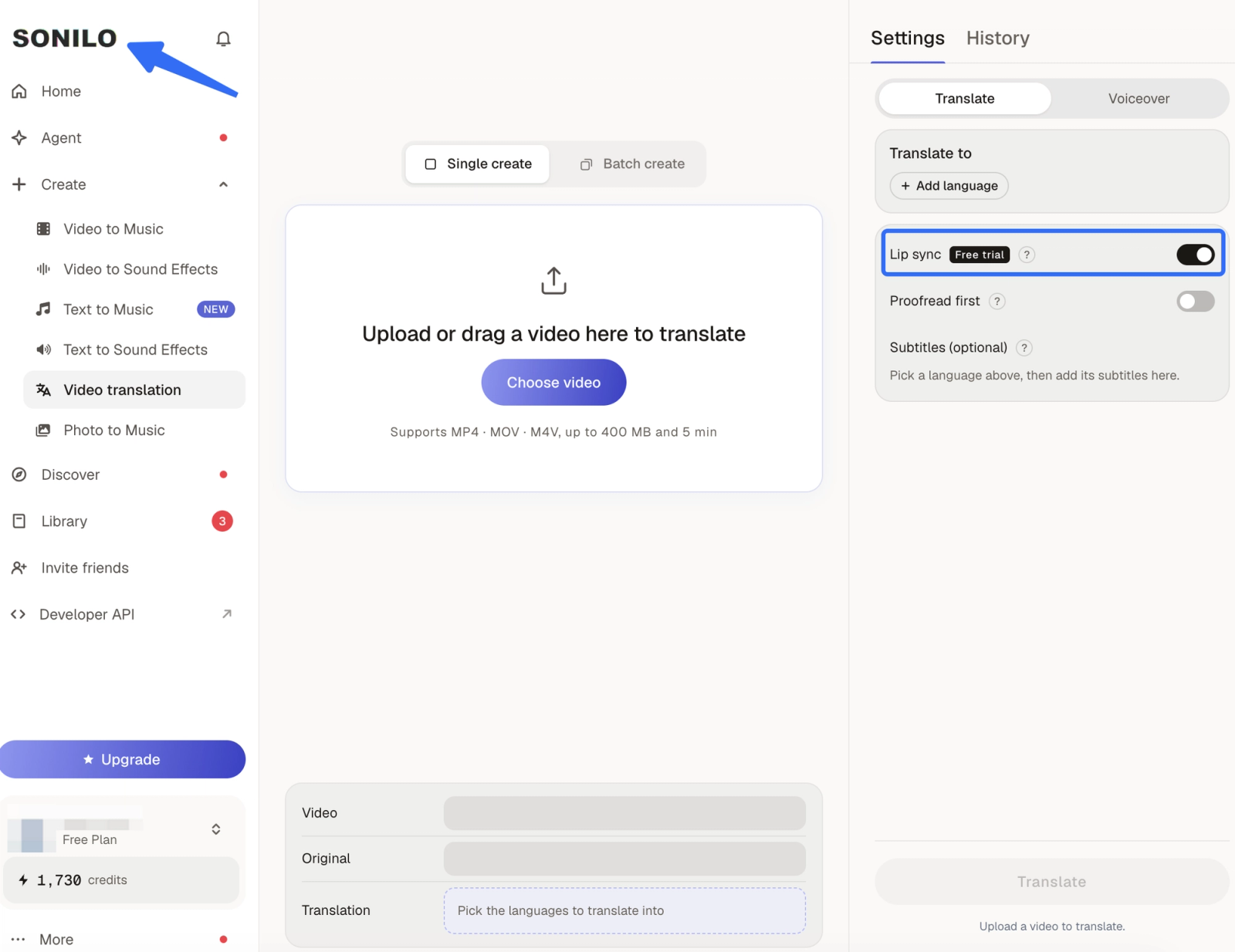
Switch on proofreading to correct the words before rendering. Once the result is ready, review the downloaded video as well as the browser preview. The file you deliver needs the same check.
Limits of AI Lip Sync and Required Consent
A mouth can match a sentence that has been translated badly. Have a fluent reviewer check meaning, names, and delivery before approving the face.
Permission also needs to cover the intended use of the person's footage, voice, and altered likeness. A client's approval to edit a recording may not cover uploading it elsewhere. Sonilo's privacy policy requires its written authorization for confidential third-party business materials.
These are general considerations, not legal advice. Check the service's current terms and your permissions before processing or publishing the video.
FAQ
Can lip sync be applied to only one speaker in a translated video?
Sonilo documents a lip-sync switch for the translation, but not a control for selecting one face. If only one person may be visually altered, confirm that control before uploading a group shot. Separate voice choices wouldn't, by themselves, let you choose whose mouth changes.
Can several speakers be lip-synced in one translation?
The current guidance doesn't confirm which multi-face scenes Sonilo can lip-sync. It does say speakers keep their own voices, but voice handling and visible mouth changes are different tasks. Ask about your shot type: people taking turns in separate close-ups present a different case from several faces speaking together.
Does lip sync change a video's original resolution?
Sonilo's API specifies original resolution and frame rate when lip sync is off. It doesn't make that same explicit promise with lip sync on. For a delivery that must stay at its source resolution, confirm the output before committing and compare the downloaded file's dimensions and facial detail.
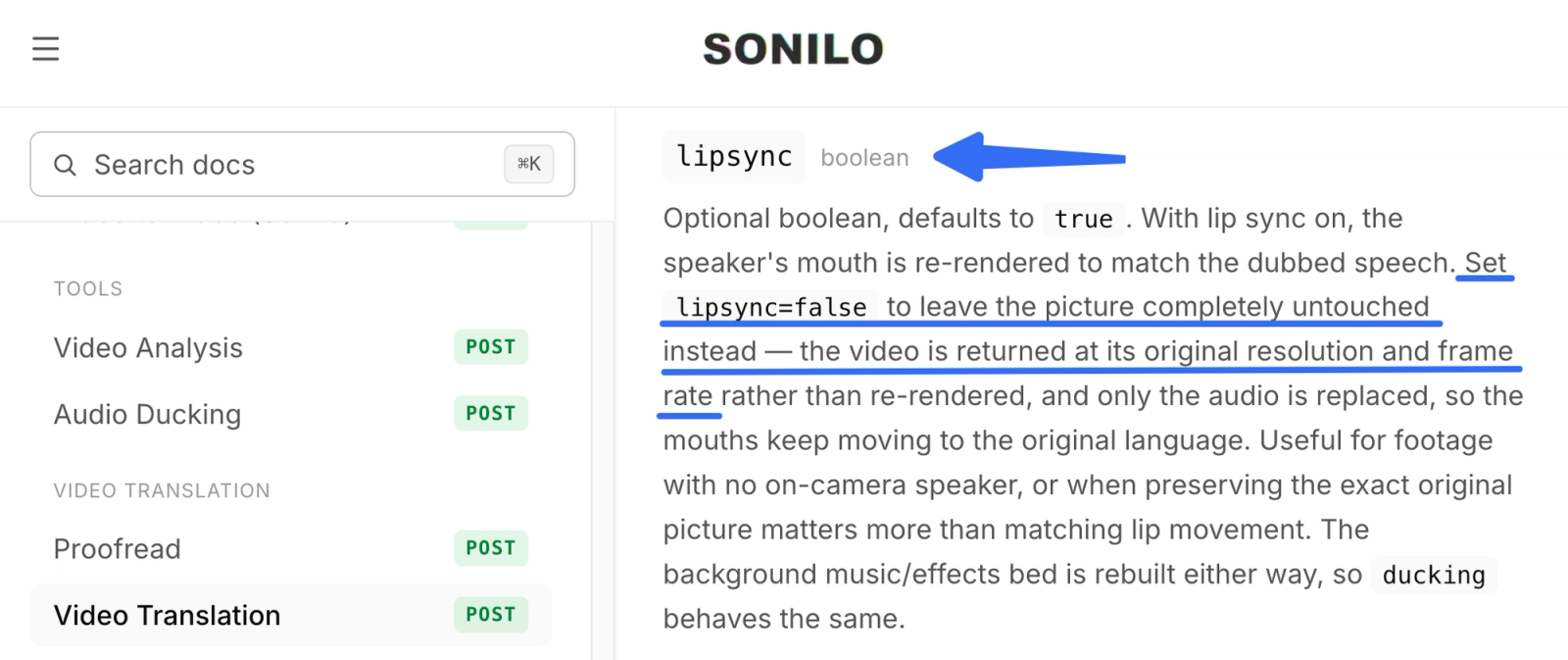
This screenshot describes the API setting; it does not show a rendered output.
Can a translated subtitle file be used with lip sync?
Yes. Sonilo accepts a target-language SRT or VTT file and uses its lines for the dub. Lip sync can accompany that speech when available on the account. Check that the file matches your approved cut, then review whether each spoken line fits the shot.
Can lip sync be turned off after a translated video is generated?
Choose the setting before generation. Sonilo doesn't document an undo that restores the original picture inside a completed render, so keep the source for another version. Confirm the charge before generating again. Deleting a completed Free lip-sync translation does not restore the trial.
Conclusion
Choose lip sync where the speaker's mouth matters to the viewing experience. Keep the picture unchanged where the action and spoken instruction need most of your attention.
Once you've chosen, follow the video translation and dub-review walkthrough to take the script through to the delivered file. Approve the words, then watch the whole passage with the sound on.
Related Articles
- Online AI Video Translators: Choose by Upload and Export — Compare source uploads, script review, and the files you can download.
- AI Translation Tools for Video Editing: 2027 Choices — Explore options for revising captions, dubbed speech, and shot timing in an editor.
- AI Video Translator Reviews: What to Check Before Buying — Use dubbing-specific feedback to build a shortlist for your own clip.