Guides
AI Dubbing and Video Translation: Which Output to Choose?
- Written by
- Sonilo Team
- Published
Choose translated subtitles when viewers can read without missing the action. Choose a dub when they need to hear the explanation. Add lip sync when a visible speaker's mouth needs to follow the new words.
With AI dubbing and video translation tools, the most elaborate output isn't always the most useful. Someone following a folding demonstration needs to watch the hands. Someone watching without sound needs the spoken instructions on screen. The same footage can need different versions for those audiences.
What Does Each Translation Output Change?
Subtitles add text, a dub supplies translated speech, and lip sync adjusts mouth movements on screen. Each adds a different review task.
| Output | What changes | What needs checking |
|---|---|---|
| Translated subtitles | Viewers read the dialogue in another language; the original spoken audio can remain | Meaning, reading time, and whether text covers the action |
| Dubbed voice | Viewers hear translated speech over the video | Pronunciation, delivery, timing, and treatment of the original soundtrack |
| Lip-synced dub | Visible mouth movements are also adjusted for the new speech | All dub checks, plus the face during speech and pauses |
These choices can work together. A dubbed tutorial can still carry captions, so viewers can follow with the sound off. You don't have to choose between hearing and reading for every release.
When Are Translated Subtitles Enough?
They are enough when viewers can read the meaning while still seeing what matters in the picture. A short announcement may suit subtitles. So may an interview where you want the original delivery to remain audible.

The practical limit is attention. In a folding demonstration, a viewer may need to watch where the fingers place an edge. If reading the caption means missing that movement, consider a dub or give the action more time on screen.
Caption placement matters too. Move text away from the crease or an important interface label, then replay the passage without pausing. If the instruction still feels rushed, shorten the line without losing its meaning or adjust its timing.
When Does the Video Need a Dubbed Voice?
A dub helps when viewers need to hear the explanation while watching something else happen. Narrated tutorials and demonstrations are clear examples: spoken instructions leave the viewer's eyes free for the action.

A translated voiceover can explain a screen recording without changing its picture. But the sentence needs to finish while the relevant step is visible. If it runs into the next instruction, shorten the wording and regenerate the voice. If the explanation needs more time, extend the shot where the footage allows it and check the next cut.
Captions can accompany the dub. They help viewers watching silently and give a product name or unfamiliar term another way to reach the audience.
When Does Lip Sync Matter?
It matters most when viewers can clearly see a speaker's mouth and expect it to follow the new language. A presenter in close-up makes a mismatch easier to notice. Hands-only footage gives lip sync no mouth to adjust.
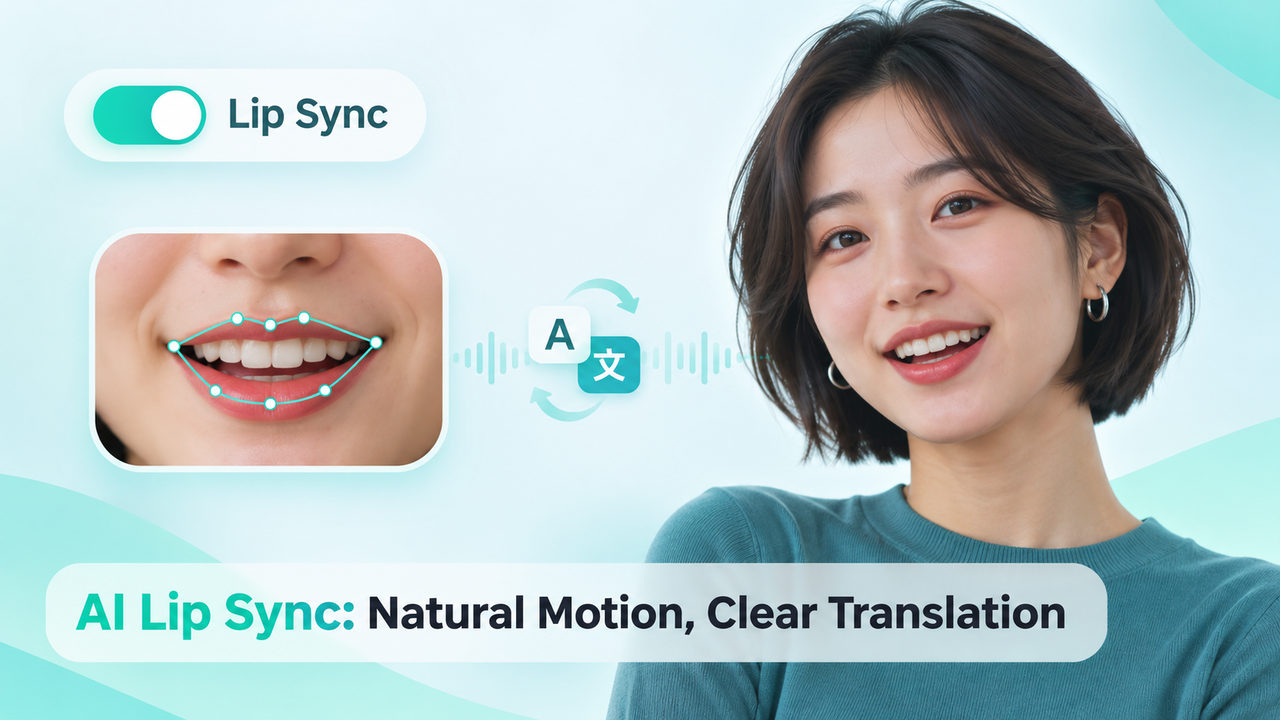
Concept illustration of lip sync, not a generated-video result.
Changing the face adds another thing to approve. Watch a spoken phrase and the pause after it: do the mouth movements follow the voice, and do they settle when speech stops? If preserving an interview performance matters more than matching the new words, subtitles may be the better choice.
Sonilo publishes this guide. Its video translator offers lip sync on or off. The current lip-sync options include Pro and Premium access and one Free trial. With lip sync off, Sonilo says the picture stays unchanged. These options were checked on November 12, 2026; other translators may work differently.
What Happens to Music and Sound Effects?
That depends on the service and output. Subtitles can leave the soundtrack intact. With a dub, find out whether the tool keeps music and effects or replaces more than the speech.
Sonilo says it keeps the original music and effects while replacing speech. Listen to a pause, a spoken line, and the return to room sound. Missing effects or sudden background changes can break the scene even when the translated words sound clear.
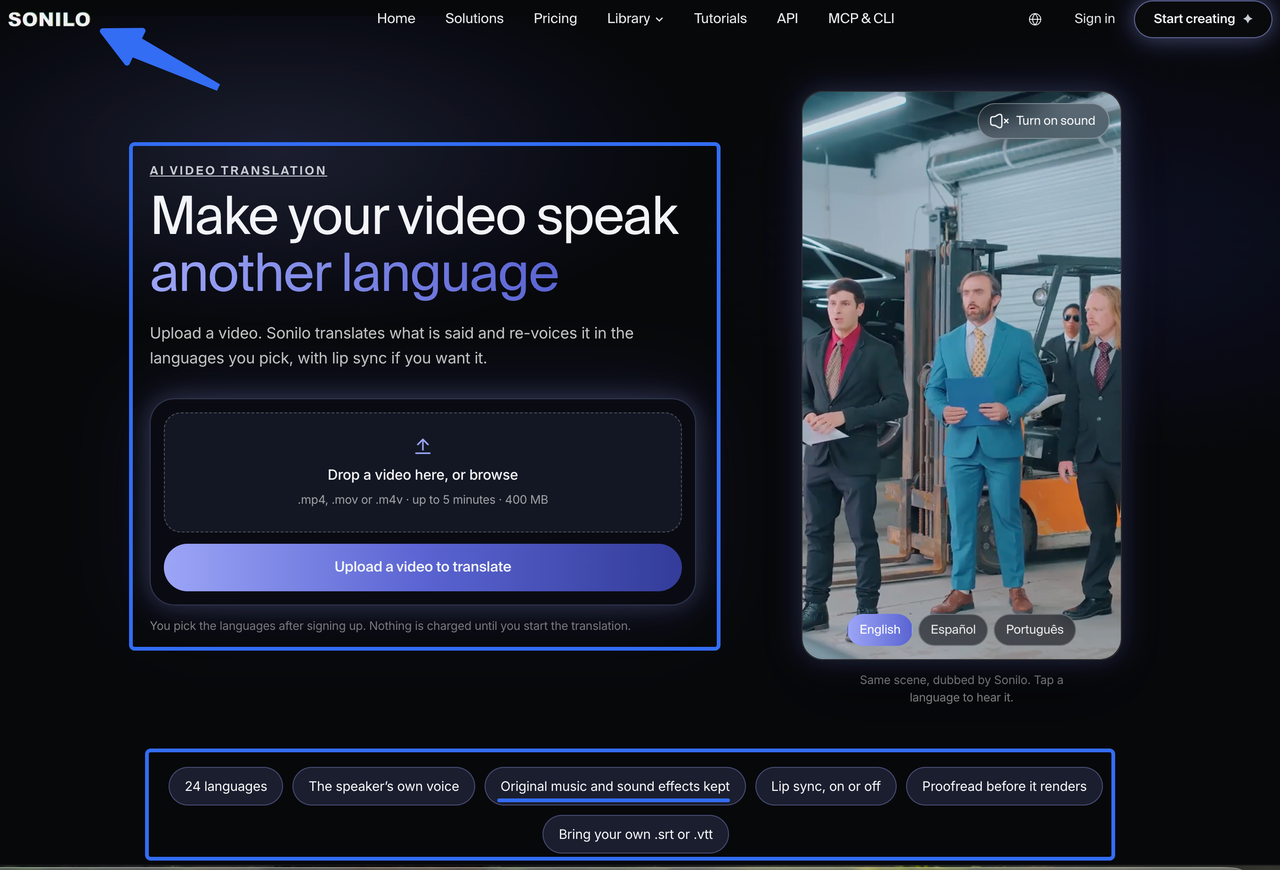
Keep separate source tracks when available. If speech and music arrive in one mixed file, lowering the music alone may require more work than turning down a fader. For a voice-led mix, see how to keep background music clear of interview speech.
Choose an Output for Your Own Video
For an illustrative folding tutorial, start with where the viewer's attention needs to be. A short, sound-off version may need concise subtitles. The full demonstration may benefit from a dub so viewers can watch the hands. A close-up introduction adds a separate choice about the presenter's mouth movements.
You can leave that introduction unchanged and use subtitles, even if another release uses a lip-synced dub. The useful question is whether each version makes the fold easier to follow.
Before choosing a service, confirm it can deliver that version. A subtitle file, a dubbed video, and a voice file for further mixing are different outputs. Ask for the one your next editing step actually needs. Once you know the output you need, the video translator comparison can help you check which services offer it.
Consent and Quality Limits
Permission to share a recording may not cover a cloned voice or altered mouth movements. Confirm consent for the intended languages and release, and check rights to source music and footage. Get approval before sending confidential recordings to an outside service.
A fluent reviewer should check meaning and delivery. The speaker or an authorized reviewer should assess the voice and face. Platform rules for altered media may also affect publication.
Downloads and commercial permission are separate. Sonilo's terms set usage rights by plan and license, including a certificate route for earlier Free outputs after an eligible upgrade. Check the terms for your intended use. This is general information, not legal advice.
FAQ
Can a translator keep the speaker's own voice in another language?
Some can, through voice cloning. Sonilo describes preserving each speaker's voice in translation. Familiar vocal qualities don't guarantee the same accent, emotion, or delivery, so have the speaker or an authorized reviewer approve the result.
Can you supply an approved translation instead of machine text?
Yes, where the tool accepts a supplied script. Sonilo accepts an SRT or VTT file for each target language. Check the approved lines aloud: text that reads well as subtitles may need different phrasing when spoken.
Can one source video produce several language files?
Yes. Sonilo supports several target languages in one job and charges for each separately. Label and review each version. If you need one video with switchable audio, confirm that export before generating the language versions.
Can captions and dubbed audio be exported as separate assets?
It depends on the tool. Sonilo lists subtitle and video downloads on paid plans, but doesn't specify a standalone dubbed-audio download. If you need a voice file for mixing, confirm that export first; extracting audio from a video won't necessarily separate speech from music.
Can a single project use subtitles for one language and dubbing for another?
Only if it supports different outputs for each language. Sonilo's public page doesn't confirm subtitle-only generation or separate output switches per language. If your release needs both, plan distinct versions and choose tools that support each. Keep shared names and terms consistent across their scripts.
Conclusion
Choose the version that lets viewers follow the video without fighting for their attention. For the folding tutorial, replay one fold at normal speed: can you read or hear the instruction and still see where the edge goes? Use that passage to judge the output before committing the whole video.