Guides
Suno v6 for Video: What It Does With Your Cut, and What to Test
- Written by
- Sonilo Team
- Published
Suno v6 is out. Suno released it on September 9, 2026, and a prompt can now include a video as well as text, audio and images. For a video editor the question is no longer whether v6 exists but what it does with a cut: Suno makes a song from it, and the song still has to fit the edit.
Suno confirms the release, the models and video as a prompt input. It does not say the song follows your cuts or ends on your last frame, so test that on your own edit before you plan around it.
What Suno Has Confirmed About v6
Three Models, Released September 9, 2026
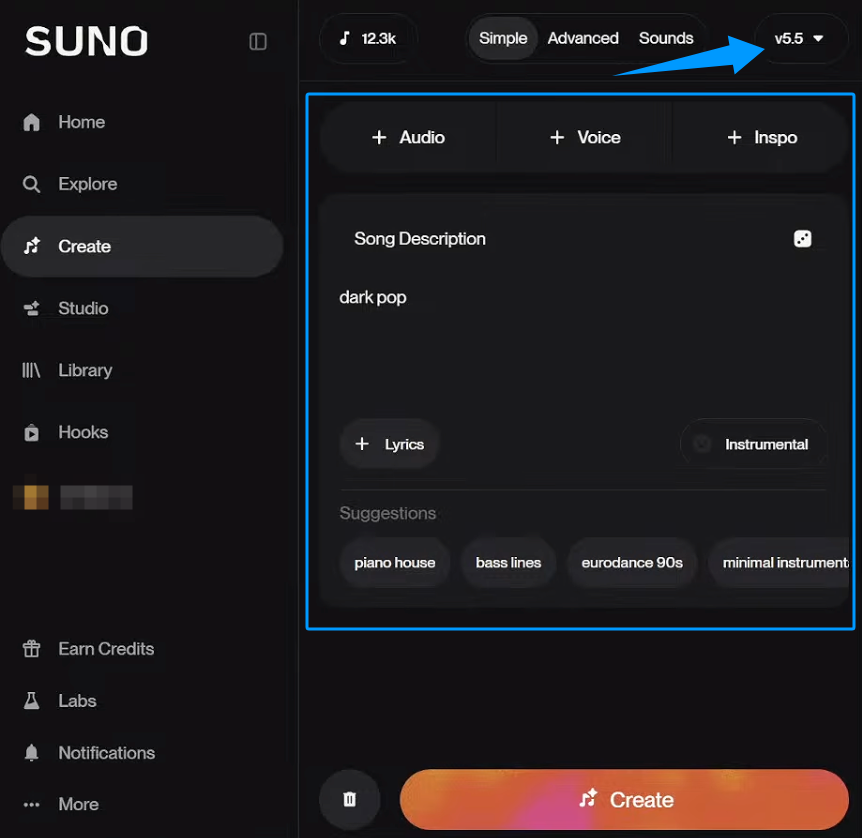
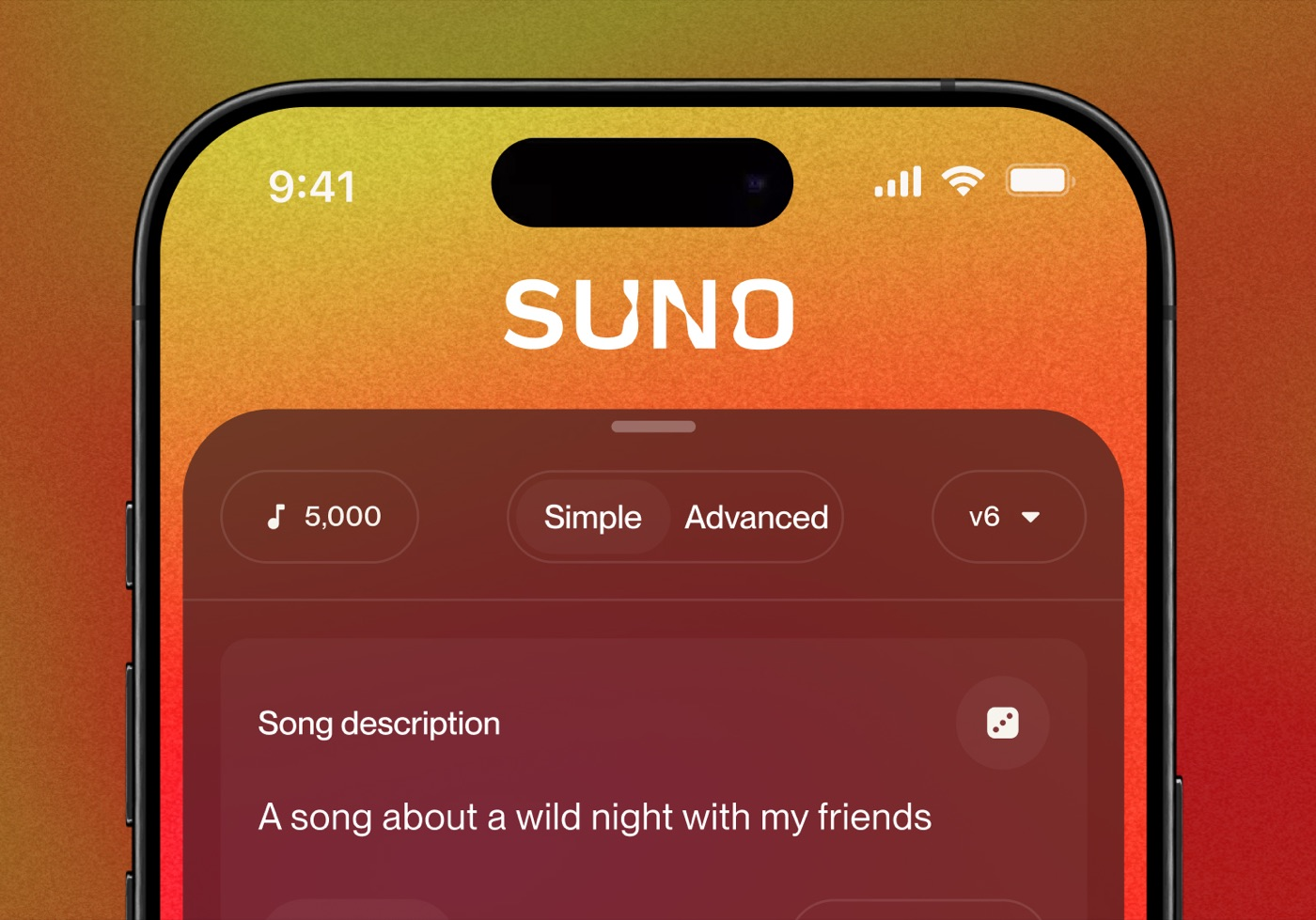
Suno announced v6 in its launch post. The v6 FAQ lists three models: v6, the flagship; v6-wild, for more varied and unexpected results; and v6-mini, a faster model. v6 and v6-wild are for Pro and Premier subscribers, and v6-mini is available to everyone, including Free.
All models before v6 are retired. Songs you already made stay in your library and still play; new versions of an old song are made with v6. Custom models are upgraded to v6 automatically.
Video Is Now a Prompt Input
Suno says you can start from "a written idea, voice memo, visual or video" and turn it into music. A single prompt can mix text, audio, images and video. A generation still costs 10 credits for two songs, and adding many images or videos raises the cost, according to the v6 FAQ.
What Suno Does Not Say
Suno's pages do not say that a v6 song follows the cuts in your video, matches its length, or ends on its last frame, and they give no maximum video length. The output is a song. Treat timing as something to test, not a feature you can count on.
Suno describes v6 as developed with industry partners including Warner Music Group, BMG and Believe. Commercial use depends on your plan: Suno's rights guidance gives commercial rights to songs made while subscribed to Pro or Premier, and Free songs are for personal use. Check the current pricing page for plan prices and download limits before you commit a project.
Five Tests to Run on a Locked Cut
This is Sonilo's editorial test protocol, not an official Suno standard. Use one locked cut, add it to the prompt, and record the model, settings, date and exports.
| Test | Evidence required for a pass | A result that needs more work |
|---|---|---|
| Video input | v6 reads the finished cut you add to the prompt, and the song reflects its mood and pacing | The song ignores the picture, or you still have to describe the video in text |
| Runtime | Music ends naturally at the requested final duration | The file has the right length but an awkward musical ending |
| Control | Instrumental density and ending can be adjusted predictably | A revision changes unrelated parts of the track |
| Picture changes | Music can be revised after a recut without rebuilding everything | A small timing change forces a full restart |
| Export and rights | Formats, plan conditions, and applicable terms are visible before use | Key restrictions appear only after generation or download |
Starting From the Finished Video
Add the cut itself, not a description of it. Check whether the song changes when you swap in a different edit of the same scene. Before uploading unreleased footage, read the current Suno Terms and confirm that you may submit every asset.
Matching the Final Runtime
Put the song under the edit and watch the opening, the main transition and the last frame. It passes when the music ends on purpose, without an emergency fade or a dead tail. Repeat the test; one good result does not prove reliable timing.
Controlling Instrumentals and Endings
Use a cut with narration and a clear final reveal. Check whether you can keep vocals out of the way, thin the arrangement and reshape the ending without losing the mood.
Revising Music After Picture Changes
Move one cut or shorten the ending, then make the music again. Record whether it keeps the direction you chose and how many new generations it takes. A strong first song is still slow if every picture change sends the music back to zero.
Export and Rights Information
Before publishing, record the format, the plan you were on, your download count and the terms that applied. Commercial permission and copyright protection are different questions; never promise that a track is "copyright safe." This is general information, not legal advice.
Song First or Video First
If you are still shaping the edit, a song from v6 can set the mood, and you can cut the picture around it. If the picture is already locked, a video first workflow starts from the other direction: the cut is the brief, and the music is written to its length and its cuts.
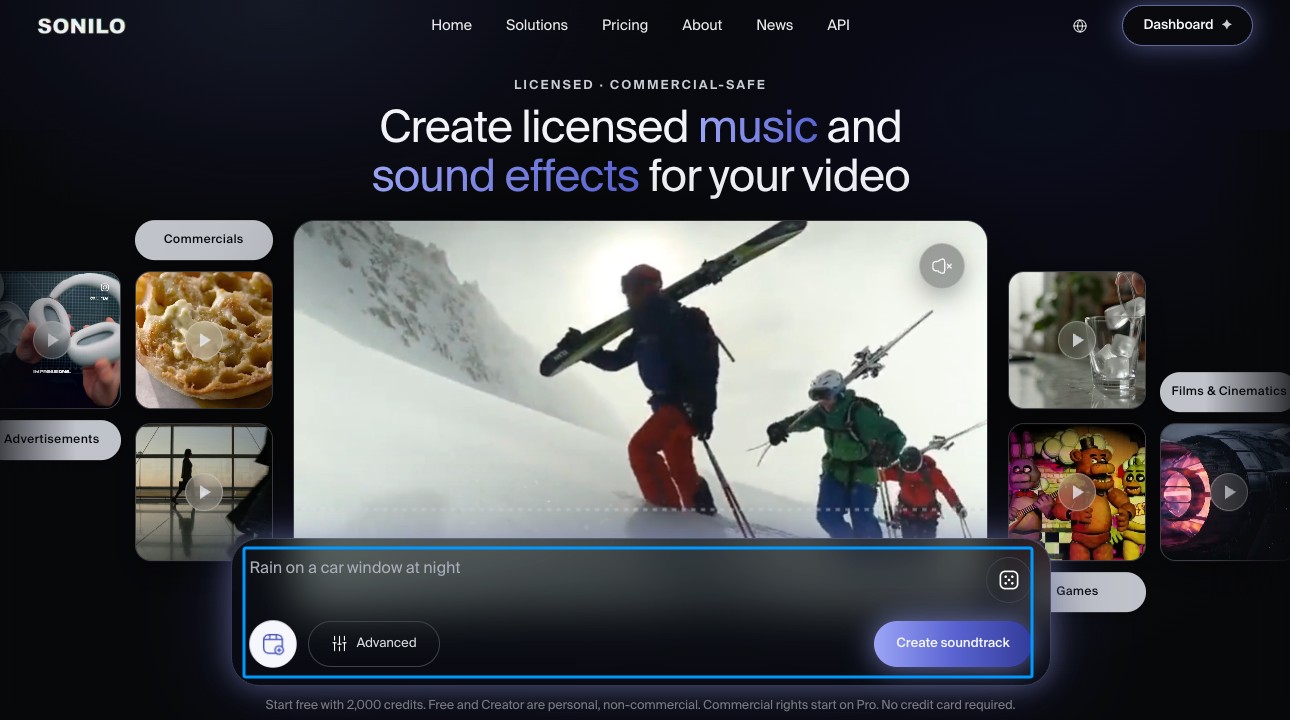
Sonilo publishes this article and makes a video first tool: it writes instrumental music for the video itself, follows the cuts and ends on the last frame. That is a different job from making a song, so choose by the stage your project is at. Our Suno comparison sets the two side by side.
FAQ
Will earlier Suno songs remain available now that v6 is out?
Yes. Suno says existing songs stay in your library unchanged and can still be played and shared. New versions made from an old song, such as covers or extensions, use v6 and may sound different (v6 FAQ).
Do Custom Models and Voices work with v6?
Suno says custom models are upgraded to power v6 automatically, and songs made with a v5.5 custom model are unaffected. The v6 FAQ does not mention Voices, so check Suno's help center before relying on one.
Which plans get v6?
v6 and v6-wild are for Pro and Premier subscribers. v6-mini is available to every plan, including Free.
Can Suno v6 make music from a video?
Suno says a prompt can include a video, and v6 turns it into a song. Suno does not say the song follows the video's cuts or length, so test it under your edit.
Does v6 change what a generation costs?
A v6 generation costs the same 10 credits for two songs as earlier models. Adding many images or videos to a prompt raises the cost (v6 FAQ).
Conclusion
v6 brings Suno closer to the edit: you can hand it the cut instead of describing it. It still makes a song, and nothing Suno publishes says that song will land on your cuts. Give it one locked cut, run the five tests, and keep what survives the timeline.
Updated October 17, 2026 with Suno's v6 release details. We will update this page when Suno publishes more about video input.


