Inspiration
Canva AI Music Generator: Can It Score a Finished Video?
- Written by
- Sonilo Team
- Published
The Canva AI music generator can create a custom-length track inside a Canva project, but that does not mean it understands every part of a finished edit. Test whether the result supports the scenes, ending, voice, and original sound.
My quick verdict: Canva AI Music is most direct when the video already lives in Canva and the soundtrack can stay there. If individual cuts need musical responses, treat the track as a candidate—not an automatically finished score.
Workflow and policy pages reviewed August 4, 2026. App names, access, limits, and terms can change.Disclosure: Sonilo publishes this guide and is discussed as an external video-to-music option.
Quick Answer: Where Canva AI Music Fits in Video Editing
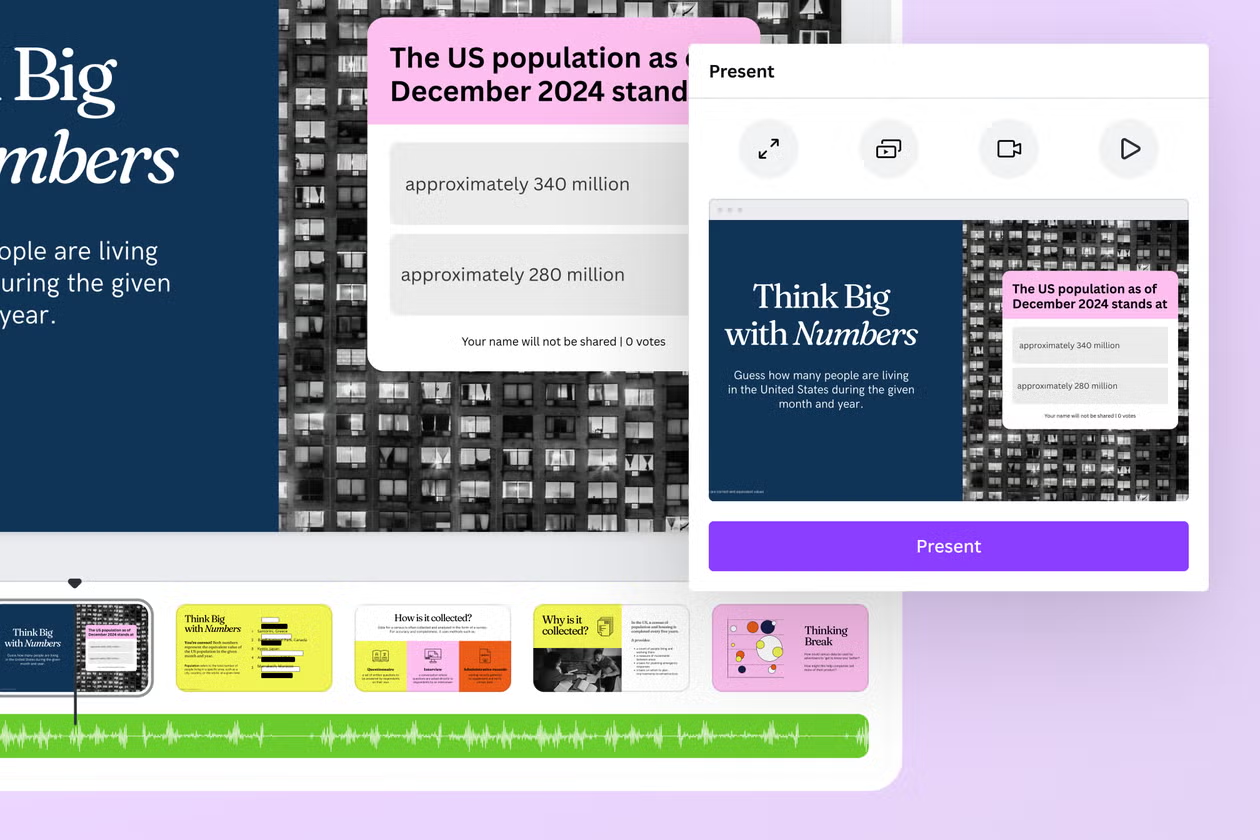
Canva presents AI music as an in-editor app workflow. Its AI Music Generator page documents style, mood, duration, parameter refinement, and adding the result to a design. This avoids moving between editing tools.
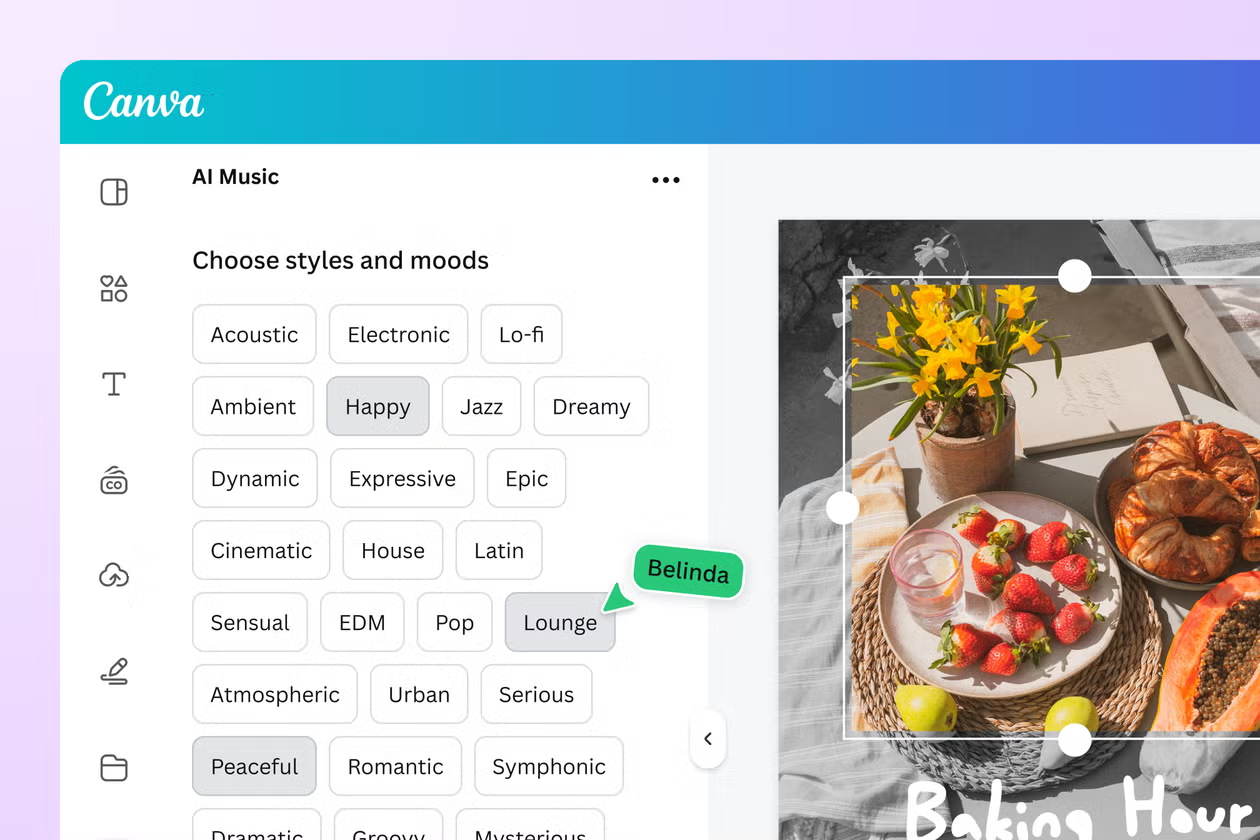
The distinction is how the music receives information. Canva's manual flow begins with musical choices and duration. The provider page for AI Music by Muzaic in Canva also describes an Auto mode that reads a selected design page, but that remains a provider claim rather than an independent test.
It can therefore score a finished Canva project and fit a requested length. The documentation does not establish that every mode analyzes every cut, spoken line, or payoff, so the result still needs editorial review.
How the Current Canva AI Music Workflow Starts
Canva's dedicated English page names an integrated app called AI Music, while its Add Music to Video page still refers to Soundraw. Check the app name and provider in your editor instead of assuming every account has one identical Canva soundtrack generator.
Open a Compatible Video or Design Project
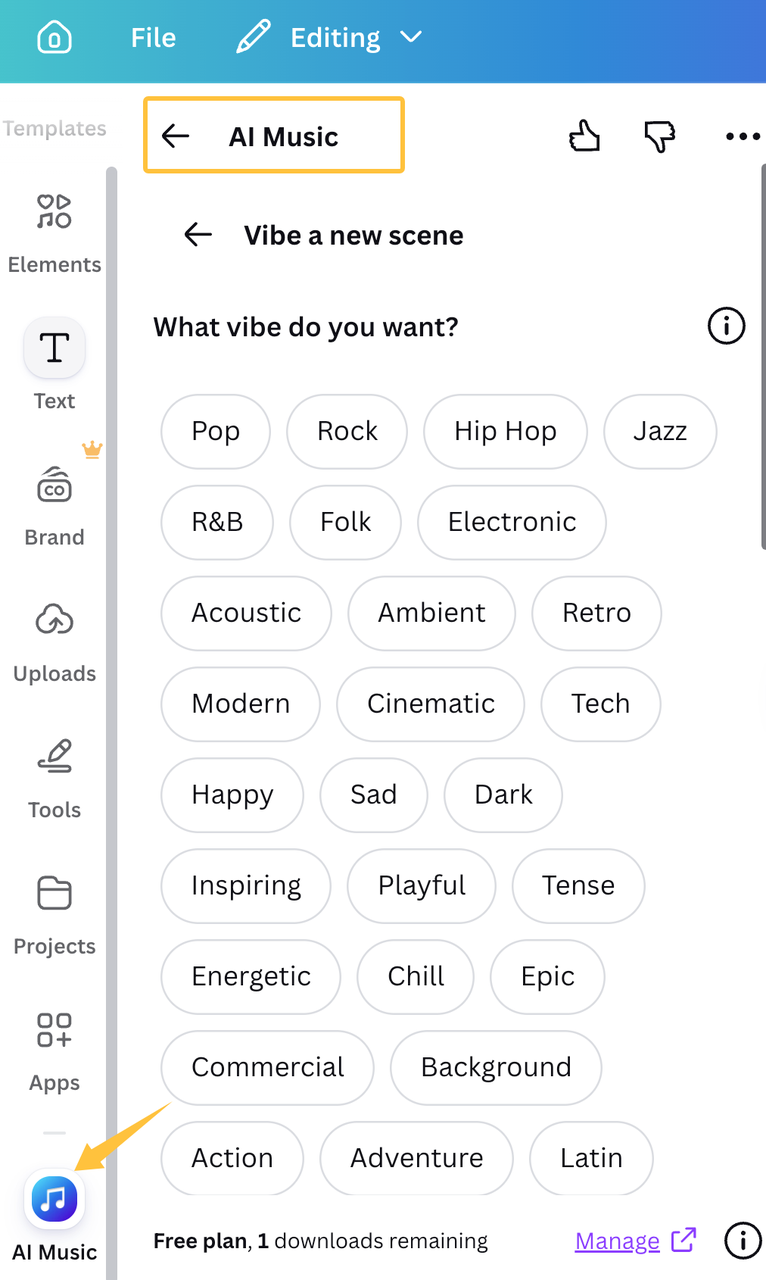
Open the video or animated design, then look under Apps for AI Music. Confirm the provider before connecting it because an embedded app can retain separate plans, data practices, and licensing.
Work from the latest approved structure. If clips, narration, or the ending still change, the duration may be outdated before review. Teams should duplicate the design or name a checkpoint before replacing audio.
Choose Mood, Style, and Duration Where Available
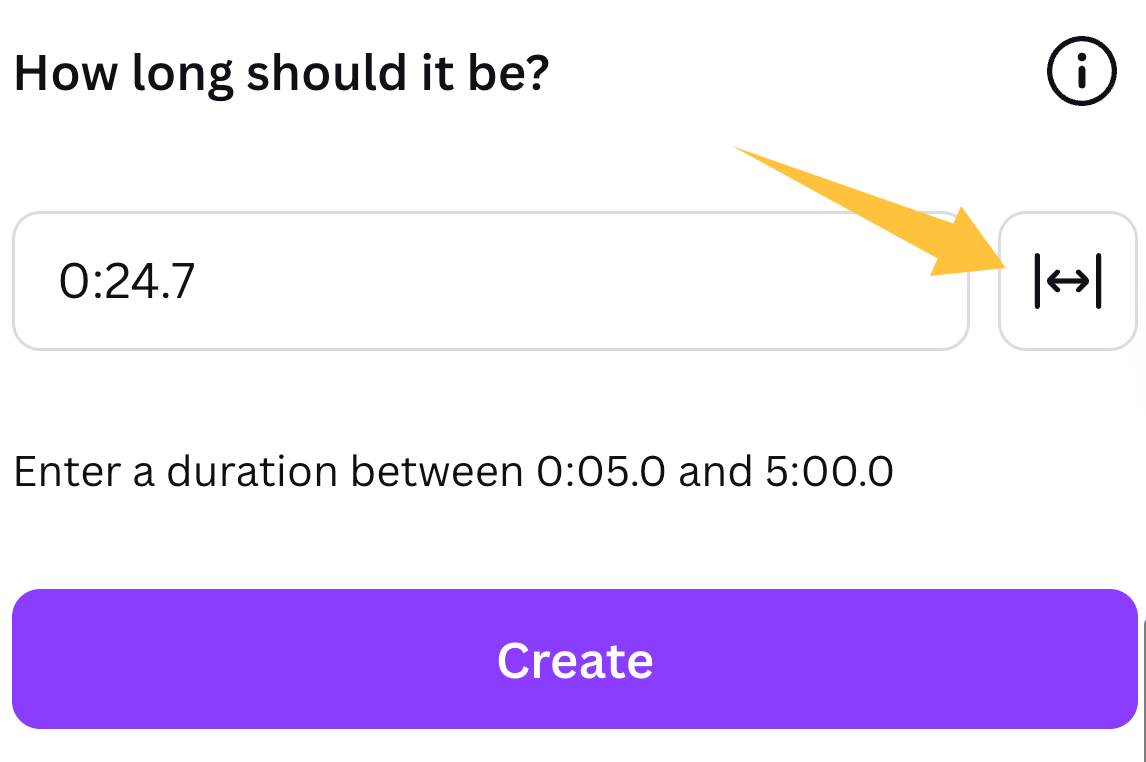
Canva documents mood and style tags, duration, and controls such as tempo or intensity. Those settings describe the music, not where a reveal, pause, or spoken line occurs.
Where Auto mode is available, Muzaic says it can use a selected page as input and respond when the edit changes. Test whether it uses the whole design, one page, or only duration before relying on it for a multi-scene video.
Add the Generated Result to the Project
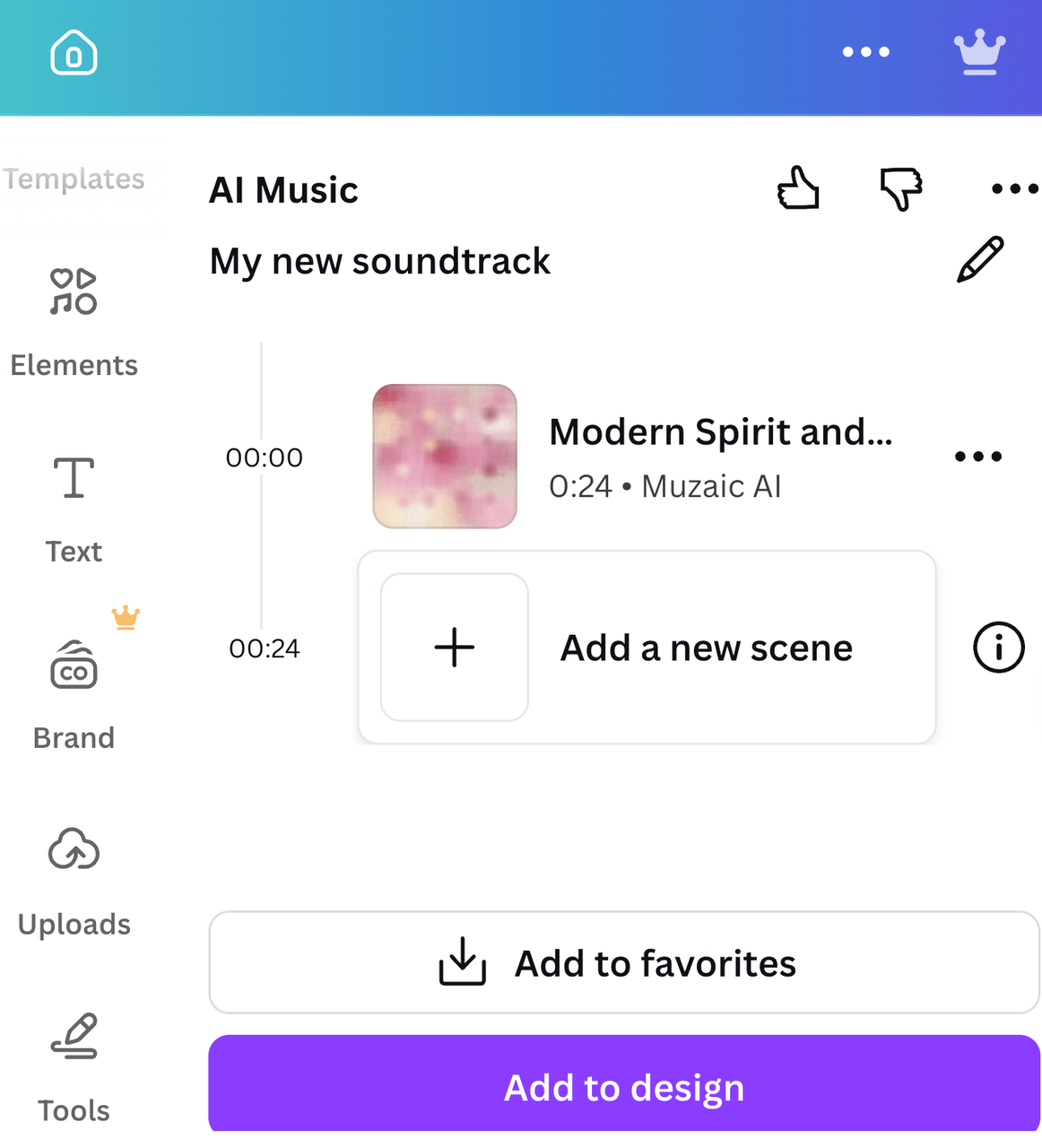
Generate another direction when the first result is only a mood match. Canva documents Compose for the initial result and Recompose after parameter changes. Add the preferred track, then judge it against the full timeline.
This is where the new page separates from a basic “how to add music to a Canva video” tutorial. The question is no longer where the Audio panel sits. It is whether AI-generated music in Canva survives contact with the finished edit.
Test the Music Against the Finished Video
A pleasant track can still be wrong for the video. Review it with the picture, narration, captions, and original sound in the final export.
Scene and Mood Fit
Start with emotional hierarchy. Does the track stay restrained during setup and give the main reveal more weight than a minor transition? One mood label may flatten the differences between scenes.
Watch once without adjusting anything and mark where the music contradicts the picture. If several changes land in the wrong section, recompose instead of cutting good footage around the track.
Duration and Ending Fit
Requested duration solves only file length. Check whether the music reaches a cadence, leaves a tail, or ends mid-phrase. A 45-second track can still sound interrupted at 45 seconds.
Canva's feature page currently lists a 180-second generation maximum while also mentioning an upgrade for longer music. Because those statements do not fully explain the plan boundary, use the maximum displayed inside the connected app as the current rule for your account.
Voice and Original Sound Space
Listen under the real narration. Busy percussion, bright leads, or frequent changes can compete with speech even at a lower volume.
Canva's documentation does not promise voice-aware mixing in every workflow. Test dense sections under key lines and preserve useful production sound. If levels need constant repair, try a less dense generation first.
In-Platform AI Music vs an External Soundtrack
The right choice depends on which file is the source of truth.
| Workflow question | Canva in-platform AI Music | External soundtrack workflow |
|---|---|---|
| Starting point | A Canva video or design | Usually an exported or near-final video |
| Music direction | Mood, style, duration, and app-specific modes | Depends on the service; may use prompts, duration, or the video itself |
| Review loop | Generate, add, adjust, and export within Canva | Generate outside Canva, then review or import the result |
| Best operational fit | The project will remain and ship from Canva | The rendered cut is the authoritative input |
| Main checkpoint | Confirm app, plan, timing, and design-export rights | Confirm upload rights, soundtrack fit, file export, and provider terms |
Staying in Canva keeps collaborators near the design. An external workflow can be more direct when the finished render—not editable pages—is what the music must follow. Neither path proves better quality without the same-cut test.
Limits to Check Before Exporting
The feature page is a starting point, not a permanent account contract. Recheck the app and linked policies before commercial delivery.
Plan and Account Availability
Canva's English page currently lists 900 free tokens per month and up to ten soundtracks per day, with Free, Basic, and Premium plans. Its AI Product Terms allow usage limits to change, so use the in-app counter and plan label for production decisions.
The page does not provide a complete regional availability table. If the app is missing, check the provider, workspace, plan, team controls, and local Apps Marketplace before assuming it was removed globally.
Raw Audio Export Restrictions
Canva's page says generated AI Music cannot be downloaded as standalone raw audio on any plan. The documented path is to include it in a Canva design and export the completed project, such as an MP4.
That matters if another editor needs a WAV, MP3, separate master, or downstream mix. Do not use extraction or conversion to bypass an app-specific restriction; confirm the permitted export path first.
Current Usage and Licensing Terms
Canva limits AI Music Free outputs to personal projects. It describes commercial digital-content use for Basic and Premium only inside the user's own design and export, and routes licensing to Muzaic. Do not shorten that to “free for commercial use” or “copyright-safe.”
Canva's Privacy Policy for integrated third-party apps says those apps may have separate data practices. Retain the app, provider, plan, date, project URL, export, and applicable terms. This documentation is not legal advice.
When a Video-to-Music Workflow May Be More Direct
If the video is locked, starting from its render removes ambiguity about which design state is being read. According to Sonilo's current video-creator page, its external workflow is designed around cuts, pacing, voiceover, and reveals. This is first-party positioning, so test it against the real cut.
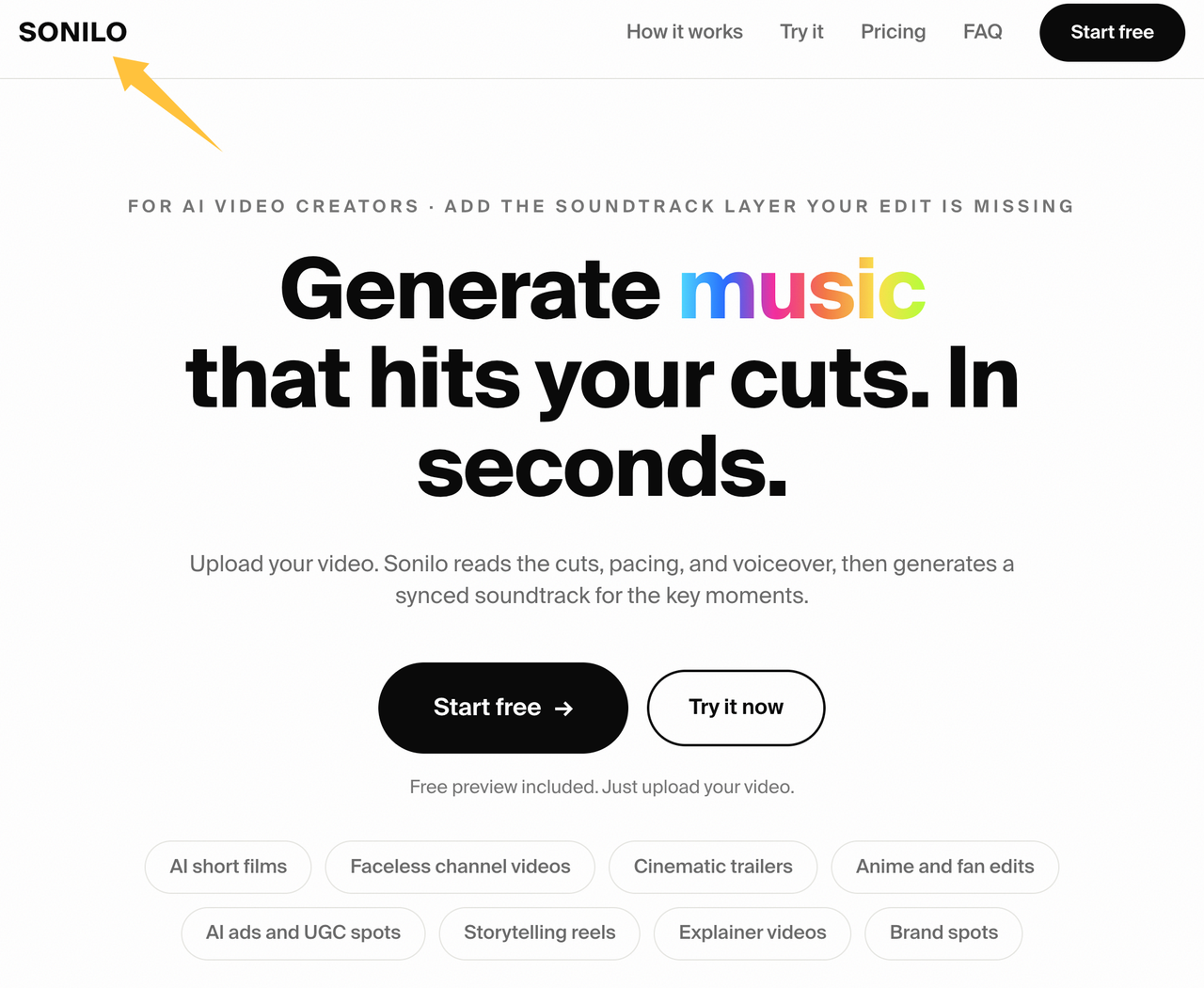
Sonilo is not a Canva feature, plugin, or hidden export option. It is a separate video-to-music workflow to test when edit-matched scoring matters more than staying inside one design platform. Before uploading footage, confirm that you have the necessary input rights and review the current Sonilo Terms of Service and Privacy Policy, especially for client, confidential, restricted, or unreleased material.
Canva is the shorter path when the design stays there and the track passes review. An external path matters more when the render is definitive, separate audio is required, or scene-level fit is the problem.
FAQ
Why might AI Music not appear in every Canva account?
Availability may depend on the app listing, provider rollout, workspace, plan, region, usage limits, or account controls. Canva's pages currently name different integrations, so verify the provider and live interface before following an older guide.
What records should teams retain before replacing design audio?
Duplicate the design, export a review copy, and record the provider, plan, generation ID, date, settings, approver, and license URL. Keep the prior audio decision even if the design changes; the same generation may not be reproducible later.
Can collaborators recover an earlier soundtrack version?
Possibly, but version history should not be the only archive. Canva documents it for Pro, Teams, Education, Nonprofits, and Enterprise, including the ability to review and restore older design versions. Retain an approved export and audio record outside the live design.
Who should recheck an old Canva project before republishing it?
Assign the check to the current project owner or editor, with whoever owns licensing approval reviewing the intended use. Confirm that the app still exists, the correct audio remains in the design, the current plan covers the export, and the destination platform accepts the finished file. Record a new review date rather than relying on the project's original publication date.
The Canva AI music workflow can be a useful in-platform soundtrack path, but “generated inside the design” and “scored to the finished cut” are not the same promise. Which matters more in your workflow right now: staying inside Canva, exporting a separate track, or getting the music to react to exact scene changes?