Guides
ElevenLabs for Video: Voiceover or Soundtrack First?
- Written by
- Sonilo Team
- Published
Two good audio layers can still fight each other. Lock the music too early, and the narration may feel squeezed into its rhythm. Finish the voice first, and a dramatic montage may lose the energy that should shape the edit.
The useful decision is not which layer matters more. It is which layer controls the timing of this particular video.
Quick Decision for Video Creators
Start with voiceover when words carry the structure. Tutorials, explainers, reviews, and commentary usually need stable sentence timing before the music can be fitted around them.
Start with the soundtrack when visual rhythm carries the structure. Montages, trailers, product reveals, and many short-form edits often need music before their cuts feel settled.
Dialogue-heavy stories need a third approach: lock the production dialogue first, then treat narration and music as supporting layers. The first layer should be the one the editor is least willing to move.
Voiceover and Soundtrack Solve Different Jobs
An ElevenLabs video voiceover supplies language, delivery, character, and informational pacing. It determines where viewers need time to hear a phrase or understand a point.
Music supplies continuity, emotional direction, and momentum between those points. Strong AI music for video does not merely sound appropriate. It leaves room for speech and reaches musical changes where the picture needs them.
Treating both layers as one job creates avoidable revisions. A narration change can move every pause. A soundtrack change can alter the perceived speed of the same images.
Choose Which Audio Layer Comes First
Narration-Led Tutorials and Explainers
Write and generate the narration first. Correct pronunciation, delivery, and sentence length before shaping the background track. Then choose instrumental music with moderate density and automate its level around important lines.
Mood-Led Montages and Trailers
Begin with the emotional arc and the major visual payoffs. A rough soundtrack can reveal where a build, pause, or ending should land. The voice can then be written around those fixed moments.
Do not record final narration against the first music draft. Approve the musical structure first, because replacing it may change the entire cut.
Dialogue-Heavy Stories
Keep recorded dialogue as the anchor. Add AI narration for video only where the story needs context, then place music in the remaining space. Silence may work better than continuous music under intimate or information-dense scenes.
This workflow protects performance and intelligibility.
Where ElevenLabs Fits Today
Voiceover, Music, and Video-to-Music in Studio
As checked on August 26, 2026, the official ElevenCreative Studio documentation describes separate timeline tracks for video, captions, narration, music, and sound effects. Creators can generate speech, add music, adjust clip timing, review comments, and export audio or video.
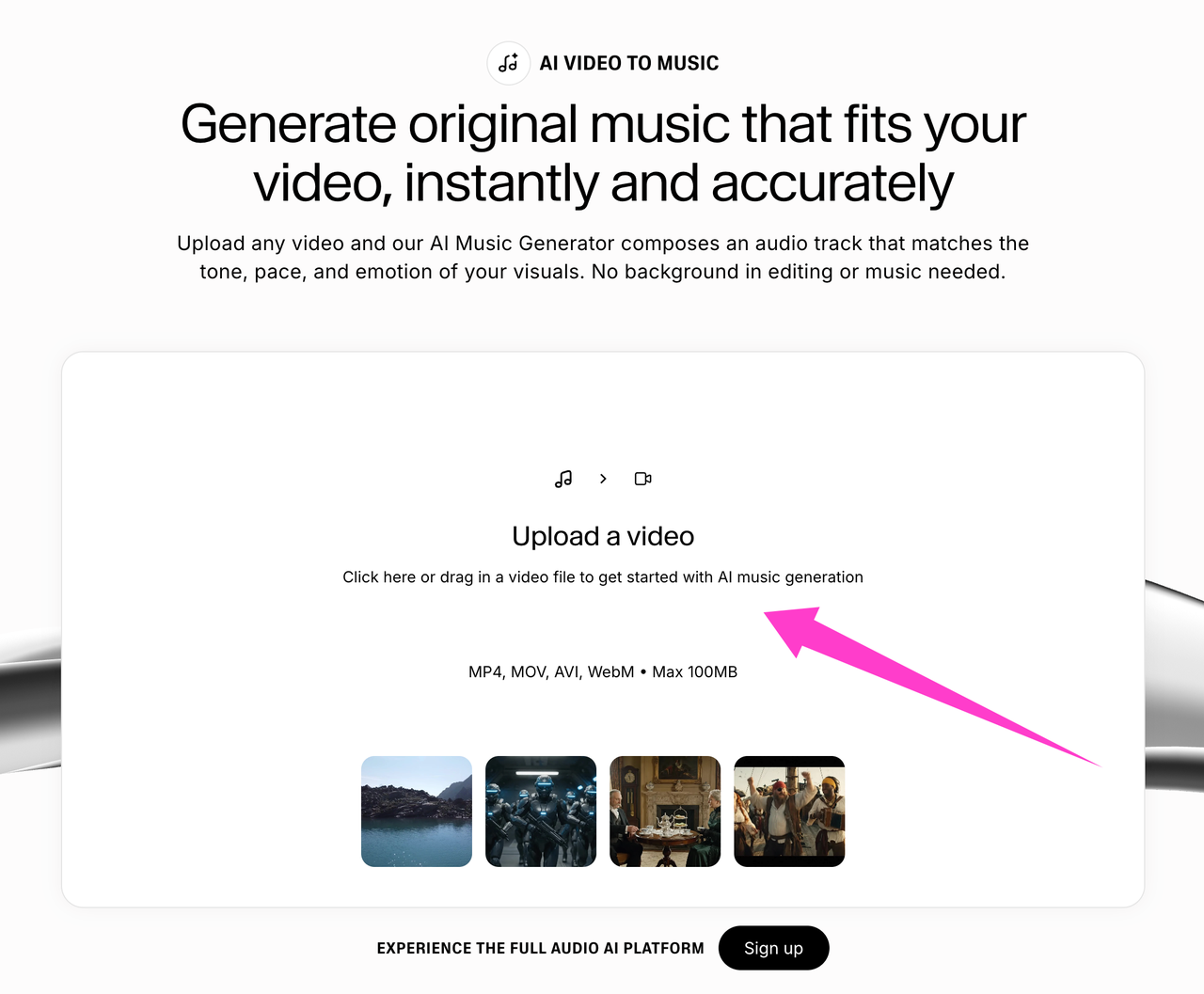
The current video-to-music page says its generator reads visual frames rather than existing audio. That distinction matters. A video upload may guide mood and visual pacing, but it does not establish that the music has analyzed narration density or wording.
When a Dedicated Video Soundtrack Workflow Still Helps
A dedicated video soundtrack workflow can help when the picture is locked and the music must follow exact cuts. It can also be useful when the narration already exists and the editor wants the soundtrack treated as a separate deliverable.
For example, Sonilo describes a video-first workflow for generating music around an uploaded cut. That is a narrower starting point than an all-in-one content timeline, not proof that it will fit every project better.
Disclosure: Sonilo publishes this article and offers the video-first soundtrack workflow referenced above.
Trade-Offs in a Two-Layer Audio Workflow
An all-in-one timeline reduces handoffs, but it can encourage premature mixing. Keep approved narration, music, and project exports labeled separately even when they live in one editor.
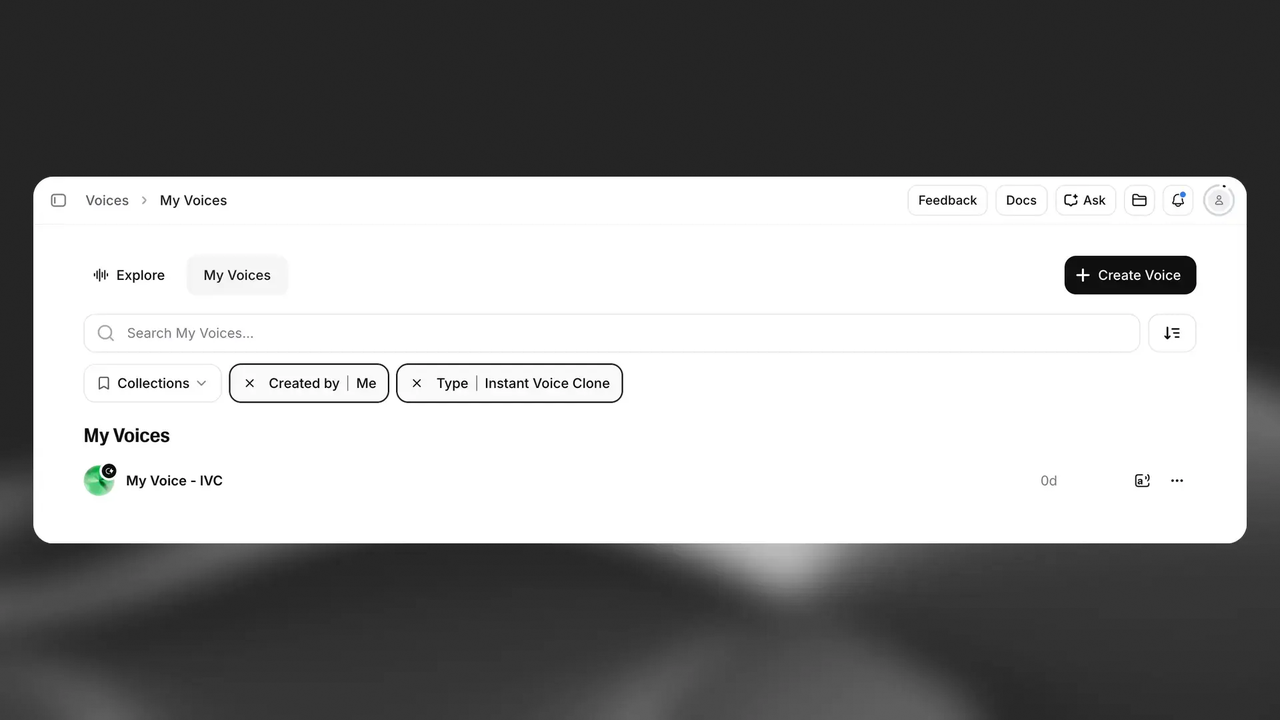
Voice choice also has a different rights boundary from music choice. Use only voices and recordings you have permission to use. ElevenLabs requires users to confirm the relevant rights and consent when creating an Instant Voice Clone.
Before uploading a client or unreleased cut, confirm that your team may provide its visuals, dialogue, and voices. Review the current privacy policy for how the service handles those inputs.
Commercial permission is not a universal conclusion. ElevenLabs applies its general Terms of Service, plus separate Music Terms and model-specific conditions. Check the current plan, intended use, inputs, and destination before release.
This is general workflow and rights information, not legal advice. Voice, cloning, licensing, and commercial-use rules can vary by plan, region, project, and applicable law. Seek qualified advice when consent, client rights, or a disputed release is consequential.
FAQ
Can ElevenLabs export voiceover and music as separate audio files?
The current Studio documentation describes project or chapter exports as audio or video. It also allows individual narration generations to be downloaded. However, it does not clearly document one Studio command that exports narration and music as separate stems. Confirm the current export menu before building a handoff around that assumption.
Do ElevenLabs video projects support captions alongside generated narration?
Yes. The current Studio documentation shows a caption layer alongside video and narration. Captions can be generated, styled, timed, and burned into a video export. Review their text and timing manually, since an available caption feature does not guarantee that names, technical terms, or pauses are correct.
Which plans cover commercial use for both voice and music?
ElevenLabs' general terms distinguish free non-commercial use from paid commercial use. Music also has service-specific and model-specific terms. Do not assume one plan label answers every voice and music use case. Check the current plan, the applicable Music Terms, the chosen voice, and the intended distribution before publishing.
Does ElevenLabs video-to-music analyze narration or only visual frames?
The official video-to-music page says the tool uses only the video's visual frames, even when the uploaded file already contains audio. Therefore, test the result against narration separately. The page does not establish that speech density, wording, or dialogue pauses influence the generated soundtrack.
Can ElevenLabs regenerate music after the narration timing changes?
Studio lets editors generate music and move, trim, or duplicate music clips. Its current documentation does not clearly describe an automatic soundtrack regeneration triggered by changed narration timing. You can create another music option, but verify whether the current interface reuses the video context or requires a new generation step.
Conclusion
Use voiceover first when the words control the cut. Use music first when visual rhythm and emotional payoff control it. In either case, keep the layers separate until their timing survives a full playback.
That is the practical test for any ElevenLabs for video workflow: not whether it can create both layers, but whether your chosen order reduces the next revision.


