Guides
Music Types for Riffusion or Suno in Videos
- Written by
- Sonilo Team
- Published
Genre is only the label on the folder. A video editor still has to decide whether the music should carry emotion, support speech, mark a reveal, or simply keep the cut moving.
That is the useful way to approach music types for Riffusion or Suno. Do not begin with the longest possible genre list. Start with the job the music needs to do beneath the video, then narrow the mood, energy, texture, and arrangement.
Product routes and official guidance reviewed August 25, 2026.
Quick Answer for Video Creators
Five broad directions cover many video edits: ambient beds, cinematic cues, lo-fi tracks, upbeat electronic music, and minimal acoustic arrangements. The right one depends on the scene, speaking density, cut speed, emotional arc, and final frame.
Suno and the product now reached through the old Riffusion URL are song-oriented creation environments. They can help you explore a direction, but the result still needs a timeline test.
Treat “music type” as more than genre. It includes tempo, instrumentation, vocal presence, texture, density, and structure. Those details often matter more to a video than whether the track is labeled pop, cinematic, or electronic.
Why Riffusion Searches Need a Current Product Check
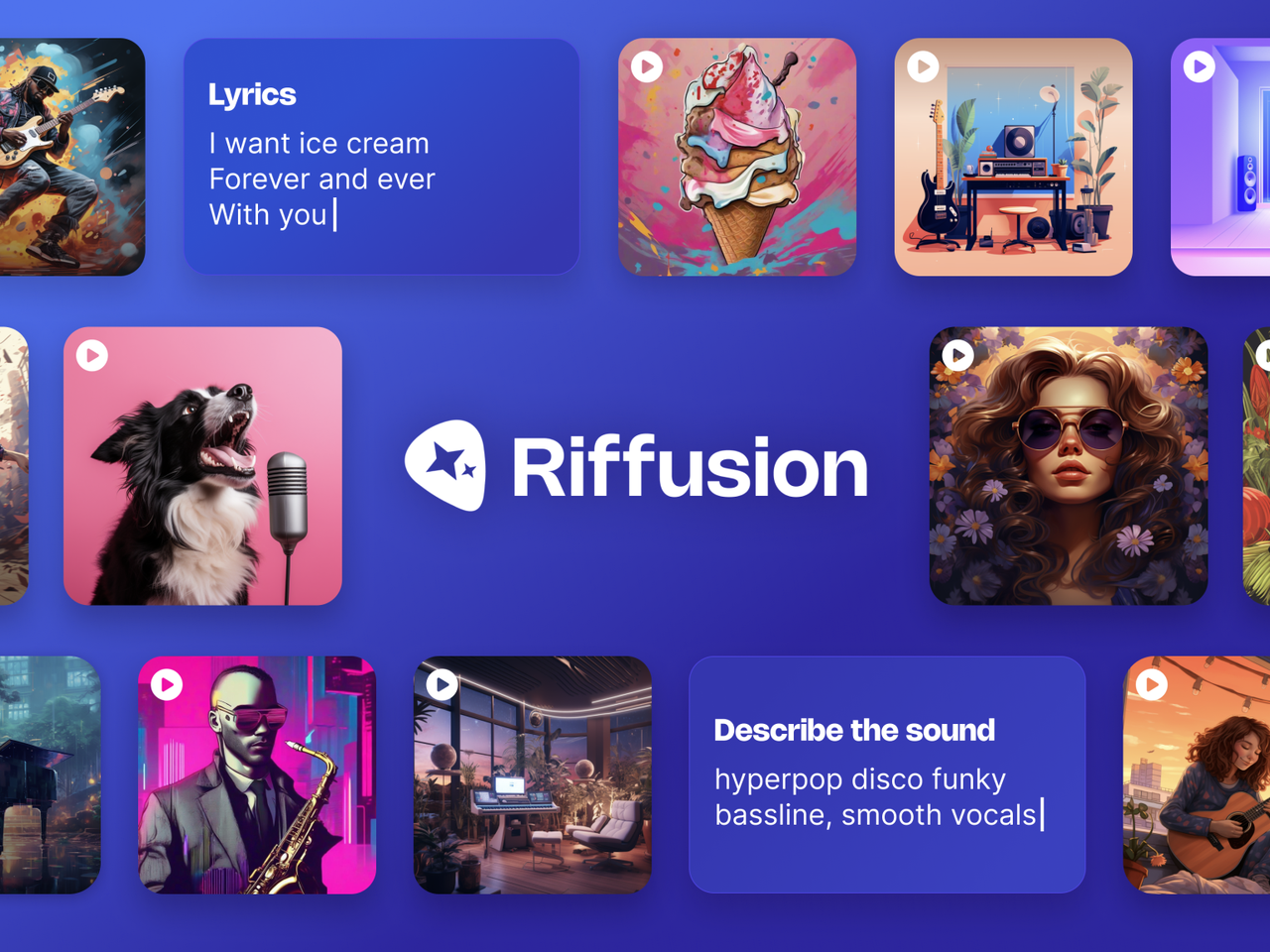
Riffusion is now a legacy search term, not a reliable description of a separate current workflow. At the time of review, the old Riffusion website redirects to Google Flow Music. Google Labs also directs visitors to Flow Music, while a current Google product announcement describes it as a music environment for artists, producers, and songwriters.
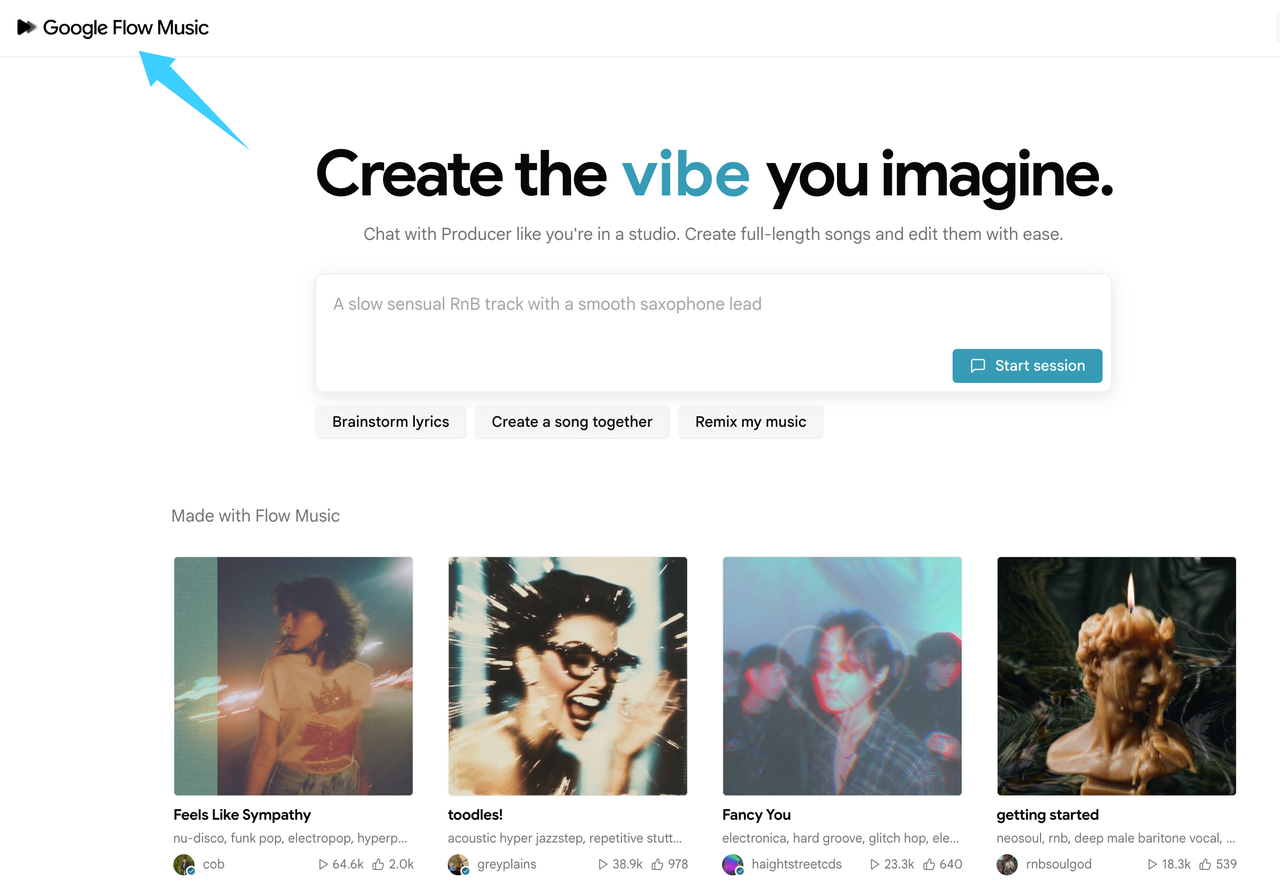
Old articles may describe interfaces or controls that no longer represent the current destination. A third-party “Riffusion” domain is not evidence of current official features.
Suno remains a separate music-creation platform. Its current music glossary organizes musical language across tempo, dynamics, structure, genre, instrumentation, texture, vocals, and production effects. That is a useful reminder that a style choice is a group of decisions, not one genre tag.
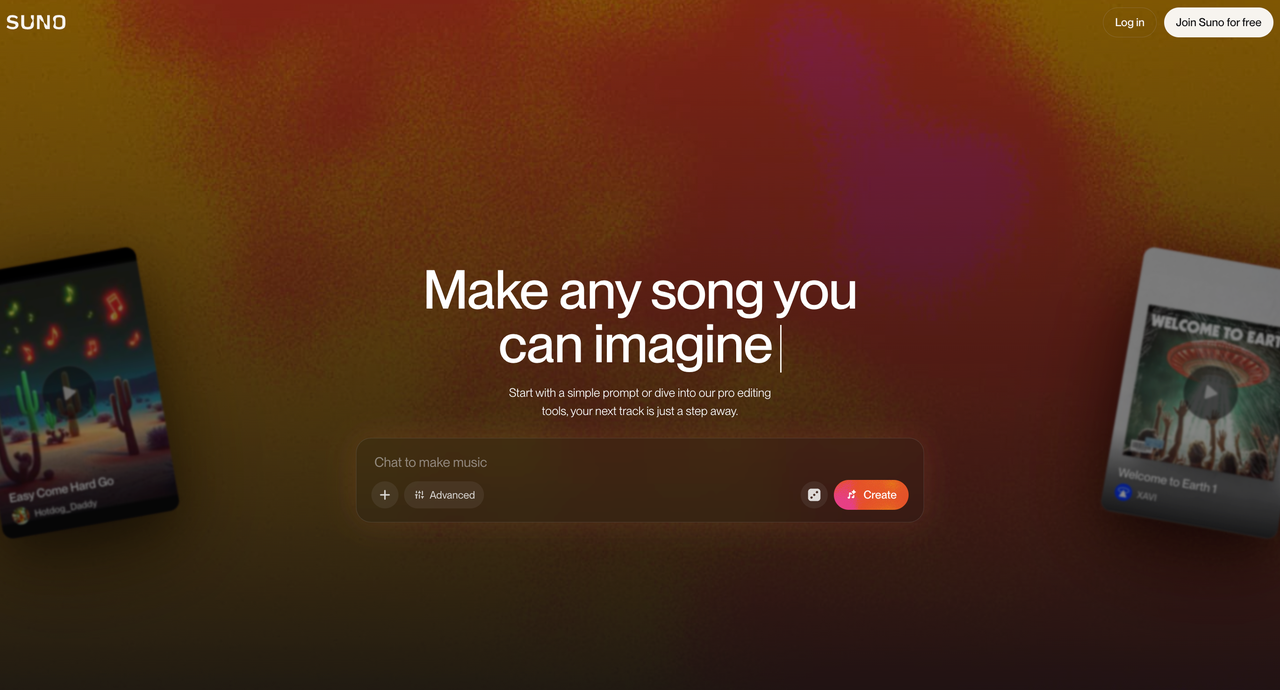
This article does not reproduce Suno prompts or tag templates. Its narrower job is to translate music categories into video-editing decisions.
What Music-Type Searches Usually Mean
Searches for Suno music styles, Riffusion music styles, or general AI music types often combine several questions:
- What genre supports the subject?
- How much energy should the track add?
- Should the arrangement stay behind narration?
- Does the video need a build, a steady bed, or a clear ending?
- Should the music feel modern, intimate, playful, serious, or expansive?
Separate those questions before generating anything. “Cinematic” may describe scale, but not whether the cue should be sparse under speech. “Lo-fi” may describe texture, but not whether a repetitive loop can hold a two-minute edit.
Music Types That Work Under Video
Ambient background beds
Ambient music works when the edit needs continuity without a strong melodic demand. It can support tutorials, interviews, and reflective sequences.
Listen for movement inside the texture. A bed that barely changes may suit dense narration, but it can flatten a visual sequence with several emotional turns. Check for high-frequency details or pulses that compete with speech.
Cinematic cues
Cinematic cues are useful when the video has a visible arc: setup, tension, reveal, and resolution. Product launches, short films, trailers, and dramatic montages often benefit from that shape.
Scale must match the footage. Large drums and constant rises can make a simple walkthrough feel inflated. A restrained cue with one controlled build may serve the same scene better.
Lo-fi and chill tracks
Lo-fi and chill music can give casual explainers, study content, lifestyle edits, and behind-the-scenes videos a relaxed pace. The softer texture often sits comfortably beneath a conversational voice.
Do not assume “relaxed” means unobtrusive. Vinyl noise, bright snares, vocal fragments, or a short repeating loop can become tiring. Review at normal playback volume, not only during a quick preview.
Electronic and upbeat styles
Electronic and upbeat music can support fast product demos, sports recaps, event highlights, and technology content. A clear pulse helps editors organize movement and create selective beat hits.
The risk is uniform intensity. If every bar pushes equally hard, the reveal has nowhere to grow. Look for space, breaks, or energy changes that match the edit’s hierarchy.
Acoustic and minimal arrangements
Minimal piano, light guitar, soft percussion, and small acoustic arrangements can make personal stories, educational videos, and people-led brand pieces feel more direct. Fewer layers also leave useful room for dialogue.
Simple does not mean emotionally neutral. A prominent melody can still tell the audience what to feel too aggressively. Test it beneath the strongest spoken line and the quietest visual moment.
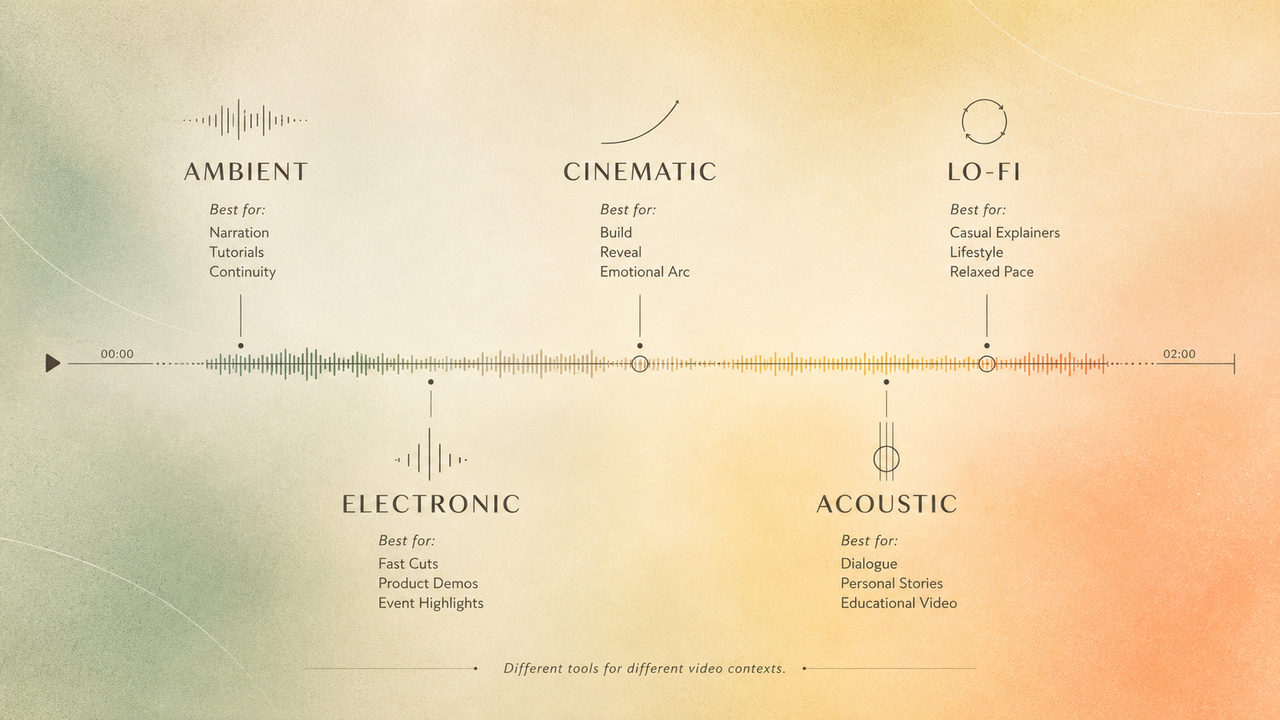
Choose by Video Context, Not Genre Alone
Begin with the element that must lead. In a talking-head video, the voice usually leads. In a montage, visual rhythm may lead. In a reveal, the music may briefly take control.
Then check four points: opening attention, mid-edit movement, narration space, and the final image. The same genre can pass one test and fail another. An upbeat electronic track may support quick cuts but crowd a voiceover. A minimal acoustic cue may clear the narration but leave a fast recap feeling underpowered.
The better decision is functional: choose the track whose arrangement behaves correctly at the moments viewers notice most.
When Video-Matched Music Works Better
Song-oriented tools usually begin with a musical idea. That works when the edit can still move around the track. It becomes less direct when picture is locked and the soundtrack must respond to specific cuts, reveals, or pauses.
In that situation, a video-first tool is worth testing. Sonilo’s video workflow is currently designed to generate music around an uploaded edit’s cuts and pacing. That does not remove the need for editorial review, but it changes the starting point from a style description to the video itself.
Before uploading client, confidential, or unreleased footage to any service, confirm that you have permission to provide it. For Sonilo, review the current Terms of Service and Privacy Policy for that input. Before publishing generated music, check the applicable plan, license, and platform rules for the intended use. This is a workflow reminder, not legal advice.
FAQ
Can a style log help future video planning?
Yes. Record the project type, scene function, energy, density, instrumentation, vocal presence, source tool, and final decision. Add one sentence explaining why the direction worked. That gives the next editor a usable judgment instead of an unexplained genre label.
Should rejected music directions be saved for later?
Save the direction note when the idea may suit another project, but separate it from approved audio. Label why it was rejected, such as “too dense under narration” or “build arrives early.” Recheck the source and current usage terms before reusing an old generated file.
What if two editors name the same mood differently?
Replace the mood dispute with observable traits. Agree on tempo range, energy curve, instrument density, vocal presence, and the scene where the track should change. “Warm but restrained” becomes useful when the team defines what the audience should hear at a specific moment.
Can a series use flexible style notes across episodes?
Yes. Keep a few fixed anchors, such as instrument family, narration space, and ending behavior. Let tempo, intensity, and texture change with each episode. This preserves recognition without forcing every story into the same arrangement.
How should music-type decisions be labeled in folders?
Use a consistent pattern such as project_scene_role_style_version_source_date. Keep “candidate,” “rejected,” and “approved” as separate status labels. Store the source URL, generation record, and relevant license evidence with the approved version rather than relying on the audio filename alone.


