Inspiration
ElevenLabs AI Sound Effects for Video: Fit and Limits
- Written by
- Sonilo Team
- Published
Need a custom click for a product close-up, or a short whoosh for one reveal? ElevenLabs AI sound effects can help when you can describe the missing cue and place it yourself.
The choice turns on how much of the job lives in the sound itself. A distinctive texture may justify a fresh generation. An ordinary tap may be easier to pull from a library.
Here, the question is how that cue reaches the finished footage.
Quick Verdict for a Finished Video Cut
For one isolated visual event, ElevenLabs' text-based Sound Effects mode offers a useful route to custom audio. It suits an editor who wants to shape a sound, audition alternatives, and decide exactly where it lands.
That last step remains yours in this route. A prompt can describe a click; it does not give the generator your video's contact frame. Duration control also cannot tell you whether the audible hit begins where you need it.
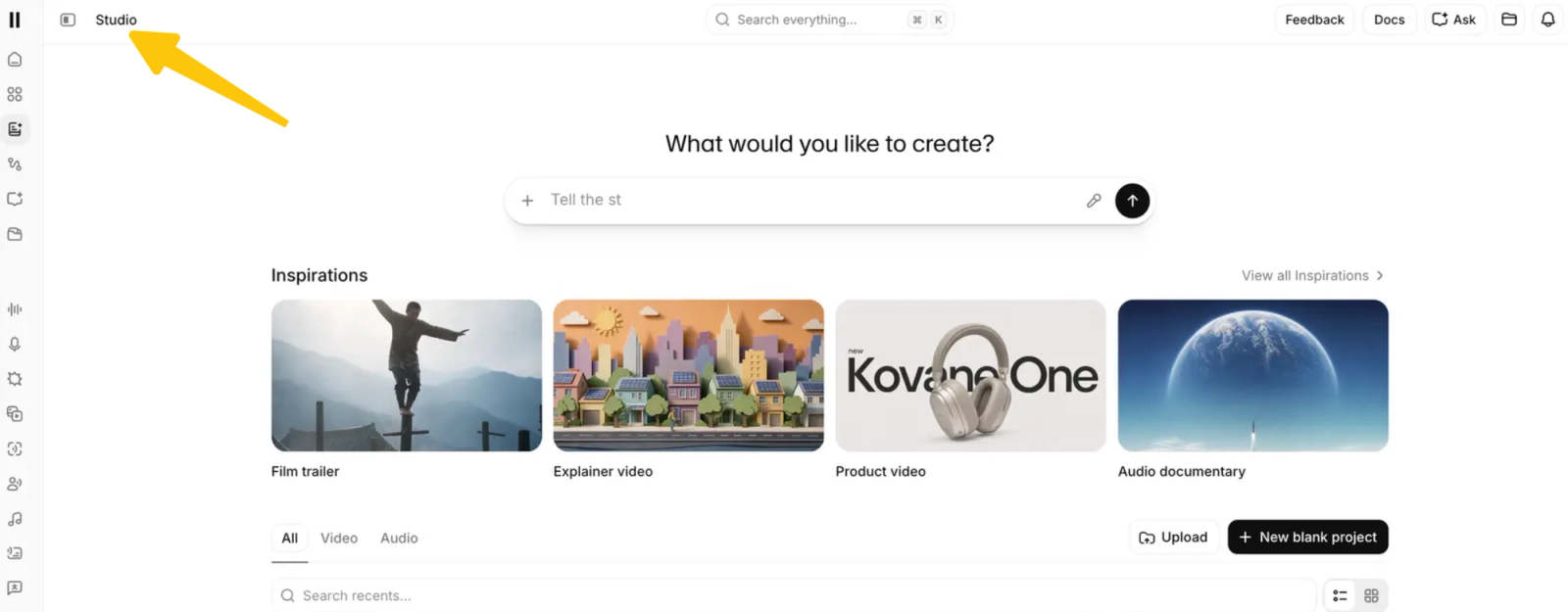
This assessment follows the documented Playground process and the editing decisions it leaves to you. It does not cover every ElevenLabs video product: ElevenCreative Studio supports uploaded footage and timeline editing, including a separate Studio Agent route for working with video.
Manual placement is reasonable for one cue. With footsteps, impacts, and cuts, placement deserves as much attention as generation.
Which ElevenLabs Sound Effects Workflow Fits One Visual Event?
The text-to-sound-effects route fits an event you can describe independently of the scene. A clasp closing or a notification appearing gives you a manageable starting point.
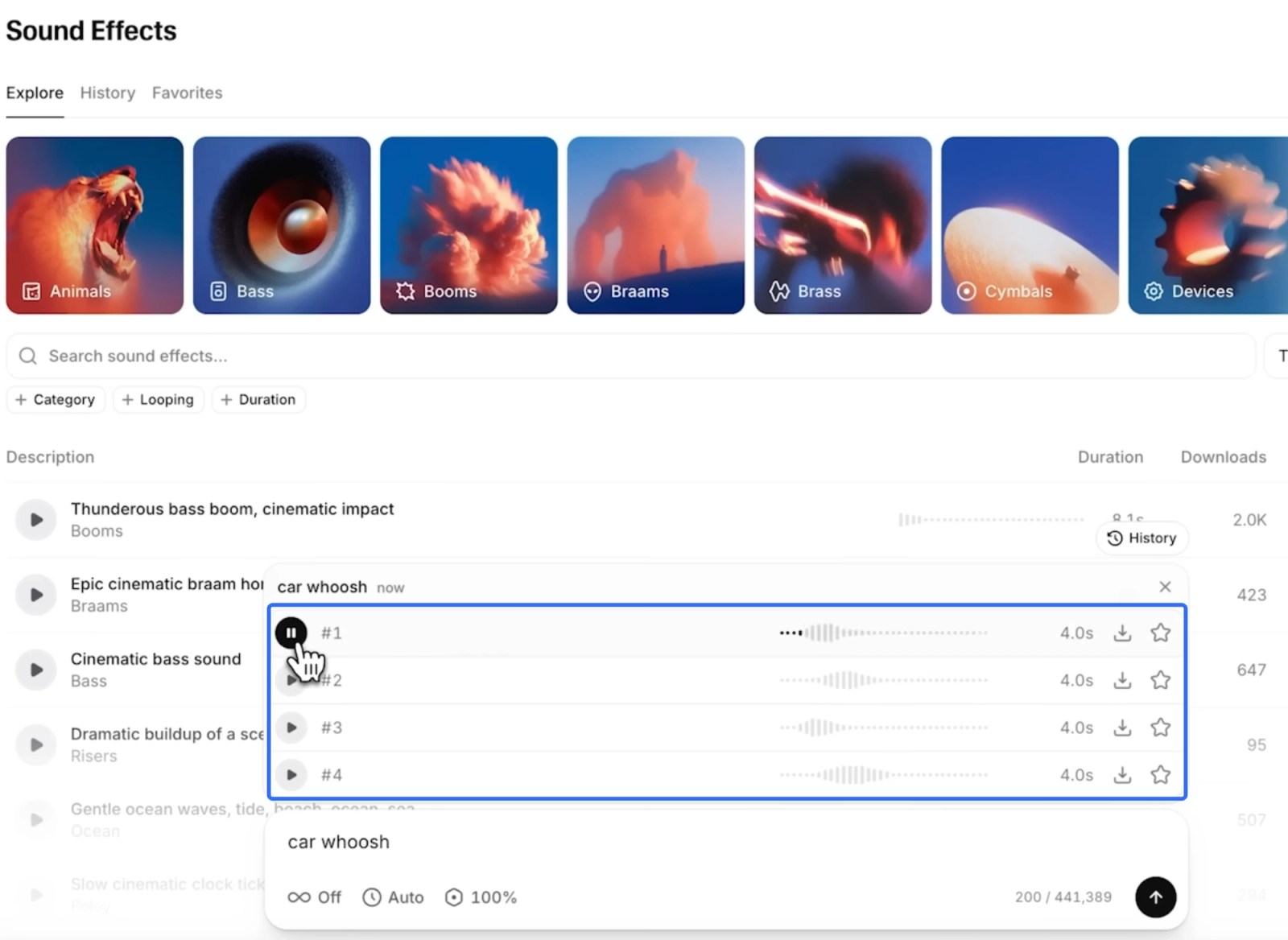
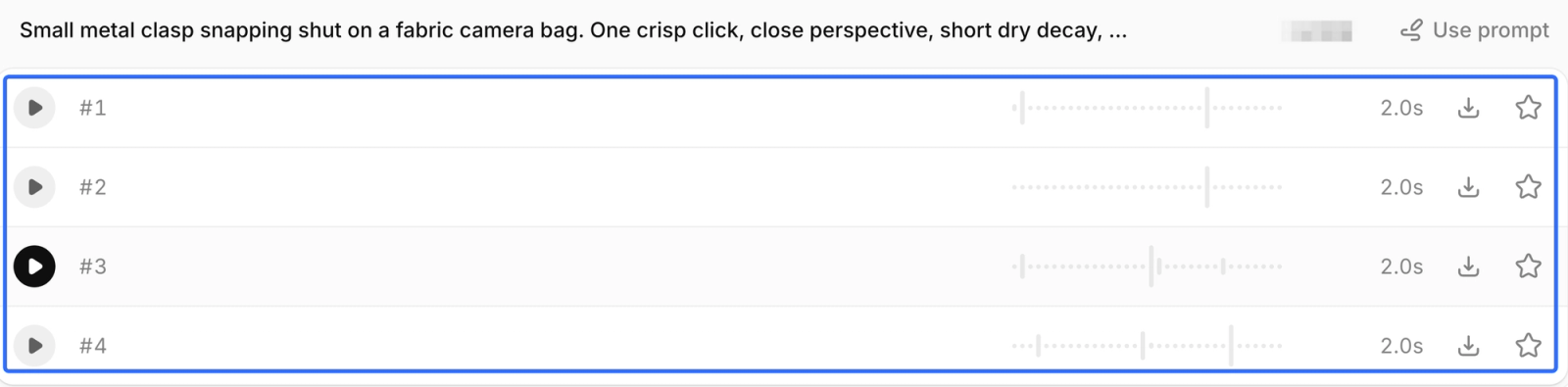
The Playground process produces four variations per generation. Treat those as competing takes for one job, rather than four sounds that all need a place in the edit.
Choose the Event and Write a Focused Prompt
Imagine a product shot where a small clasp snaps shut on a fabric camera bag. The cue needs to confirm closure without making the bag sound like heavy machinery.
An illustrative prompt could be:
Small metal clasp snapping shut on a fabric camera bag. One crisp click, close perspective, short dry decay, no music or voices.
This gives the generator an object, an action, and an acoustic character. “A cinematic product scene” gives it much less help with the actual sound.
Keep the zipper, bag movement, and room tone out of this first request. Combining them makes a good click harder to rescue if another sound arrives in the wrong place.
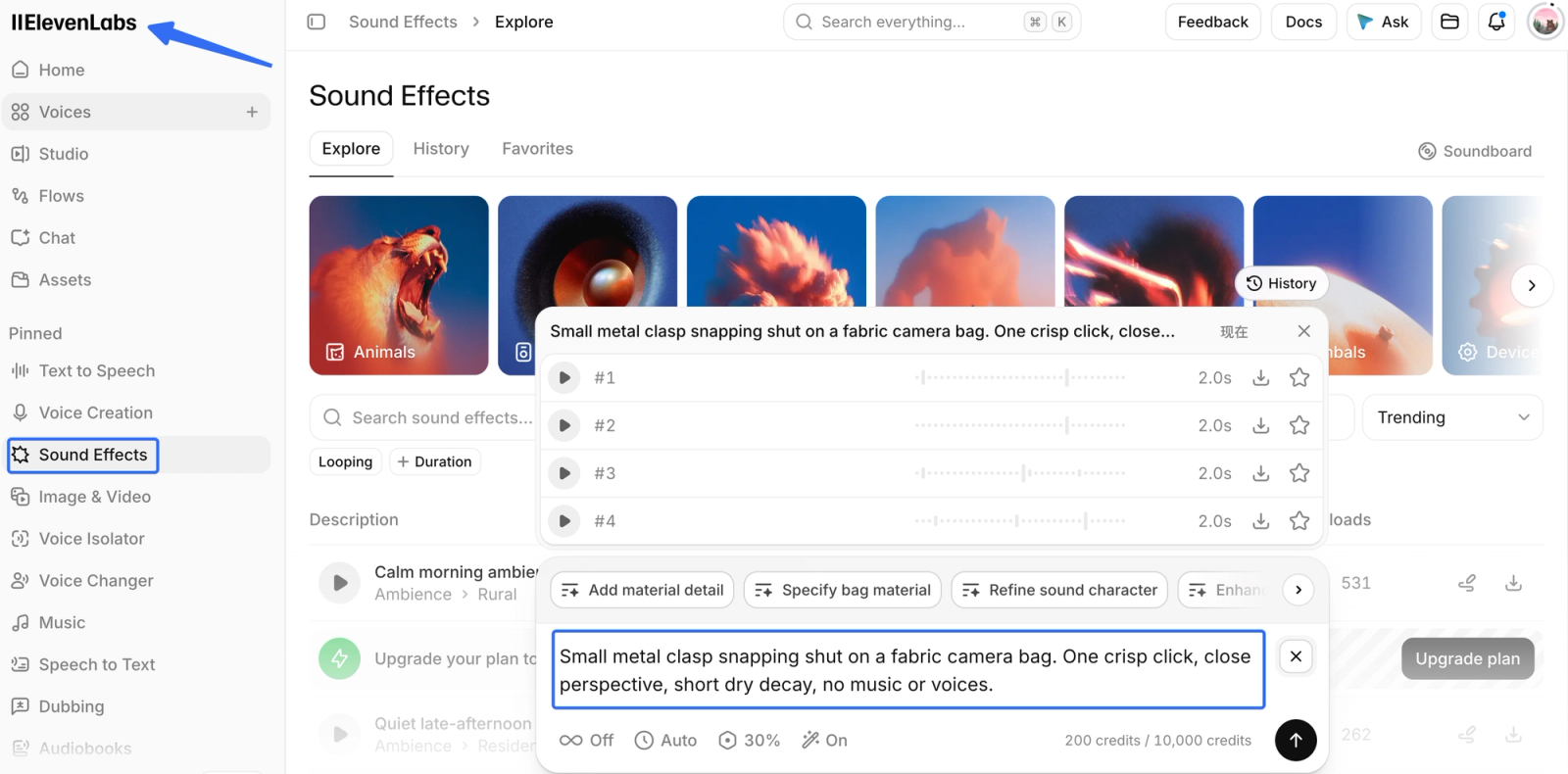
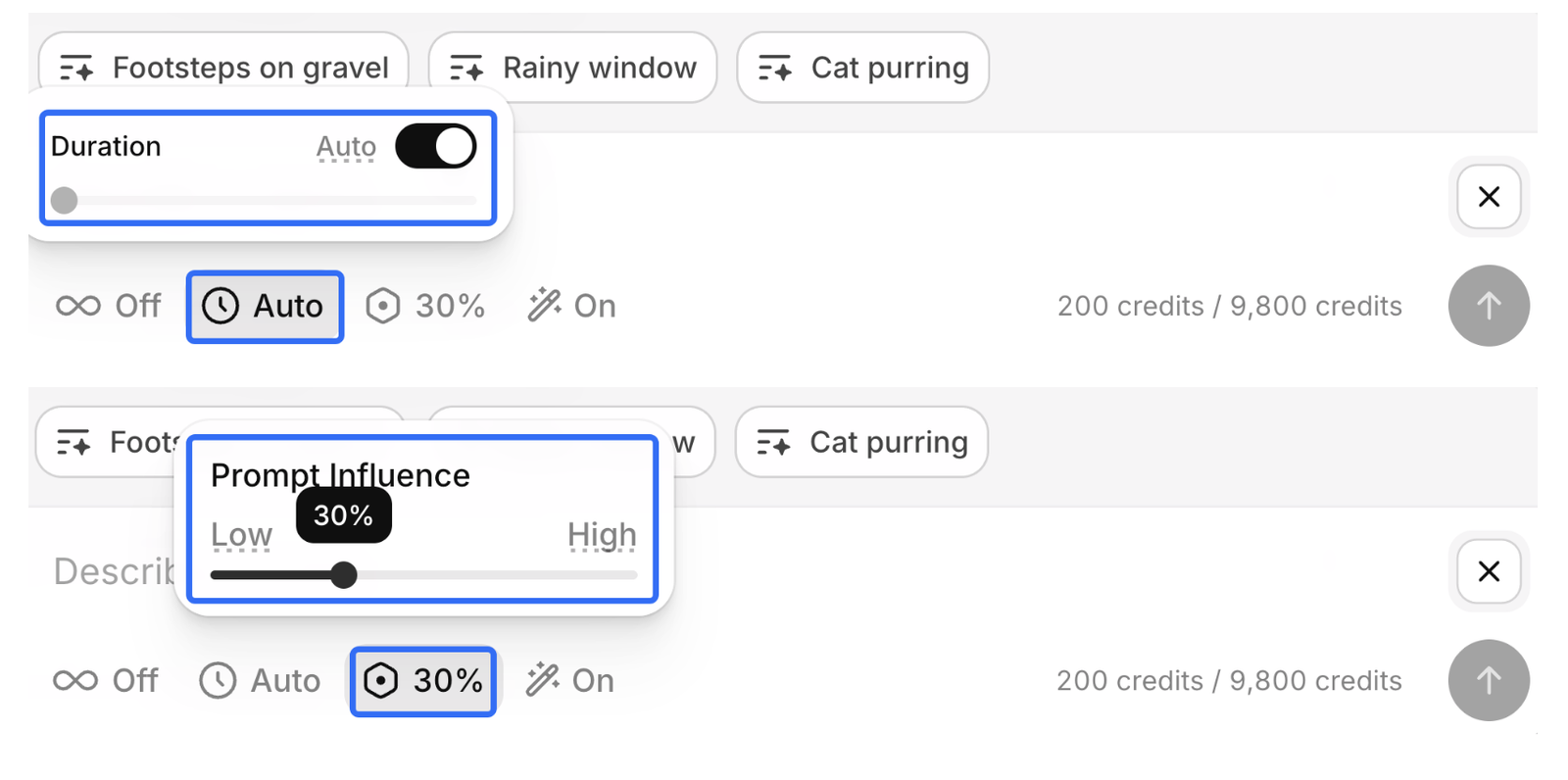
The duration and prompt-influence controls let you request a length and adjust how literally the text is followed. Use the visible gap in your edit to guide duration, while leaving enough room for the decay. A more literal setting is worth trying when the output keeps adding character you did not ask for.
Compare Variations Against the Cut
An impressive preview can still be the wrong clasp. Put plausible candidates beneath the same shot at comparable listening levels, then listen with the picture playing.
Judge the attack, material, apparent distance, and tail. Does the click suggest this small object? Does the room around it belong to this shot? Can the tail clear the next spoken word?
The next action depends on what failed:
| What you hear in the cut | What to try next |
|---|---|
| The right sound, arriving late | Move the cue or trim leading silence. |
| A convincing click with too much tail | Try a shorter fade; regenerate if the room remains too obvious. |
| A heavy clank for a delicate clasp | Rewrite the material and weight; volume alone will not fix it. |
| Unwanted voices or extra actions | Reject the take and simplify the request. |
That distinction saves aimless reruns. A placement problem belongs in the editor; a wrong source sound usually belongs back in the prompt.
Place the Cue in an Editing Timeline
The downloaded file is only a candidate until it works beside the original audio. Put it on its own track so you can move, mute, and replace it without disturbing dialogue or music.
Keep the untrimmed download. A picture change may need some tail you cut from the edited copy.
Match the Sound Onset to the Frame
Mark the visible event that should produce the sound. For the clasp, that is the closure itself, rather than the moment a hand first reaches toward it.
Then find the audible click inside the file. Its first sample may be silence, room texture, or preparation. Aligning the file's left edge to your marker can therefore leave the actual event late.
The waveform helps locate an attack, but the largest peak is not always the moment you hear as contact. Scrub around the marker, then replay the shot at normal speed. Finish by listening across the surrounding cut, where an isolated “correct” click may feel strangely detached.
For a stylized reveal, a lead-in may be intentional. Physical contact asks for different timing than a whoosh building anticipation.
Keep Music and Dialogue Clear
The cue should make the action legible without stealing the sentence. Start with a modest level and raise it only until the event reads clearly.
A sharp click can compete with spoken consonants even when it is brief. If it masks a word, try lowering its level or softening its bright edge. When the sound needs heavy processing just to stop being intrusive, another variation may be the cleaner choice.
Music creates a second problem: a drum hit can make your clasp seem louder or hide it entirely. Listen to the combined mix before boosting the effect. You may need a small music dip, but not every visible action deserves one.
Where Does Manual Placement Become a Bottleneck?
Manual placement becomes a bottleneck when several cues must follow changing action, rather than one settled event. Repeated footsteps, overlapping movements, and revised cuts create more decisions than a single download suggests.
For the clasp shot, moving one cue after a trim is straightforward. Across a montage, the same picture change may require moving several effects, checking their tails, and rebuilding the balance with music. A faster generation does not remove those decisions.
Before choosing another tool, ask which task is actually slowing you down. If you already like the sounds, staying in the editor may be easier than replacing them. If translating each visible action into text is the burden, a footage-led route becomes relevant.
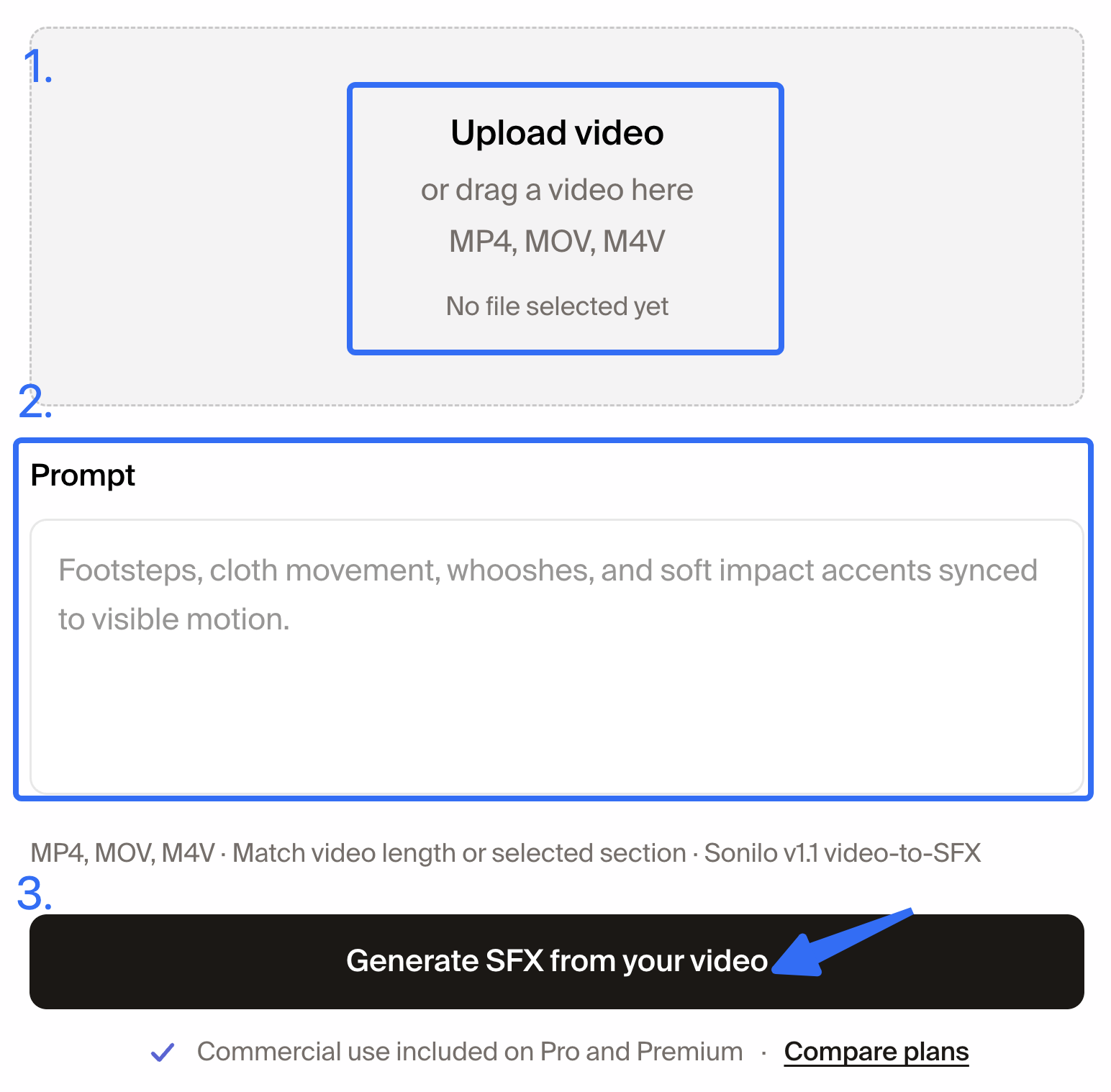
Sonilo publishes this article and offers video-to-SFX generation from the clip. If cue-by-cue placement is holding up the edit, try that route on the same footage and review its timing yourself. It is another starting point, not proof of a better final mix. For a broader choice, the AI SFX selection guide covers tasks beyond this single-event assessment.
Current Plan and Usage Rights Checks
A successful preview does not settle whether you can publish the file. Check the plan used to generate it before putting it into a paid client deliverable or monetized video.
As checked October 10, 2026, the Free plan includes Sound Effects and 10,000 monthly credits. The current pricing page also lists a commercial license from Starter upward. Included access, generation allowance, and publishing permission are separate questions.
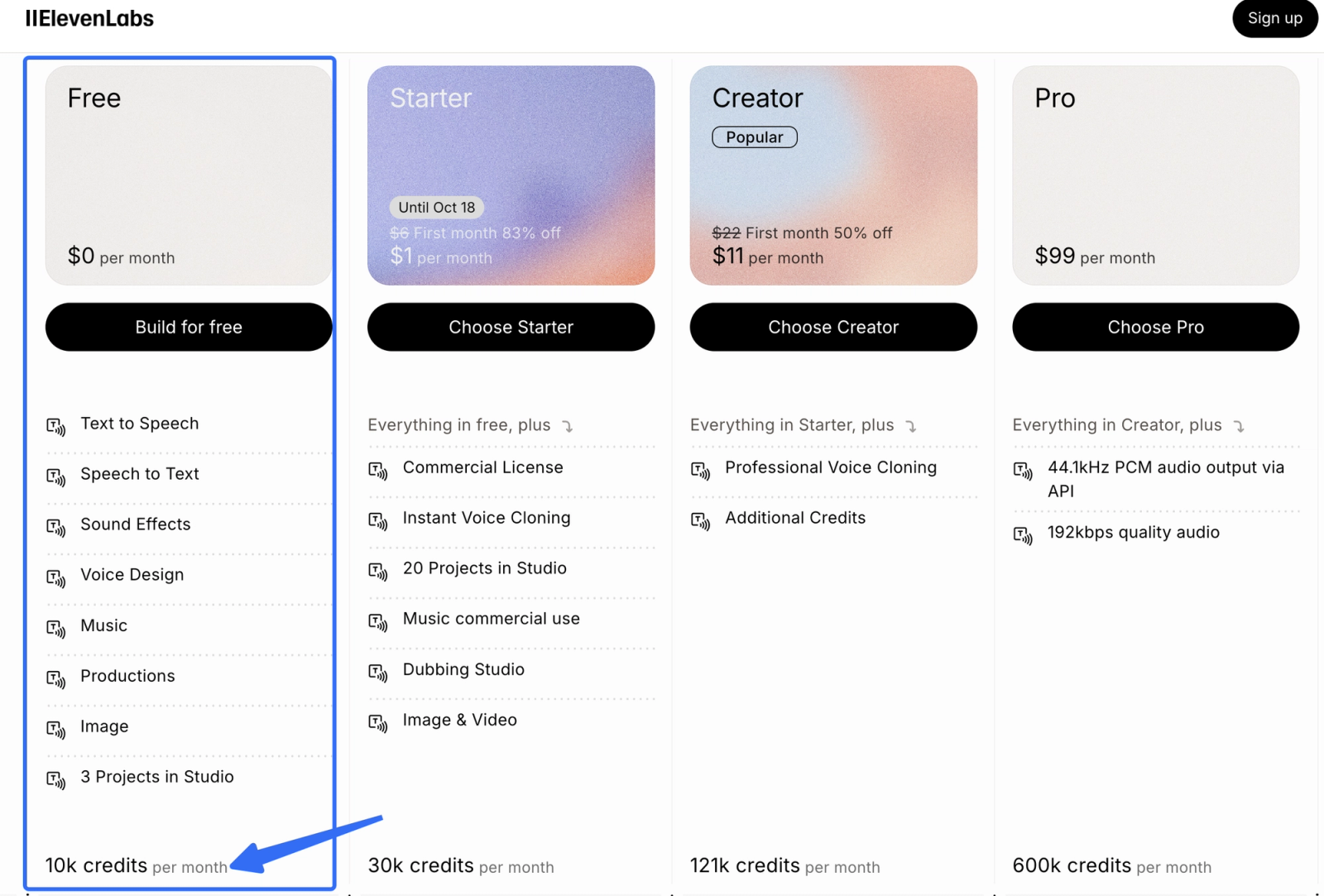
The commercial-use conditions exclude Free-plan output and Beta Services from commercial use. Paid-plan use remains conditional on the necessary rights, applicable policies, and any service-specific terms. Non-commercial sharing of Free-plan output requires “elevenlabs.io” or “11.ai” in the title.
Upgrading later does not turn an earlier Free-plan generation into commercially licensed audio. Save the generation date, plan, selected file, and terms relevant to that file. This is useful when a client asks which version was cleared for delivery.
For budgeting, check the charge for your duration and variation settings. Website and API charging differ; an old review's estimate may not cover repeated attempts.
This article provides general information, not legal advice. Check the terms applicable to your account and intended use before publishing; a paid license is not a guarantee against every rights issue.
Limitations and Trade-Offs
Custom generation is most useful when the missing sound has a specific character. It is less compelling when a familiar library click already fits and you mainly need to finish the edit.

The documented maximum is 30 seconds per generation. That leaves room for short effects and textures, but a longer scene may require a loop or multiple pieces. Length alone says little about whether a cue's internal rhythm suits the action.
An effect can also be plausible yet wrong for the camera's distance. A close, detailed mechanical sound beneath a wide shot may make the object feel unnaturally near. Lowering it helps with level, but does not necessarily change that perspective.
Keep usable takes before requesting another. Once a cue is approved, the exact file matters more than a slightly more exciting alternative.
FAQ
Can ElevenLabs Sound Effects make a seamless ambience loop?
Yes. Looping is a documented generation option, designed to make the ending join the beginning. The looping capability is useful for extending steady atmosphere beyond one generated file.
Audition several repeats. Even a smooth join can reveal a recurring bird call or rhythmic swell that makes the ambience feel patterned.
Can I revisit a generated effect in ElevenLabs history after closing the page?
Yes. Generated effects are available through History, and you can star selections for Favorites. Return to the same account to find them through that saved-effects process.
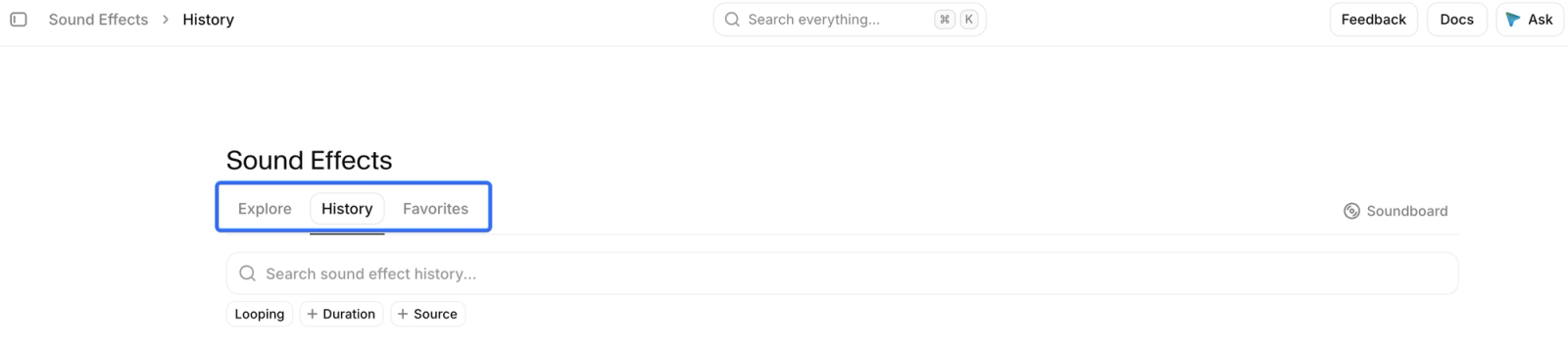
The guide does not promise indefinite retention. Download the approved cue and keep it with your project rather than making History your only copy.
Can I download an ElevenLabs effect as both MP3 and WAV?
For non-looping effects, the documented options include both formats. The format specifications list MP3 for all effects and 48 kHz WAV for non-looping effects. The Playground download options specify 44.1 kHz MP3.
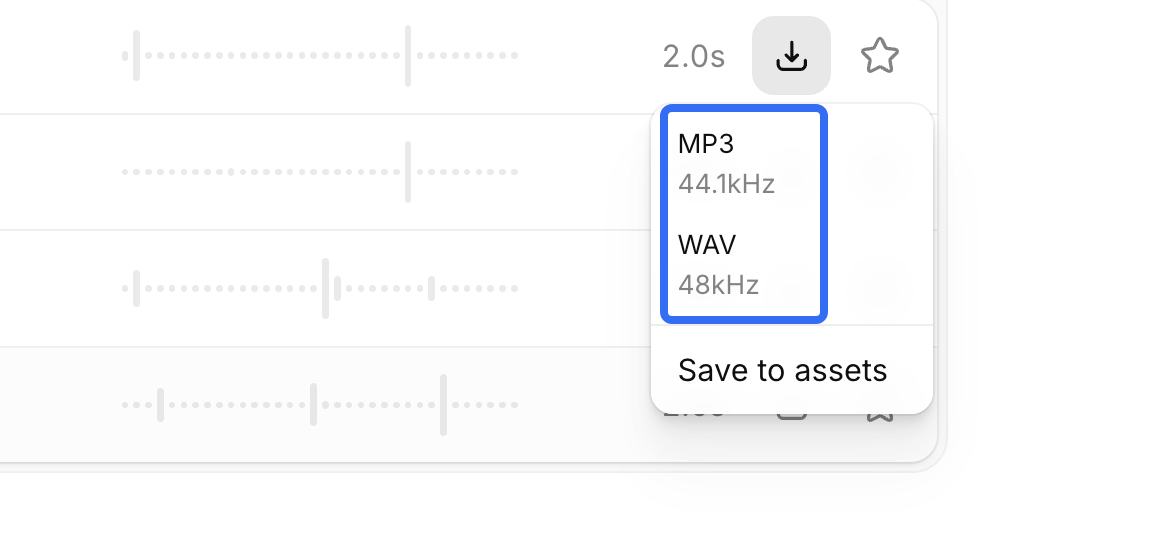
Do not assume a looping result has the same WAV option. Choose the available original download before editing; converting an MP3 into WAV does not restore discarded audio detail.
Does ElevenLabs offer a sound effects API for repeated video tasks?
Yes. The sound-generation endpoint accepts text and settings including duration, prompt influence, and looping. It returns audio for your application to handle.
That can automate requests, but this endpoint does not receive video frame markers. Your application or editor still needs to associate each cue with its event.
How is ElevenLabs Explore different from my own generated effects?
Explore is a library of community-made effects. Your own generations start with your description and appear in History; Explore offers an existing sound to audition instead.
Browse when the sound is ordinary and a close match may already exist. Generate when the material, perspective, or character needs shaping. For publishing, check the terms attached to your use rather than treating “community-made” as a permission label.
Conclusion
ElevenLabs SFX makes sense for a custom cue you want to shape and place yourself. The useful result is the take that fits the object, lands at the right moment, and leaves the narrator easy to hear.
Once that take is in the timeline, stop auditioning for novelty. Keep the original, save the publishing conditions, and review the exported video. If the clasp reads naturally and the next sentence stays clear, the sound has done its job.