Guides
Free Halloween Sound Effects for Spooky Videos
- Written by
- Sonilo Team
- Published
A Halloween edit can feel tense before anything frightening appears. A faint scrape beyond the frame may do more than a loud scream. For Shorts and event teasers, sound tells the viewer how to read the next moment.
That is the useful way to search for free Halloween sound effects: decide whether the scene needs dread, surprise, or a laugh. Then find the sound and license that fit that job. The same thunderclap will not serve all three equally well.
Choose Sounds for the Type of Scare
Suspense and Dread
Suspense leaves room to imagine what is nearby. Wind, a floor creak, or a distant animal call can make a still shot feel occupied. Start with the quietest layer that changes the scene.
A wolf howl can give the location scale. If you search for a wolf howl sound effect free download, listen for distance and background noise. A close howl can feel pasted onto a wide night shot.
Sudden Reveals
For a reveal, separate movement from the hit. A door might need a hinge, a breath of air, then an impact at the visible turn. A pocket of quiet beforehand gives the viewer time to anticipate it.
A free scream sound effect may be appropriate when a character visibly reacts. It is less useful as a universal jump-scare button. Search results for “horror scream sound effect MP3 free download” tell you the format, not who made the voice recording or how you may use it.
Comedy and Camp
Camp can show the trick. An oversized laugh after a harmless costume reveal or a deliberately late sting tells viewers the video is in on the joke. This often suits party clips better than straight horror.
Still, let the picture set the joke. If the laugh explains what the audience should find funny, it may be doing too much. For more on setup and punchline timing, see Sonilo’s guide to funny sound effects for videos.
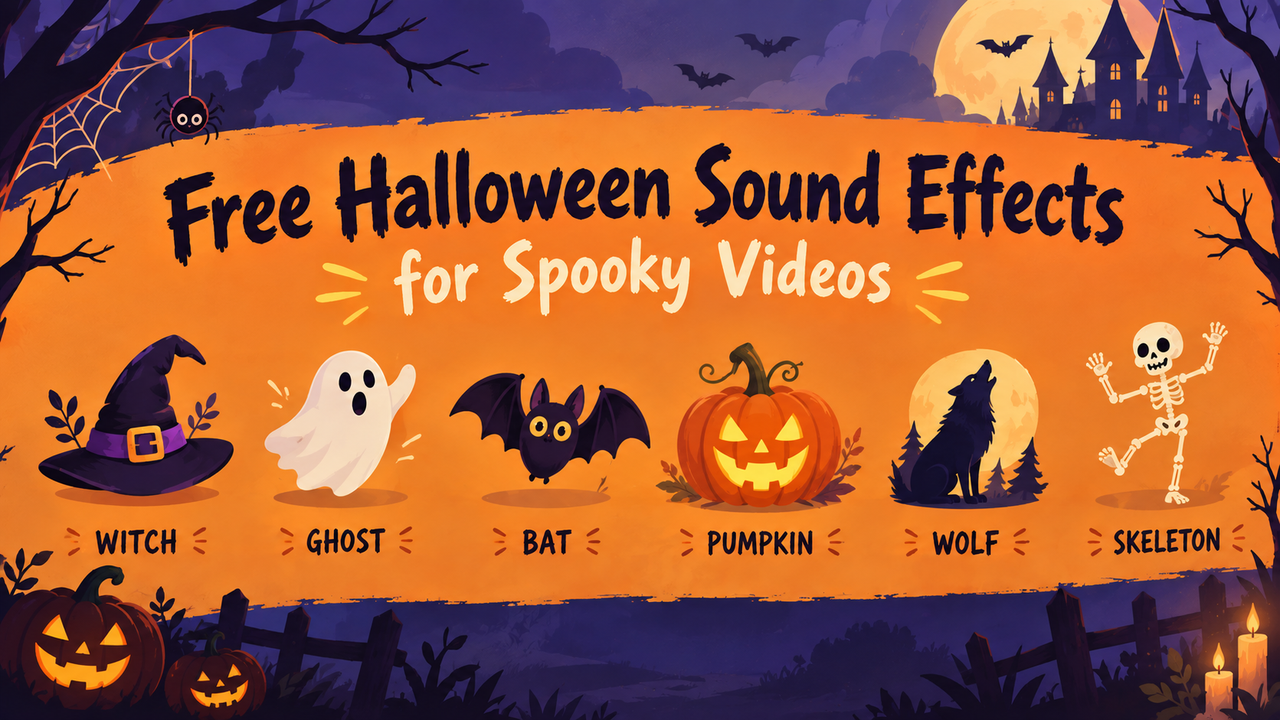
Find or Create Halloween Sound Effects
Search Free Libraries
Search by action and setting before trying “scary.” “Wooden stairs creaking slowly” gives you a better shortlist than “Halloween sound.” Listen to each file’s beginning and tail for room noise that clashes with your footage.
For YouTube projects, the YouTube Audio Library offers searchable sound effects inside Studio. YouTube describes its library as copyright-safe on YouTube, while noting that some Creative Commons tracks require attribution. That platform statement does not settle uses elsewhere.
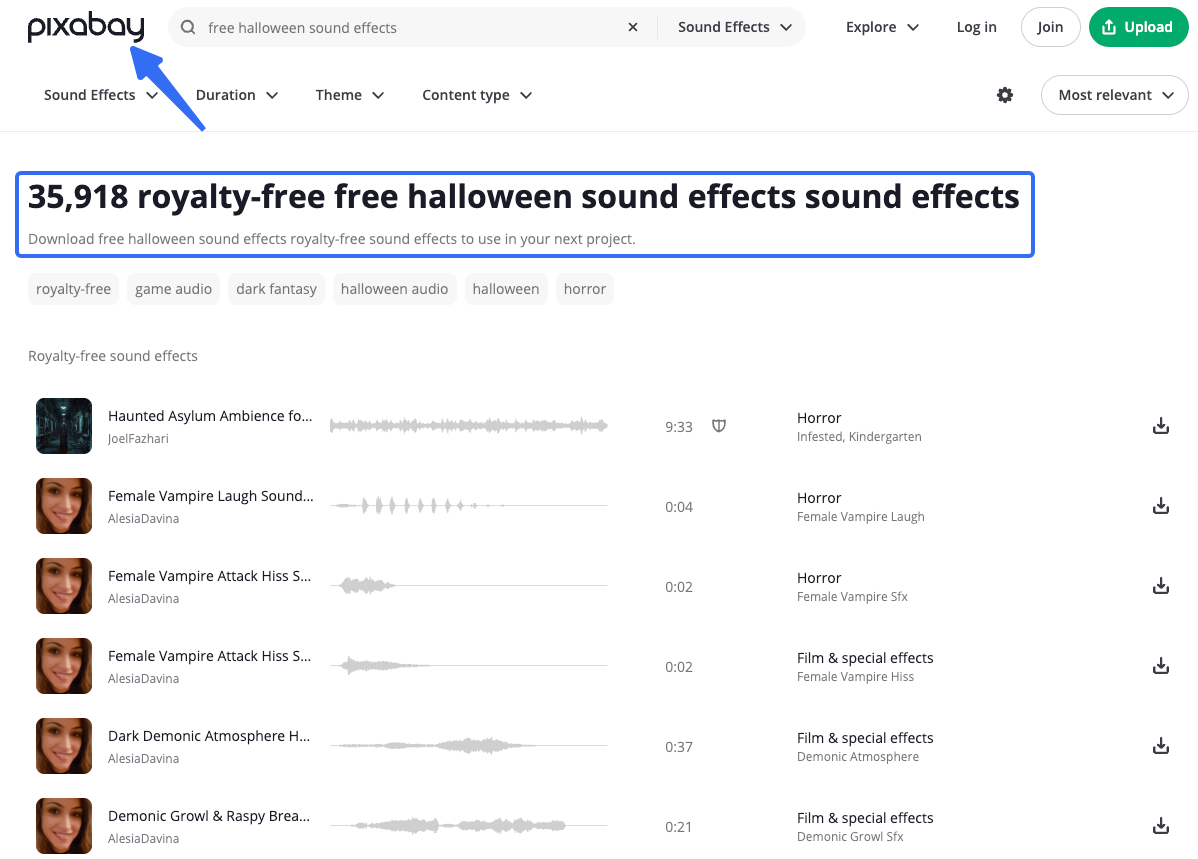
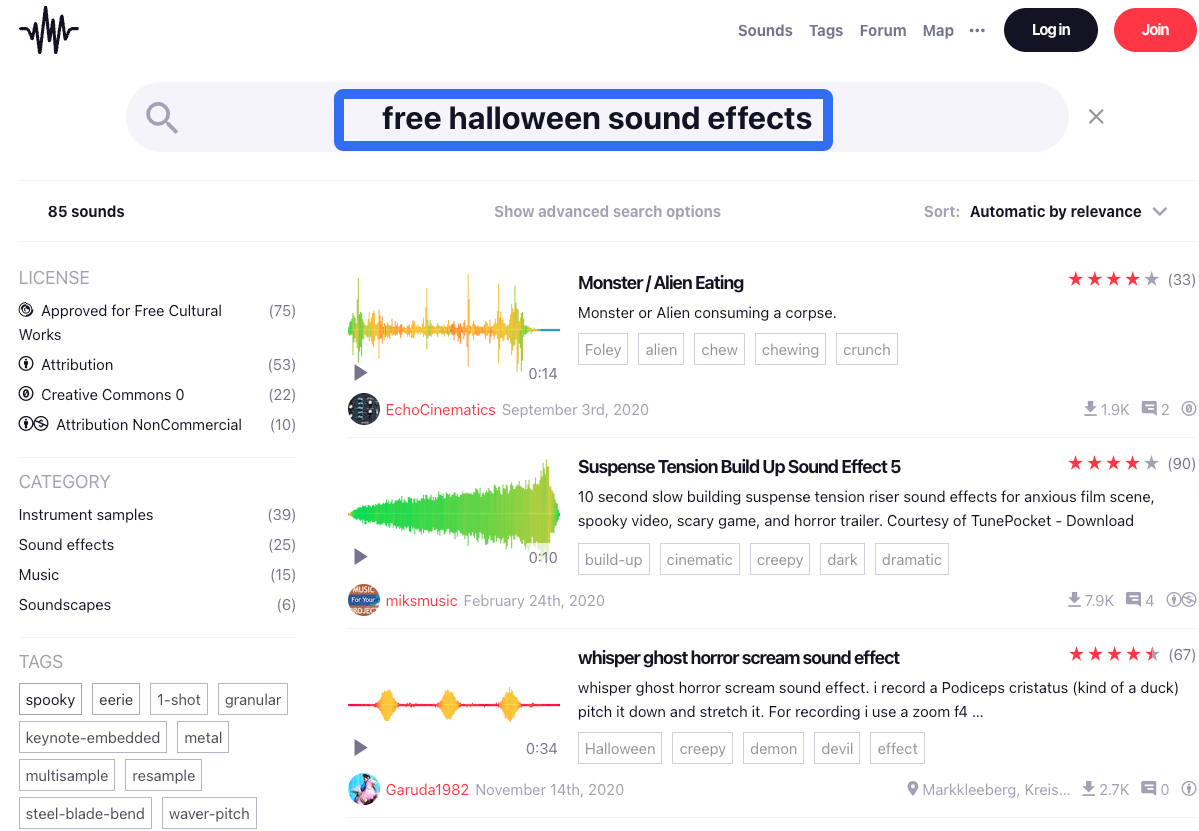
Pixabay’s license summary describes free use and modification without required attribution, subject to prohibited uses and possible third-party rights. Freesound’s FAQ describes file-specific Creative Commons choices, including CC0, CC BY, and CC BY-NC. On Freesound, check the selected sound’s license: a noncommercial file and an attribution-required file are different choices for a brand video.
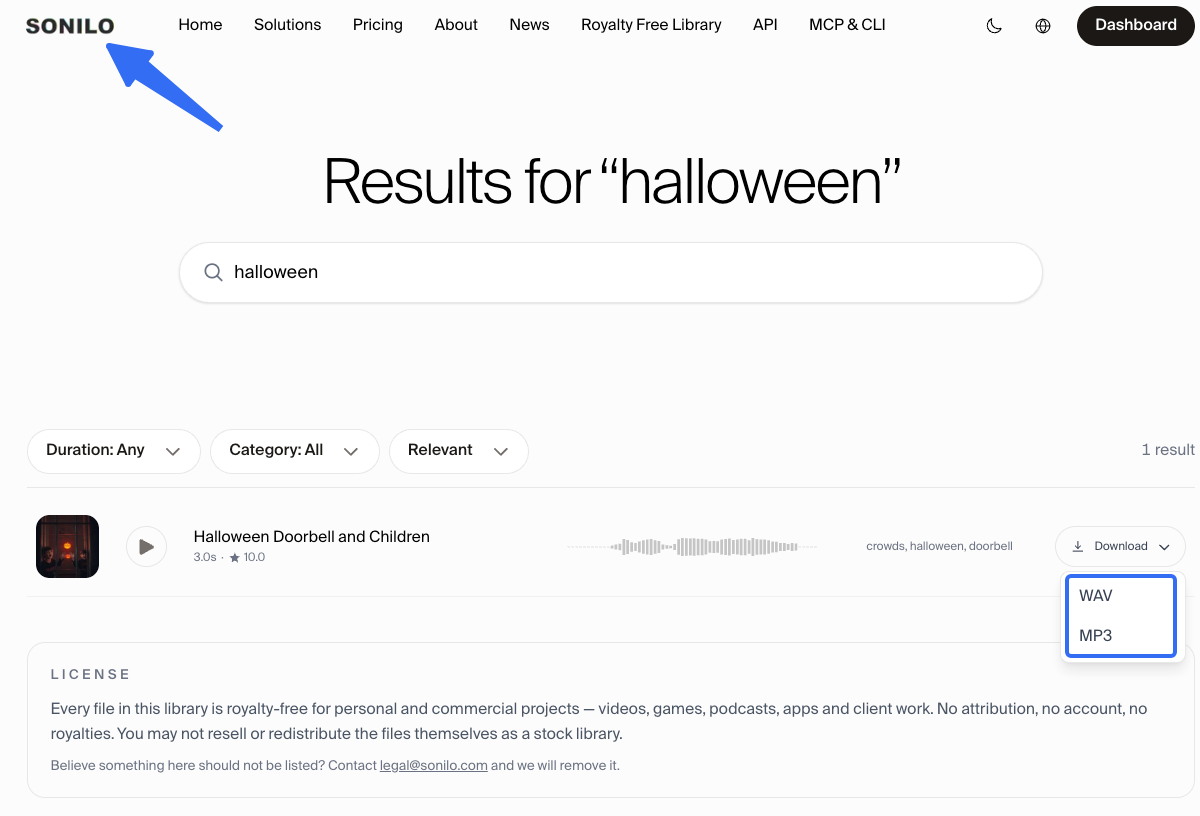
Sonilo’s royalty-free sound effects library offers ready-made sounds to preview and download as MP3 or WAV. Its library page currently permits personal and commercial project use without attribution, while restricting resale or redistribution of the files as a stock library. Check the current page when you choose a file; account-generated audio follows separate terms. For a broader source comparison, see free sound effects for video editing.
Generate Original Variations
Sometimes the library has the right idea but the wrong timing. An original effect can fit a scrape before the cut, a storm beneath a title card, or a soft impact for a child-friendly reveal.
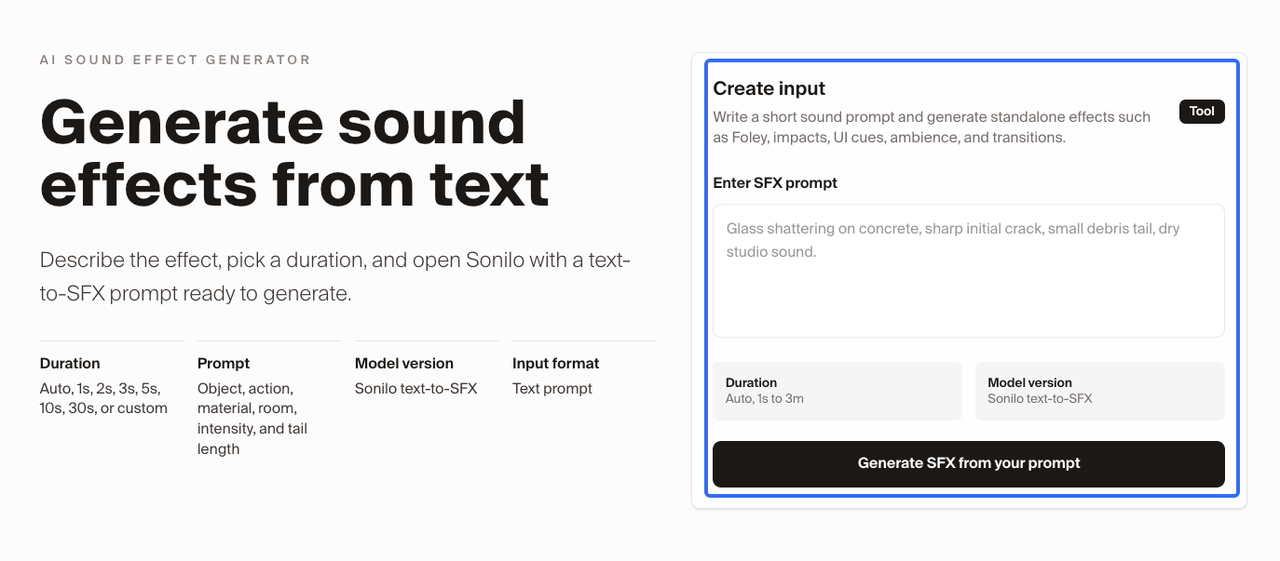
Sonilo publishes this guide and offers text-to-sound-effects generation for original variations. Describe the source, movement, texture, and length you need; avoid asking for a recognizable scream or laugh to be copied. Its licensing FAQ distinguishes generated effects from the free library. Check the plan terms before using a generated cue in a campaign.
Layer Ambience, Movement, and Impact
Build the scene in three passes. Give the location atmosphere, add visible movement, then decide whether the reveal needs an impact.
This order shows when one layer already carries the moment. Thunder can establish weather; thunder on every cut becomes a rhythm track. If you need free thunder and lightning sound effects, place the audible thunder after the flash according to the scene, rather than accepting a file’s built-in delay.
Keep each layer on its own editor track until the scene is approved. You can then pull down the ambience without weakening the door cue, or replace an impact without rebuilding the storm.
Time Effects to the Reveal
Watch the sequence once without added sound and mark the frame where new information appears. Then decide which sound leads that frame, which lands on it, and which follows it. Those three positions tell different stories.
A creak before a figure enters suggests presence. A sting on the reveal points at the figure. A distant laugh afterward lets the moment linger. Try these positions at a modest level.
Watch the loop, too. A long horror tail can spill into the first frame when the video repeats. Fade it if the restart breaks a quiet opening.
Keep Dialogue and Music Clear
If someone delivers the invitation, punchline, or final offer, their words need the clearest space. Lower the ambience during the line, and place sharp effects between phrases when the picture allows it. A scream that masks the event date is working against the video.
Music may already provide tension. In that case, use effects for physical details the score cannot show: the latch, the footstep, the sudden stop. Check the full mix on a phone speaker as well as headphones. Low rumbles may vanish on the phone while a bright laugh or scream becomes harsher than expected.
Check Rights Before Publishing
Save the source page, file name, license terms, download date, and any required credit for every selected sound. Do this especially for an evil laugh sound effect free download or scream. A human voice can raise questions about the recording, performer, and permission.
Do not assume a reposted clip or a search result labelled “free” grants permission for a client campaign. Check the intended platform, commercial use, attribution, and whether you may hand over the standalone file. These are production checks, not legal advice; ask qualified counsel when the rights are unclear or the campaign has substantial exposure.
Conclusion
The most useful free Halloween sound effects help viewers feel the space, notice the movement, and understand the reveal. Choose the scare first, then build only the layers it needs. Before export, listen through the loop and keep the license record beside the final sound files. If your cut still needs a creak, howl, or impact, browse Sonilo’s free sound effects library with that moment in mind.
FAQ
How Early Should a Team Collect Audio for a Halloween Campaign?
Collect reference sounds alongside the rough cut. Approve final files before picture lock. That leaves time to replace a voice clip with unclear provenance.
Can One Sound Pack Support an Entire Seasonal Video Series?
Yes, if its license covers each planned project and the pack has enough variation. Keep a few recurring location sounds for continuity, then change the reveal cue for each episode. A single scream repeated in every post can make different stories feel identical.
How Should Seasonal Sound Files Be Named for Reuse Next Year?
Include function, scene, source, and version in the filename, such as door_creak_attic_libraryA_v02.wav. Keep the license URL and download date in an asset sheet. Next year’s editor can then identify the approved file without guessing from spooky_final_3.wav.
How Can Creators Make Horror Effects Less Intense for Children?
Favor curious sounds, soft creature calls, and playful reveals over realistic screams or violent impacts. Reduce abrupt level jumps and check the finished video with its actual visuals. A sound that seems harmless alone can become frightening when paired with a close-up.
Should Client Approvals Flag Jump-Scare Audio Separately?
Yes. Give the client a review export that identifies each sudden audio hit and its approximate position. Ask them to approve the intensity on the intended playback device, especially for an event screen or paid social placement where viewers may not control the volume.
Related Posts
- How to Add Sound Effects on CapCut
- Sound Effects for YouTube Videos: Choose, Sync, Mix
- Foley Artist Sound Effects: How They Are Created for Video