Guides
OpenCut Music Workflow: Add an AI Soundtrack to Video
- Written by
- Sonilo Team
- Published
Adding music late exposes timing conflicts. A soundtrack may want a different opening, longer reveal, or more time after the final frame.
This OpenCut music workflow contains that problem. Lock the edit, send Sonilo a clean reference, then return the soundtrack as its own layer.
OpenCut and Sonilo remain separate products. OpenCut edits the video; Sonilo generates the external soundtrack. This article does not imply an official integration between them.
Editorial note: Sonilo publishes this guide.
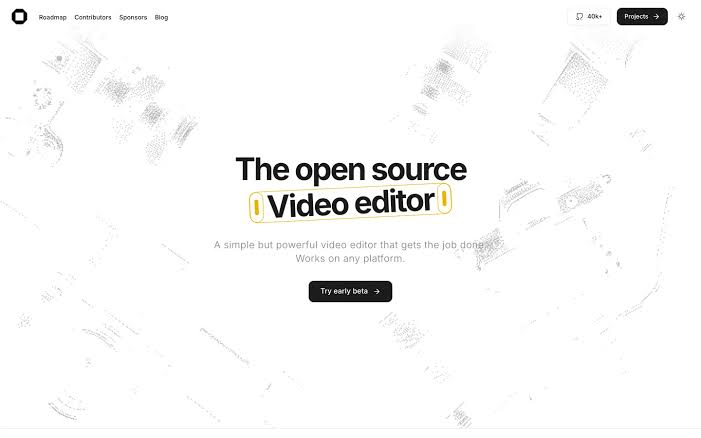
Version matters. The OpenCut repository said on September 2, 2026, that opencut.app runs classic and new.opencut.app hosts the rewrite. These steps use rewrite v0.3.0, not classic or a fork.
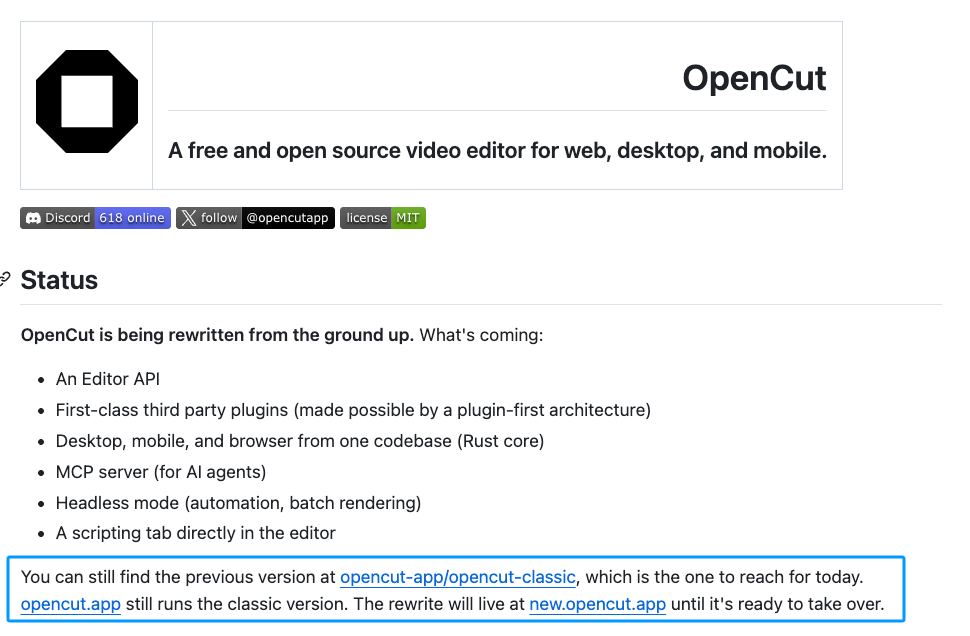
Start With a Locked OpenCut Edit
Confirm Scene Timing and Narration
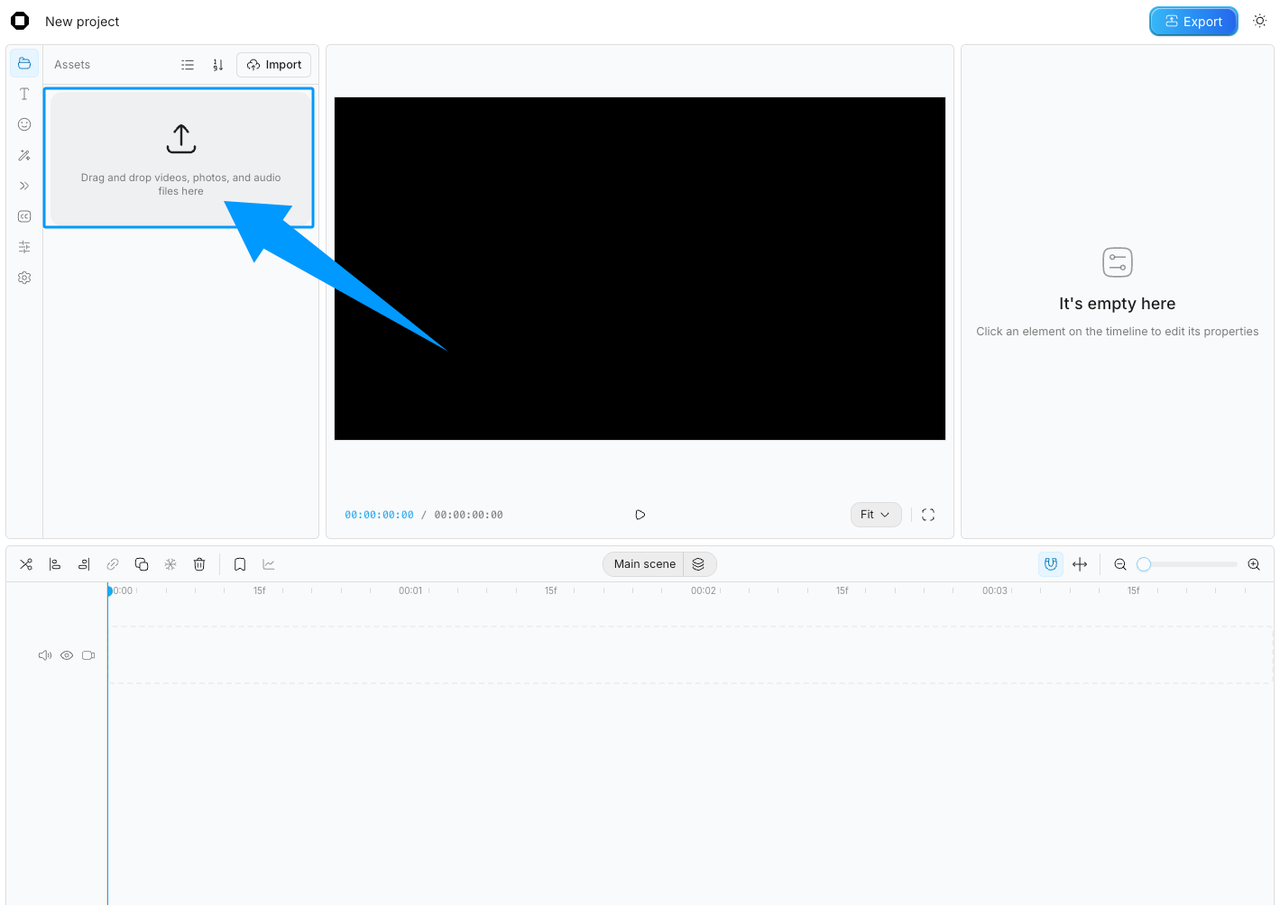
Open the cut in the OpenCut rewrite and review the moments music will need to support. Mark the opening action, important scene changes, narration gaps, and final frame.
Avoid changing picture length after soundtrack generation. A small trim can move a musical turn away from the reveal it was meant to support.
Listen without music. Dialogue, ambience, and important production sound should already work.
Export a Clean Reference Cut
Export a reference with the final frame size, frame rate, running time, narration, and relevant production sound.
OpenCut's v0.3.0 release notes describe MP4 export with audio and a Firefox export fix. Browser support can still vary, so play the reference file before uploading it elsewhere.
Check the first frame, last frame, lip sync, and duration. A damaged reference generates music for the wrong cut.
Generate Music From the Finished Video
Use the Final Cut as the Soundtrack Brief
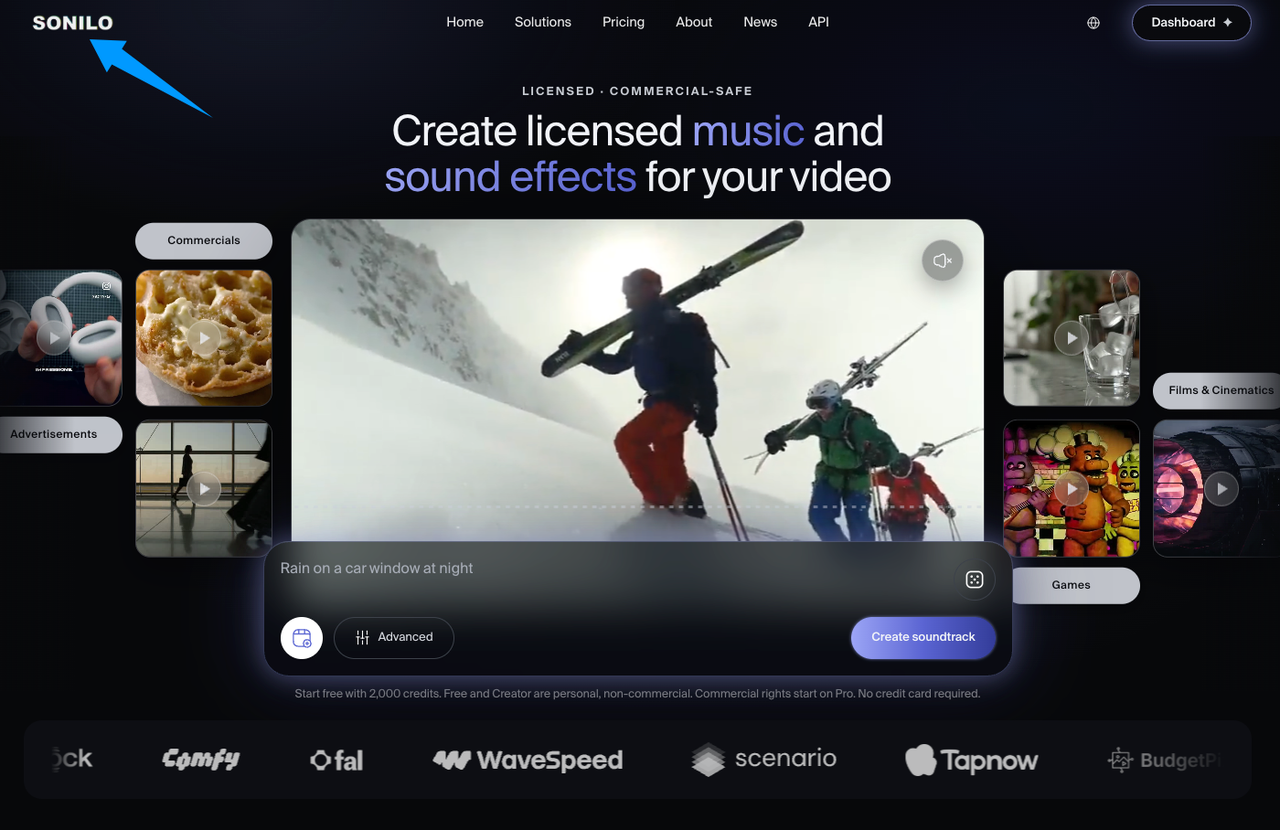
Sonilo's current video soundtrack page accepts MP4 or MOV input. It says generated music can match the video's timeline and length, with an optional text prompt.
Upload only permitted footage. Client work, unreleased campaigns, identifiable people, and confidential material may require approval before an external service receives the file.
Describe what the picture cannot communicate, such as restraint beneath narration, a warmer ending, or less percussion during a demonstration.
Review Mood, Pacing, and Duration
Watch each candidate against the locked cut. Judge mood, then listen for changes near visual turns rather than regular beats.
Check dialogue separately. A track can match the picture and still occupy too much attention beneath speech. Finally, inspect the ending. The last musical decay should feel attached to the final image rather than cut off by it.
Sonilo's page describes a video-matched workflow. That is a first-party product claim, not independent proof that every generated track will fit every edit.
Bring the Soundtrack Back Into OpenCut
Import Music as a Separate Audio Layer
Download the standalone music file instead of a video with the mix already embedded. Sonilo's current page says users can export music and sound effects as separate files.
Import the music into the same OpenCut build. Keep it separate so position and volume can change without altering narration.
The release notes confirm audio elements and volume controls, but no complete import-format list. If the picker rejects a file, convert a copy and preserve the master.
Align the Opening, Scene Changes, and Ending
Place the soundtrack at the intended opening frame and compare its major turns with your visual markers. Move the whole track only when that fixes both the opening and ending.
If one section drifts, move picture only when the edit is flexible. Otherwise, revise the soundtrack or make a limited audio edit.
Balance Audio and Export the Final Video
Keep Speech and Original Sound Clear
The v0.3.0 notes confirm volume controls for audio and video elements, both in properties and on timeline clips. Use those controls to keep narration in front.
Lowering the entire track may flatten moments without speech. If the current build does not provide the fade or keyframe control you need, prepare that automation in an audio editor before reimporting. Do not assume a control from classic exists in the rewrite.
Check Timing and Audio in a Test Export
Export a short test that includes dialogue, one scene change, and the ending. Play it outside OpenCut through headphones and an ordinary phone speaker.
Check for missing audio, distortion, shifted sync, abrupt edges, and masked consonants. Replay the complete export's beginning and ending before delivery.
Current Limits Across OpenCut Builds
OpenCut is being rewritten while classic remains available separately. Features can move or behave differently between builds.
The v0.3.0 release confirms audio volume, audio speed, a maintain-pitch option, improved waveforms, and MP4 exports with audio. It does not clearly document audio-only export, a complete import-format list, or soundtrack fades. Treat those items as build-specific checks.
The release warns that low browser storage can remove projects. Keep source media and approved exports outside the browser project.
FAQ
Which audio file formats can OpenCut import in the current build?
The reviewed official release notes do not provide a complete list. Check the file picker in the exact build you are using and test one file before committing. Keep the original soundtrack master when converting to another format.
What happens if an imported soundtrack file moves after editing?
The official notes do not clearly document relinking behavior across every build. Avoid moving or renaming source files during the project. Archive the audio beside the reference video and final export.
Does OpenCut preserve imported audio quality during final export?
OpenCut v0.3.0 exports video with audio, but the release notes do not promise lossless preservation. Compare the exported file with the imported master and listen for distortion or level changes.
Can OpenCut export the soundtrack as a separate audio-only file?
That option was not clearly documented for the reviewed build. Keep the original downloaded soundtrack as the audio master. Use a dedicated audio tool if the deliverable requires an audio-only mix.
Can OpenCut change soundtrack speed without changing its pitch?
Yes, the v0.3.0 release notes list speed control for audio clips with a maintain-pitch option. Test the result carefully because large speed changes can still affect perceived quality and musical timing.
Conclusion
The cleanest OpenCut audio workflow keeps one boundary visible: OpenCut owns the edit, while Sonilo supplies an external soundtrack candidate. Generate from the locked cut, return the music as a separate layer, and judge the exported video rather than the timeline preview.
Music licensing and commercial use depend on the generated file, account, plan, intended release, and current terms. Sonilo currently limits Free and Creator output to personal, non-commercial use; review its current licensing page before publishing. This is general information, not legal advice.


