Guides
Grok Imagine Soundtrack: Keep Native Audio or Add Music?
- Written by
- Sonilo Team
- Published
Keep Grok Imagine's native audio when its dialogue, ambience, and effects already make one clip work. Add a separate music track when the final edit needs music to span clips, leave room for narration, or resolve on the ending. For a scene that needs a believable audience response instead of music, follow the crowd applause sound effect method.
I'm Nico. This Grok Imagine soundtrack comparison will help you decide what stays native and when separate music gives the final cut more control.
The guidance is based on xAI's current release and API documentation, checked September 8, 2026. I did not test a supplied clip.
Quick Decision for One Grok Imagine Clip
Keep the native audio when dialogue, ambience, and effects already support one approved, self-contained scene. Adding music should not disturb timing that is doing useful storytelling work.
Choose a separate AI soundtrack when music must cross multiple clips, leave room for narration, or resolve on the finished ending. You can still preserve useful native scene sound if your editor lets the layers coexist cleanly.
The decision gets harder when wanted and unwanted sounds share one file. Judge the actual export, not the promise of a perfectly editable mix.
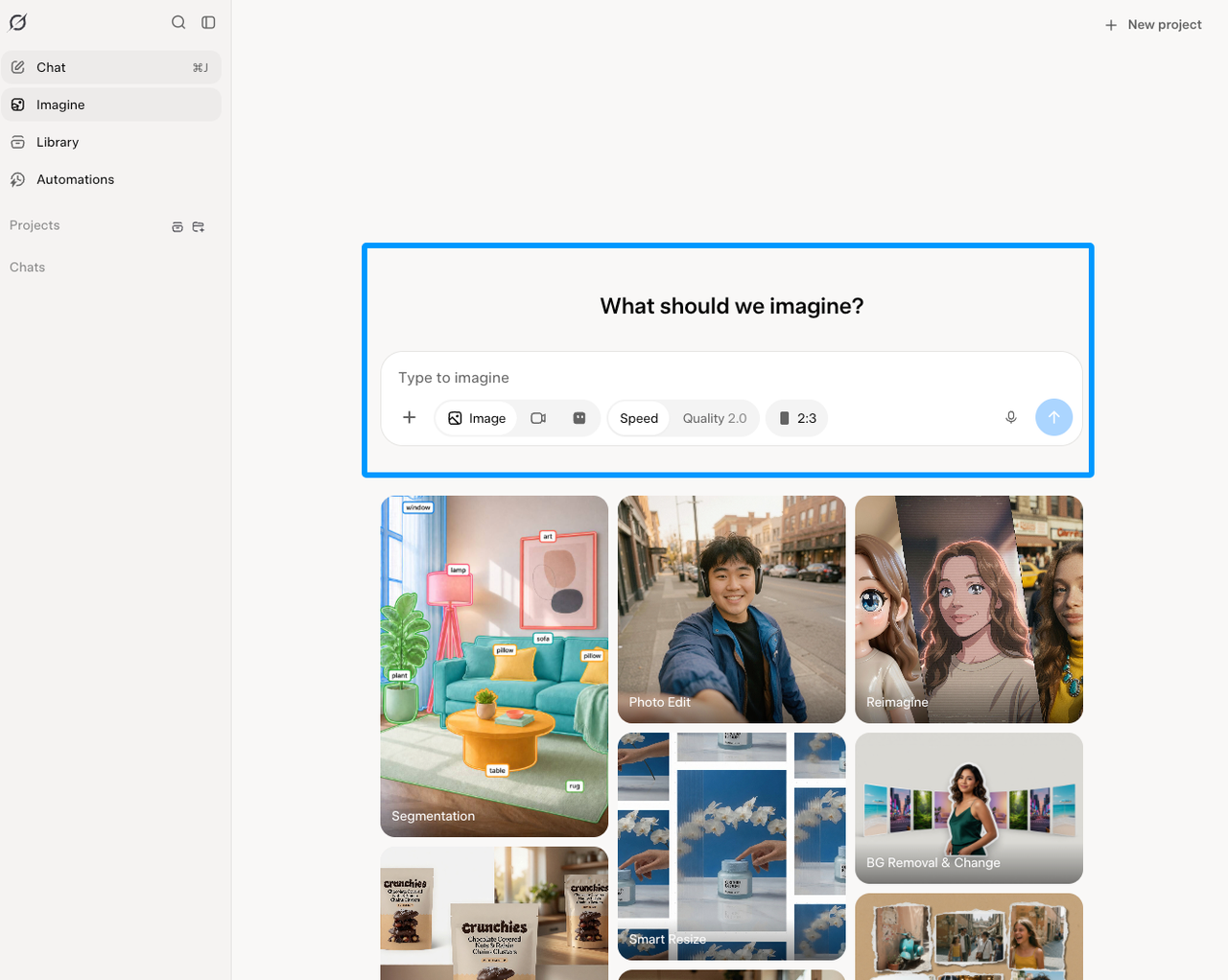
What the Native Audio Already Covers
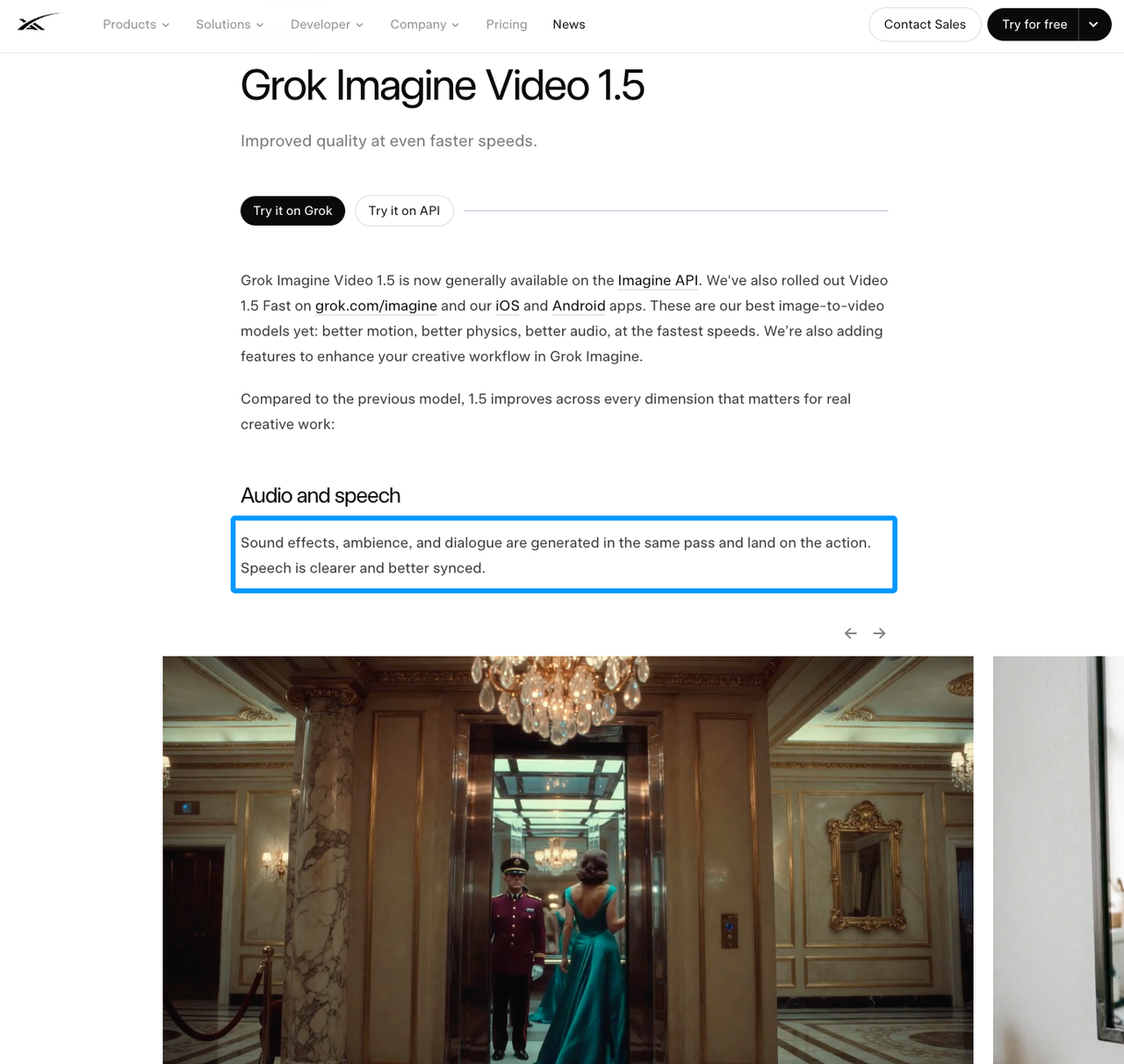
Give the native track a fair listen first. xAI says Video 1.5 generates effects, ambience, and dialogue with the picture, with clearer, better-synced speech.
That list does not promise a complete background score in every clip. If your export contains music, treat it as material in that generation—not as a guaranteed capability for every prompt.
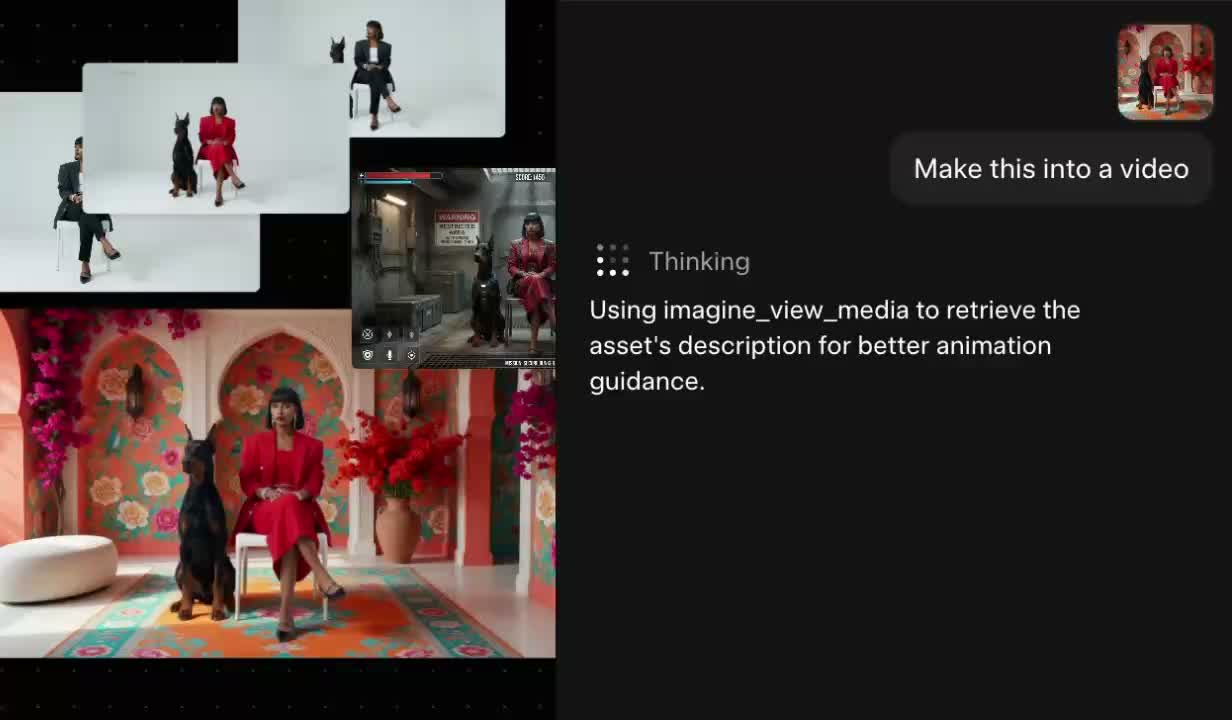
The current API examples return a completed video URL. They do not document dialogue, ambience, effects, or music as separate downloadable tracks. Native synchronization is convenient; selective repair may be the expensive part.
Compare Three Audio-Finishing Decisions
I would make the call with three questions. A general quality score is too blunt for this edit.
| Decision | Keep native audio when… | Add separate music when… |
|---|---|---|
| Story and scene sound | Dialogue and action sounds clarify this shot | Music can enter without covering those cues |
| Control across the cut | One clip works as a complete sound unit | One cue must connect several clips or narration windows |
| Revisions | Picture and native timing are approved together | Music may need changes after the image is locked |
Story Clarity and Scene Sound
Dialogue carries information; ambience makes the space believable; one well-timed impact can explain an action before the viewer studies it. Those sounds deserve priority over decorative music.
Listen once with the picture hidden. Then watch the clip and check whether each important sound lands on the visible action. If the voice stays clear and the room holds together, replacement may solve a problem you do not have.
Music Control Across the Final Cut
Native sound is shaped around one generation. Your edit may ask music to survive three shots, a title card, and a voiceover pause. That longer arc only becomes visible after assembly.
A separate track lets you move an entrance, duck a phrase, or hold the ending without asking the picture to regenerate. It is extra work, but the work stays on the music layer.
Revisions After Picture Lock
A two-frame trim can sharpen a cut while knocking an impact or musical turn off its mark. Native audio follows the original video timing; review every join after a picture change.
Separate music is easier to slide or shorten without touching an approved face, gesture, or camera move. This music-sync guide shows how to use edit points without forcing every cut onto a beat.
When to Keep the Native Audio
Keep it when the clip tells a complete audio story on its own. A spoken reaction, a room with believable continuity, or an action with a convincing contact sound may already need nothing else.
Short social inserts and single-shot transitions often benefit from that restraint. Before adding music, play the clip in its final sequence. The neighboring shot may already provide the musical bed or emotional lift.
Most importantly, keep native sound because it serves the edit—not because replacing mixed audio feels inconvenient. A synchronized mistake is still a mistake.
When to Add a Separate Soundtrack
Add music when the final timeline needs continuity that one generated clip cannot see. A separate Grok Imagine soundtrack can bridge cuts, protect narration space, and give the real ending a deliberate release.
As of September 2026, Sonilo publishes this article and provides an independent video-to-music service. It is separate from xAI and Grok Imagine; no integration is implied. Its video-first music workflow starts with the finished cut rather than one source shot.
Bring the generated cue into your editor as its own track. Start beneath the native mix, then lower or replace only what competes. If isolation damages dialogue or ambience, a cleaner rebuild may beat a technically clever rescue.
Limitations and Trade-Offs
Here is the uncomfortable limit: the official pages describe synchronized generation more clearly than post-production control. The reviewed API documentation does not list audio stems, or audio-only regeneration.
xAI launched Grok Imagine Video 1.5 in the API and Video 1.5 Fast on Grok's web and mobile apps. The reviewed xAI documentation does not provide an identical-audio-feature guarantee for the API and Fast app routes, so do not assume both behave identically.
Native audio saves assembly but can bind useful and unwanted sounds together. Separate music adds control but also adds another file, provider, rights check, and mix decision.
FAQ
Can Grok Imagine export audio as a separate track?
The current xAI video-generation documentation returns a completed video URL and does not document a separate audio export. Extracting audio in an editor is different from receiving official dialogue, effects, ambience, or music stems.
Can the API return a silent video when native audio is unwanted?
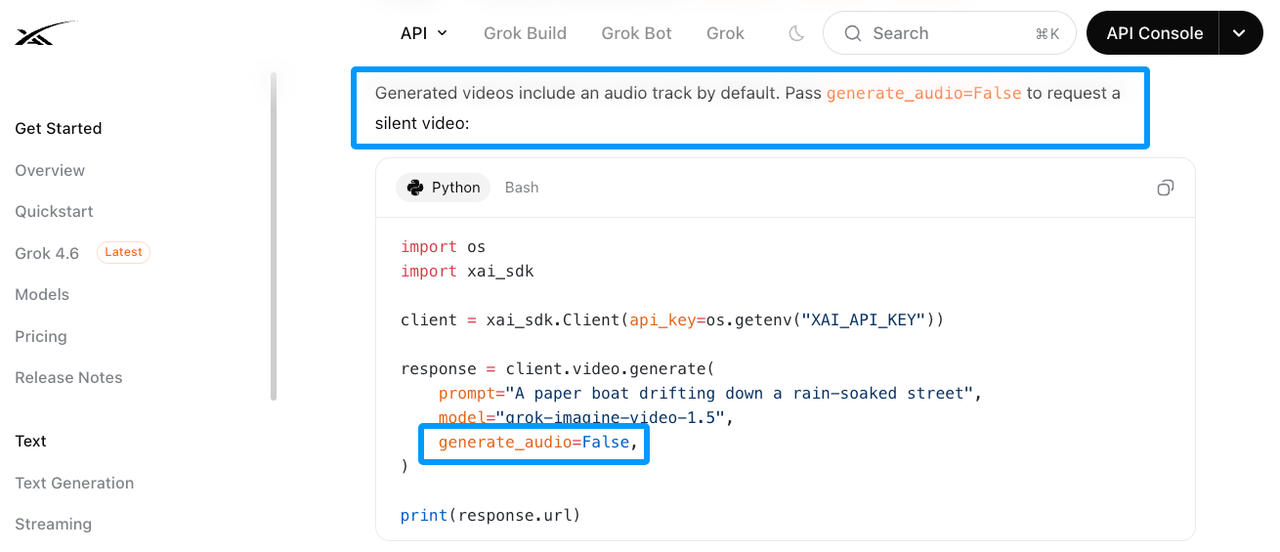
Yes. xAI’s current Video Generation documentation says generated videos include audio by default and supports generate_audio=False to request a silent video.
Are audio features available in both standard and Fast modes?
xAI's announcement discusses improved audio while introducing both Video 1.5 and Video 1.5 Fast. However, it does not publish an identical-feature guarantee by mode. Test the route you intend to deliver from instead of transferring behavior from one interface to another.
Can Grok Imagine keep one voice consistent across separate clips?
xAI documents dialogue generation and preset-voice audio input for Video 1.5, but it does not promise voice consistency across separate generations. For recurring dialogue, compare clips directly and keep a separately controlled voice track available when continuity matters.
Do xAI's terms allow editing generated audio in another app?
The reviewed xAI consumer terms treat input and output as User Content and say users retain ownership rights as between themselves and xAI. They do not create a separate audio-editing category. API and business use may follow different terms, while attribution and AI-disclosure duties can still apply. This is general information, not legal advice.
Conclusion
Keep native audio when it makes the scene clearer and survives the surrounding edit. Add separate music when the timeline—not one generated shot—needs to control the emotional arc.
If that second problem sounds familiar, try one locked Grok clip in Sonilo. Bring the result back as a separate track, listen against the native scene sound, and let the cleaner version earn the final export.
Related Posts
- How to Combine Video with Audio Without Sync Issues
- Add Audio to Video AI: When It Helps Creators
- AI Music from Video: How It Works in 2026


